

Endless Hair Color Possibilities
Transform hair with virtually any color — from natural shades to bold creative tones — using customizable AI-powered hair color generation.
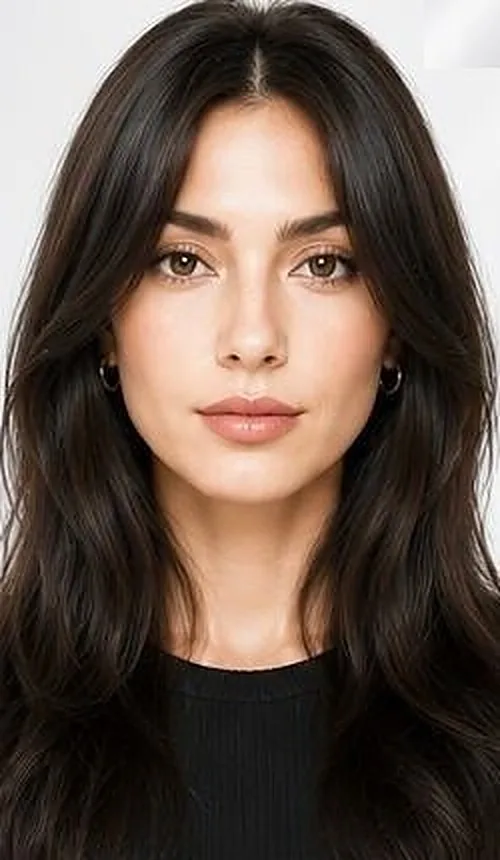
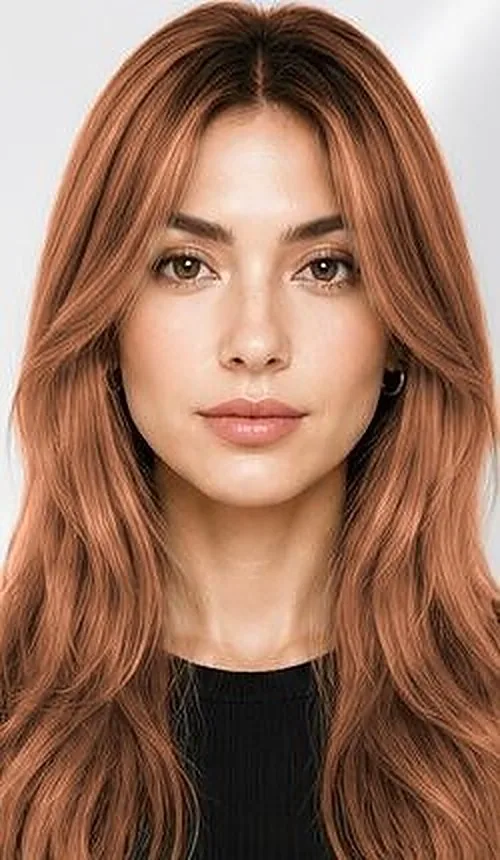
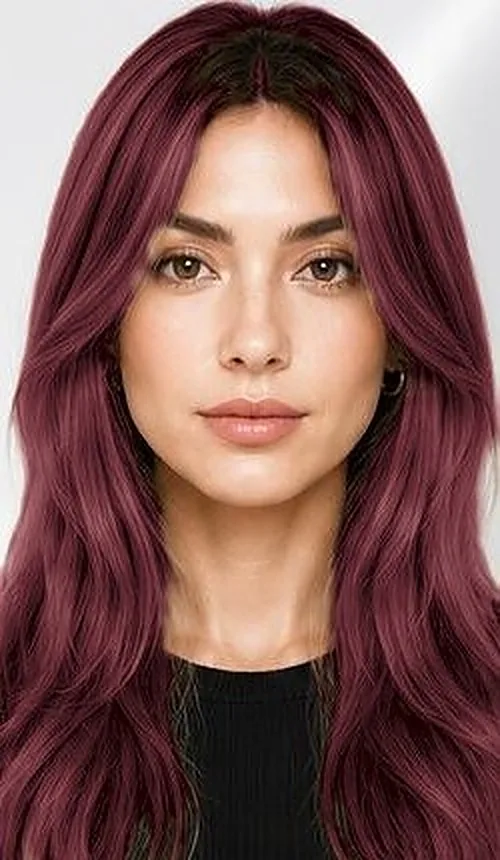
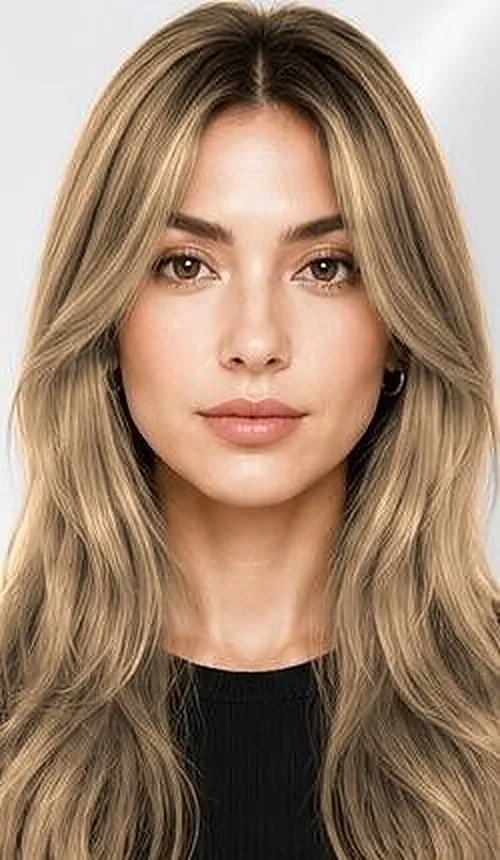 Honey
#6E2E17 → #C8703F#3A0E1C → #7A1F3A#6B4A2C → #D3A86EChange the color. Keep the hair.
Generate realistic hair color transformations while preserving natural strands, texture, highlights, shadows and facial details.
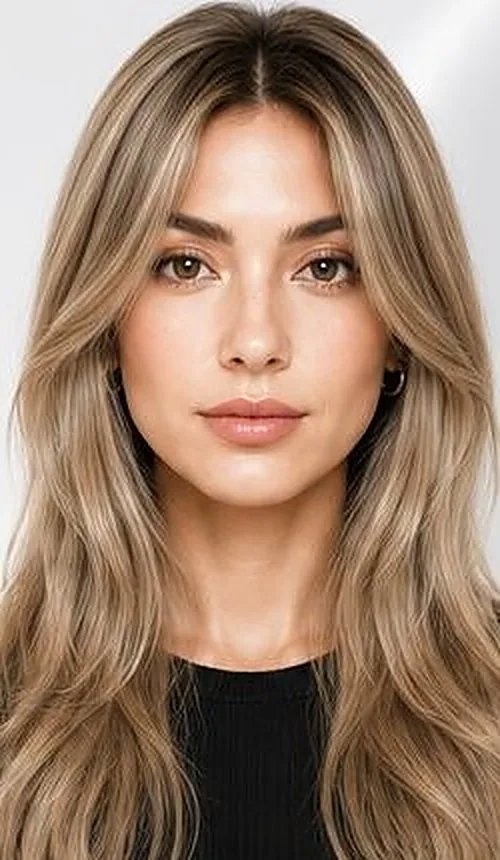
Ready-to-use colors, or any color your way.
Offer a curated collection of preset hair colors for fast and consistent transformations, or go beyond presets with any hex colour.
CopperReady-to-use colors for fast and consistent transformations.
The colour follows the hair’s own light and shadow.
Darker tones take the dark stop, lighter tones the light stop.
Each colour is two stops you control.
Pick a mode to see what it accepts. Your app sets the values; Morphia maps them across the hair’s own luminance.
- Dark stopPainted on the darker tones of the hair.
- Light stopPainted on the lighter tones and highlights.
- OpacityFrom 0 to 1 for each stop.
{ "color_gradient": { "dark": { "color": "#6E2E17", "opacity": 0.9 }, "light": { "color": "#C8703F", "opacity": 0.9 } }}
Build hair color experiences with Morphia.
One API, five kinds of product. Pick a scenario to see what goes in and what comes out.
Let users preview colors on their own hair before choosing a shade.
Copper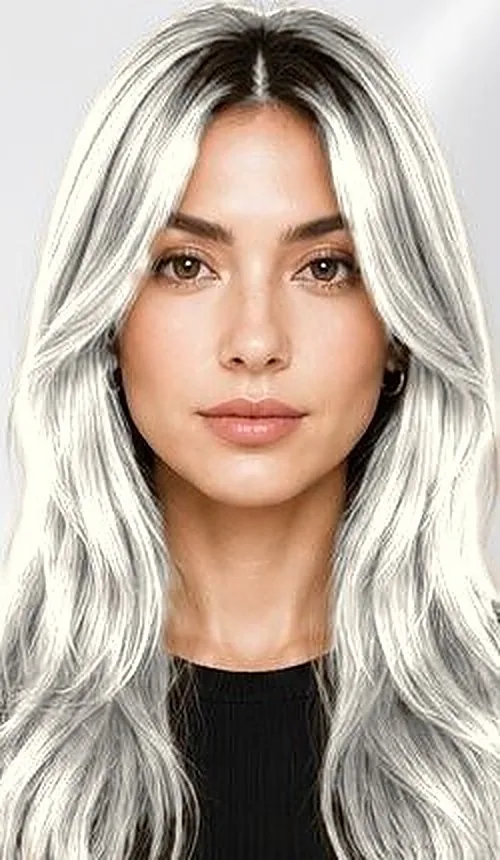

Each colour is a dark and a light stop. Morphia maps them across the hair’s own light and shadow, so strands, shine and roots stay natural.
color_gradient · dark + lightConnect your shade catalog to product pages, e-commerce experiences or marketplaces.
Try it on6.4 Copper Try it on
Color Crème Permanent
Store a dark and a light stop on each SKU once. Every shade on the product page becomes a try-on, one job per shade.
color_gradient from the SKUHelp clients visualize colors and transformations before their appointment.
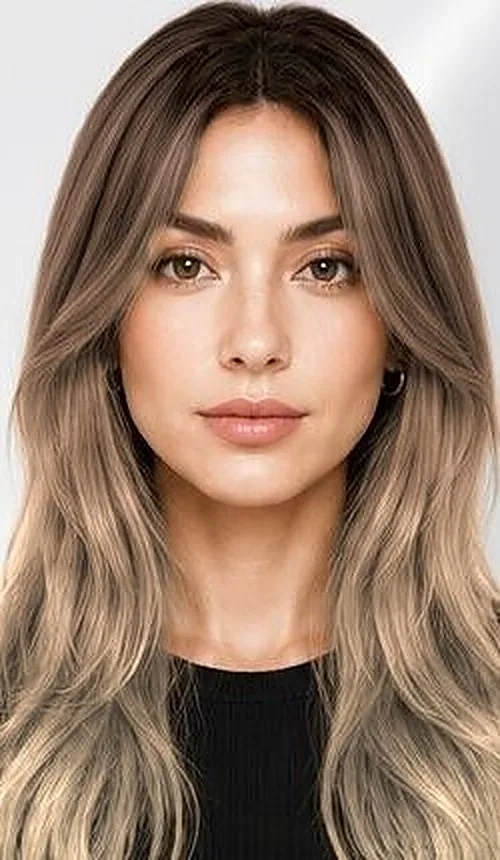 Balayage
 Copper
The stylist picks the options; each one is a gradient your salon app defines. Morphia renders them on the client’s photo before the visit.
one gradient per optionCombine recommendations with visual previews to help users explore the right color.
Honey
Your recommendation logic picks the shades. Morphia renders each shade as its own job, so users compare on their own hair.
3 jobs · one per shadeBring realistic hair recoloring into beauty, editing and creative applications.
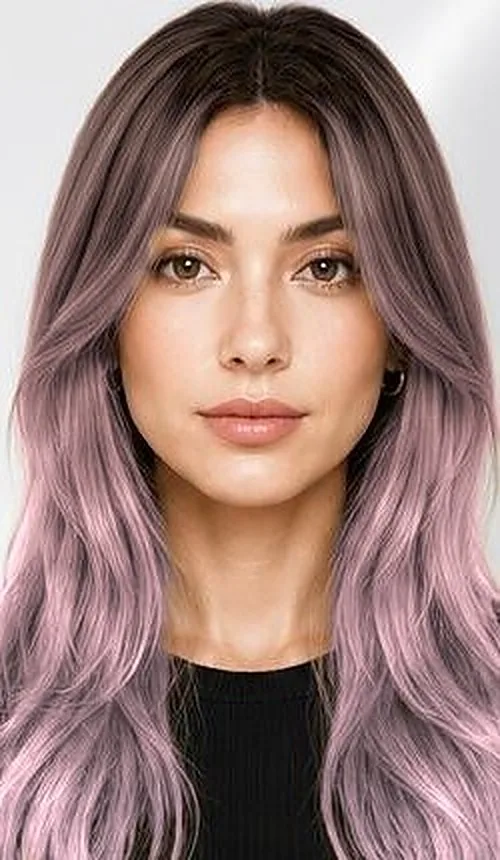 Pink ombré
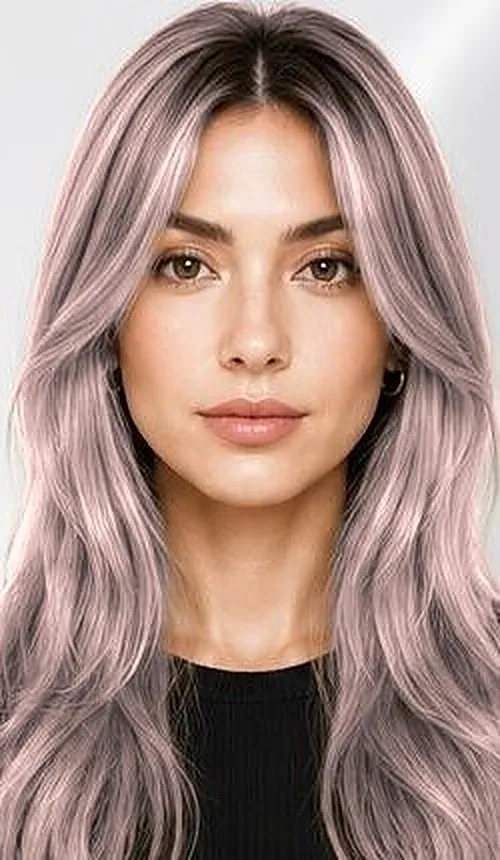
 Canvas
Any two hex stops, each with its own opacity. Already segment hair in your app? Send your own hair_mask and Morphia uses it instead of its own.
color_gradient · hair_maskBenefits for developers
export MORPHIAONE_API_KEY="pk_test_..." MORPHIAONE_BASE_URL="https://api.morphiaone.ai"X-API-KeyASSET_ID=$(curl -s "$MORPHIAONE_BASE_URL/v1/assets" -H "X-API-Key: $MORPHIAONE_API_KEY" -H "Content-Type: image/jpeg" --data-binary @portrait.jpg | jq -r .id)
curl -s -D h.txt "$MORPHIAONE_BASE_URL/v1/hair/try-ons" -H "X-API-Key: $MORPHIAONE_API_KEY" -H "Idempotency-Key: hair-001" -H "Content-Type: application/json" -d '{"inputs":[{"role":"source","asset_id":"'$ASSET_ID'"}],"color_gradient":{"dark":{"color":"#6E2E17","opacity":0.9},"light":{"color":"#C8703F","opacity":0.85}}}'succeededJOB=$(curl -s -H "X-API-Key: $MORPHIAONE_API_KEY" "$MORPHIAONE_BASE_URL$(grep -i ^location h.txt | cut -d' ' -f2 | tr -d '\r')")
curl -s -H "X-API-Key: $MORPHIAONE_API_KEY" "$MORPHIAONE_BASE_URL$(echo "$JOB" | jq -r .output.image.href)" -o hair.pngMORPHIAONE_API_KEY and MORPHIAONE_BASE_URLnpm install --save-exact @morphiaone/sdk@0.2.2.mts with npx tsximport { readFile, writeFile } from "node:fs/promises"; import { MorphiaOne } from "@morphiaone/sdk";
const client = new MorphiaOne({ apiKey: process.env.MORPHIAONE_API_KEY, baseUrl: process.env.MORPHIAONE_BASE_URL });
const source = await client.assets.upload(await readFile("portrait.jpg"));
const job = await client.hair.tryOn({ assetId: source.id, colorGradient: { dark: { color: "#6E2E17", opacity: 0.9 }, light: { color: "#C8703F", opacity: 0.85 } }, idempotencyKey: "hair-001", wait: true });if (job.output?.known && job.output.type === "hair.try_on")
await writeFile("hair.png", (await client.assets.getContent(job.output.image)).content);MORPHIAONE_API_KEY and MORPHIAONE_BASE_URLpython -m pip install morphiaone==0.2.2import os; from pathlib import Path; from morphiaone import MorphiaOne, HairTryOnOutput
client = MorphiaOne(api_key=os.environ["MORPHIAONE_API_KEY"], base_url=os.environ["MORPHIAONE_BASE_URL"])
source = client.assets.upload(Path("portrait.jpg"))
job = client.hair.try_on(source_asset_id=source.id, color_gradient={"dark": {"color": "#6E2E17", "opacity": 0.9}, "light": {"color": "#C8703F", "opacity": 0.85}}, idempotency_key="hair-001")done = client.jobs.wait(job.id)
if isinstance(done.output, HairTryOnOutput): Path("hair.png").write_bytes(client.assets.get_content(done.output.image).content)curl -fsSL https://cli.morphiaone.ai/ | shFlexible Inputs
Use custom colors and parameters to shape the experience around your product.
Consistent Outputs
Generate predictable results across different images and use cases.
Built for Product Experiences
Use the API across web, mobile, e-commerce or your own application.
Easy to Test
Experiment with inputs and parameters in Playground before integrating.
See what Hair Color API can do.
Upload an image, set a dark and a light colour stop and see the result before integrating it into your product.
UploadedYour photo