

Build Virtual Makeup Experiences Into Any Product
Enable your end users to explore and visualize makeup looks directly within your app, platform, or digital experience — powered by a developer-ready API.
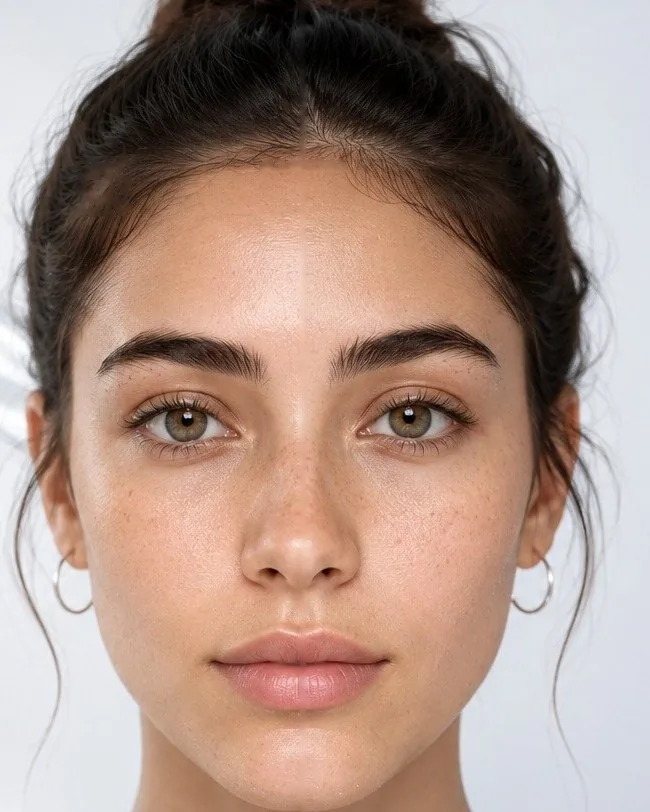
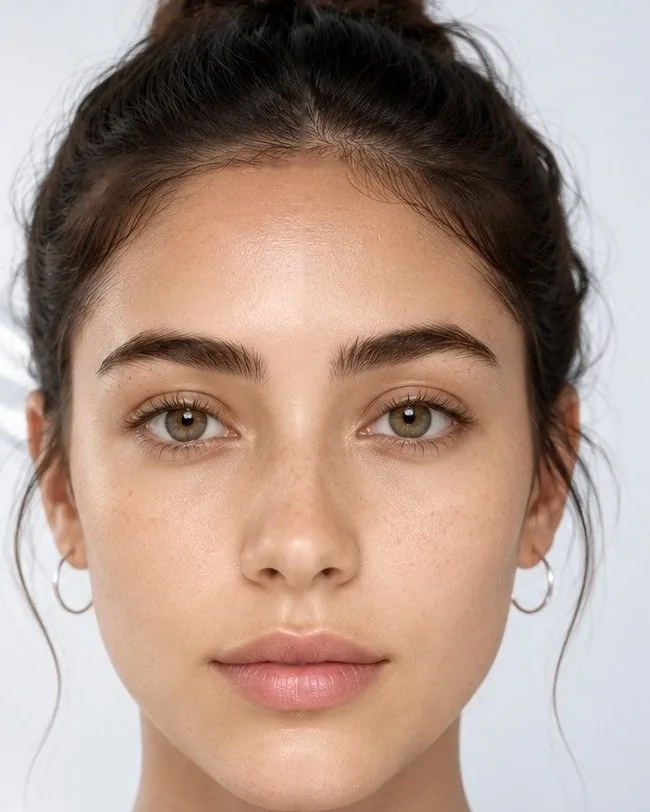
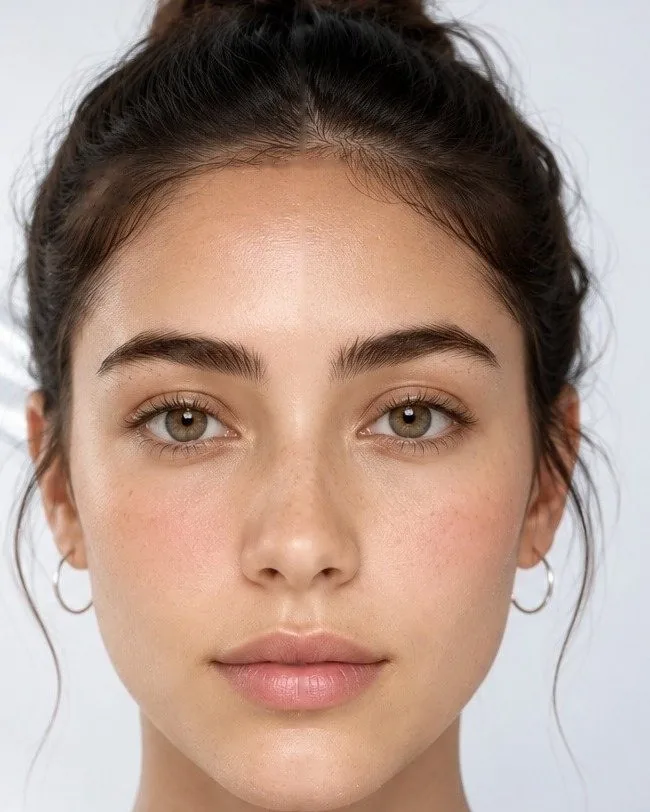
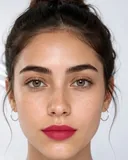
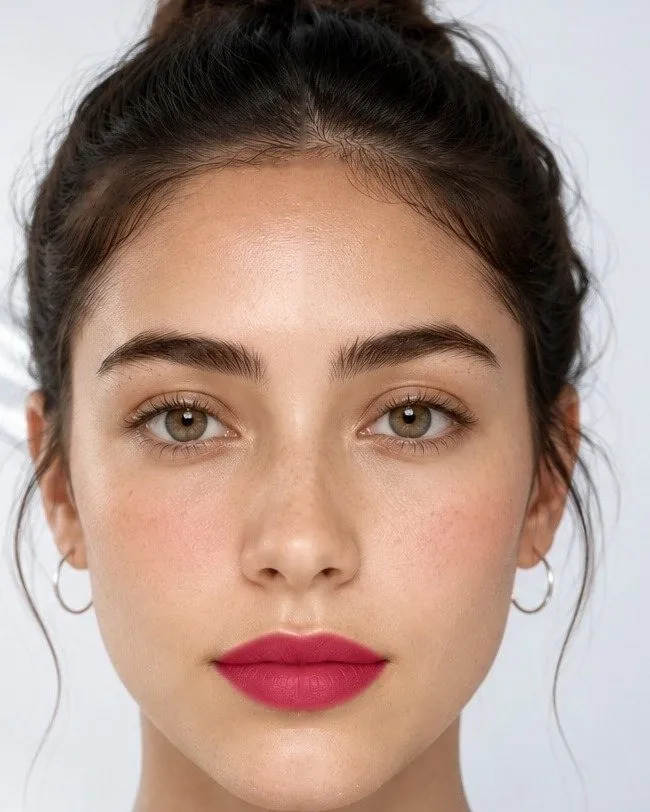 + Lipstick
Warm beigeSoft roseCrimsonRealistic virtual makeup takes more than a visual filter.
Different products need different ways to let users explore shades, styles and complete looks — without building the underlying AI technology from scratch.
Give your users an interactive way to visualize and personalize makeup directly within your product.
Integrate virtual makeup into your product.
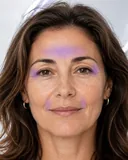
Let users try foundation, blush, lipstick and more on their own photo. One product at a time, or a complete look.
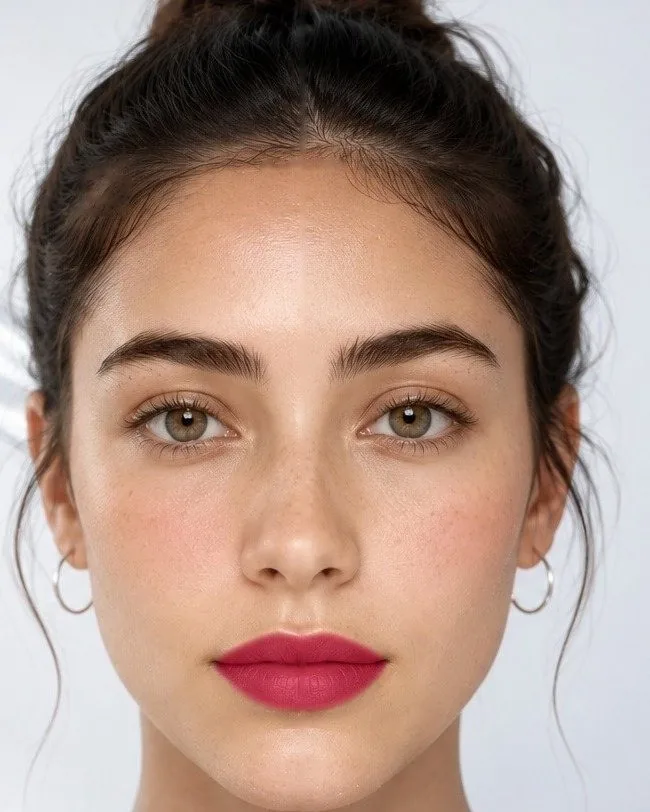 3 layers
Any colour, at medium or strong intensity.
Lid shadow, two liner styles and seven lash styles.
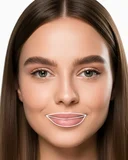
Matte, gloss or metallic. Full colour or ombré.
Each product is one entry you control.
Pick a category to see what it accepts. Your app sets the values; the API renders them in the order you send.
- Layer orderThe order you send is the order they are painted.
- Once per categoryUp to one entry for each category in a request.
- Your catalogueUse
"mode": "variant"to render a catalogue shade instead of a custom colour.
{ "mode": "custom", "category": "lipstick", "color": "#C2185B", "finish": "matte", "look": "full", "shade_name": "Crimson 01"}
Build makeup experiences with Morphia.
One API, five kinds of product. Pick a scenario to see what goes in and what comes out.
Let users explore makeup shades, products and looks on their own image.
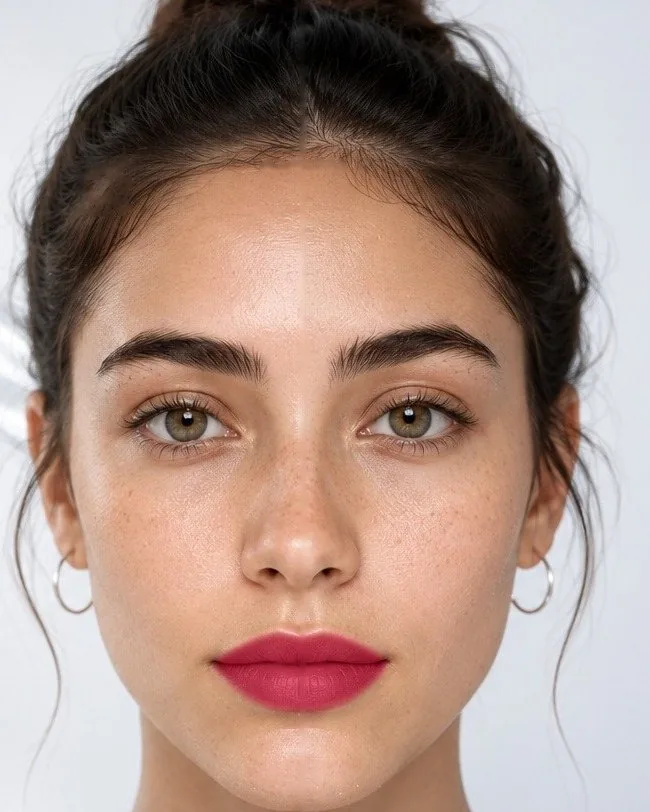 Crimson 01
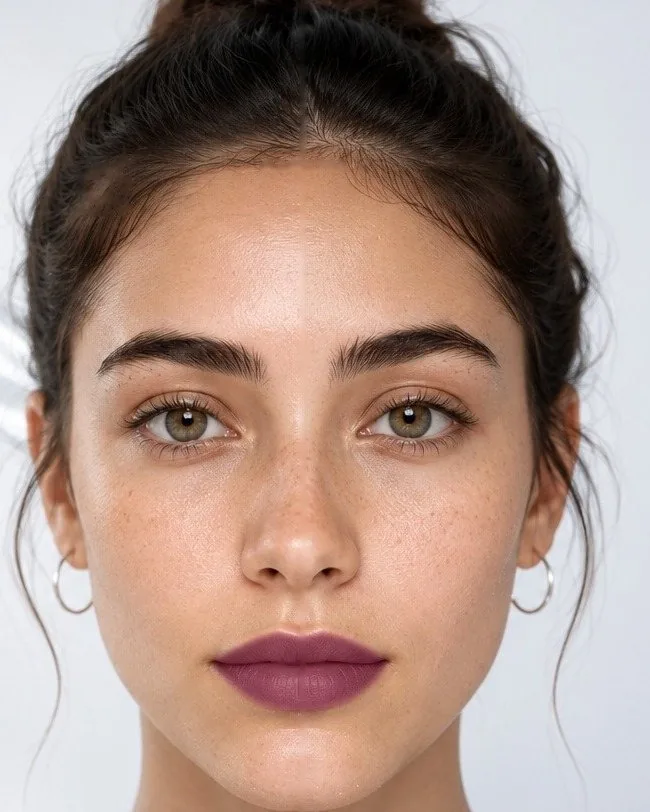
 Plum 05
Each shade tap is one job. Your catalog supplies the colour; reuse the uploaded asset_id while it is valid and debounce fast taps.
lipstick · #RRGGBB · finishAdd makeup creation, editing and personalization to consumer apps and creative tools.
3 layers Canvas3 layers
applications is ordered: the list is the layer order. One request layers several categories together.
foundation → blush → lipstickBuild personalized beauty experiences for campaigns, branded content and digital activations.
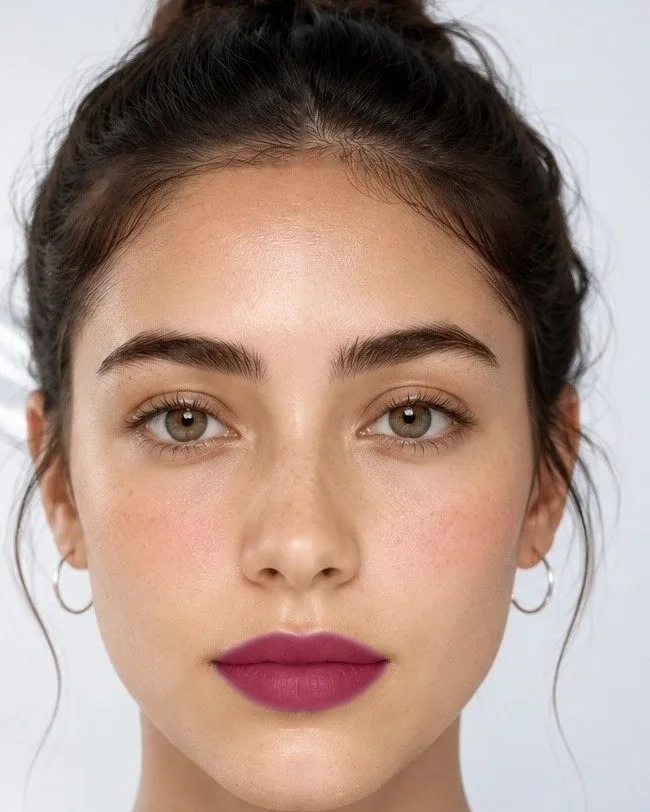 × Ruby Night
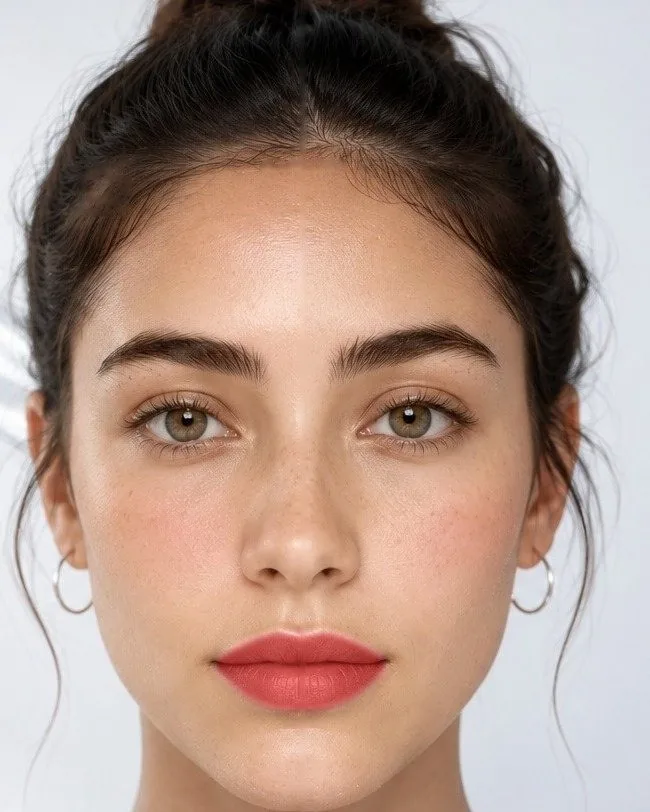
 × Scarlet
Wear the campaign look on you
Choose a look#HolidayEdit · a branded story, ready to share.A campaign look is a product list you define: foundation, blush and lipstick, rendered on every participant’s selfie.
applications: the lookCombine your recommendation logic with try-on so users see each suggested look on themselves.
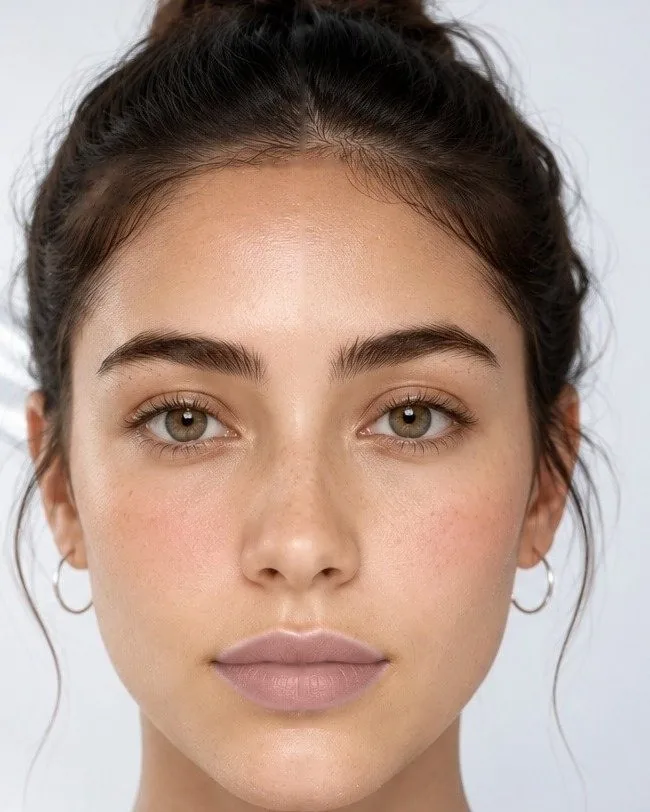 Rosy natural

Your logic picks three looks from the answers. Morphia renders each look as its own job on the same uploaded photo, so users compare before they shop.
3 jobs · one per lookHelp users visualize products and shades as part of product discovery and purchase journeys.
Try it onCrimson 01 Try it on
Velvet Matte Lipstick
Every shade in your catalog becomes a try-on on the product page. The SKU’s colour goes in as #RRGGBB, one job per shade.
lipstick · SKU colourBenefits for developers
export MORPHIAONE_API_KEY="pk_test_..." MORPHIAONE_BASE_URL="https://api.morphiaone.ai"X-API-KeyASSET_ID=$(curl -s "$MORPHIAONE_BASE_URL/v1/assets" -H "X-API-Key: $MORPHIAONE_API_KEY" -H "Content-Type: image/jpeg" --data-binary @face.jpg | jq -r .id)
curl -s -D h.txt "$MORPHIAONE_BASE_URL/v1/makeup/try-ons" -H "X-API-Key: $MORPHIAONE_API_KEY" -H "Idempotency-Key: look-001" -H "Content-Type: application/json" -d '{"inputs":[{"role":"source","asset_id":"'$ASSET_ID'"}],"applications":[{"mode":"custom","category":"foundation","color":"#D9B49A"},{"mode":"custom","category":"lipstick","color":"#C2185B"}]}'succeededJOB=$(curl -s -H "X-API-Key: $MORPHIAONE_API_KEY" "$MORPHIAONE_BASE_URL$(grep -i ^location h.txt | cut -d' ' -f2 | tr -d '\r')")
curl -s -H "X-API-Key: $MORPHIAONE_API_KEY" "$MORPHIAONE_BASE_URL$(echo "$JOB" | jq -r .output.image.href)" -o look.pngMORPHIAONE_API_KEY and MORPHIAONE_BASE_URLnpm install --save-exact @morphiaone/sdk@0.2.2.mts with npx tsximport { readFile, writeFile } from "node:fs/promises"; import { MorphiaOne } from "@morphiaone/sdk";
const client = new MorphiaOne({ apiKey: process.env.MORPHIAONE_API_KEY, baseUrl: process.env.MORPHIAONE_BASE_URL });
const source = await client.assets.upload(await readFile("face.jpg"));
const job = await client.makeup.tryOn({ assetId: source.id, applications: [{ mode: "custom", category: "foundation", color: "#D9B49A" }, { mode: "custom", category: "lipstick", color: "#C2185B" }], idempotencyKey: "look-001", wait: true });if (job.output?.known && job.output.type === "makeup.try_on")
await writeFile("look.png", (await client.assets.getContent(job.output.image)).content);MORPHIAONE_API_KEY and MORPHIAONE_BASE_URLpython -m pip install morphiaone==0.2.2import os; from pathlib import Path; from morphiaone import MorphiaOne, MakeupTryOnOutput
client = MorphiaOne(api_key=os.environ["MORPHIAONE_API_KEY"], base_url=os.environ["MORPHIAONE_BASE_URL"])
source = client.assets.upload(Path("face.jpg"))
job = client.makeup.try_on(asset_id=source.id, applications=[{"mode": "custom", "category": "foundation", "color": "#D9B49A"}, {"mode": "custom", "category": "lipstick", "color": "#C2185B"}], idempotency_key="look-001")done = client.jobs.wait(job.id)
if isinstance(done.output, MakeupTryOnOutput): Path("look.png").write_bytes(client.assets.get_content(done.output.image).content)curl -fsSL https://cli.morphiaone.ai/ | shYour Products, Your Shades
Connect your own makeup catalog and create experiences around the products you offer.
Multiple Makeup Categories
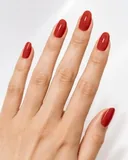
Foundation, blush, lipstick, eye makeup and more. One at a time, or as a complete look.
Flexible Experiences
Use the same API to power product try-on, shade exploration, look discovery and other beauty experiences.
Easy to Test
Explore products, shades and combinations in Playground before integrating.
Build Your Own Virtual Makeup Experience
Give your users the ability to explore, create and personalize makeup looks directly inside your product.
UploadedYour portrait