
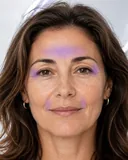


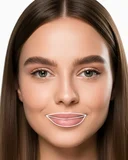
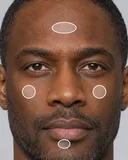
Face · Simulate
Face Reshape
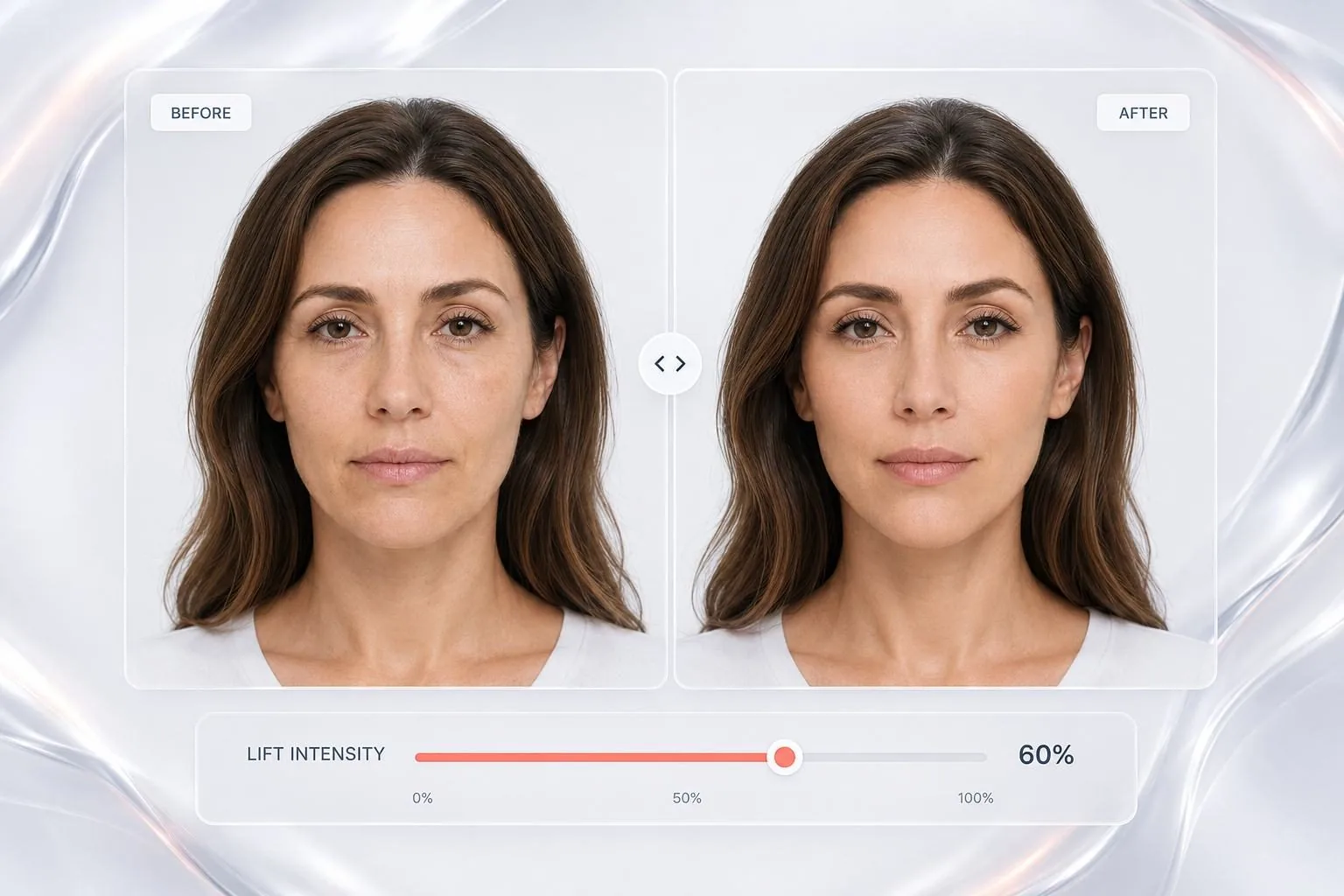
Face-shaping changes previewed on the client’s own face, at the intensity you set.
For your type of company
For the market you serve
For what you want to build
Preview how skin, face and hair may change — for consultations, routines and procedures.
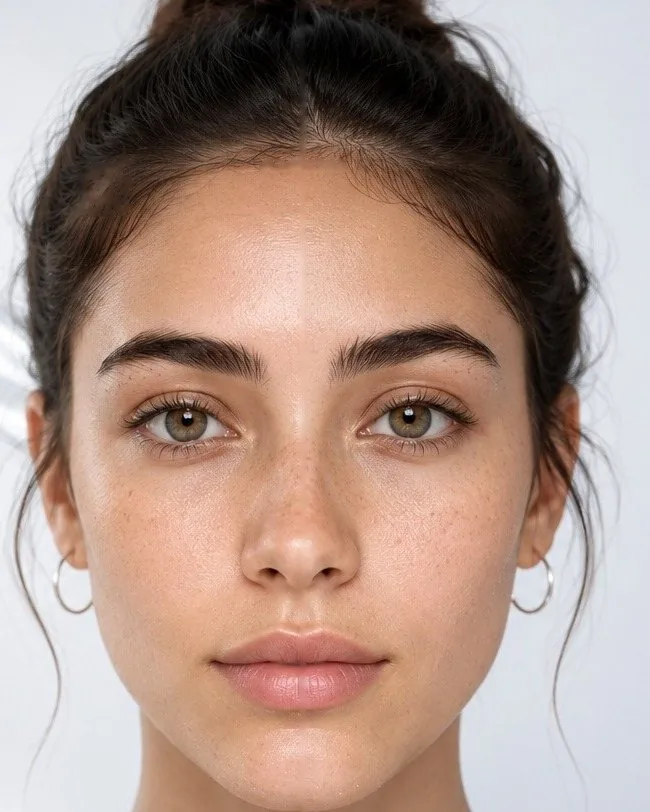
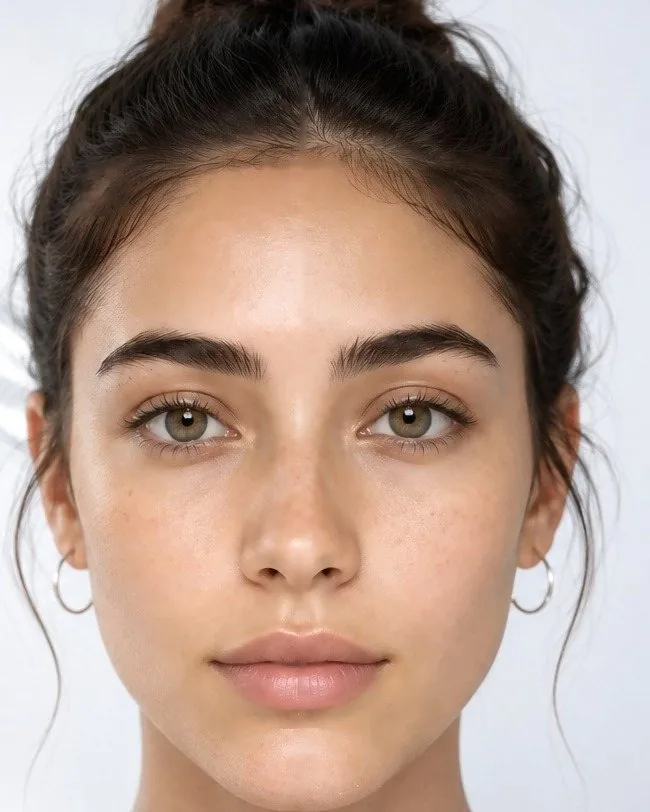 CurrentSimulation
General image models redraw the whole photo. Faces drift, skin turns smooth everywhere, and nobody can tell what the treatment would do from what the model made up.
Morphia changes only what the treatment touches, and says so.

Your app sends one photo. Morphia reads the face once, then simulates the routine, treatment or years ahead from that read. So the person in the preview is the person in the photo.
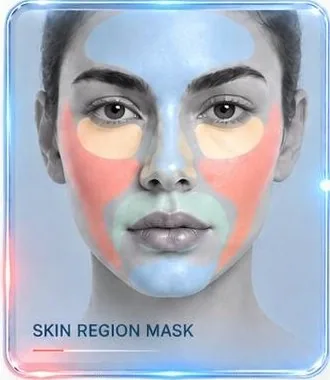
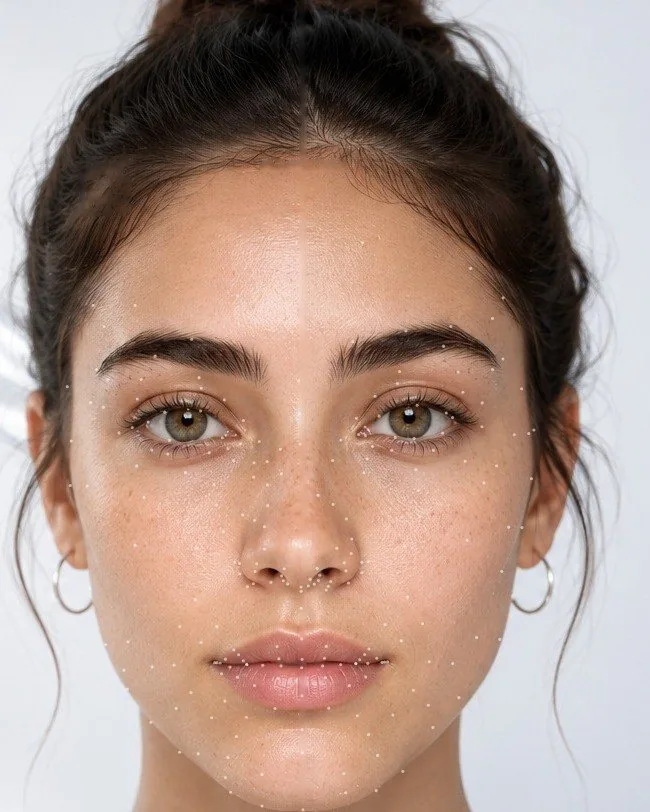 Landmarks68+ pointsRegion masksSkin, brows, jawlineSkin scoresRegion by regionInput qualityOn every read
The photo is uploaded once. Every result comes with a confidence and a reason.
· One key· One schema· One job per request
Reach it from
RESTBackends
MCPSoon
SDKTS, Python
DeviceScreens
 Read onceasset_id asset_sirwrt
Landmarks68+ pointsRegion masksSkin, brows, jawline, lipsSkin scoresRegion by regionInput qualityScored on every read
Analyze
Transform
Simulate
Face
Skin
Hair
Teeth
Hands
BodyEarly access
Every call references one asset_id. Nothing is re-uploaded or re-detected.
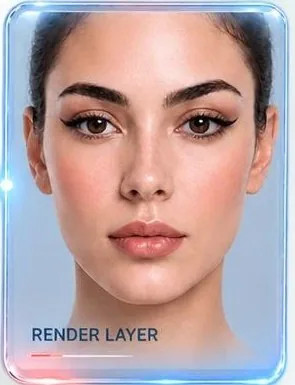
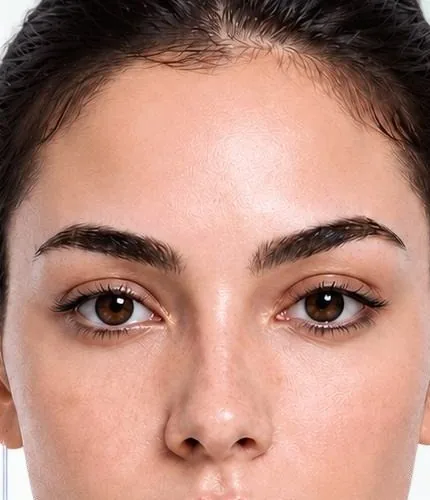
Visualize. The routine is simulated on the same face, only on the skin, and labelled as a simulation next to today’s photo.
POST /v1/assets
asset_6pa8ad
Same image for every endpoint
200 · succeededWhen the read and the simulation come from separate models, the second one redraws the face. The preview stops looking like the person it’s meant for.
With Morphia, one upload serves every endpoint.
Each capability answers one question about how a person looks, from a single photo.
Face-shaping changes previewed on the client’s own face, at the intensity you set.
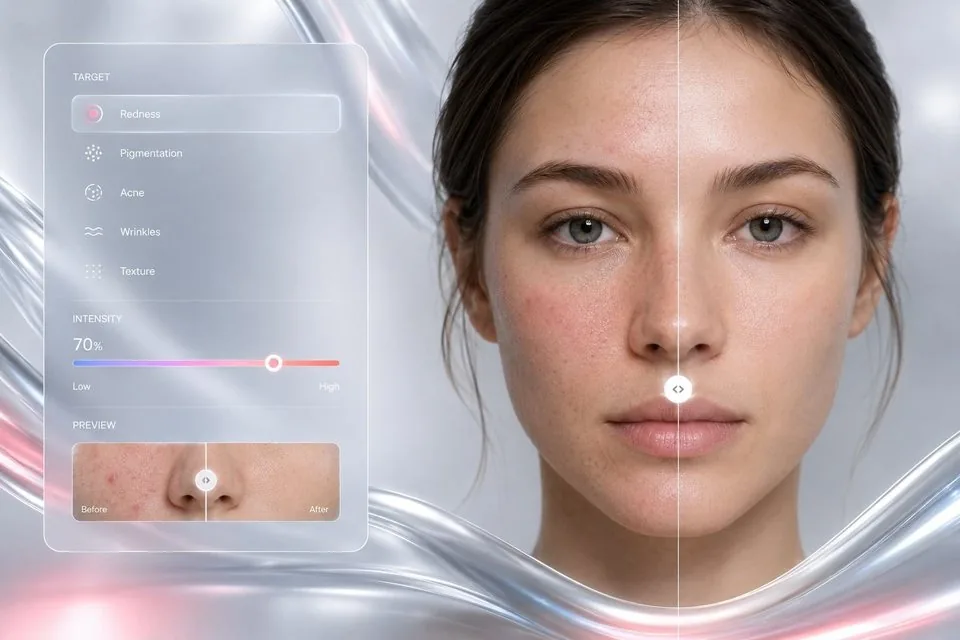
How skin could look with a routine, always labelled as a simulation.
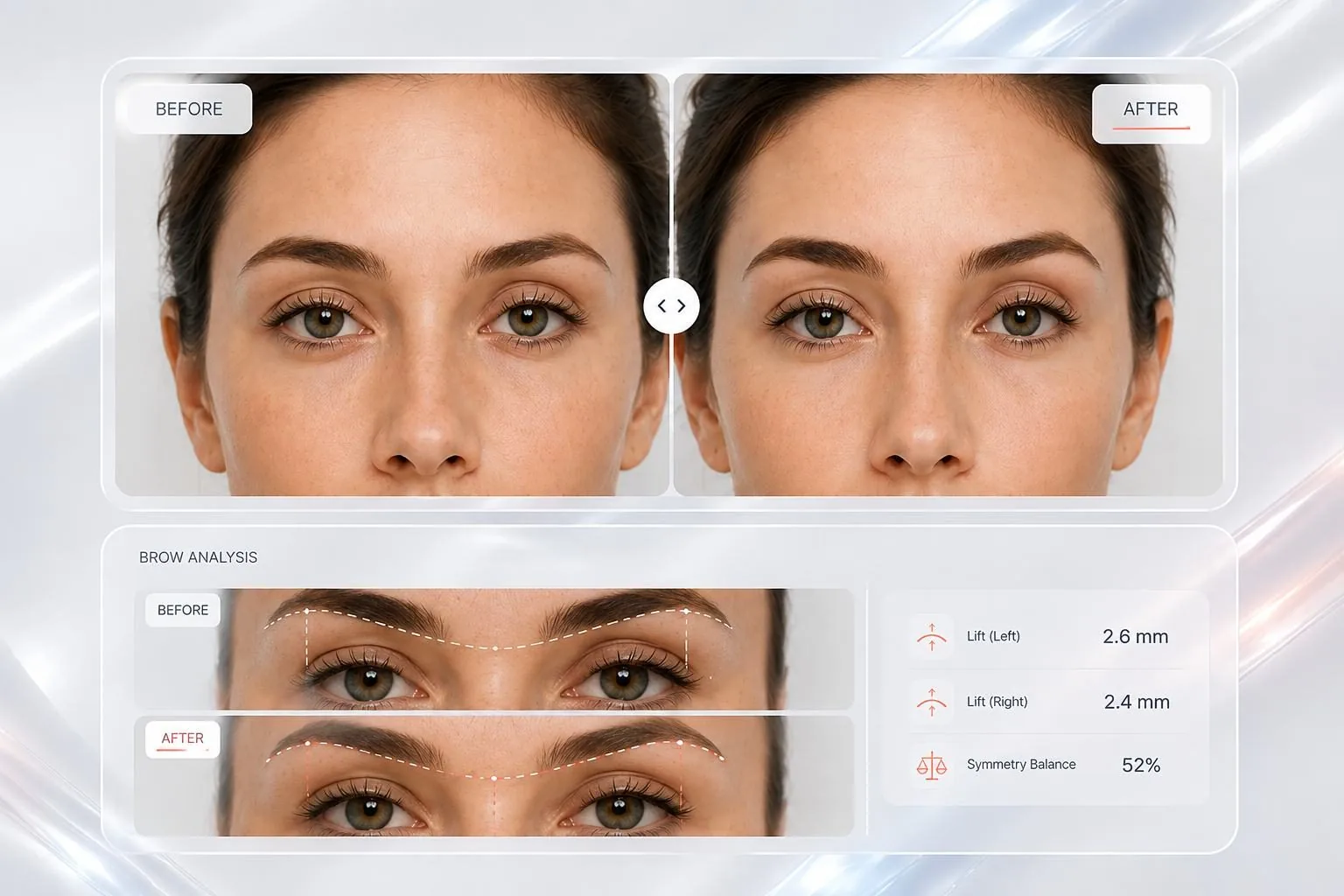
Procedure-specific previews for the consult, always labelled as a simulation.
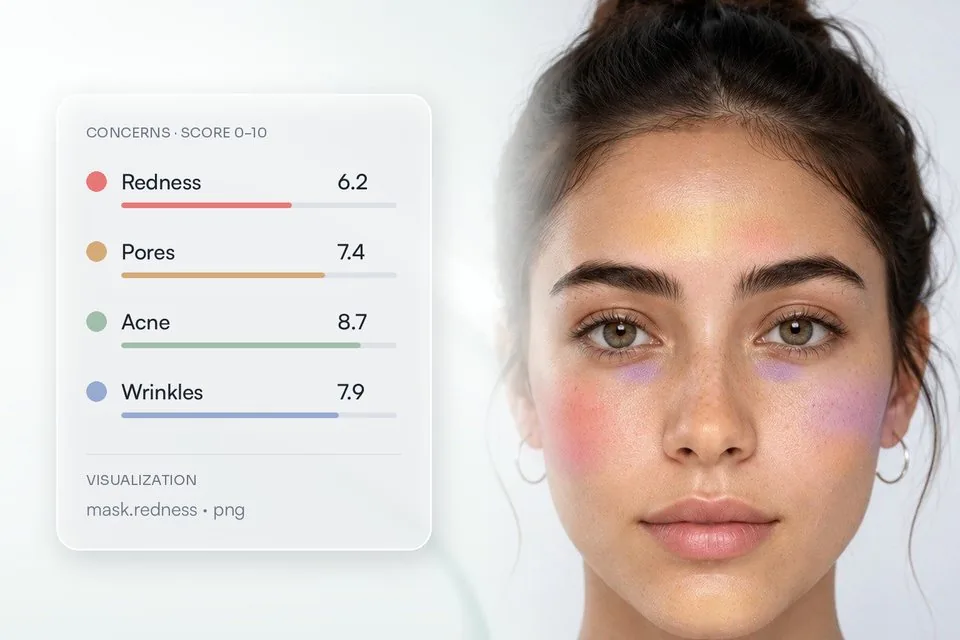
Concern scores from 0 to 10, each with a mask the agent can point at.
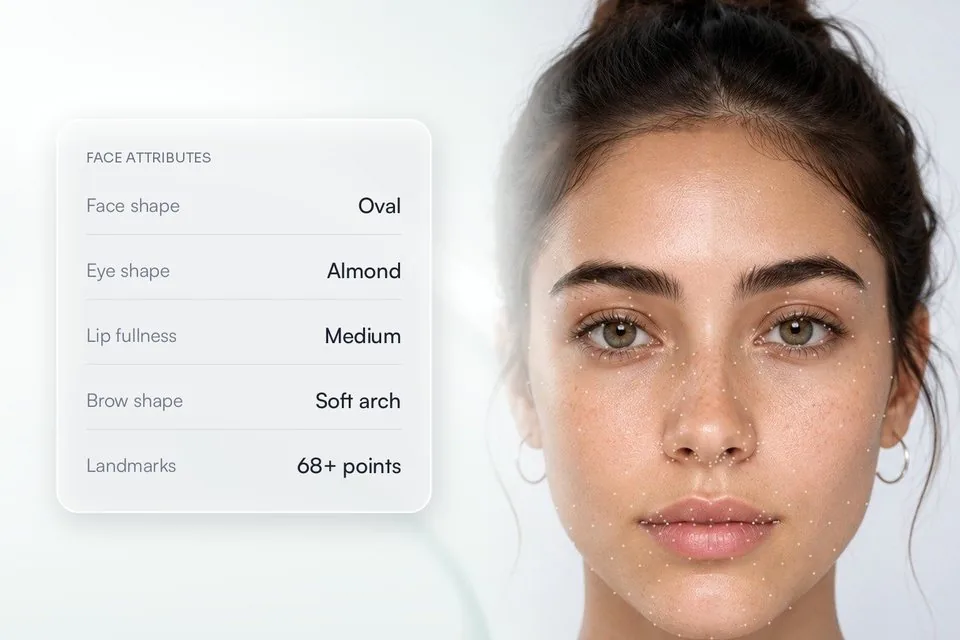
Landmarks, proportions and symmetry as numbers, read from the same mesh.
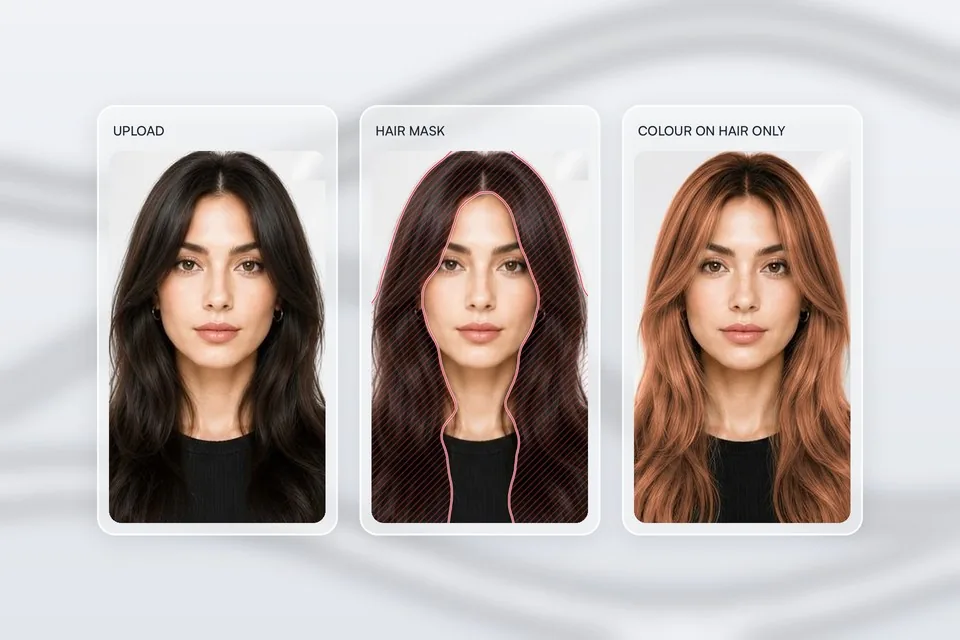
Separates the hair from the face and the background, so a colour lands only on hair.
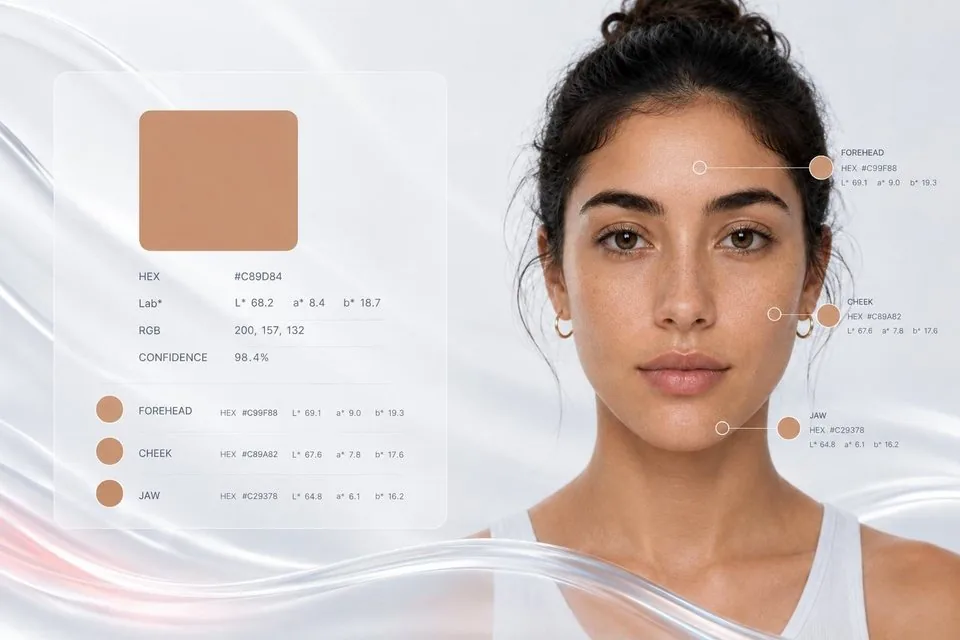
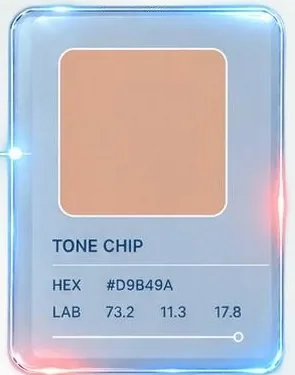
Tone in Lab* with the lighting removed, so a match holds photo to photo.
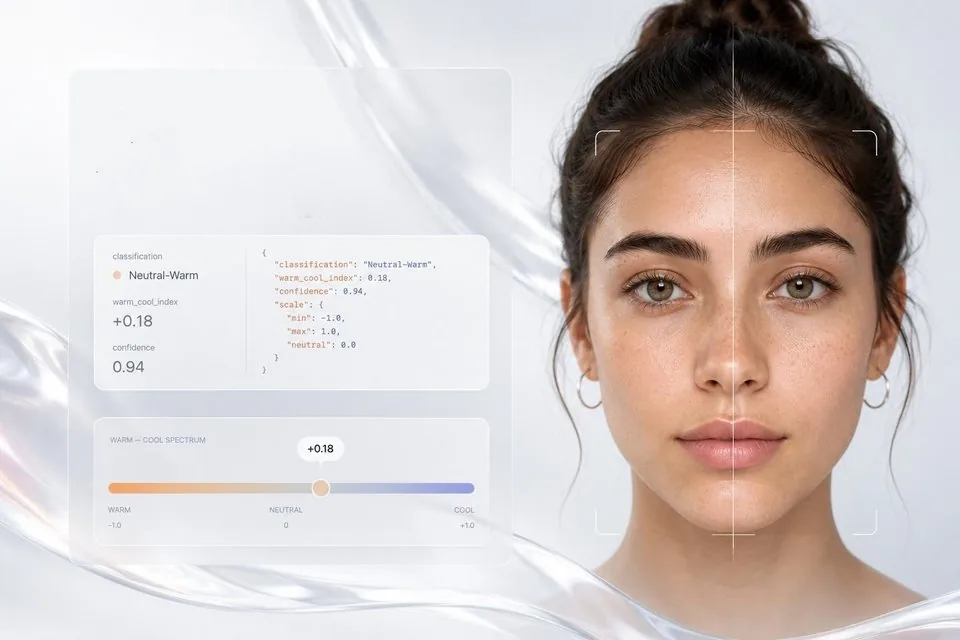
Warm, cool or neutral, with a confidence the agent can quote.
Four previews on the client’s own face. Every one is labelled as a simulation.
A likely result for face-shaping treatments.
Simulated · lift 40%Not a promise
Client photo
Not a promised result
Waiting for the photo…
Each intensity is one call on the same asset_id. Only the jawline and midface change, and every image comes back labelled as a simulation.
face_attributes + treatment_simulationsHow skin may look after a routine (coming soon).
Simulated · week 8
Waiting for the selfie…
Today’s scores come from Skin Analysis. The preview comes from Skin Simulation for the routine on this page, labelled as a simulation.
skin_analyses + skin_simulationsA likely hairline before surgery (coming soon).
 Hair maskearly access
Show a likely hairline before the procedure.
 Client photo
Waiting…
Hair Segmentation is in early access. Hairline simulation is coming soon and will always carry a label.
Procedure-specific previews (coming soon).
Simulated · brow lift
Waiting for the photo…
The booking flow calls one endpoint. Treatment Simulation maps the brows and returns a labelled preview, which travels with the booking to the clinician.
treatment_simulationsexport MORPHIAONE_API_KEY="pk_test_..." MORPHIAONE_BASE_URL="https://api.morphiaone.ai"X-API-KeyASSET_ID=$(curl -s "$MORPHIAONE_BASE_URL/v1/assets" -H "X-API-Key: $MORPHIAONE_API_KEY" -H "Content-Type: image/jpeg" --data-binary @face.jpg | jq -r .id)
curl -s -D h.txt "$MORPHIAONE_BASE_URL/v1/skin/analyses" -H "X-API-Key: $MORPHIAONE_API_KEY" -H "Idempotency-Key: run-001" -H "Content-Type: application/json" -d '{"inputs":[{"role":"source","asset_id":"'$ASSET_ID'"}],"concerns":["acne","redness"]}'succeededcurl -s -H "X-API-Key: $MORPHIAONE_API_KEY" "$MORPHIAONE_BASE_URL$(grep -i ^location h.txt | cut -d' ' -f2 | tr -d '\r')"
# → "output": { "concerns": [{ "concern": "acne", "score": 8.7 }, …] }MORPHIAONE_API_KEY and MORPHIAONE_BASE_URLnpm install --save-exact @morphiaone/sdk@0.2.2.mts with npx tsximport { readFile } from "node:fs/promises"; import { MorphiaOne } from "@morphiaone/sdk";
const client = new MorphiaOne({ apiKey: process.env.MORPHIAONE_API_KEY, baseUrl: process.env.MORPHIAONE_BASE_URL });
const source = await client.assets.upload(await readFile("face.jpg"));
const job = await client.skin.analyze({ assetId: source.id, concerns: ["acne", "redness"], idempotencyKey: "run-001" });const done = await client.jobs.wait(job.id);
if (done.output?.known && done.output.type === "skin.analysis") done.output.concerns.forEach((c) => console.log(c.concern, c.score));MORPHIAONE_API_KEY and MORPHIAONE_BASE_URLpython -m pip install morphiaone==0.2.2import os; from pathlib import Path; from morphiaone import MorphiaOne, SkinAnalysisOutput
client = MorphiaOne(api_key=os.environ["MORPHIAONE_API_KEY"], base_url=os.environ["MORPHIAONE_BASE_URL"])
source = client.assets.upload(Path("face.jpg"))
job = client.skin.analyze(asset_id=source.id, concerns=["acne", "redness"], idempotency_key="run-001")done = client.jobs.wait(job.id, timeout=240)
if isinstance(done.output, SkinAnalysisOutput): print([(r.concern, r.score) for r in done.output.concerns])curl -fsSL https://cli.morphiaone.ai/ | shGet early access →Pricing is agreed per account during early access. Failed jobs are never charged.
Upload the image once, submit a job and poll it, or let the SDK wait for you.
Every result says how sure it is and why, so the agent can explain a pick or ask for a retake.
Every simulation is marked as a simulation. No face recognition and no attractiveness scores.
Upload a photo, pick a treatment, and get a preview that is always labelled.
uploadedasset_id