
Face · Analyze
Face Landmarks & Geometry
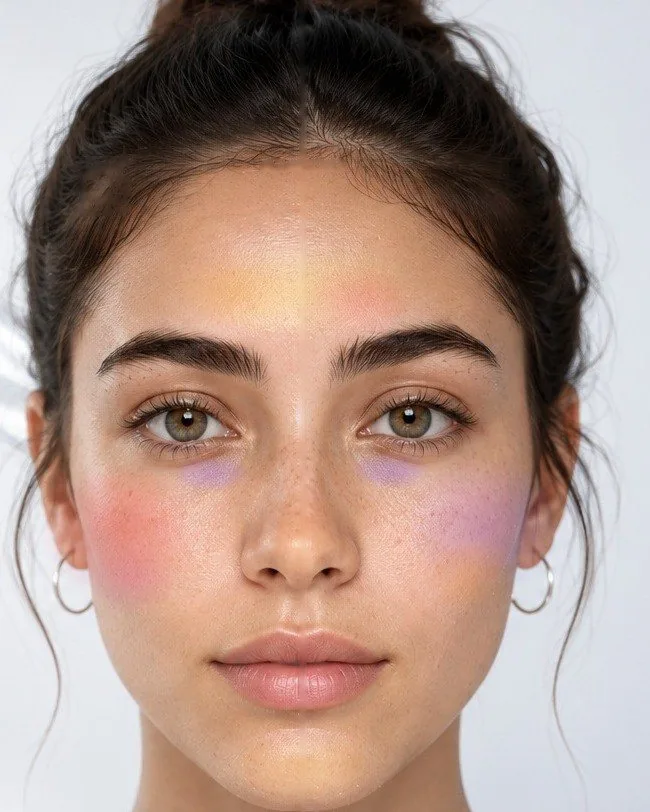
Landmarks, proportions and symmetry as numbers, read from the same mesh.
For your type of company
For the market you serve
For what you want to build
Facial measurements, skin readings and outcome previews for medspas, aesthetic clinics and the software they run on.
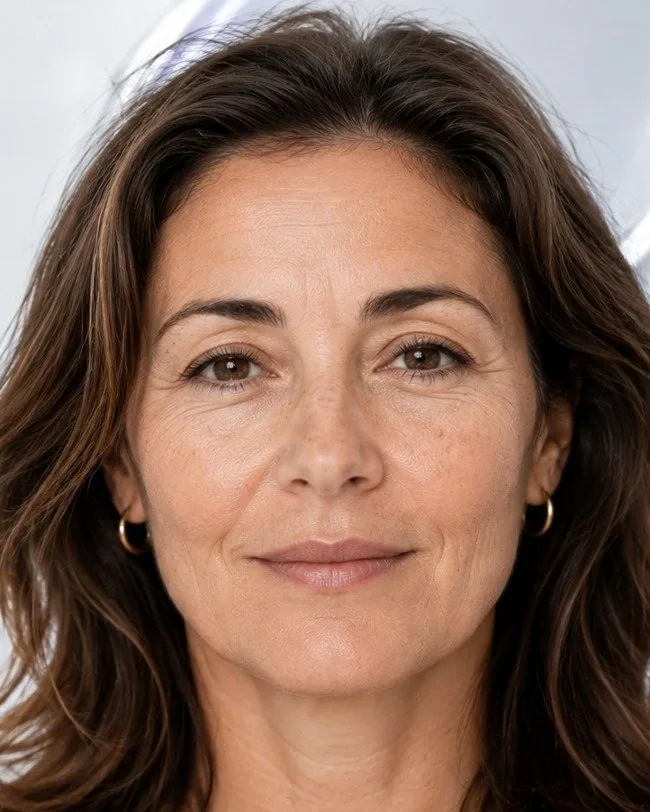
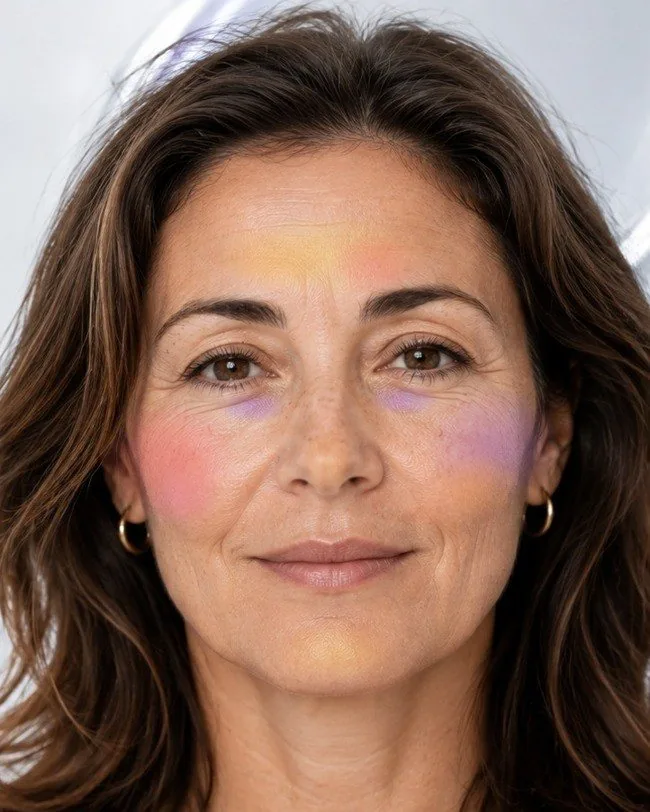
A consultation explains a treatment with gestures and other people’s before-and-after photos. Progress is shown with unscored photos, and each step lives in a different tool.
Morphia puts measurements, skin readings and labelled previews into your clinic software.

The client takes a photo at check-in. Morphia reads it once, and the measurements, the skin reading and any preview come from that read, so the next visit is compared like for like.
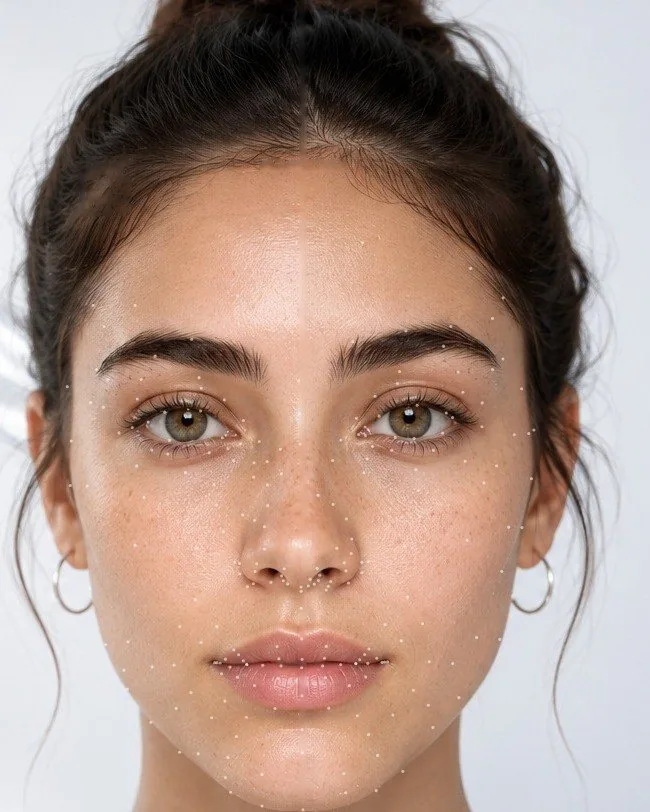 Landmarks68+ pointsRegion masksSkin, lips, hairToneLab*, lighting removedInput qualityOn every read
The photo is uploaded once. Every result comes with a confidence and a reason.
· One key· One schema· One job per request
Reach it from
RESTClinics
MCPSoon
SDKTS, Python
DeviceScreens
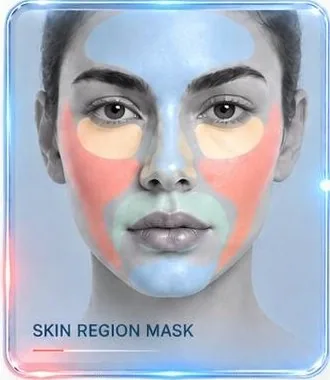 Read onceasset_id asset_addf4r
Landmarks68+ pointsRegion masksSkin, lips, hair, teeth, nailsToneLab*, lighting removedInput qualityScored on every read
Analyze
Transform
Simulate
Face
Skin
Hair
Teeth
Hands
BodyEarly access
Every call references one asset_id. Nothing is re-uploaded or re-detected.
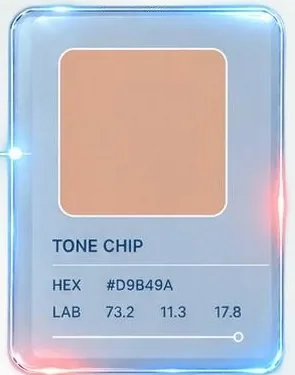
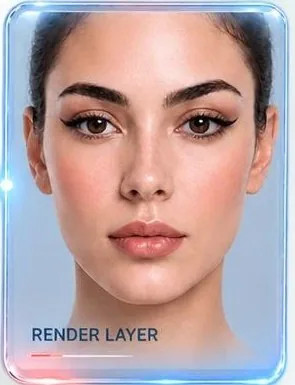
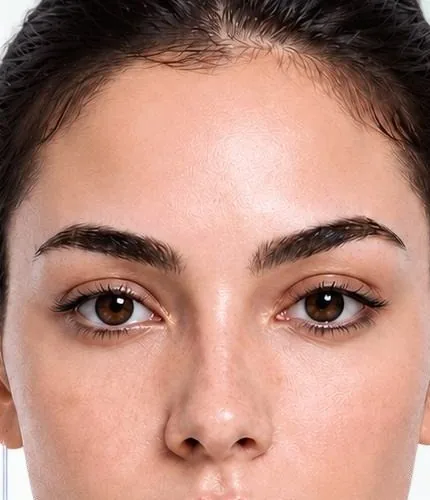
Analyze. Face Landmarks & Geometry return landmarks, proportions and symmetry as numbers.
 POST /v1/assets
asset_6pa8ad
Same image for every endpoint
200 · succeededMeasurements from one tool, skin scores from another and previews from a third describe three different faces.
With Morphia, one upload serves every step of the consult.
Measurements, skin readings and labelled previews, from one photo.
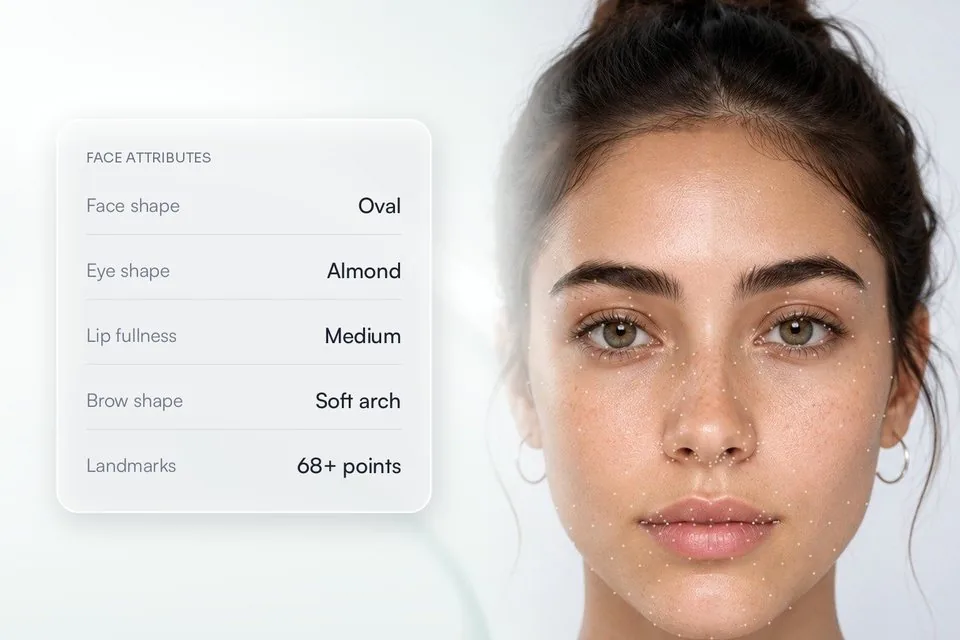
Landmarks, proportions and symmetry as numbers, read from the same mesh.
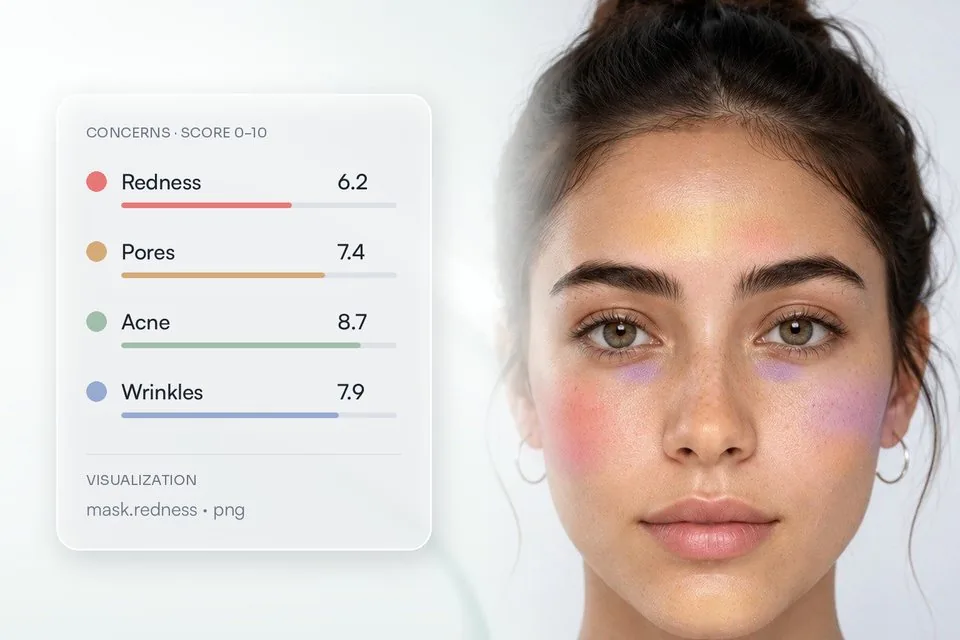
Concern scores from 0 to 10, each with a mask the agent can point at.
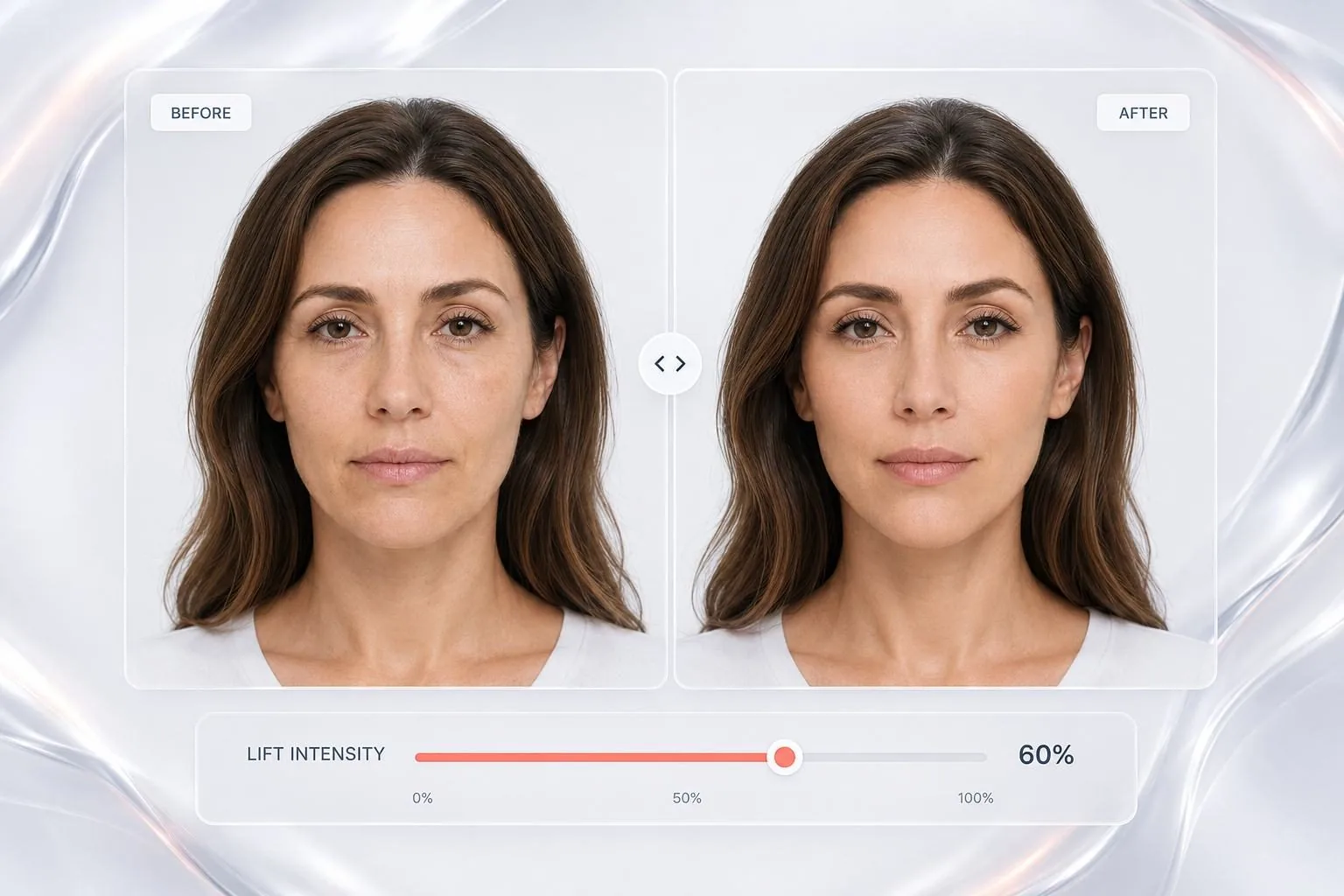
Face-shaping changes previewed on the client’s own face, at the intensity you set.
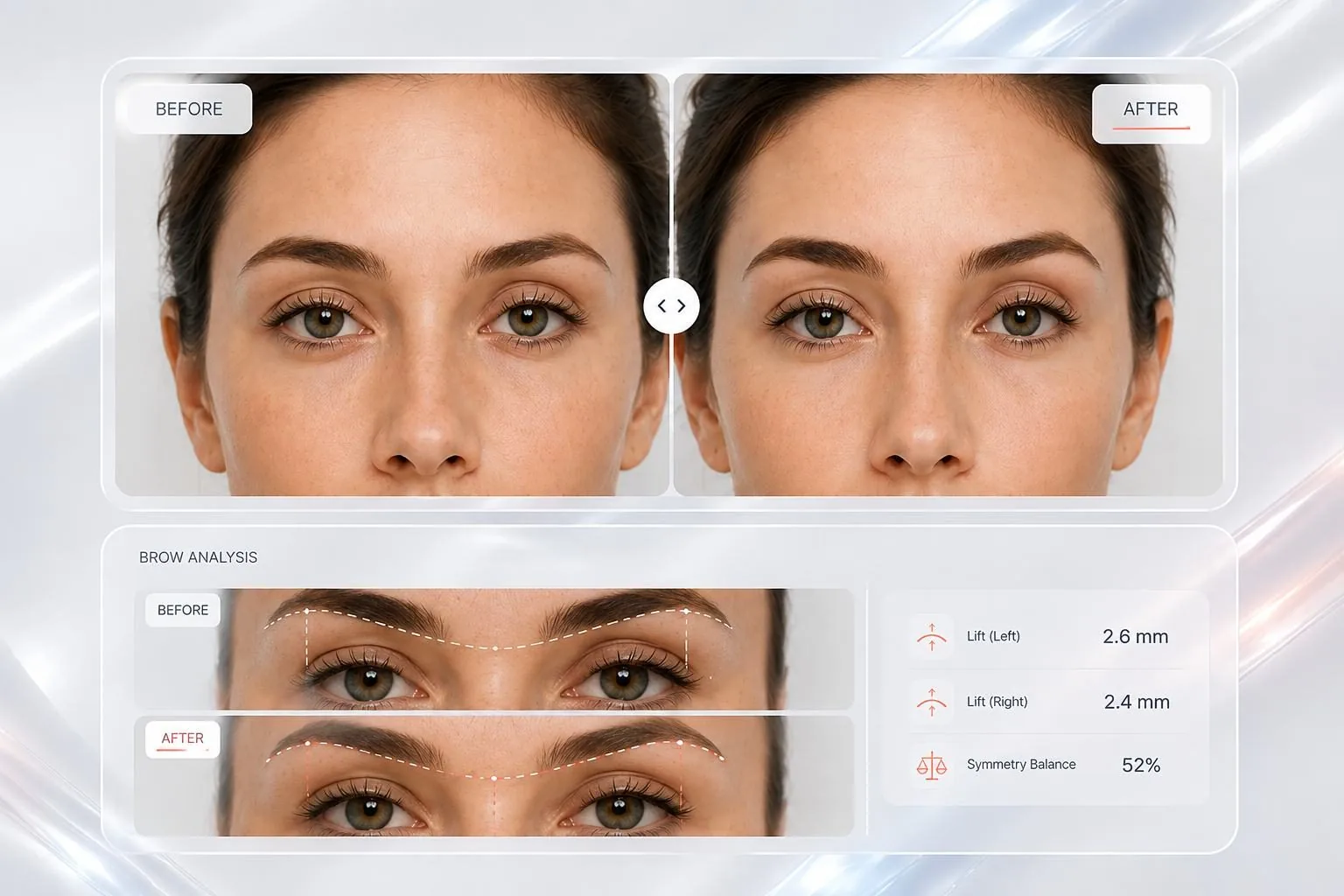
Procedure-specific previews for the consult, always labelled as a simulation.
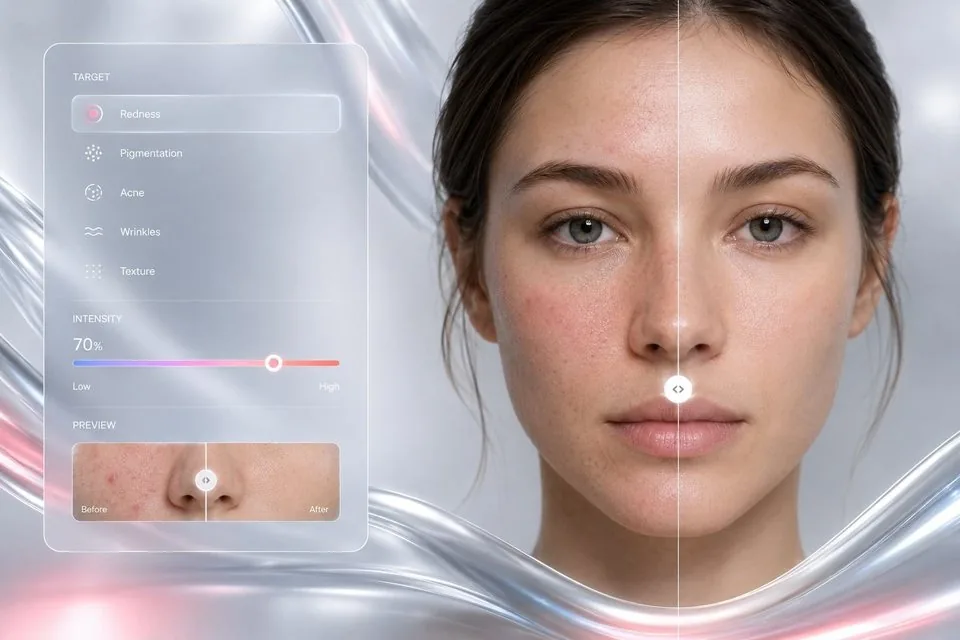
How skin could look with a routine, always labelled as a simulation.
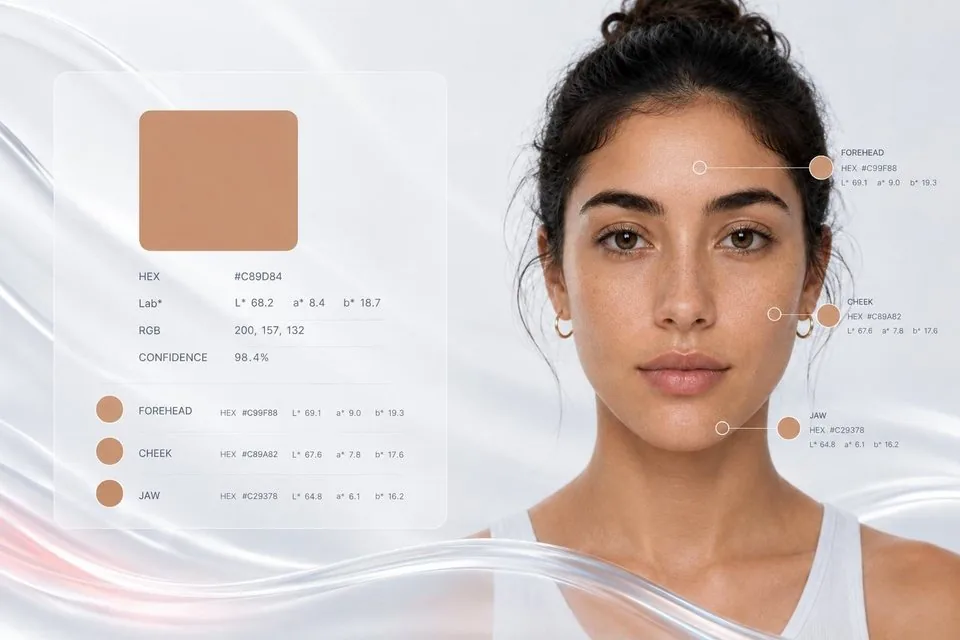
Tone in Lab* with the lighting removed, so a match holds photo to photo.
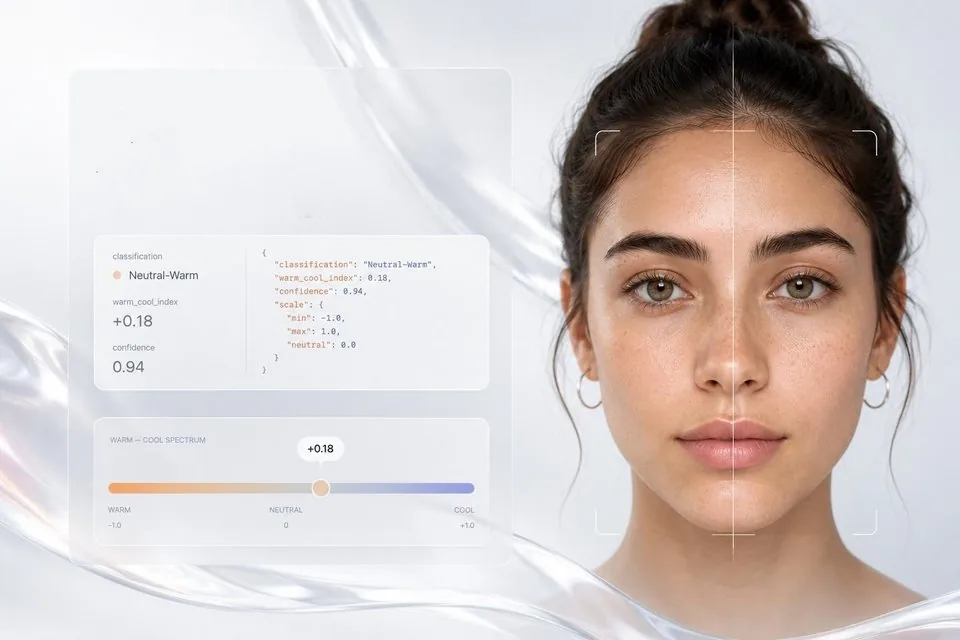
Warm, cool or neutral, with a confidence the agent can quote.
Four moments in the clinic, one reading. Values in the demos are samples, and every simulation is labelled.
Landmarks, proportions and symmetry as numbers.
68+ landmarksMeasure proportions before the consult.
 Waiting…
Waiting for the photo…
Landmarks, proportions and symmetry as numbers. No attractiveness scores. Values are samples.
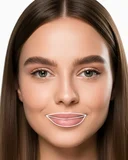
face_attributesA reading at the first visit to compare against.
Region mapType III
Waiting for the selfie…
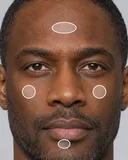
Concern scores come from Skin Analysis, the phototype from the Fitzpatrick endpoint. Both arrive with the intake; the clinician decides.
skin_analyses + fitzpatrick_typesA likely outcome in the consult (coming soon).
Simulated · lift 40%Not a promise
Client photo
Not a promised result
Waiting for the photo…
Each intensity is one call on the same asset_id. Only the jawline and midface change, and every image comes back labelled as a simulation.
face_attributes + treatment_simulationsBefore and after with scores, not just photos.
Same regions as visit 1Quality 0.95
 Forehead · visit 3
Waiting for the photo…
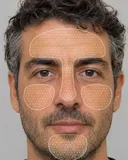
Visit 3 is scored on the same asset_id as visit 1, and Comparisons returns the change per region. Both photos passed the input-quality check. The clinician decides; scores are sample values.
skin_analyses + comparisonsexport MORPHIAONE_API_KEY="pk_test_..." MORPHIAONE_BASE_URL="https://api.morphiaone.ai"X-API-KeyASSET_ID=$(curl -s "$MORPHIAONE_BASE_URL/v1/assets" -H "X-API-Key: $MORPHIAONE_API_KEY" -H "Content-Type: image/jpeg" --data-binary @face.jpg | jq -r .id)
curl -s -D h.txt "$MORPHIAONE_BASE_URL/v1/skin/analyses" -H "X-API-Key: $MORPHIAONE_API_KEY" -H "Idempotency-Key: run-001" -H "Content-Type: application/json" -d '{"inputs":[{"role":"source","asset_id":"'$ASSET_ID'"}],"concerns":["acne","redness"]}'succeededcurl -s -H "X-API-Key: $MORPHIAONE_API_KEY" "$MORPHIAONE_BASE_URL$(grep -i ^location h.txt | cut -d' ' -f2 | tr -d '\r')"
# → "output": { "concerns": [{ "concern": "acne", "score": 8.7 }, …] }MORPHIAONE_API_KEY and MORPHIAONE_BASE_URLnpm install --save-exact @morphiaone/sdk@0.2.2.mts with npx tsximport { readFile } from "node:fs/promises"; import { MorphiaOne } from "@morphiaone/sdk";
const client = new MorphiaOne({ apiKey: process.env.MORPHIAONE_API_KEY, baseUrl: process.env.MORPHIAONE_BASE_URL });
const source = await client.assets.upload(await readFile("face.jpg"));
const job = await client.skin.analyze({ assetId: source.id, concerns: ["acne", "redness"], idempotencyKey: "run-001" });const done = await client.jobs.wait(job.id);
if (done.output?.known && done.output.type === "skin.analysis") done.output.concerns.forEach((c) => console.log(c.concern, c.score));MORPHIAONE_API_KEY and MORPHIAONE_BASE_URLpython -m pip install morphiaone==0.2.2import os; from pathlib import Path; from morphiaone import MorphiaOne, SkinAnalysisOutput
client = MorphiaOne(api_key=os.environ["MORPHIAONE_API_KEY"], base_url=os.environ["MORPHIAONE_BASE_URL"])
source = client.assets.upload(Path("face.jpg"))
job = client.skin.analyze(asset_id=source.id, concerns=["acne", "redness"], idempotency_key="run-001")done = client.jobs.wait(job.id, timeout=240)
if isinstance(done.output, SkinAnalysisOutput): print([(r.concern, r.score) for r in done.output.concerns])curl -fsSL https://cli.morphiaone.ai/ | shGet early access →Pricing is agreed per account during early access. Failed jobs are never charged.
Upload the image once, submit a job and poll it, or let the SDK wait for you.
Every result says how sure it is and why, so the agent can explain a pick or ask for a retake.
Every simulation is marked as a simulation. No face recognition and no attractiveness scores.
Start with an API key. Upload a selfie, pick what to measure, see what returns.
uploadedasset_id