

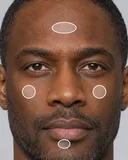
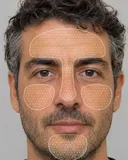
Go beyond skin tone. Understand undertone.
Get one overall undertone — cool, neutral or warm — from a single face photo, and use it wherever color choices depend on it: complexion shades, palettes and accessories.


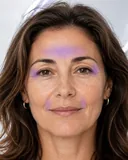
Golden, yellow-leaning skin. Use it to pick between cool, neutral and warm versions of the same shade.
- CoolPink or rosy
- NeutralBalanced
- WarmGolden or yellowYour result
Similar skin tone. Different undertone.
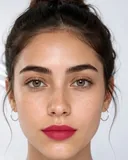
Two people can have a similar skin tone and different undertones.
Morphia reads the undertone from one photo.
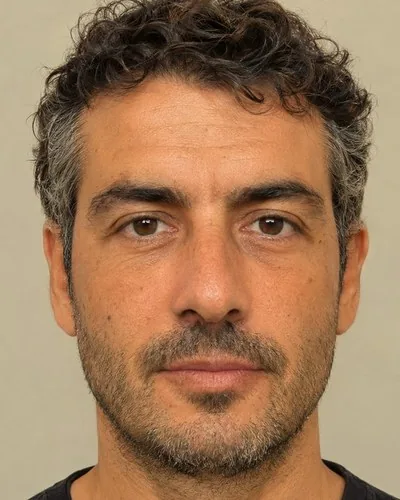
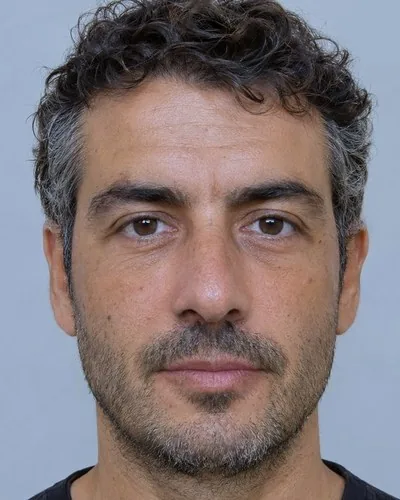
Building this from scratch takes labeled photos and testing across different lighting conditions.
One photo. One undertone result.
From one face photo to one overall result: cool, neutral or warm.
One result for the whole face.
- CoolPink or rosy
- NeutralBalanced
- WarmGolden or yellowYour result
One undertone class for the whole face, ready to drive shade, palette and accessory logic.
Skin across the face is read together, so one shadowed area doesn’t decide the result.
Additional color measurements for developers are described in the API reference.
Know when lighting or framing affected the photo, and see which skin areas were used.
Build smarter color experiences.
Use the undertone result as the color layer behind matching and personalization. Pick a scenario to see what the shopper sees.
The filter opens on the measured undertone. Switching it shows what the same depth looks like with another undertone.
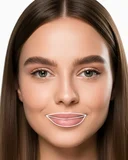
Pick a color family: the warm variant is shown first, the cool one stays one tap away.
The palette opens on the warm group; neutral colors are the safe crossover, cool ones are shown for contrast.
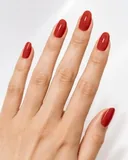
One undertone result reorders watches, frames and jewelry by metal, with a short reason for each pick.
More color intelligence. Your experience.
Bring undertone measurements into your product and use them to power your own matching and personalization logic.
export MORPHIAONE_API_KEY="pk_test_..." MORPHIAONE_BASE_URL="https://api.morphiaone.ai"X-API-KeyASSET_ID=$(curl -s "$MORPHIAONE_BASE_URL/v1/assets" -H "X-API-Key: $MORPHIAONE_API_KEY" -H "Content-Type: image/jpeg" --data-binary @selfie.jpg | jq -r .id)MORPHIAONE_API_KEY and MORPHIAONE_BASE_URLnpm install --save-exact @morphiaone/sdk@0.2.2.mts with npx tsximport { readFile } from "node:fs/promises"; import { MorphiaOne } from "@morphiaone/sdk";
const client = new MorphiaOne({ apiKey: process.env.MORPHIAONE_API_KEY, baseUrl: process.env.MORPHIAONE_BASE_URL });
const source = await client.assets.upload(await readFile("selfie.jpg"));MORPHIAONE_API_KEY and MORPHIAONE_BASE_URLpython -m pip install morphiaone==0.2.2import os; from pathlib import Path; from morphiaone import MorphiaOne
client = MorphiaOne(api_key=os.environ["MORPHIAONE_API_KEY"], base_url=os.environ["MORPHIAONE_BASE_URL"])
source = client.assets.upload(Path("selfie.jpg"))curl -fsSL https://cli.morphiaone.ai/ | shNumerical Color Insights
Access hue angle and chroma measurements in structured JSON.
Overall & Regional Analysis
Get results for the face and four individual facial regions.
Combine with Skin Tone
Use both APIs together to build more detailed color-based experiences.
Developer-Ready Integration
Integrate through REST, Python or TypeScript, with optional region masks.
Make undertone part of your product.
Turn one face photo into an undertone result your app can use for shade, palette and accessory picks.
UploadedYour selfie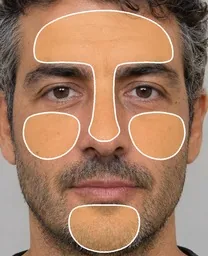 Analyzed4 skin areas