
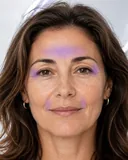
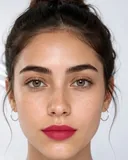

Discover the color behind every lip.
Analyze natural lip color from a single image and turn precise color measurements into personalized beauty and lipstick discovery experiences.
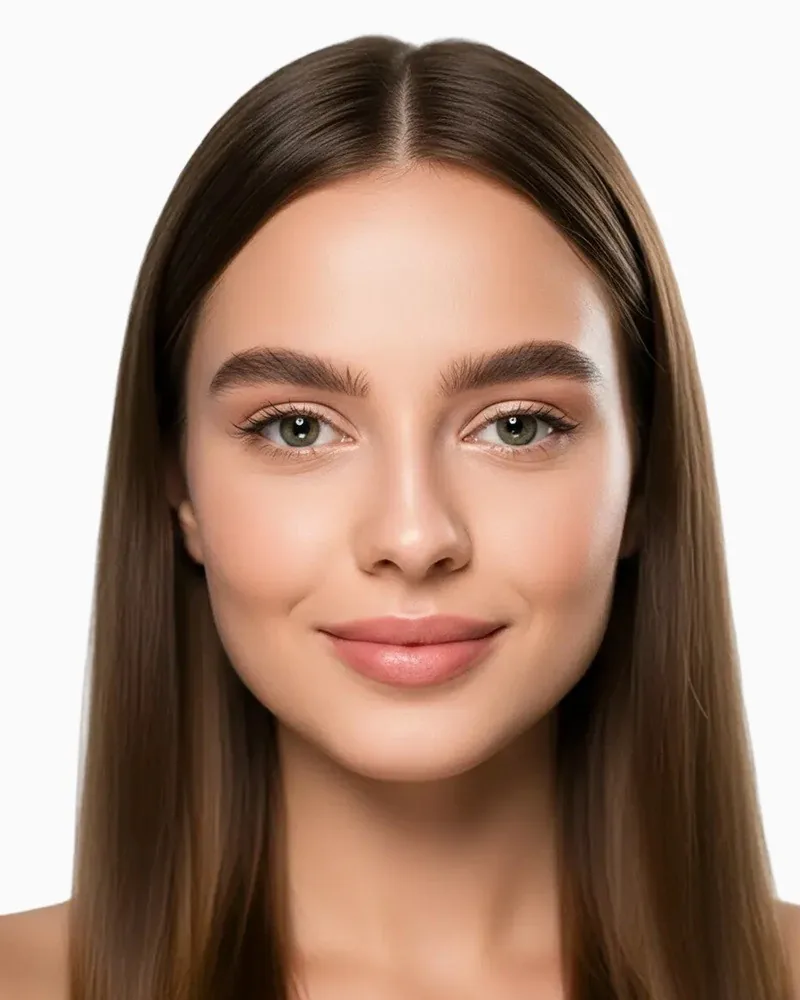 From one selfie
Lip color is personal. Product swatches aren’t.
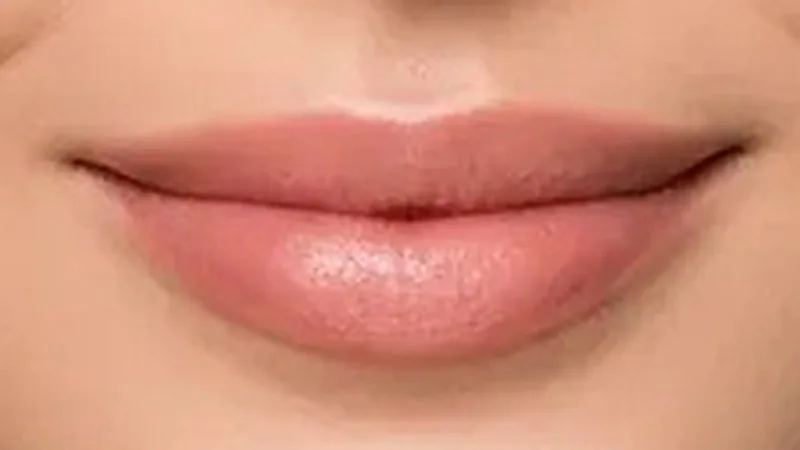
Natural lip color varies from person to person — and even between the upper and lower lips. A catalog swatch shows every shopper the same image, so it can’t tell anyone how a shade relates to their own lips.
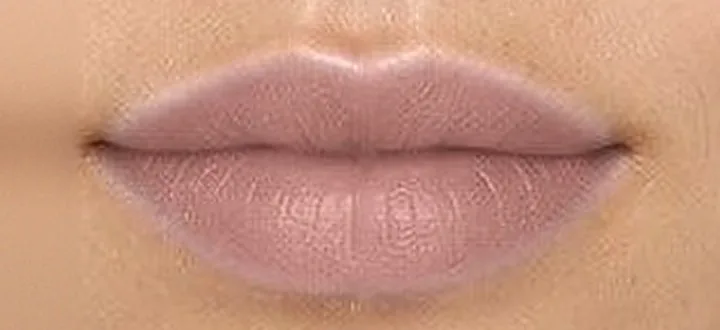
Morphia measures natural lip color from a single image.
#BA827B#BA827B#BA827B#BA827B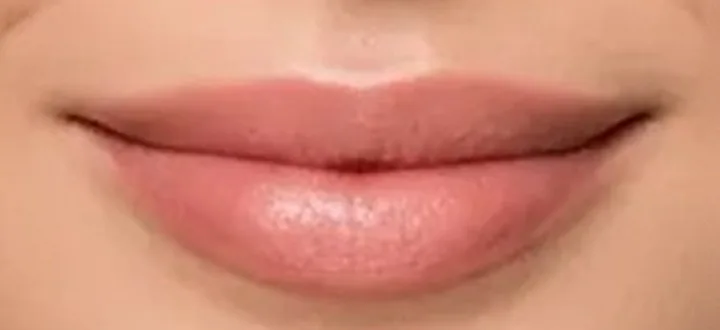
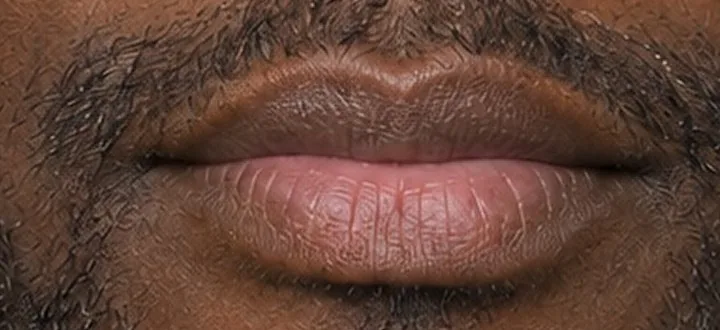
Pixel-level lip color, with a quality check on every result.
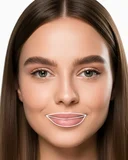
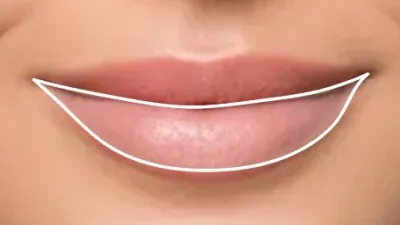
Lip Finder locates the upper and lower lip in a single facial image and analyzes the pixels inside each region to measure natural lip color. Each result carries a confidence score and quality warnings, so your app knows when lighting or framing affected the measurement.
Each lip is segmented on its own (outlines shown for illustration). Only pixels inside the region are analyzed — skin, teeth and shadow at the corners are left out.
#C56B5FLower lip#D4746BCombined#CD6F65#C56B5FLower lip#D4746BCombined#CD6F65The combined color is the input for matching. Upper and lower values help with two-tone or liner suggestions.
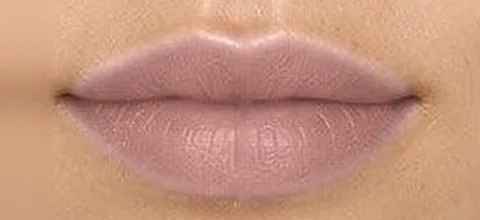
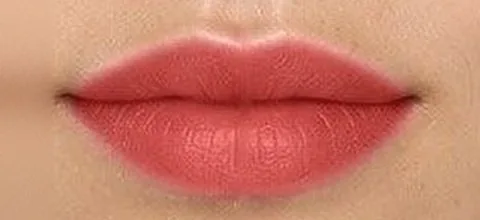
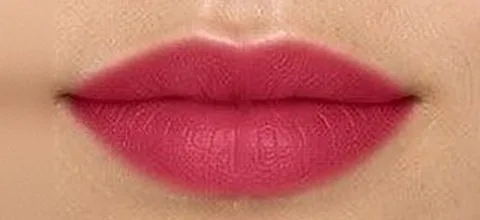
Your app compares the combined color with the shades in your own catalog and labels the closest ones. Lip Finder returns the colors — the catalog and the ranking stay yours.
Extract a representative HEX color from the upper lip.
Measure the lower lip independently to capture its visible color.
Get one representative HEX color across both lips.
Access confidence information, image quality warnings and optional masks showing the pixels used for measurement.
Turn lip color into personalized experiences.
Use Lip Finder as the color measurement layer behind beauty products. Pick a scenario to see what the shopper sees.
Your natural lipsRosy coral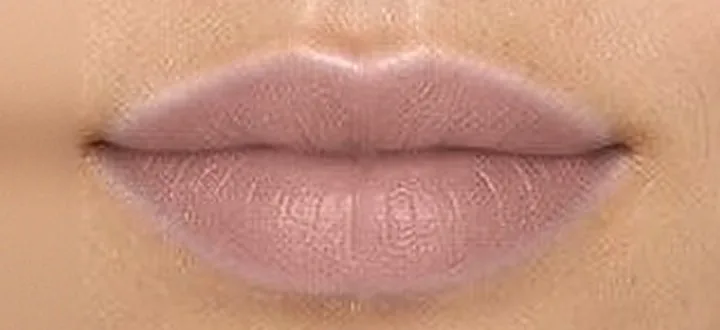 Neutrals · Nude Rose
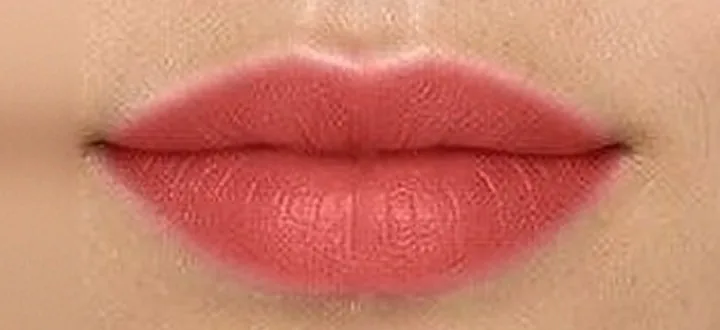 Coral Crush · Coral Crush
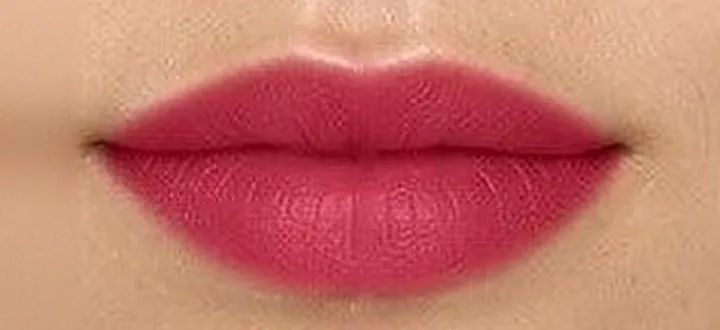 Classic Red · Classic Red
Families are ordered by how close they sit to the natural lip color. The person still explores freely.
Preview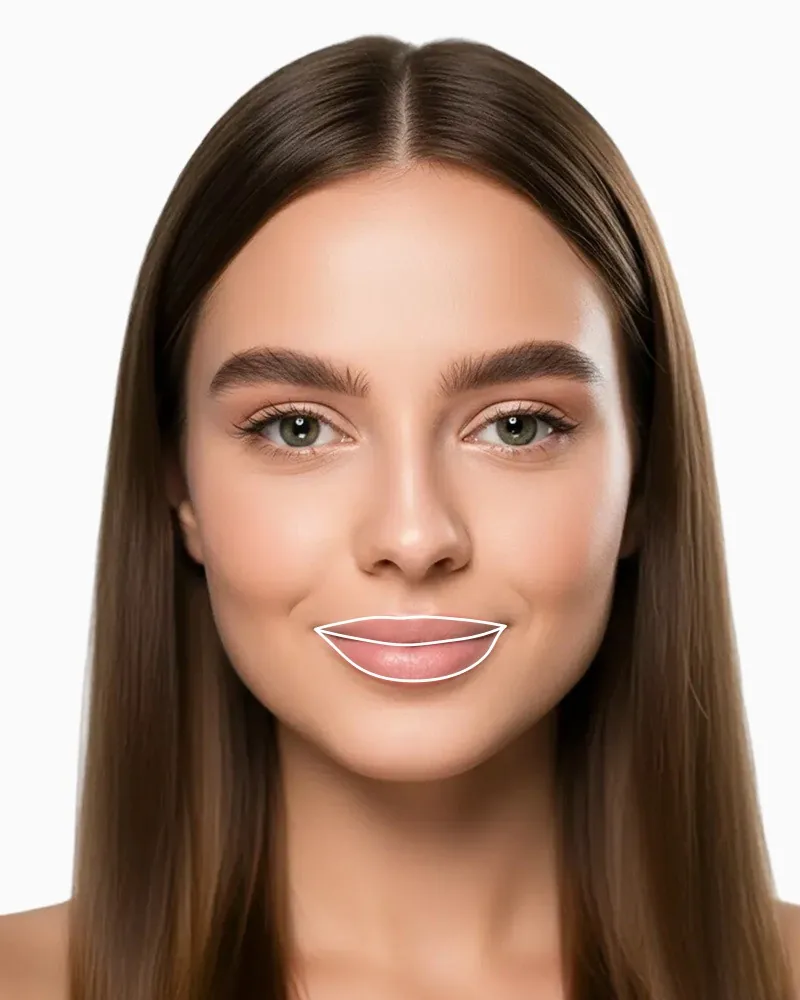 Measuring your lips…
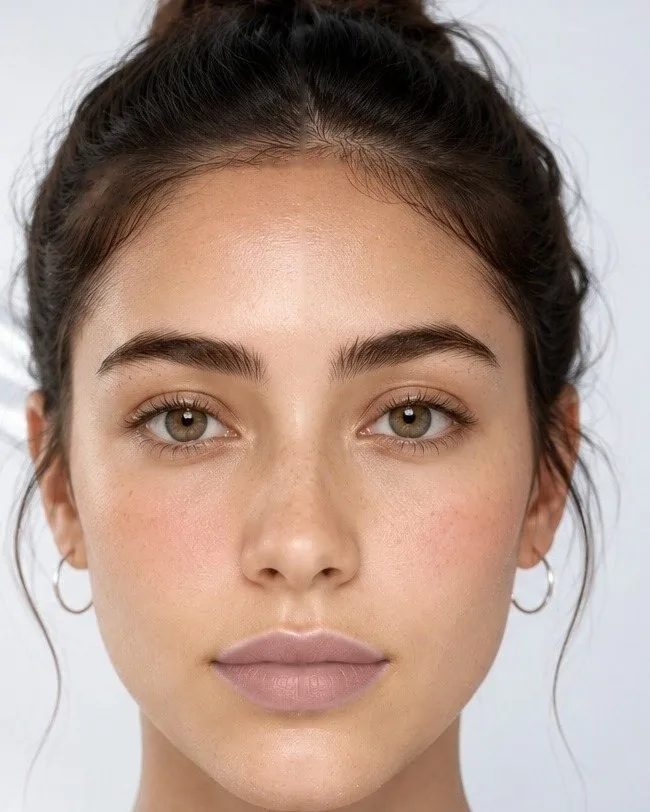
Upload once, then see one pick with a reason and two alternatives — the photo stays visible next to the result.
 Try-on preview
The product page opens on the shade nearest the combined lip color; every other shade stays one tap away.
From lip color to product discovery.
Use Lip Finder as the color measurement layer behind your own beauty experiences.
export MORPHIAONE_API_KEY="pk_test_..." MORPHIAONE_BASE_URL="https://api.morphiaone.ai"X-API-KeyASSET_ID=$(curl -s "$MORPHIAONE_BASE_URL/v1/assets" -H "X-API-Key: $MORPHIAONE_API_KEY" -H "Content-Type: image/jpeg" --data-binary @selfie.jpg | jq -r .id)MORPHIAONE_API_KEY and MORPHIAONE_BASE_URLnpm install --save-exact @morphiaone/sdk@0.2.2.mts with npx tsximport { readFile } from "node:fs/promises"; import { MorphiaOne } from "@morphiaone/sdk";
const client = new MorphiaOne({ apiKey: process.env.MORPHIAONE_API_KEY, baseUrl: process.env.MORPHIAONE_BASE_URL });
const source = await client.assets.upload(await readFile("selfie.jpg"));MORPHIAONE_API_KEY and MORPHIAONE_BASE_URLpython -m pip install morphiaone==0.2.2import os; from pathlib import Path; from morphiaone import MorphiaOne
client = MorphiaOne(api_key=os.environ["MORPHIAONE_API_KEY"], base_url=os.environ["MORPHIAONE_BASE_URL"])
source = client.assets.upload(Path("selfie.jpg"))curl -fsSL https://cli.morphiaone.ai/ | shOne Image, Three Colors
Get upper, lower and combined lip color measurements from a single photo.
Ready-to-Use HEX Values
Receive structured color outputs that can feed your own matching logic.
Quality-Aware Results
Access confidence information and warnings to help interpret measurements.
Developer-Ready Integration
Build using REST, Python or TypeScript, with optional lip masks.
Make lip color discovery personal.
Turn visible lip color measurements into personalized beauty experiences with Morphia.
UploadedYour selfie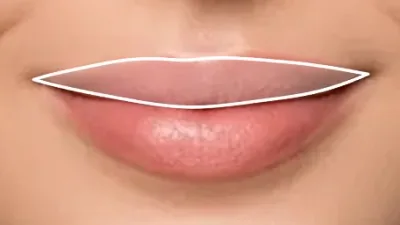 Upper
 Lower