
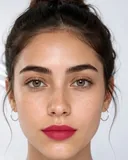


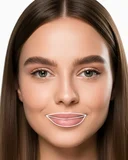
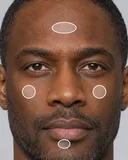
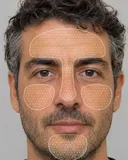
Someone asks a question about how they look
“Will this lipstick suit me?” arrives with a photo — in a chat, in your app or from your own code.
Chat · your appNew message
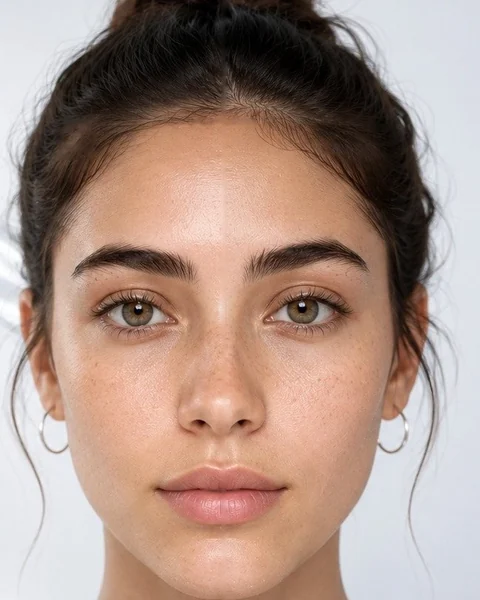
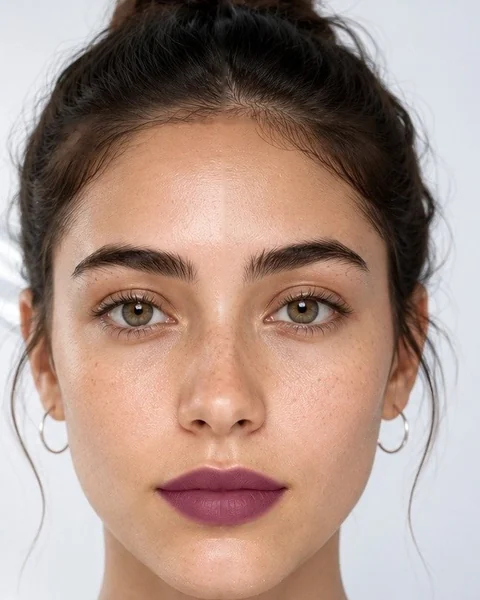
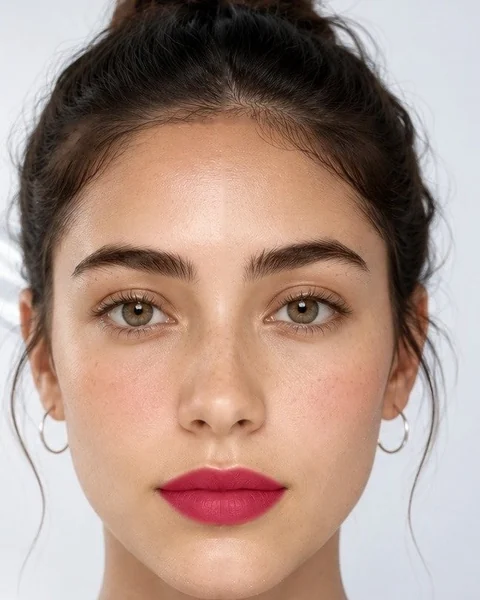
Will this ruby lipstick suit me?
For your type of company
For the market you serve
For what you want to build
MCP Server & Skills
Connect any AI agent to Morphia's human-appearance intelligence. Build, automate and create across products and industries — through one MCP connection.
Works with Claude Code · Cursor · VS Code · Claude Desktop

https://mcp.morphiaone.ai/mcp
Authorization: Bearer $MORPHIAONE_API_KEY
pk_test_ key in the Platform. Test jobs cost nothing.MCP is the open standard AI tools use to call outside capabilities. Add Morphia once, and your agent reaches specialized appearance intelligence whenever a task needs it.
 MCP server
tools/list · scoped by key

“Will this lipstick suit me?” arrives with a photo — in a chat, in your app or from your own code.
Will this ruby lipstick suit me?
It reads the tools your key allows and decides which to use, following a Skill when one fits the job.
Only tools this key allows are listed.
Your API key is checked and its scopes decide which tools exist for this agent. Paid tools state their price first.
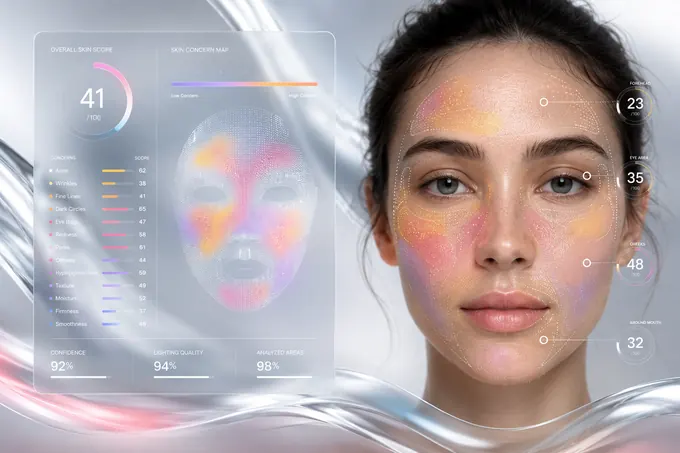
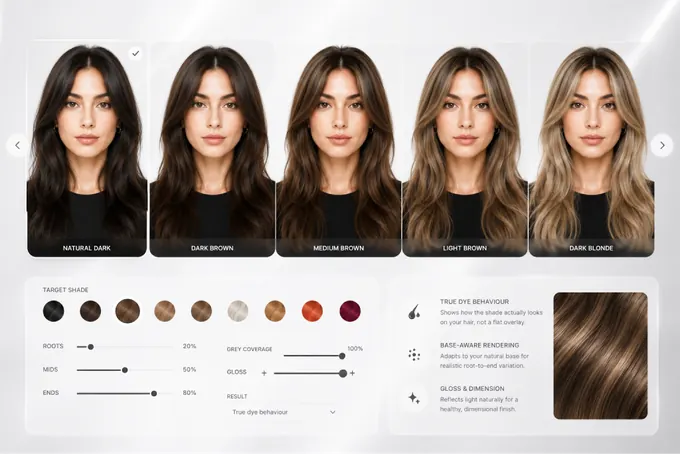
Two separate tools, two separate jobs: one reads the skin, one renders the shade — each on the person's own photo.
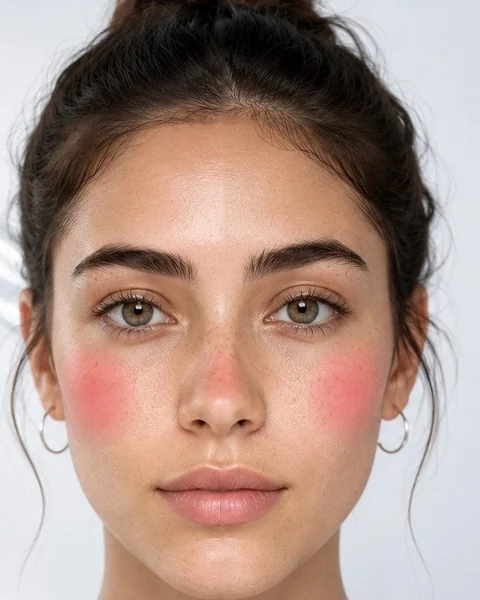
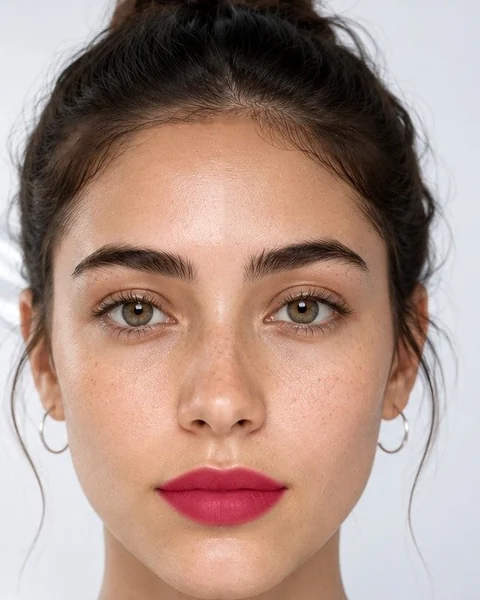
A real render and structured results, ready to show, store or act on — with a receipt for anything paid.
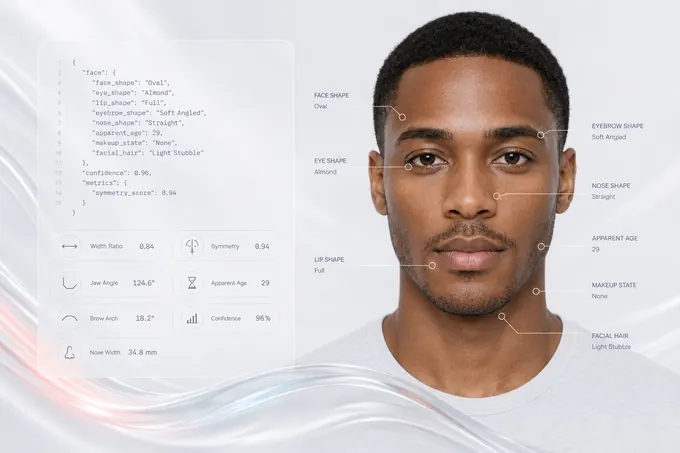
Face, skin, color, hair, makeup, teeth and change over time — specialized models that read, transform and simulate human appearance, built to work together on one photo.
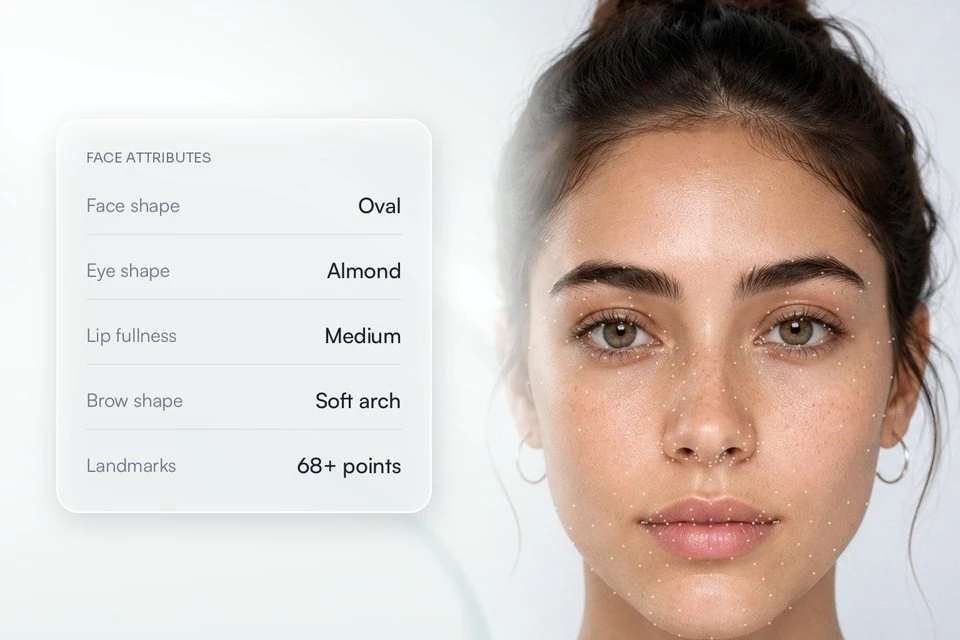
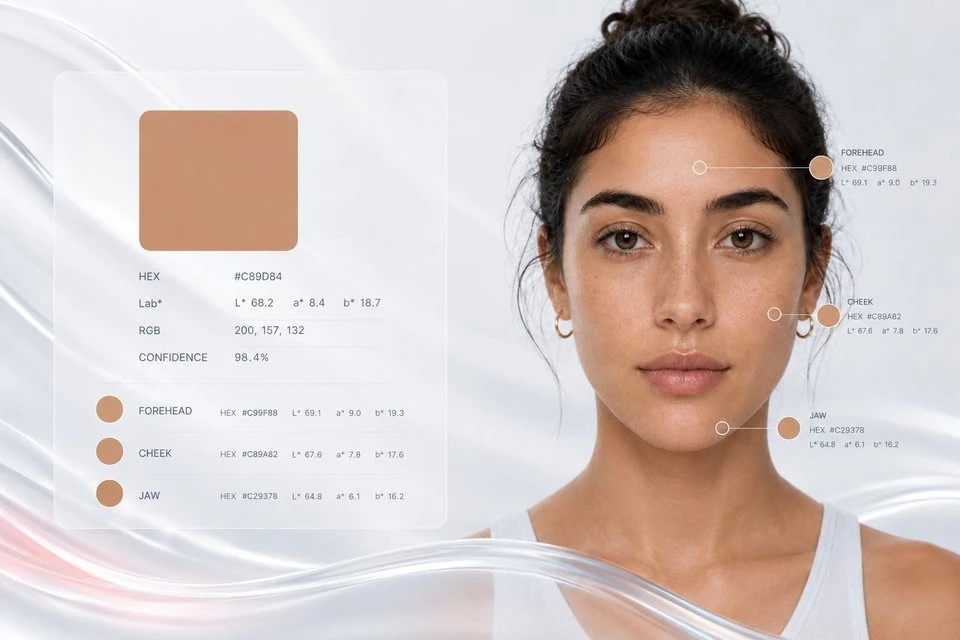
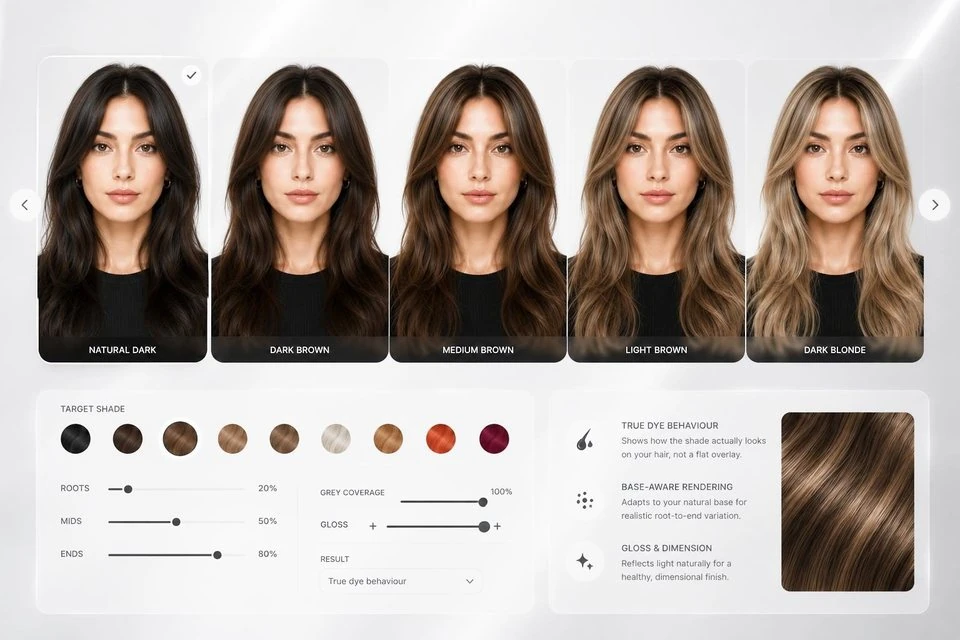
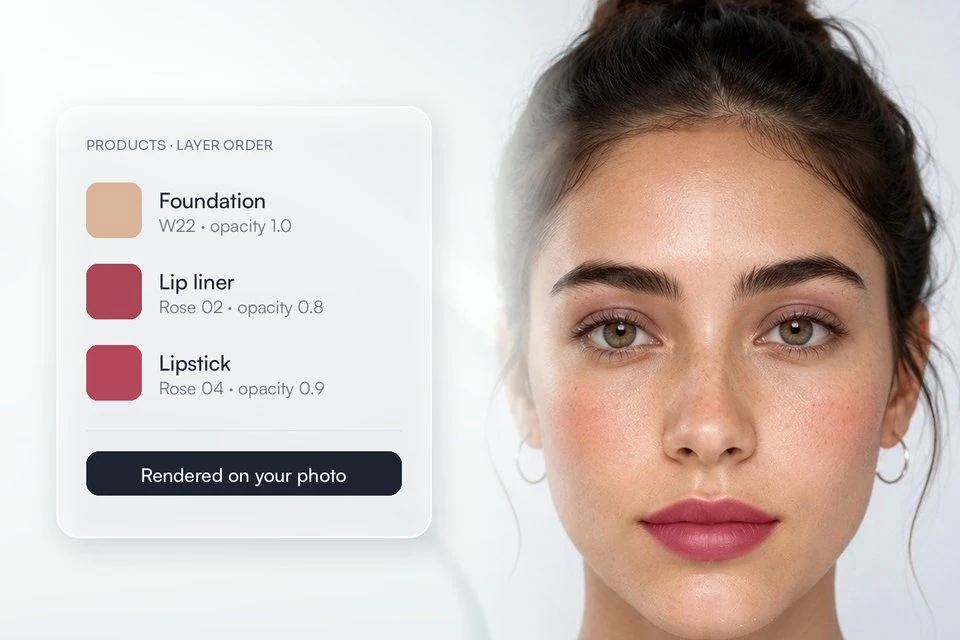
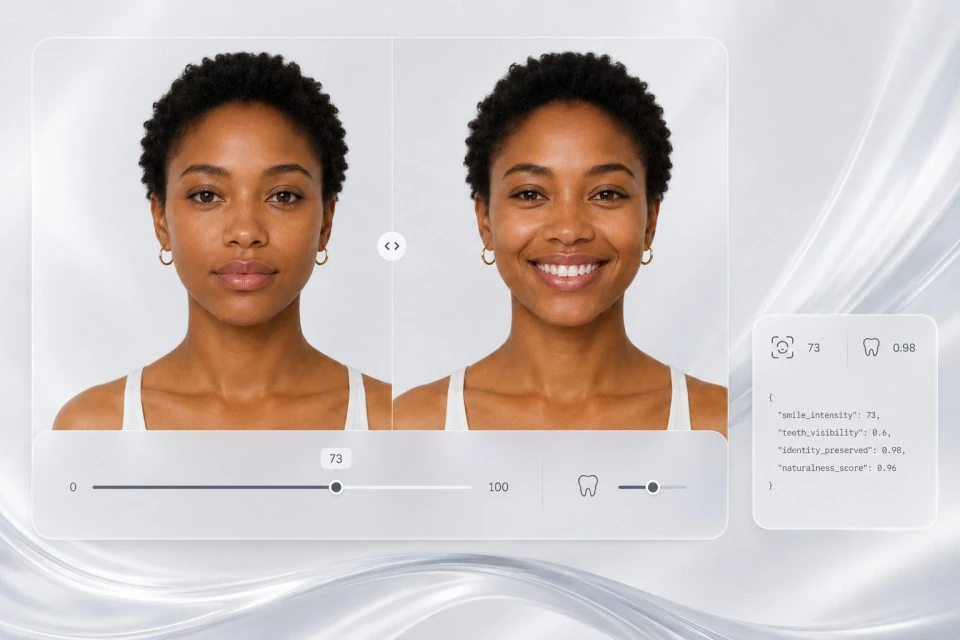
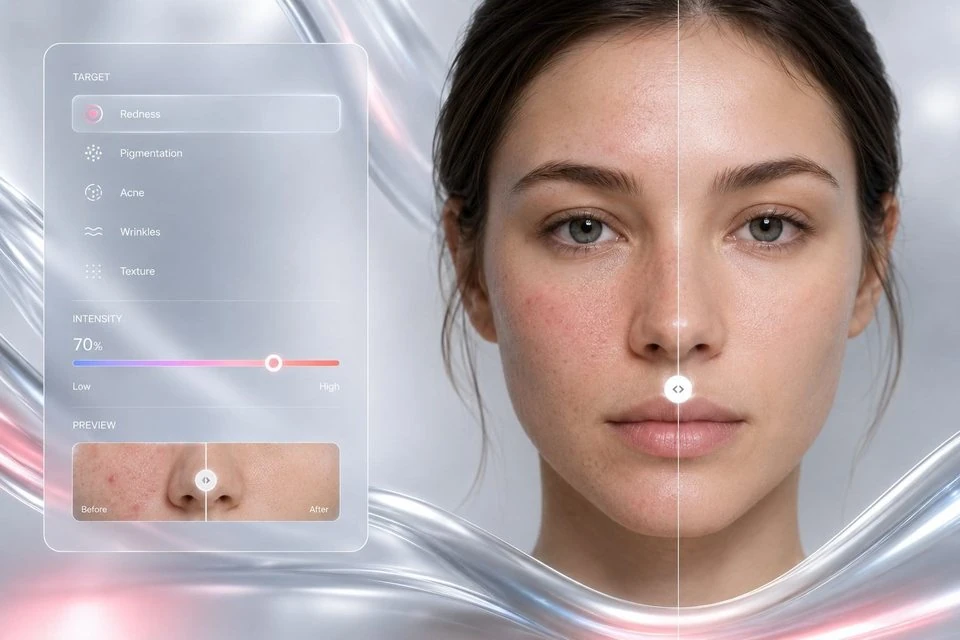
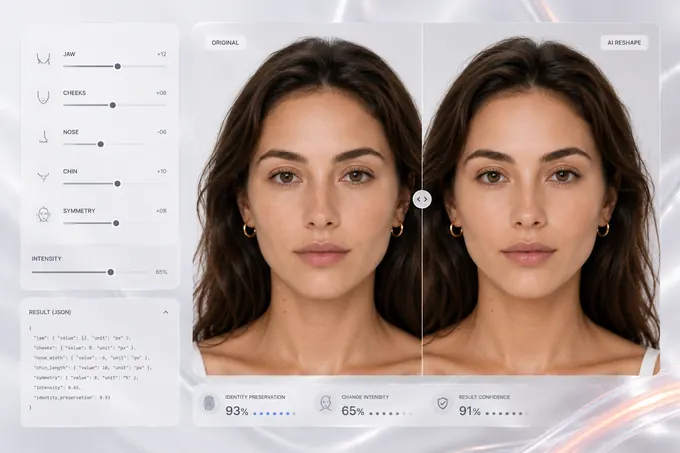
Shape, features, proportions and attributes, measured.
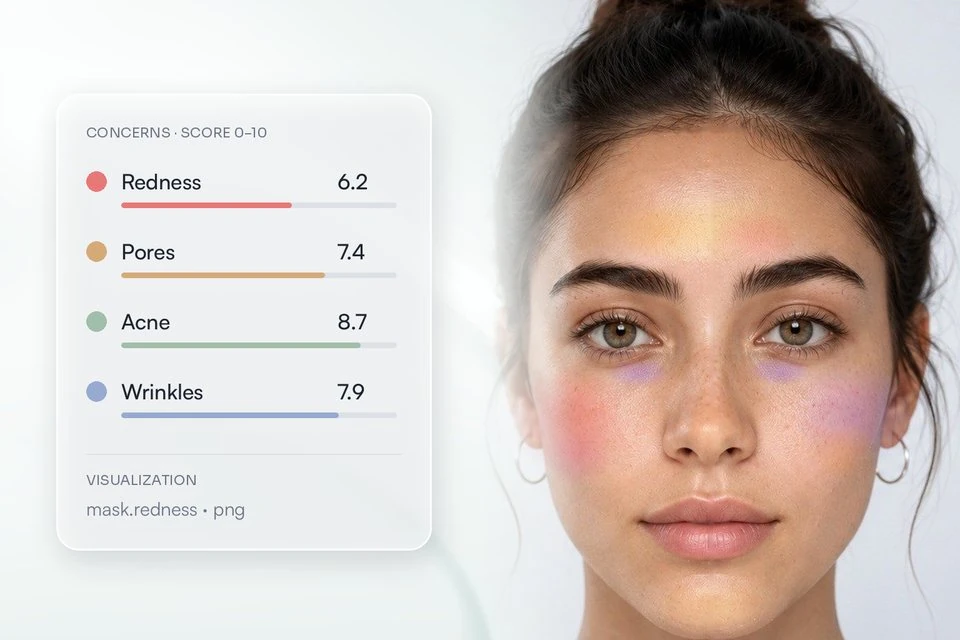
Concerns, texture and condition — and how they change.
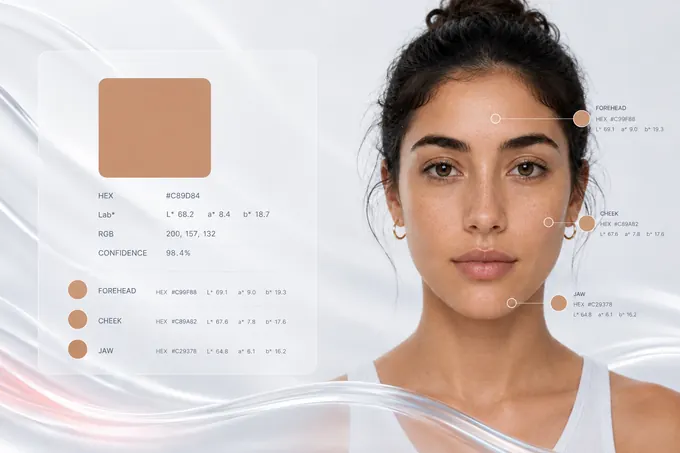
True tone and undertone, for matching that holds up.
Color, style, type and scalp, on real hair.
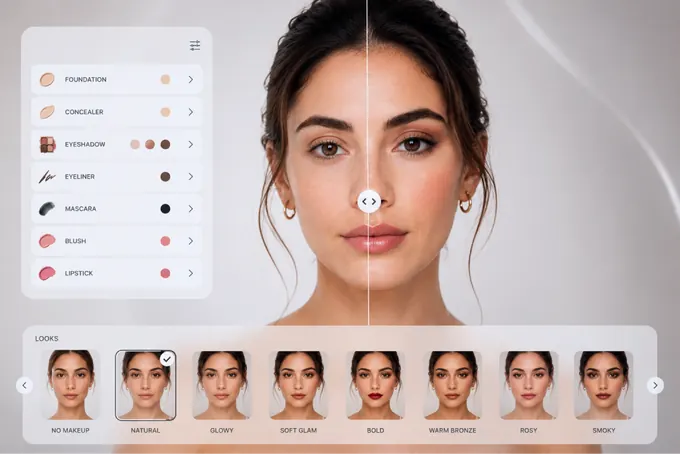
Single products to full looks, on the person's own face.
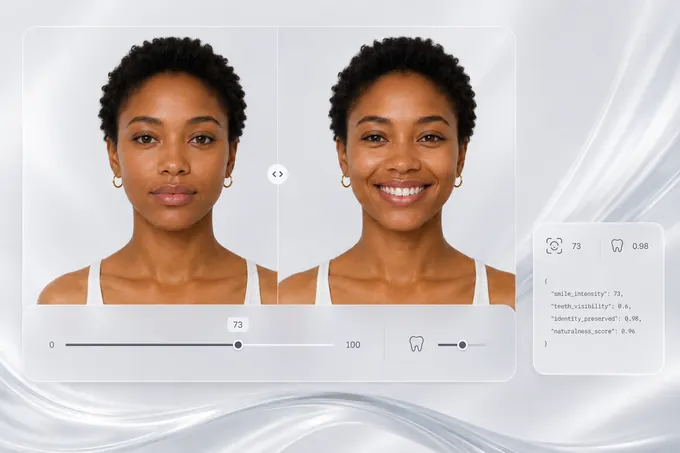
Shade, whitening and the smile before treatment.
Outcomes and change over time, shown before they happen.
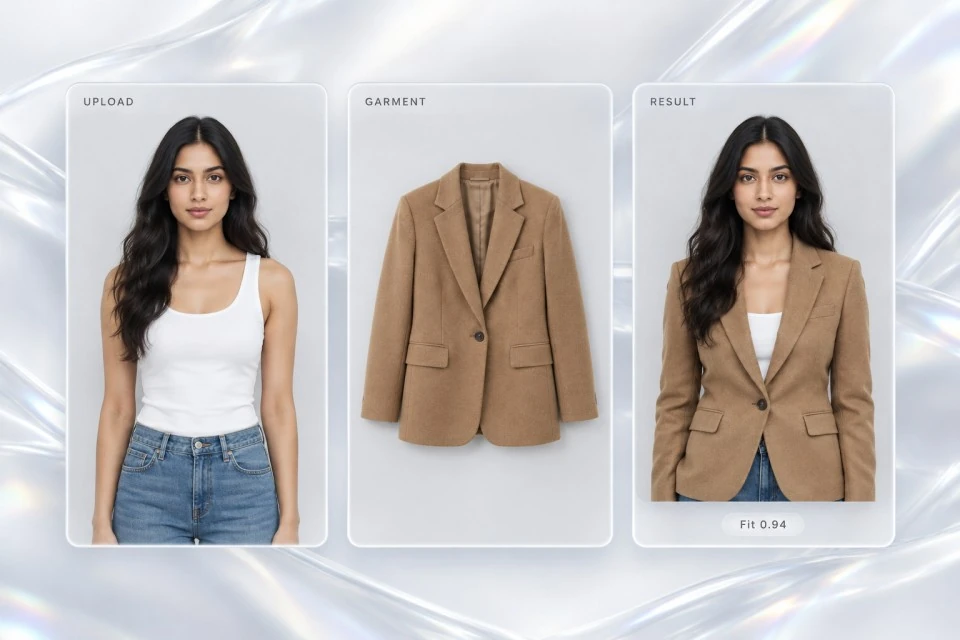
Outfits, jewelry and accessories on the person's own photo.
These domains make up Morphia's model ecosystem. Through MCP today, agents can call skin analysis, makeup and hair color try-on, and the shade catalogue tools; other models join the server as they launch. See the current tools.
MCP and Skills remove the integration work between an idea and a working result — whether you write code or not.
Need to validate an appearance feature before committing a roadmap to it.
Prototype against real models in days, then ship on the same API.
An idea for an appearance feature, but no ML team or API experience.
With Morphia MCPOnce a key is set up, build and test in plain language in Claude Desktop or Cursor.
Want working appearance features without reading a whole API first.
With Morphia MCPYour coding agent lists the tools, tests them on a pk_test_ key and writes the SDK integration.
General models can describe a face. They can’t measure or render one.
With Morphia MCPReal analysis and try-on mid-conversation, with photos sent through single-use links.
Need to validate an appearance feature before committing a roadmap to it.
With Morphia MCPPrototype against real models in days, then ship on the same API.
Shoppers can’t see a shade or color on themselves before they buy.
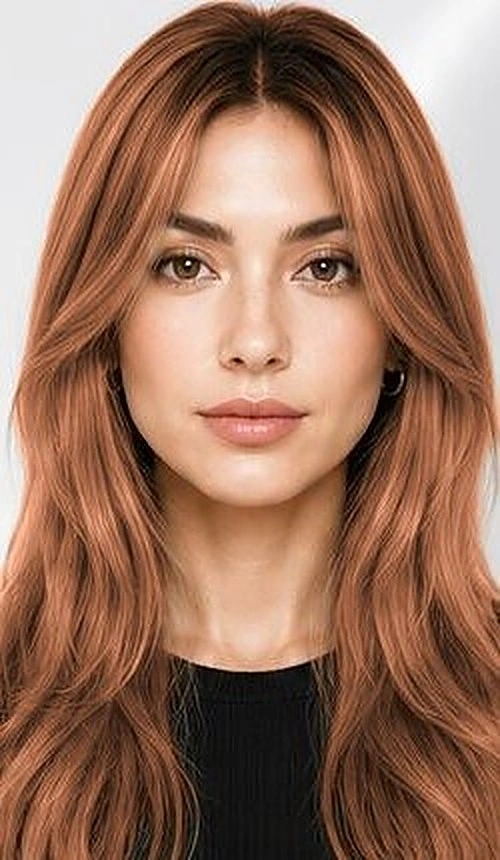
With Morphia MCPAgents preview catalogue variants on the shopper’s photo and keep the catalogue in sync.
Every client wants a working demo before the budget is approved.
With Morphia MCPpk_test_ keys and narrow scopes make per-client prototypes fast, cheap and safe.
Their users ask for appearance features they can’t build in-house.
With Morphia MCPA standard way to add an appearance step to existing agent and SaaS workflows.
Pick an app. Each one shows a different job done with MorphiaOne MCP — from catalogue work in a chat to features built by a coding agent.
retain_evidence 3 swatch photos keptmeasure_regions colour measured · 3 regionsstage_candidate 3 catalogue draftspreview_variant 3 previews · 3 credits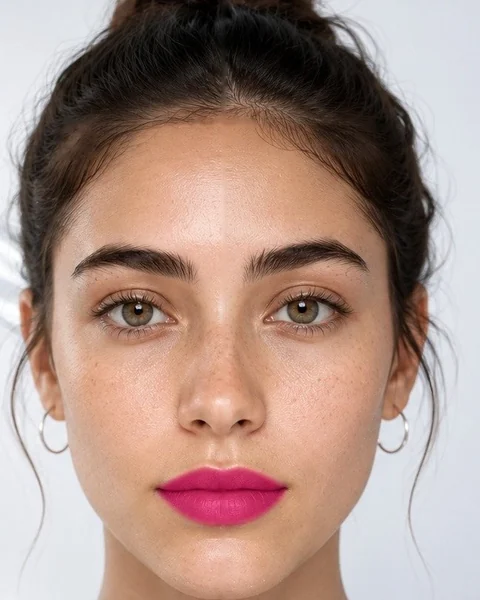
ChatGPT can make mistakes. Check important info.
I have a wedding in three weeks. Here’s a selfie — what should I focus on for my skin, and which lip shade works best?
Reply to Claude…
Claude can make mistakes. Please double-check responses.
On your photoTry-on is using your photoChangepage.tsx, lib/list_variants4 shadesget_makeup_capabilitiesparamsmakeup_try_onpk_test_ key · freePlan, search, build anything…
rg "booking" src/get_account_contexthair_try_on · pk_test_ keynpm test · 12 passed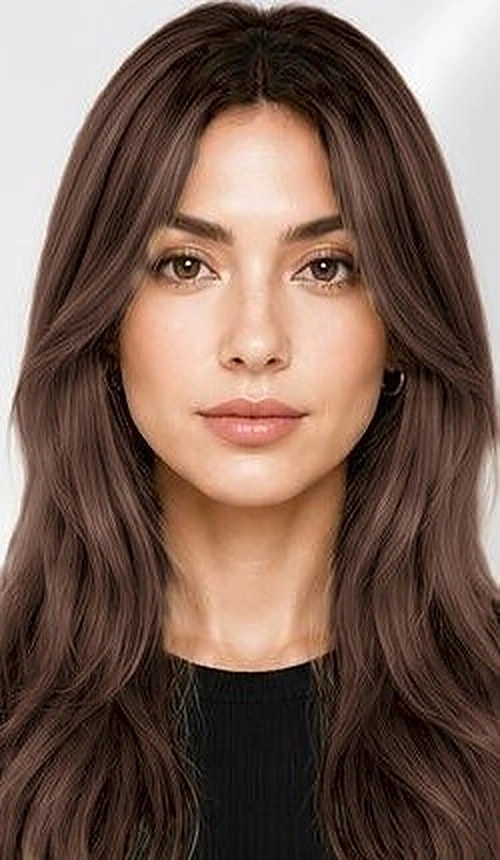
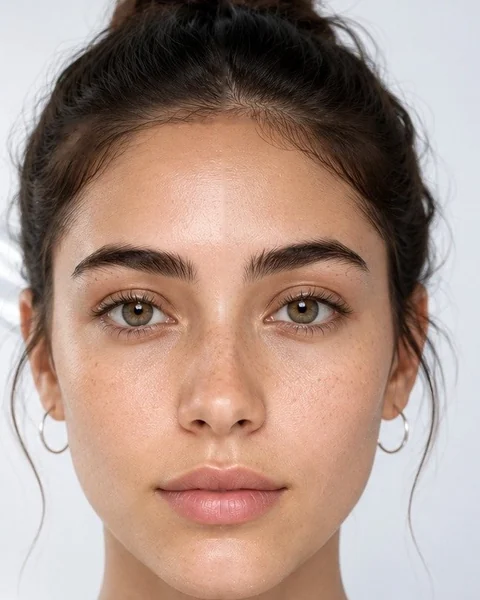 Week 1
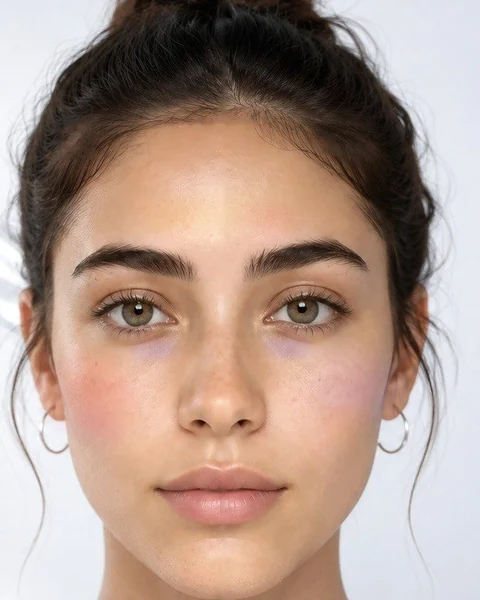 Week 8 · concern map
Add a skin progress card to the patient visit page. Use MorphiaOne to analyze each visit photo.
VisitPage.tsxpk_test_ key · returns sample results at no charge.
skin_analyze — morphiaoneSkinProgress.tsxEach visit photo is analyzed once and stored, so the card compares the first and latest readings without new calls.
Ask Copilot
Copy the server address, pick your AI assistant and follow its steps. Start with a pk_test_ key — test jobs cost nothing.
https://mcp.morphiaone.ai/mcp
pk_test_ in the MorphiaOne Platform — test jobs cost nothing.MorphiaOne, paste the server address as the URL and click Continue.https://mcp.morphiaone.ai/mcpAuthorization with Bearer pk_test_… and click Add.What can Morphia do with this key?Request headers is in beta for a limited set of organizations. If you don’t see it, request access. On Team and Enterprise plans, an Owner adds the connector once.
What can Morphia do with this key?
MorphiaOne and paste the server address as the Server URL under Connection.https://mcp.morphiaone.ai/mcpProduct preview. ChatGPT connects to custom MCP servers with OAuth sign-in, while MorphiaOne MCP uses API keys today. Request access to use MorphiaOne in ChatGPT.
Try a coral lipstick on this photo
pk_test_ in the MorphiaOne Platform — test jobs cost nothing.MORPHIAONE_API_KEY to your shell profile or system environment, since remote servers can’t read an env file.export MORPHIAONE_API_KEY=pk_test_…~/.cursor/mcp.json — or .cursor/mcp.json for one project — and save this config.mcp.json · morphiaonemorphiaone and switch its toggle on.What can Morphia do with this key?What can Morphia do with this key?
pk_test_ in the MorphiaOne Platform — test jobs cost nothing.MorphiaOne, paste the server address as Server URL and add a short description.https://mcp.morphiaone.ai/mcpAuthorization, then select Create.AuthorizationBearer pk_test_… and select Add to agent.MorphiaOne on the agent’s Tools page to see its tools, then ask the agent.What can Morphia do with this key?These steps are for agents you build in Microsoft Copilot Studio. Agents in Microsoft 365 Copilot don’t accept API keys for MCP servers.
Before you connect.
Claude Code, Cursor and VS Code (with GitHub Copilot agent mode) connect to the hosted server; Claude Desktop uses the local server. Other MCP clients that send an API key as a bearer header, such as Codex, should work too, though they aren’t in the setup guide yet. The MCP server doesn't offer OAuth sign-in yet, so ChatGPT custom connectors can't connect, and claude.ai web connectors aren't a supported path yet. See the setup guide.
Not to try it. Once the server and a key are set up in a client such as Claude Desktop or Cursor, you work in plain language. To put an experience in front of customers you'll still need an app around it — your coding agent can help write it.
The MCP server gives an agent tools it can call. A Skill gives an agent a tested way of working. Today there is one Skill, for shade digitisation, for agents that run shell commands.
Tools use the same credits as the API: skin analysis is 2 credits; makeup try-on, hair color try-on and catalogue previews are 1 credit each. pk_test_ keys charge nothing. See pricing.
Skin analysis, makeup try-on, hair color try-on, catalogue variants and looks, and shade digitisation. Other Morphia models join the MCP server as they launch.
It's in preview, with access by invitation. Tools and configuration may change before general availability. Request access.
Connect with a pk_test_ key, ask your agent what it can do, and see a real result before you spend a credit.