


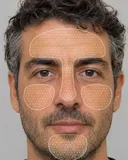
The Infrastructure for Human Appearance
One API to analyze and transform how people look.
For teams building AI products around people. Run computer vision and generative AI models on one photo — from skin analysis to try-on and photorealistic renders — with one API and server-side SDKs for TypeScript and Python.

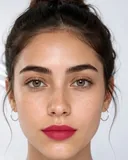
Face Analysis
Landmarks, measurements and facial attributes.
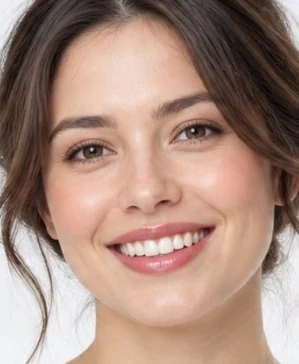
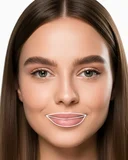
Teeth Plaque Detection
Plaque coverage per tooth, with severity.
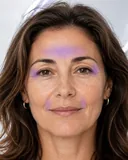
Skin Analysis
Skin concerns and condition insights.

Personal Color Analysis
Season, undertone and the colours that suit the person.






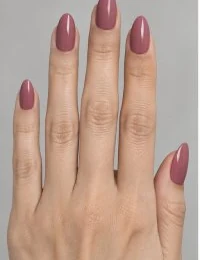
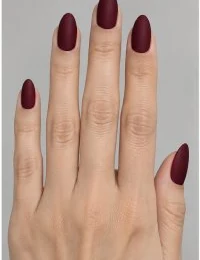
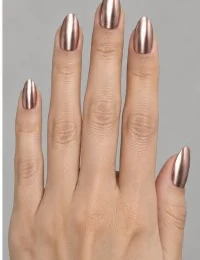
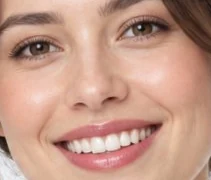
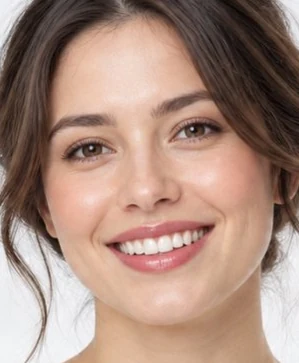
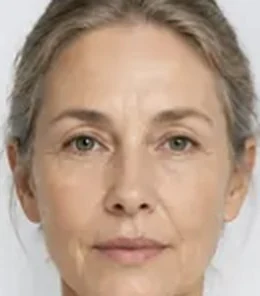
See. Measure. Show. Decide.
An experience can't measure what it hasn't seen, can't show what it hasn't measured, and can't recommend what it hasn't shown.
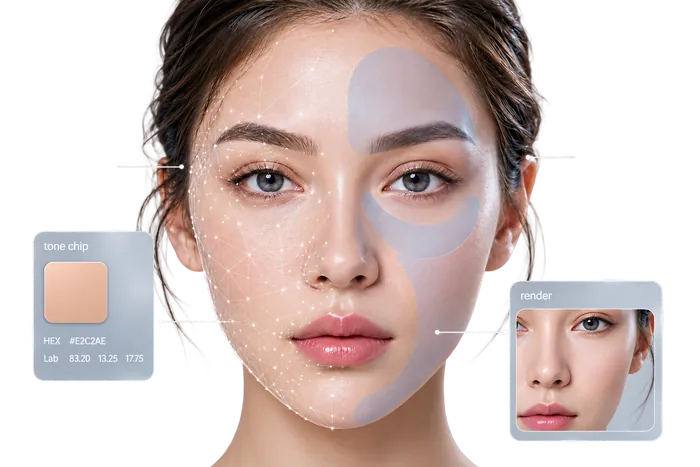
Three categories. One API.
Every product built around how people look needs the same steps: understand the person, change the look, show the result. Morphia runs all three on the same photo, so each step feeds the next.
-
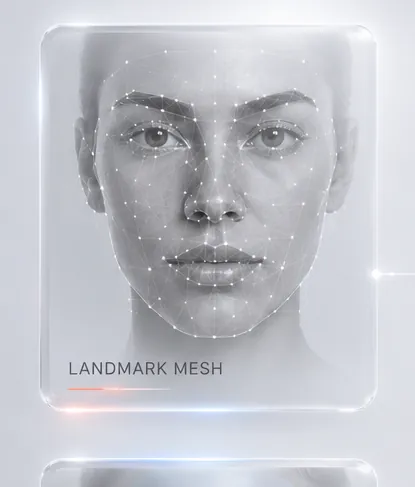
Analyze
Turn a photo into structured data — from face measurements and skin to catalogue matching.
-
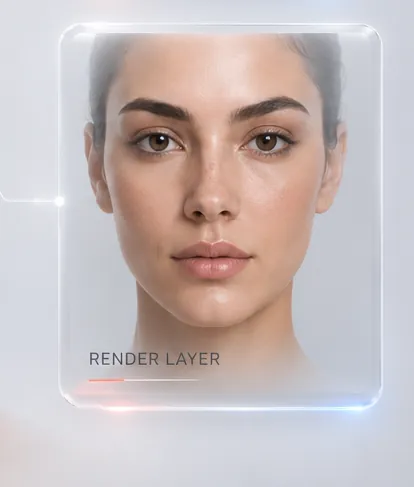
Transform
Change how the person looks, without losing the person.
-
Simulate
Show how a person will look after a change.
Analyze once.
Apply many.
Send a photo, a live frame or an agent’s request to one API. Morphia reads the person once, and every model works from that read, so measurements, catalogue matches, renders and previews come back structured and in agreement, wherever your product lives.
 PhotoSelfie or face shot
 One API · four doors
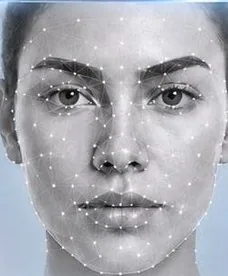
 Read onceface_id fc_8Q2m
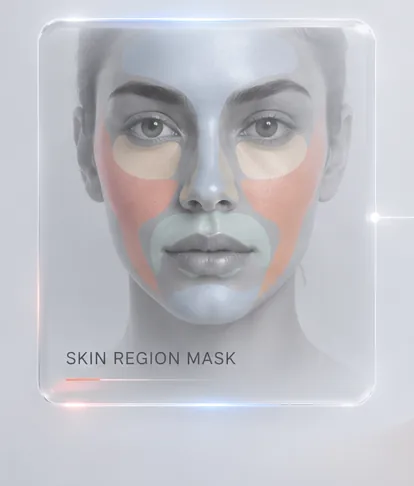
The face is found and read one time. Every model below works from that same read.
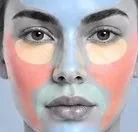
68+ landmarksRegion masksLab* toneInput quality
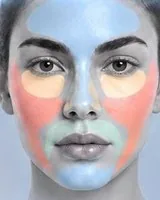
 PhotoPhotoSelfie or face shotOne API · four doors
Read onceface_id fc_8Q2m68+ landmarks · Region masks · Lab* tone
ScoresMeasurementsScores, toneMasksMasksPixel regionsRendersRendersColour, finishPreviewsPreviewsBefore and after
Understand. The question and the selfie reach Morphia as one MCP tool call.
// agent tool call: match_shade{ "face_id": "fc_8Q2m", "tone": { "hex": "#D4AC94", "undertone": "neutral-warm" }, "matches": [ { "sku": "FDN-240", "rank": 1 }, { "sku": "FDN-250", "rank": 2 } ], "render": "FDN-240 on fc_8Q2m", "confidence": 0.94}
Stitched together, the chain breaks.
Detection, segmentation, scoring and rendering from separate providers each find the face their own way — different coordinate spaces, colour spaces and formats. A converter gets written between every step, and the results still drift.
Stitched
API keys and contracts14
Times the face is found14
Converters you maintain03
Calls before a result15
Score and render agreeAlwaysNot guaranteed
Every model. One photo. One API.
Every model takes one photo and answers through the same job model.
 Skin
-
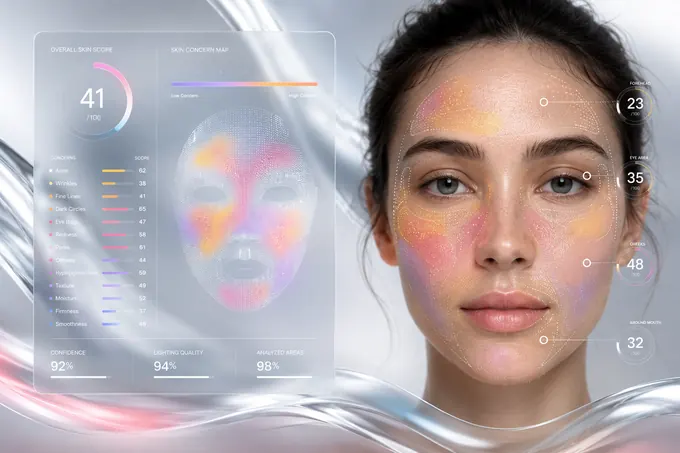 12 skin concerns
Skin Analysis
Reads the skin concerns you ask for from one face photo, and returns a score and a status for each, with optional mask and visual images. A cosmetic reading, not a medical one.
-
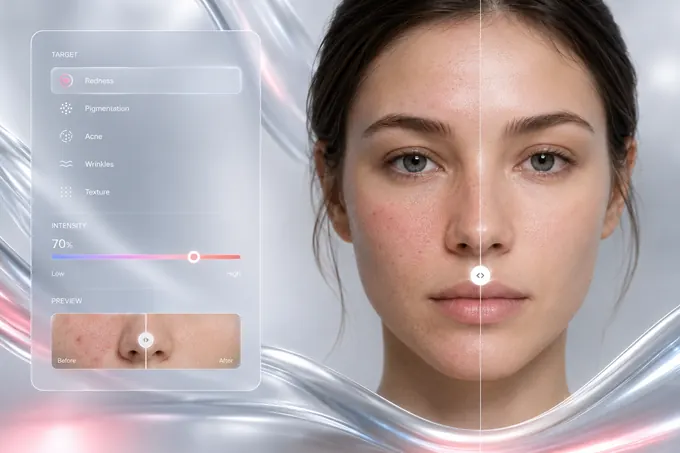 Coming soon
AI Skin Simulation
Generates a photorealistic prediction of the same face after improvement at a chosen level, with identity and real skin texture preserved.

 Tone & Colour
-
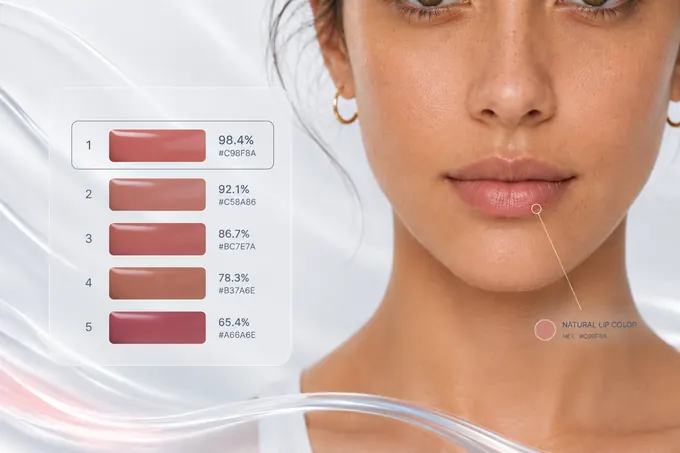
Lip Finder
Measures the natural colour of the upper and lower lip in a face photo and returns each, and both together, as a hex colour.
-
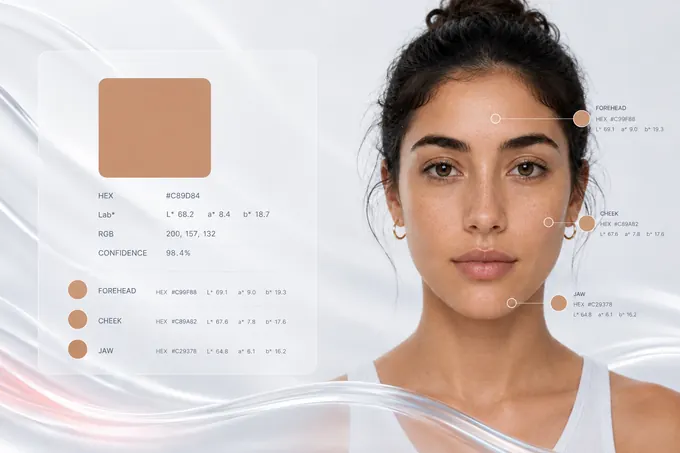
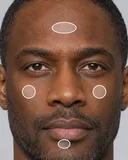
Skin Tone Analysis
Measures the skin tone in a face photo, overall and for the forehead, both cheeks and the chin, as hex, RGB and Lab* values with an ITA lightness category.
-
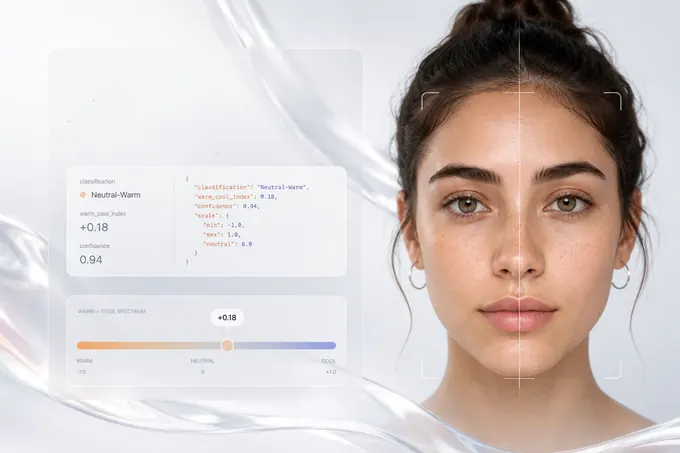
Undertone Detection
Places the skin in a face photo on a warm–cool axis as a hue angle, overall and per region, so the result is a measurement rather than a label.
-
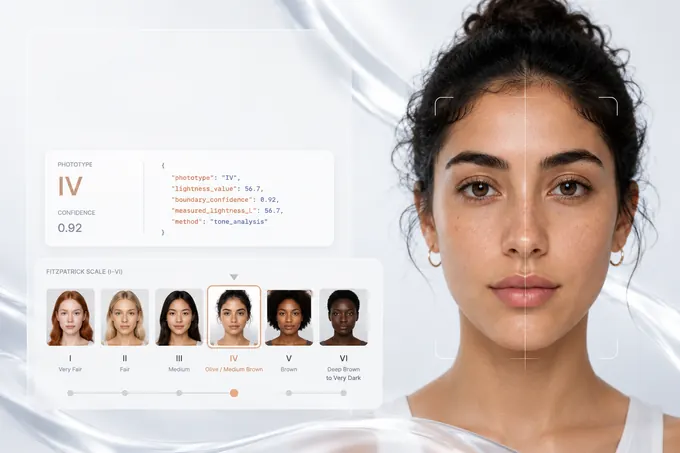 Coming soon
Fitzpatrick Skin Type Analysis
Returns Fitzpatrick phototype I–VI from measured skin tone. A clinical scale — never an ethnic inference.
 Face & Eyes
-
 Coming soon
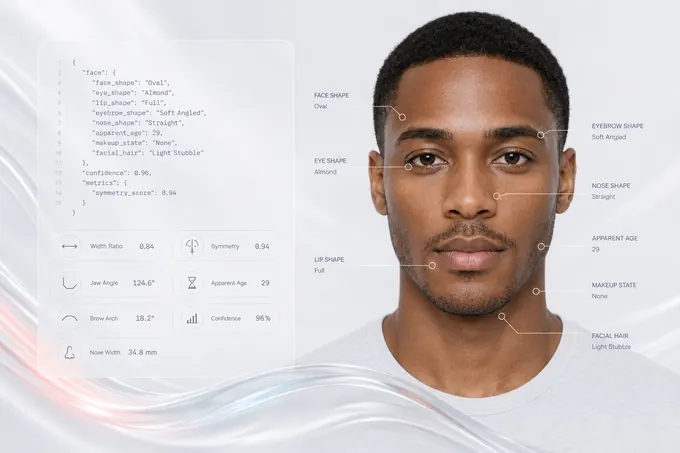
AI Face Attributes Analyzer
Returns the complete attribute profile of a face in one call, with the supporting measurements behind each label.
-
 Coming soon
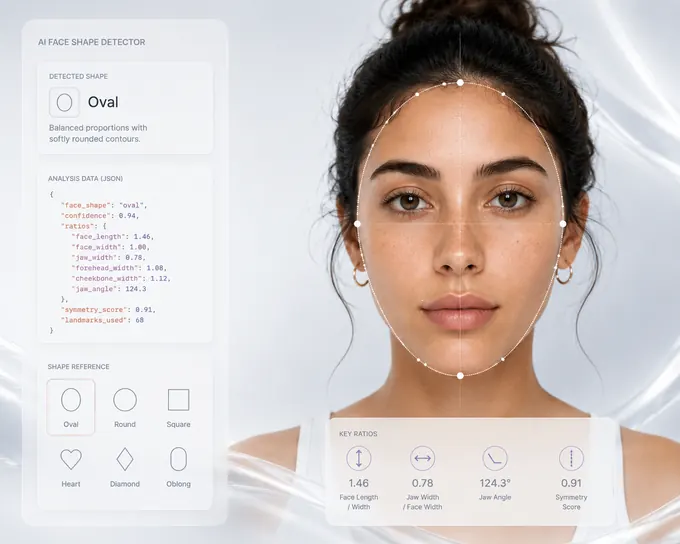
AI Face Shape Detector
Classifies face shape and returns the proportional measurements that support the classification.
-
 Coming soon
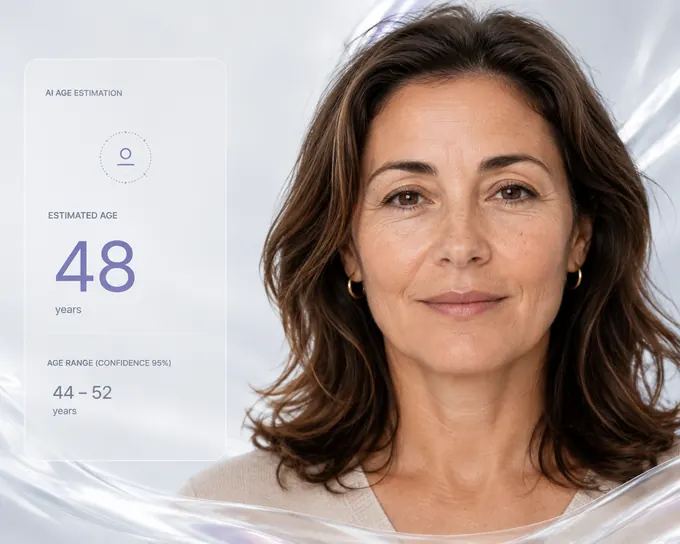
AI Age Estimation
Estimates apparent age from facial features and returns a confidence range rather than a single number.
-
 Coming soon
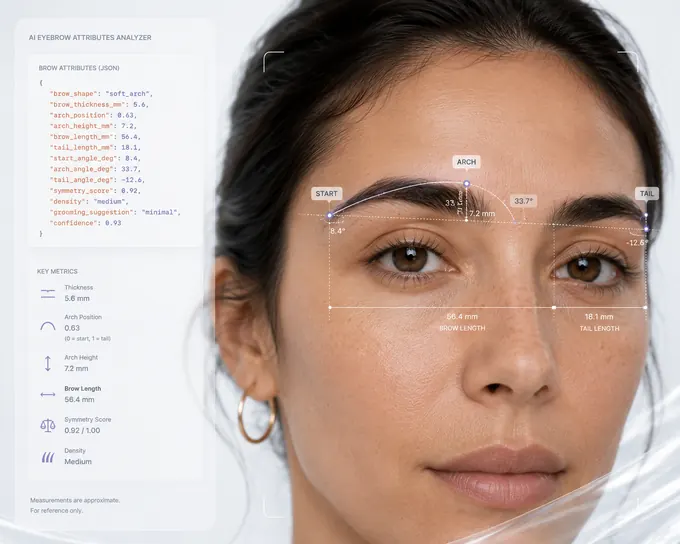
AI Eyebrow Attributes Analyzer
Analyses natural brow structure and returns shape, arch position, thickness and left–right symmetry.
-
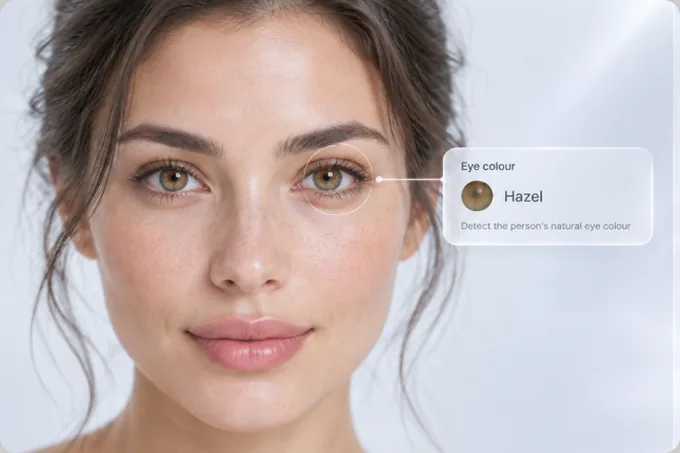 Coming soon
Eye Colour Analysis
Detect the person's natural eye colour.
-
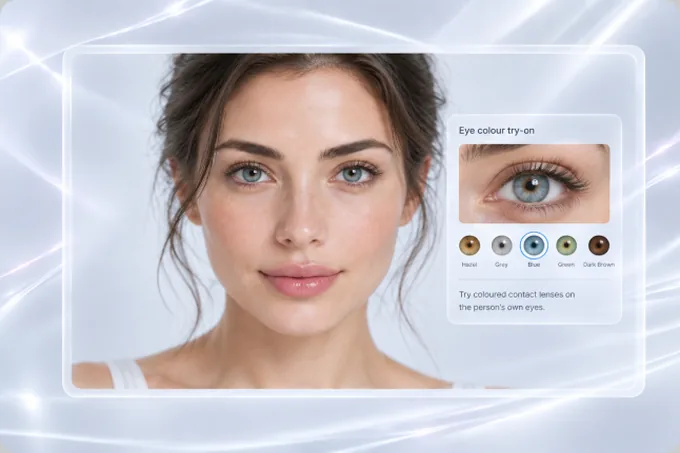 Coming soon
Eye Colour Try-On
Try coloured contact lenses on the person's own eyes.
 Makeup
-
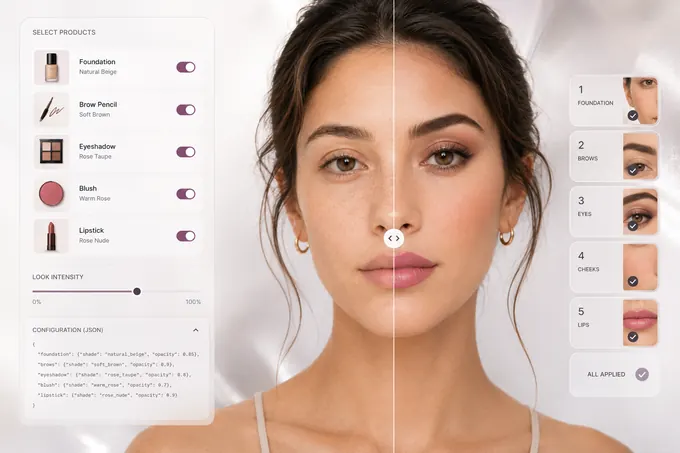
Makeup Try-On
Applies foundation, lipstick and lip liner to a face photo, at the hex color and opacity you choose, layered in the order you give.
-
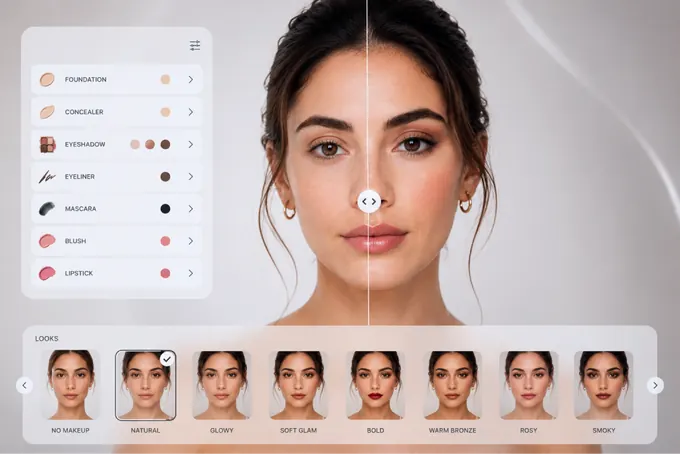 Coming soon
Look Virtual Try-On
Applies a complete curated look in one call, and lets the user swap any single product while keeping the rest of the look intact.
-
 Coming soon
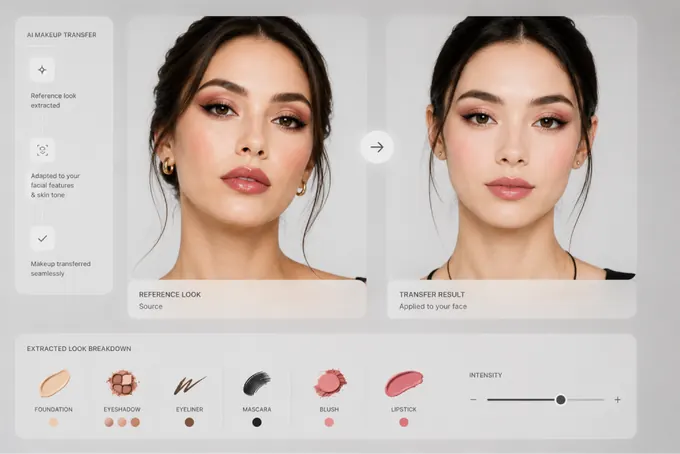
AI Makeup Transfer
Extracts the makeup from a reference photo and reapplies it to a different face, adapted to that person's features and skin tone.
-
 Coming soon
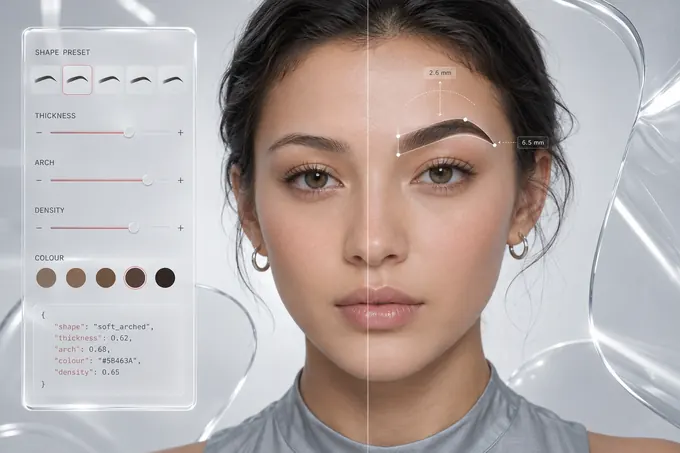
AI Eyebrow Try-On
Reshapes, fills and recolours brows following the natural growth line.
 Hair & Scalp
-
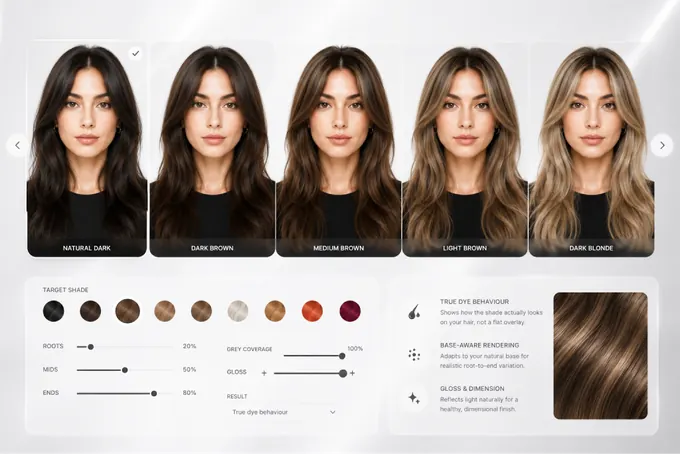
Hair Color Try-On
Recolors the hair in a mask you provide with a dark and a light color stop. It changes color only, never style or length.
-
 Coming soon
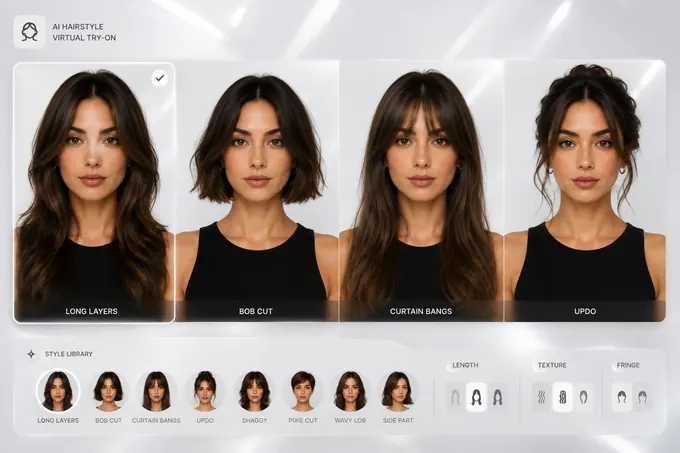
AI Hairstyle Virtual Try-On
Replaces the hairstyle while keeping identity, face shape and lighting intact.
-
 Coming soon
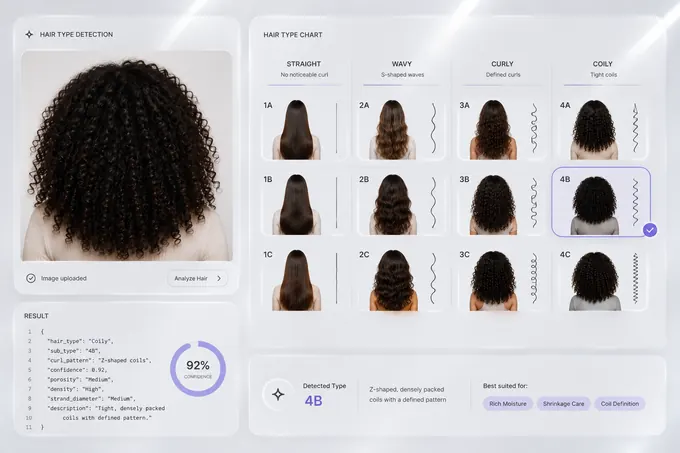
AI Hair Type Detection
Classifies hair type with the standard sub-grades and returns the curl pattern.
-
 Coming soon
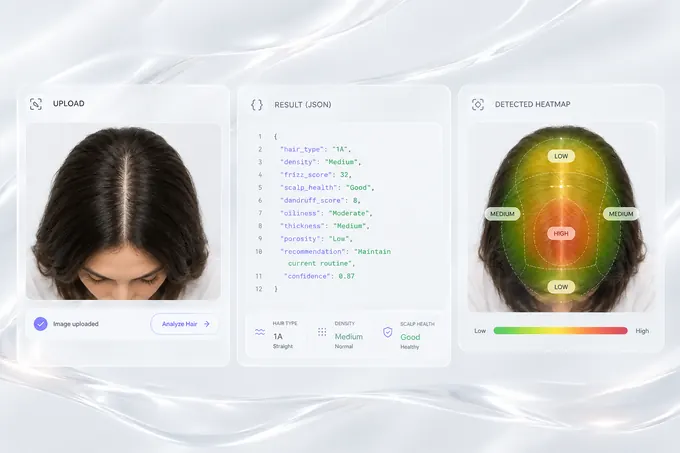
AI Hair Density Detection
Grades hair density from scalp exposure and strand distribution, with per-zone values.
-
 Coming soon
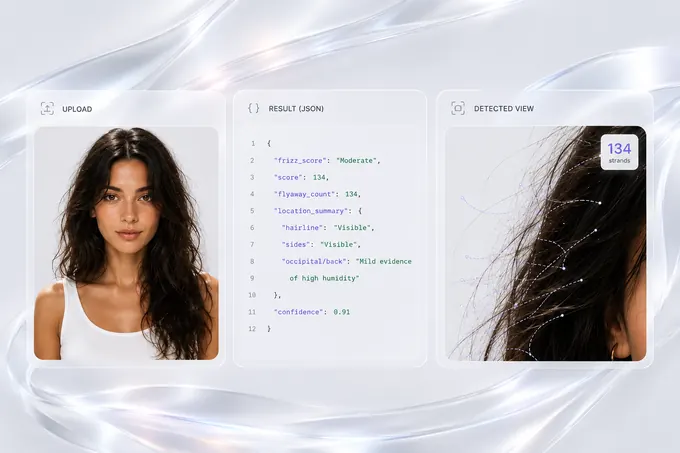
AI Hair Frizziness Detection
Grades frizz level and counts flyaway strands, with a humidity-response estimate.
-
 Coming soon
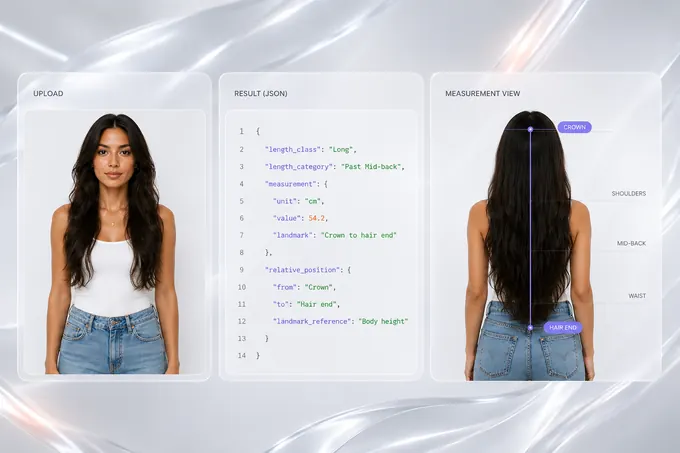
AI Hair Length Detection
Measures hair length relative to body landmarks and classifies it, including layering detection.
-
 Coming soon
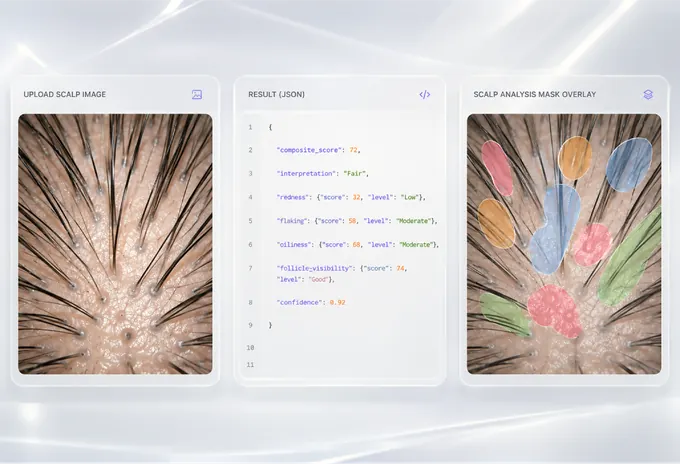
AI Scalp Health Analysis
Analyses scalp condition from a close-up image and returns a composite score with contributing signals.
-
 Coming soon
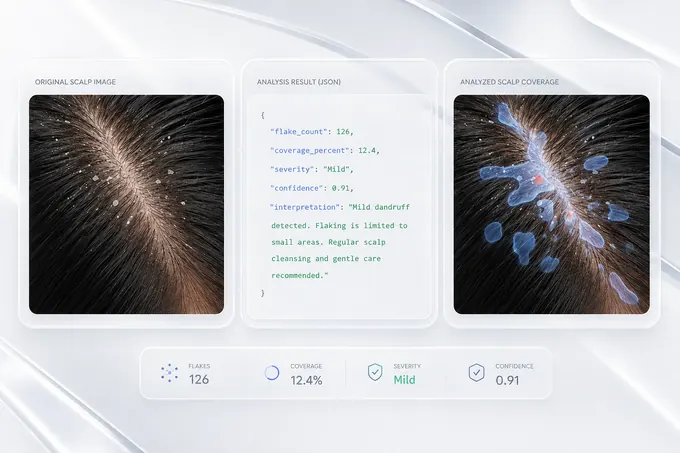
AI Dandruff Detection
Detects dandruff flaking and grades severity with a coverage map.
 Nail
-
 Coming soon
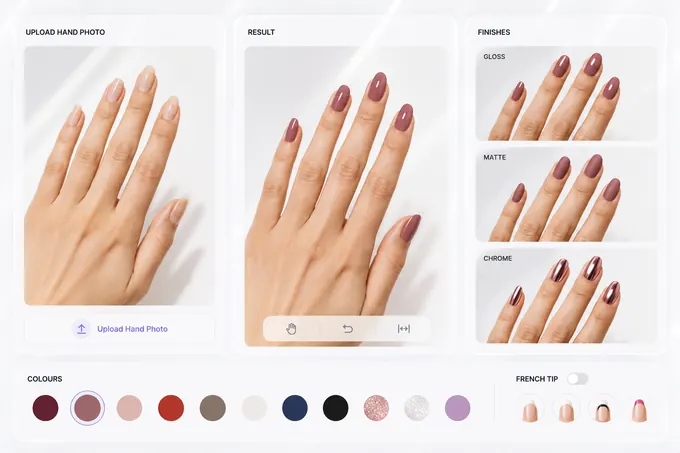
Nail Try-On
Nail color on a hand photo. Not available yet, and no release date has been announced.
 Dental
-
 Coming soon
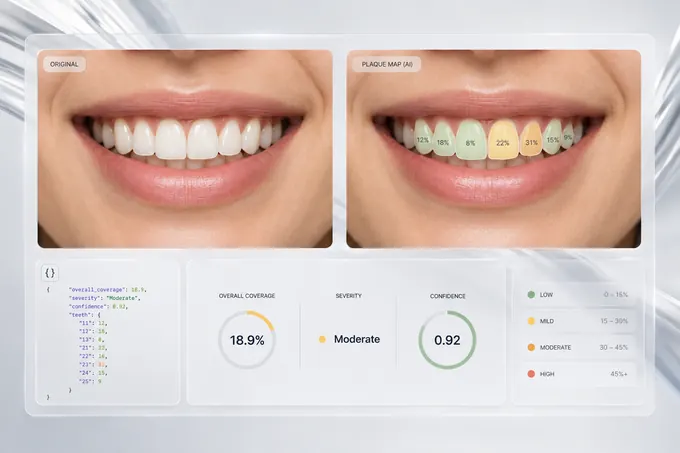
AI Teeth Plaque Detection
Detects visible plaque on anterior teeth from a smile photo and returns per-tooth values with a coverage map.
-
 Coming soon
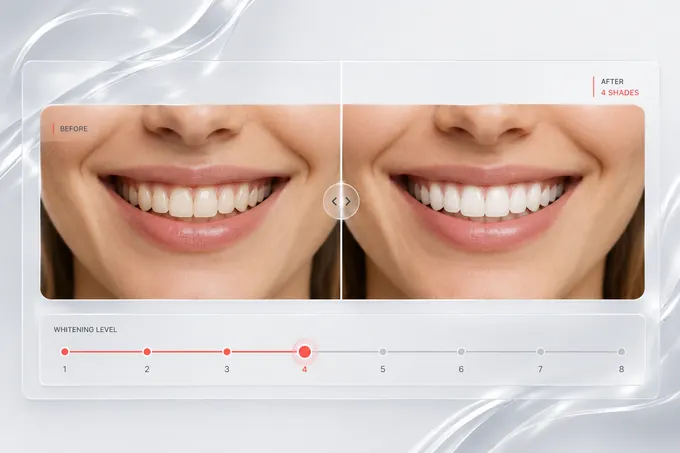
AI Teeth Whitening
Whitens teeth by a chosen number of shade steps while keeping enamel texture and translucency realistic.
-
 Coming soon
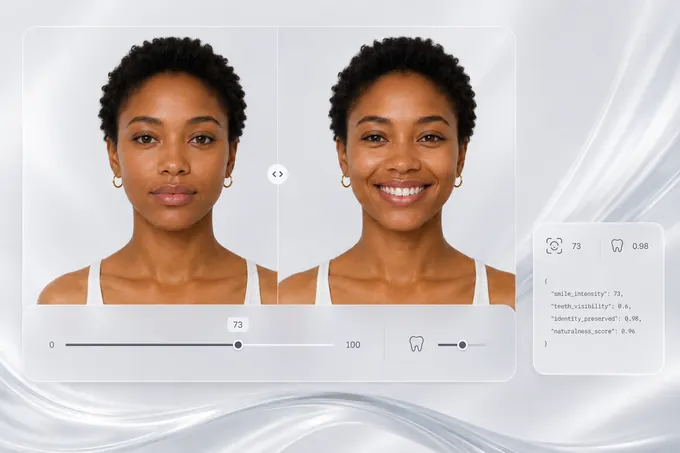
AI Smile Generator
Turns a neutral expression into a natural smile, preserving identity and facial mechanics.
 Simulation
-
 Coming soon
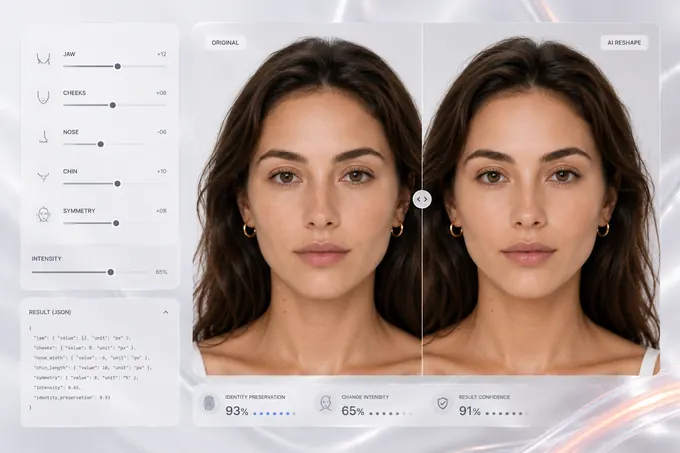
AI Face Reshape
Adjusts facial proportions with per-feature control while keeping the person recognisably themselves.
-
 Coming soon
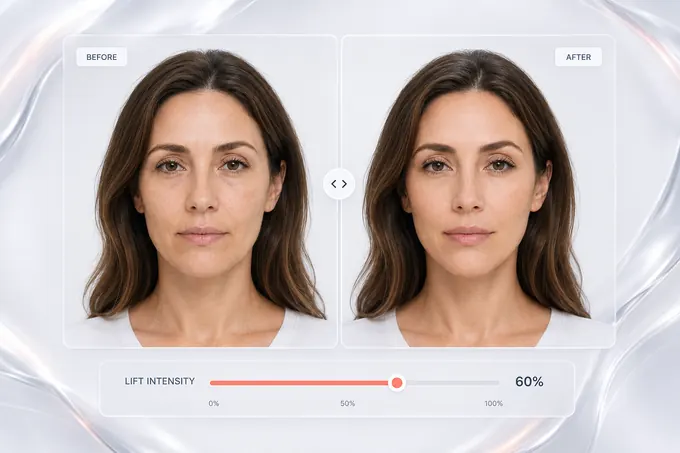
AI Face Lift Simulation
Simulates a lifting effect across the mid-face, jawline and brow at a chosen intensity.
-
 Coming soon
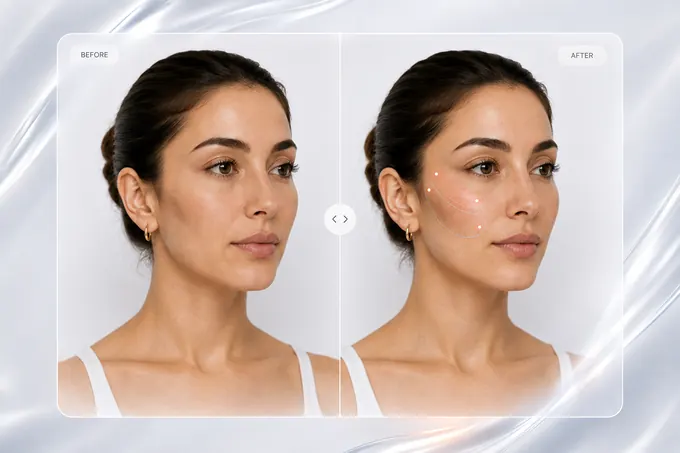
AI Cheek Filler Simulation
Simulates midface volume restoration and cheekbone projection with placement control.
-
 Coming soon
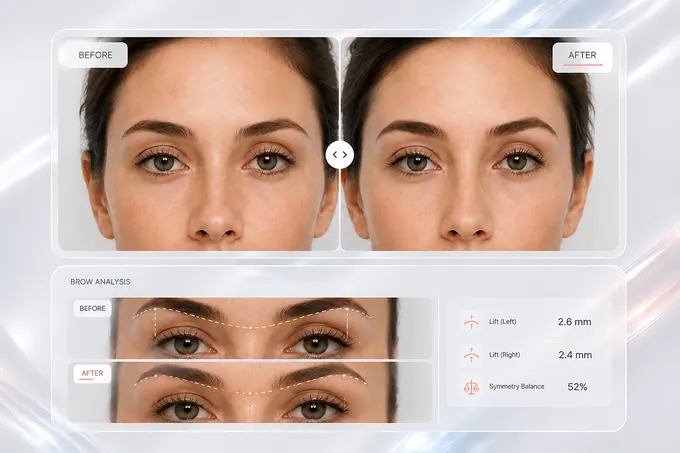
AI Brow Lift Simulation
Simulates brow elevation and arch change and returns the measurements describing the change.
-
 Coming soon
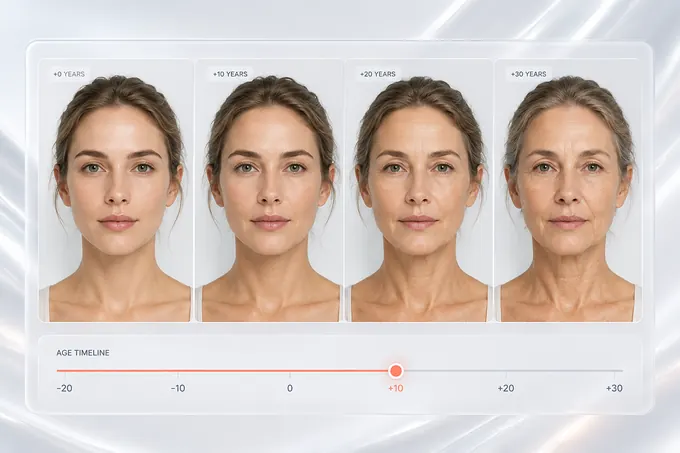
AI Aging Simulation
Projects a face forward or backward by a chosen number of years, driven by measured skin condition rather than a generic filter.
 Portrait
-
 Coming soon
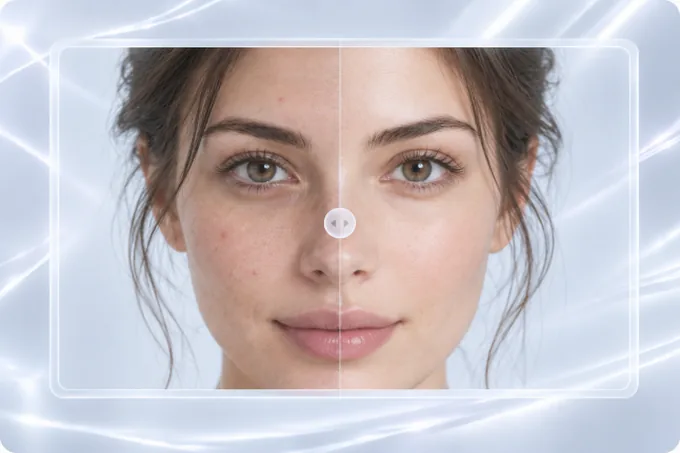
Skin Retouching
Clear blemishes and smooth skin on the person's own photo.
-
 Coming soon
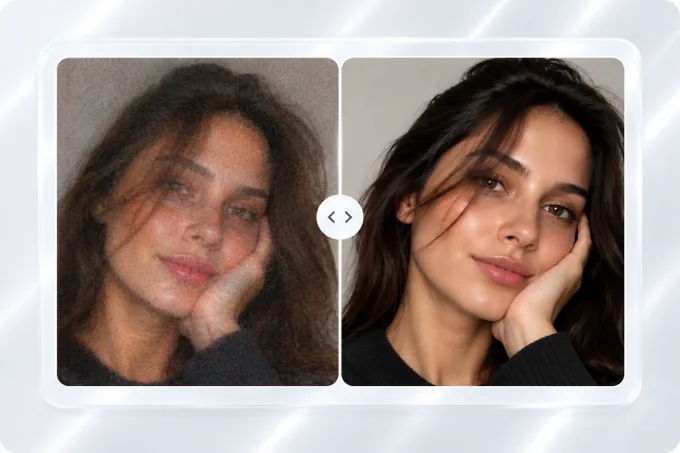
Portrait Enhancement
Upscale, denoise and sharpen a low-quality portrait.
-
 Coming soon
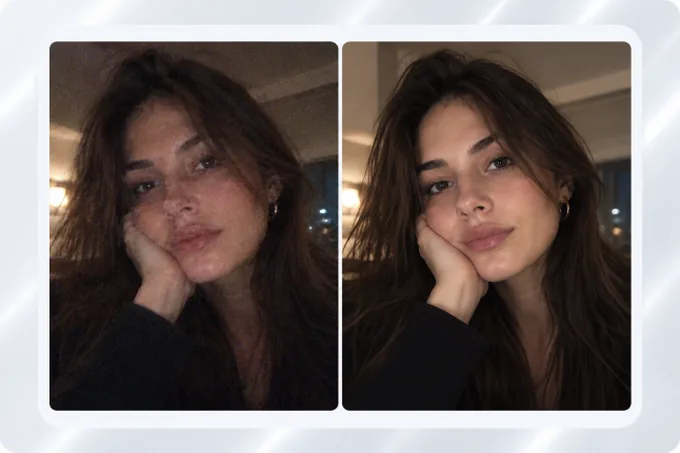
Portrait Relighting
Upscale and denoise a low-quality portrait.
Who it is built for
One API, many places to ship it. Each team below builds something different on the same models: inside an agent, an app, a booking flow or a store.
-
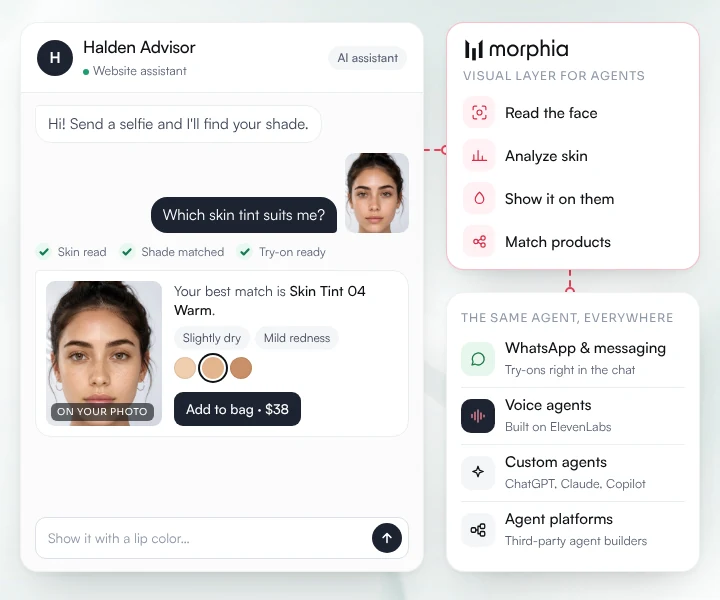
AI Agents & Assistants
Give your brand's agents visual skills, wherever they run.
How you use Morphia
- Website and app assistants
- WhatsApp and messaging
- Custom and voice agents
-
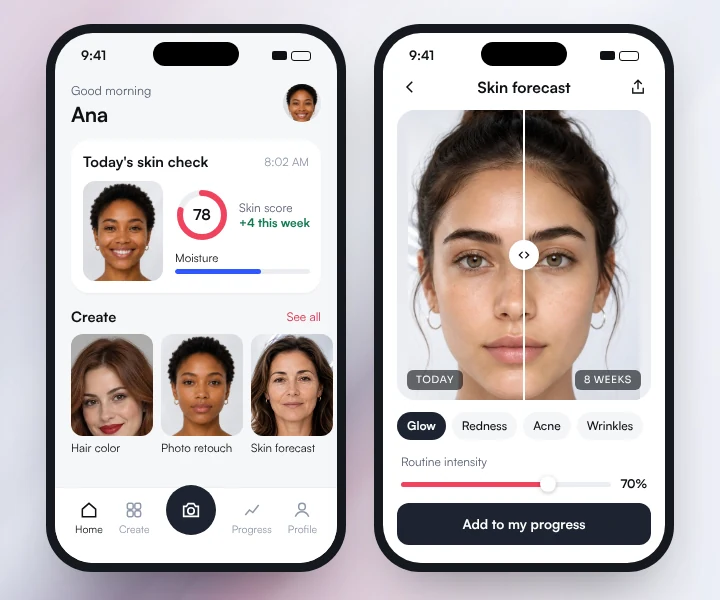
Consumer Apps & Mobile Studios
Ship skin checks, try-ons, editing and simulations from one selfie.
How you use Morphia
- Skin check-ins
- Hair color try-on
- Editing and skin simulation
-
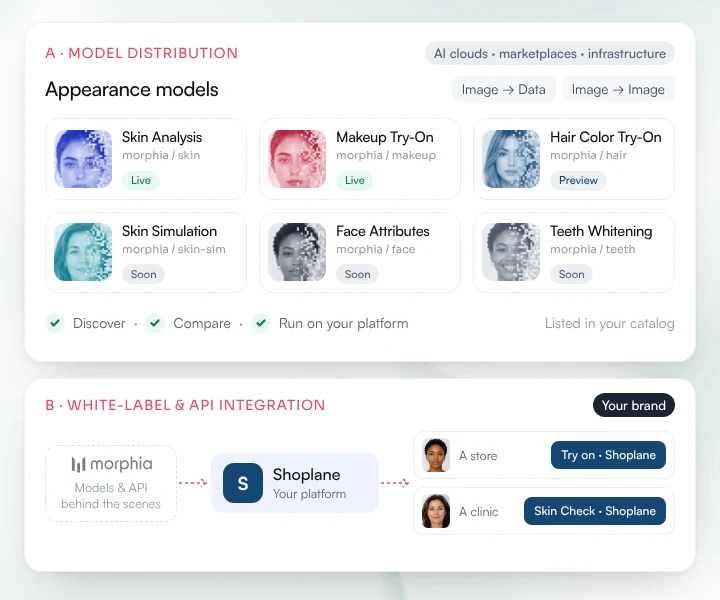
Platforms & Marketplaces
List our models in your catalog, or offer them under your own brand.
How you use Morphia
- List models in your catalog
- Offer features under your own brand
- One integration, many customers
-
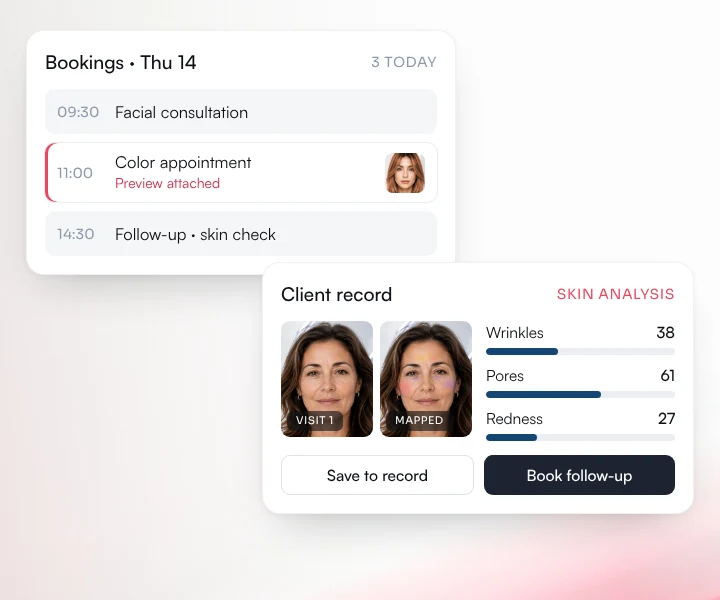
Vertical SaaS
Add analysis and previews to the software your customers run every day.
How you use Morphia
- Previews on bookings
- Analysis on client records
- Progress between visits
-
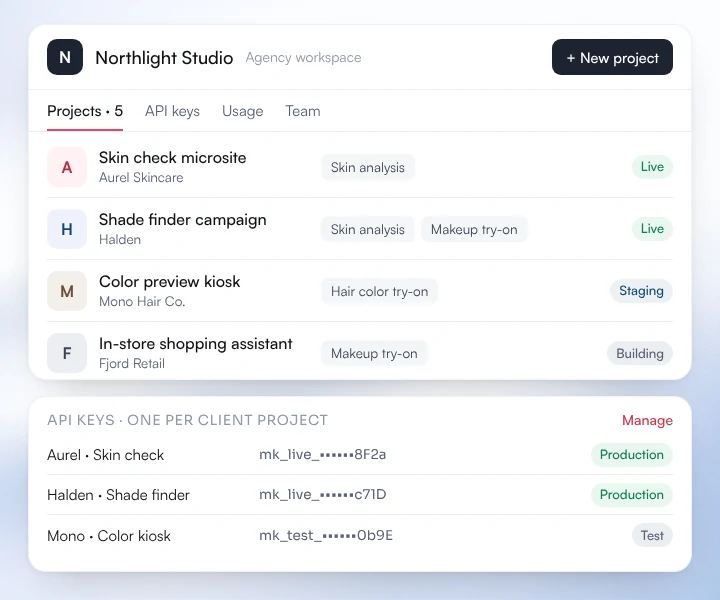
Agencies & Integrators
Build client campaigns and experiences, all managed from one workspace.
How you use Morphia
- Campaigns and activations
- Custom client experiences
- Projects and keys in one place
-
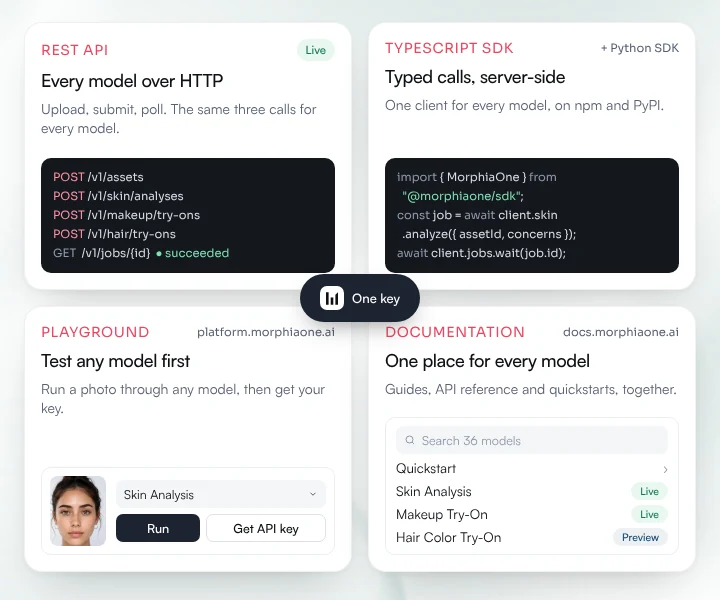
Developers & Product Teams
Every model through one API, one key and one set of docs.
How you use Morphia
- Many models, one platform
- TypeScript and Python SDKs
- Unified docs and a Playground
-
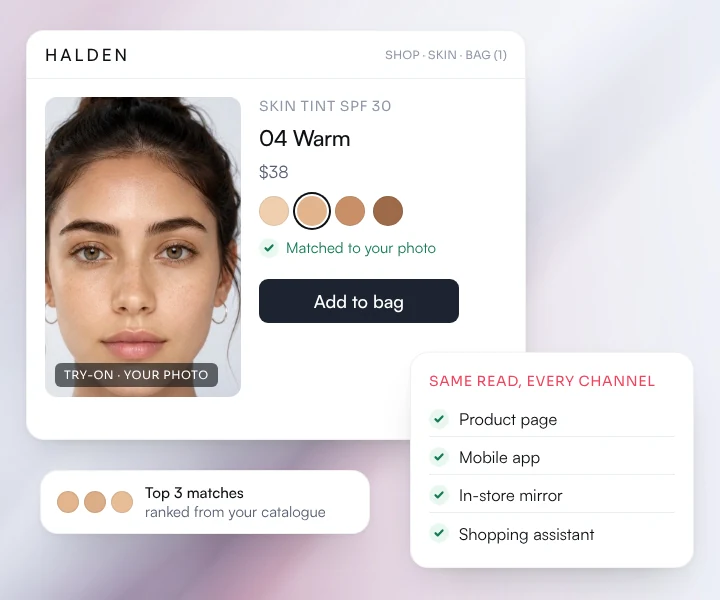
Brands & Retailers
Match, show and sell the right product across every channel.
How you use Morphia
- Shade matching from your catalogue
- Try-on on product pages
- One read across every channel
Why teams choose Morphia
Not a list of models — a list of things that ship.
-

Pricing that fits early access
During early access, pricing is agreed per account. Tell us your expected volume and we will talk it through.
-

Submit, poll, done
Upload the image once, submit a job, and poll it for the result, or let the SDK wait for you. A retried submit with the same idempotency key returns the same job.
-

Server-side SDKs for TypeScript and Python
Published on npm and PyPI as a Developer Preview. API keys are server-side credentials, so the SDKs run on your server, not in a browser.
-

Failed jobs are not charged
A job that fails is not billable: its credit hold is released, never captured. A photo that cannot be processed fails the job with an error code, so you pay only for results.
Early access is invite-only. Request access.
Tell us what you are building and we will set up your workspace. The docs are open to read now.