
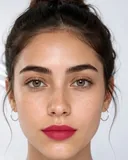

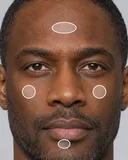
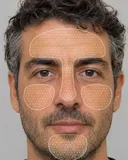
Turn a selfie into skin insights.
Analyze 12 skin characteristics from one image and use the results to build personalized skincare, beauty and wellness experiences.
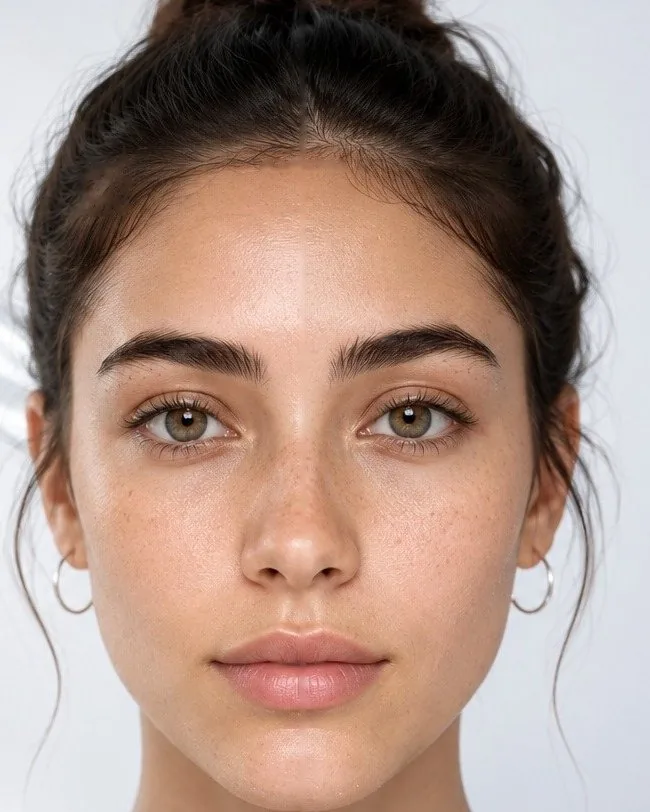
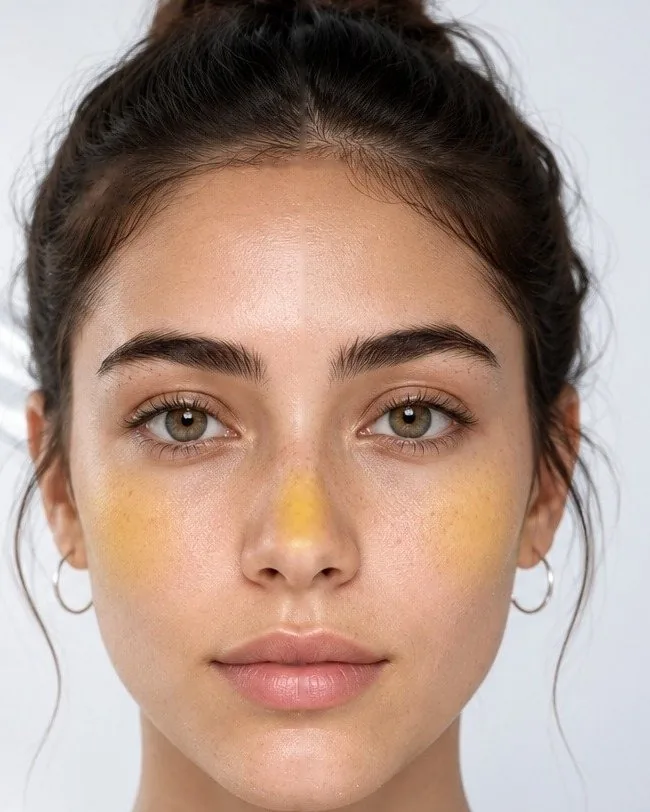
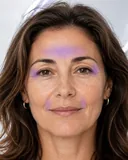
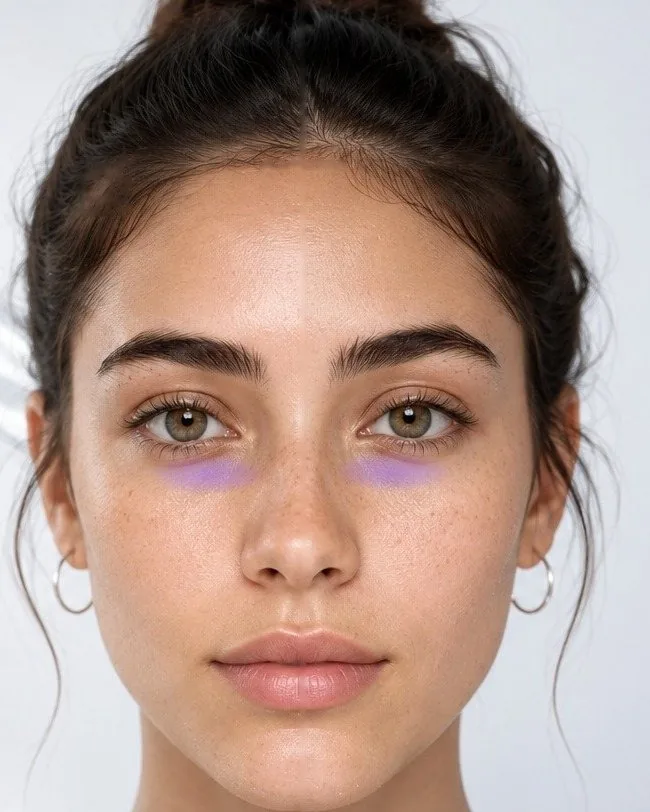 Dark circles · 65
score 58 · visualscore 61 · visualscore 65 · visualReading skin from a photo is hard.
Concerns differ across the face and are hard to assess the same way every time. Building it yourself means a separate vision model for each characteristic.
Morphia turns one image into structured skin insights.
One image. 12 skin insights.
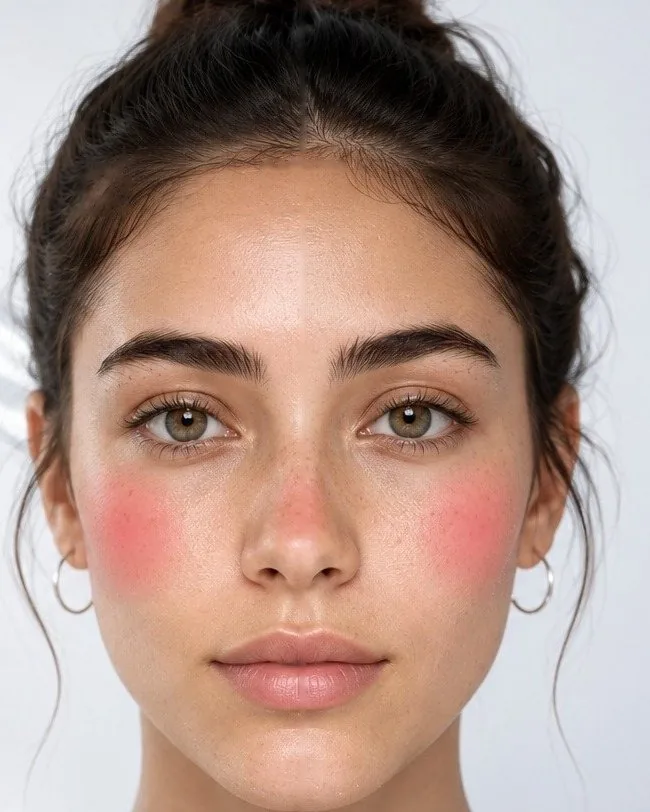
Every concern you request comes back with a score from 0 to 100, plus an optional visual on the photo.
Redness · 58What users notice first.
Signs around the eyes.
How the skin behaves today.
Changes that build up over time.
Pick the concerns, then how to show them.
Choose a group and a concern. Your app sends the list; Morphia returns a score for each, and a visual if you ask for one.
- Score0 means not visible, 100 means most visible.
- VisualAn overlay on the photo, or a mask you can style yourself.
- One requestAsk for one concern or all 12 together.
{ "concerns": ["redness"], "visualizations": [ { "concern": "redness", "kind": "visual" } ]}
Validated against real-world cases.
Morphia’s models were checked, case by case, against scores from expert dermatologists on thousands of real-world photos. Every concern was validated against those clinical references.
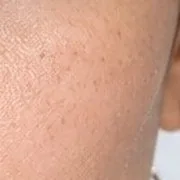
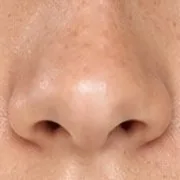
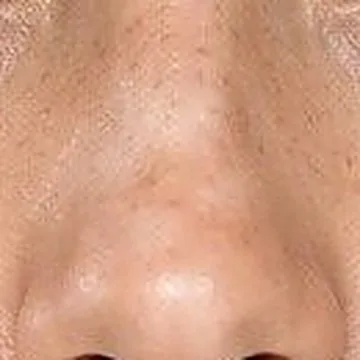
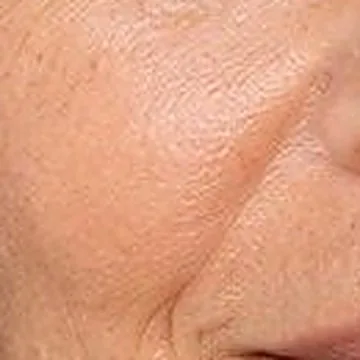
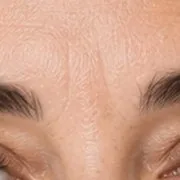
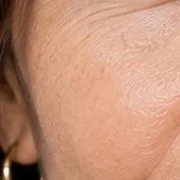
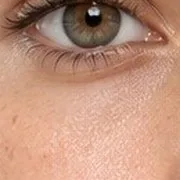
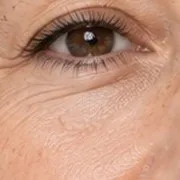
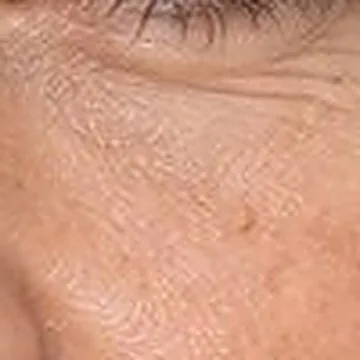
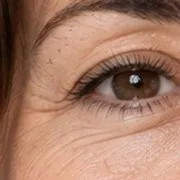
Turn skin insights into personalized experiences.
Use Skin Analysis API as the intelligence layer behind skincare, beauty and wellness products. Pick a scenario to see what goes in and what comes out.
Let users analyze visible skin characteristics from a single image.
Photo
One selfie in, a 0 to 100 score per requested concern out. Higher means more visible; ask for a visual per concern to show where.
concerns + visualizationsConnect skin insights with your own product catalog and recommendation logic.
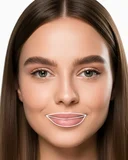
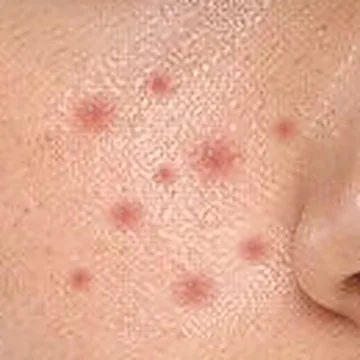
Pores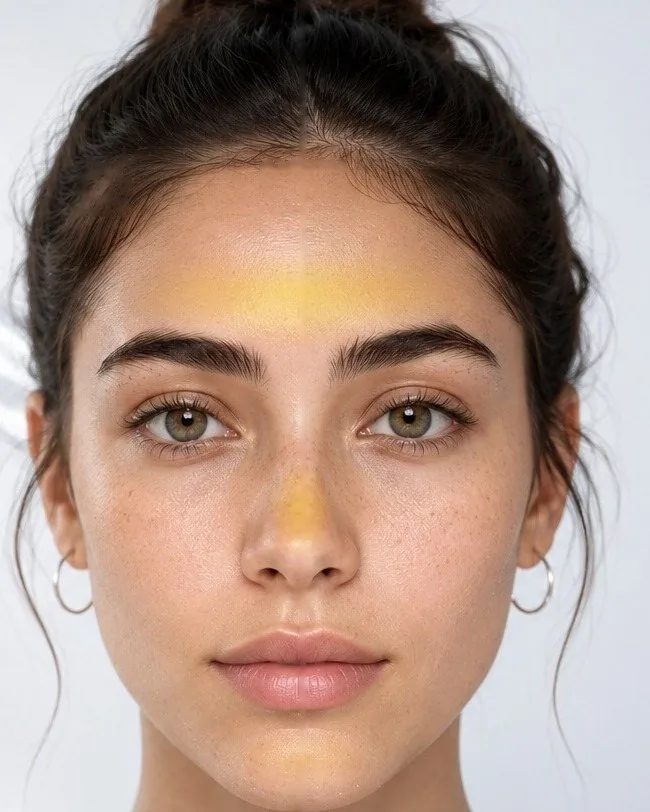
 visual.oiliness
Your routine, from one selfie
Morphia returns the scores. Your rules and your catalog pick the products, so recommendations stay yours.
pore · oiliness · moistureUse analysis results to build skincare journeys around individual skin concerns.
MorningYour routine logic maps each score to a step. Store analysis_version with the scores you keep, so later check-ins compare like with like.
wrinkles · moisture · oilinessAdd AI-powered skin analysis to existing beauty, skincare and wellness experiences.
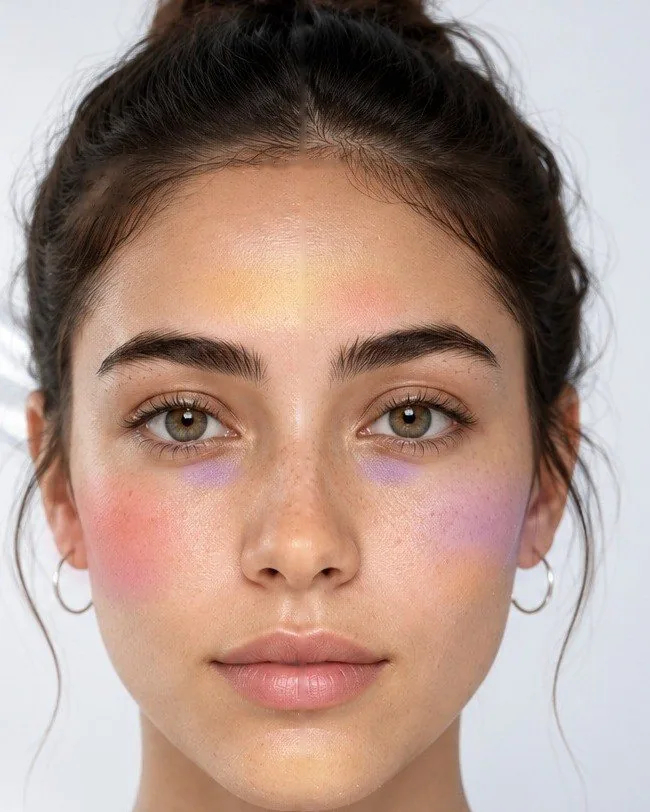 Today

All twelve concerns in one job. A concern that can’t be measured comes back unavailable with a reason, never as a score of 0.
12 concernsGive beauty professionals and consultants additional visual insights to support personalized consultations.
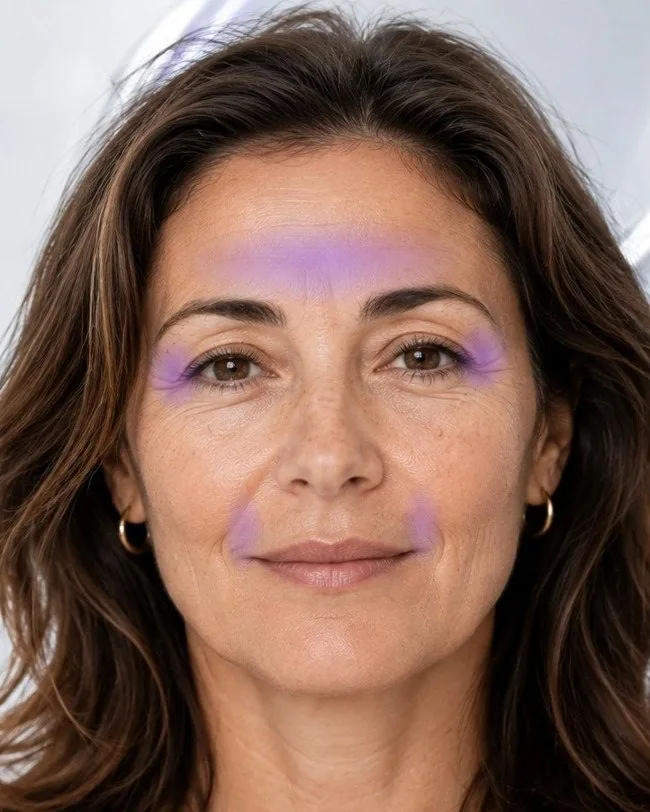 Wrinkles
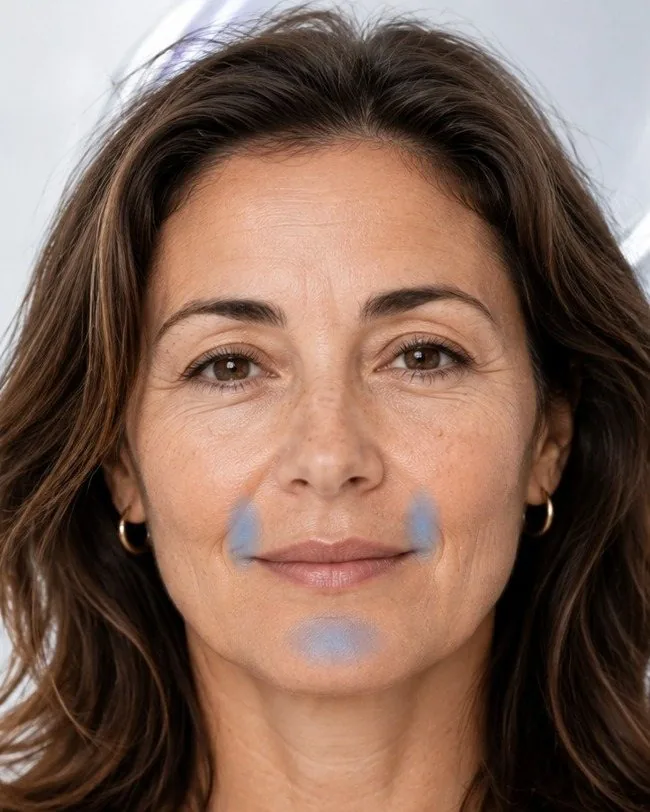
 mask.firmness
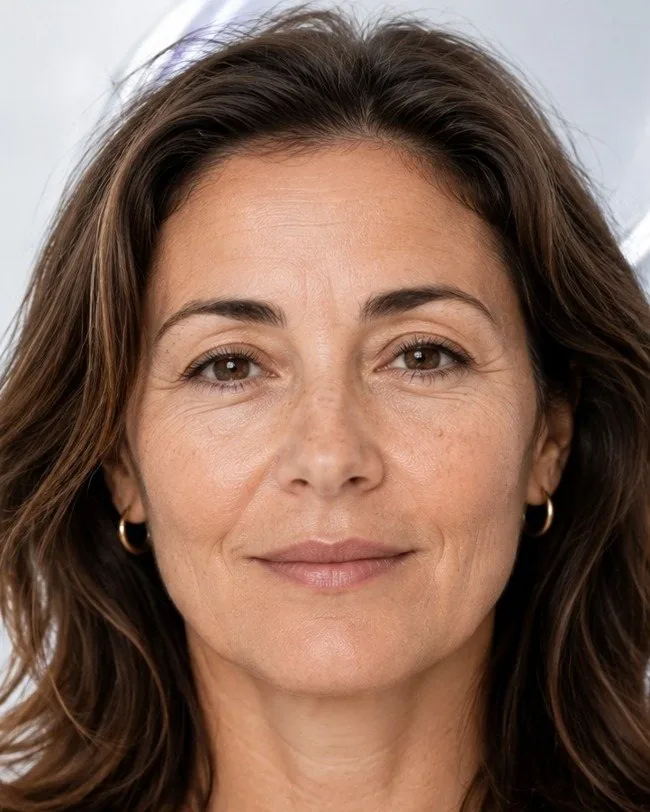 Selin A., 52Consultation · Thu 14:30
Scores arrive with the intake form, each with its mask. The consultant decides; the read makes the first minutes count.
concerns + masksBuild experiences that help users compare skin insights over time.
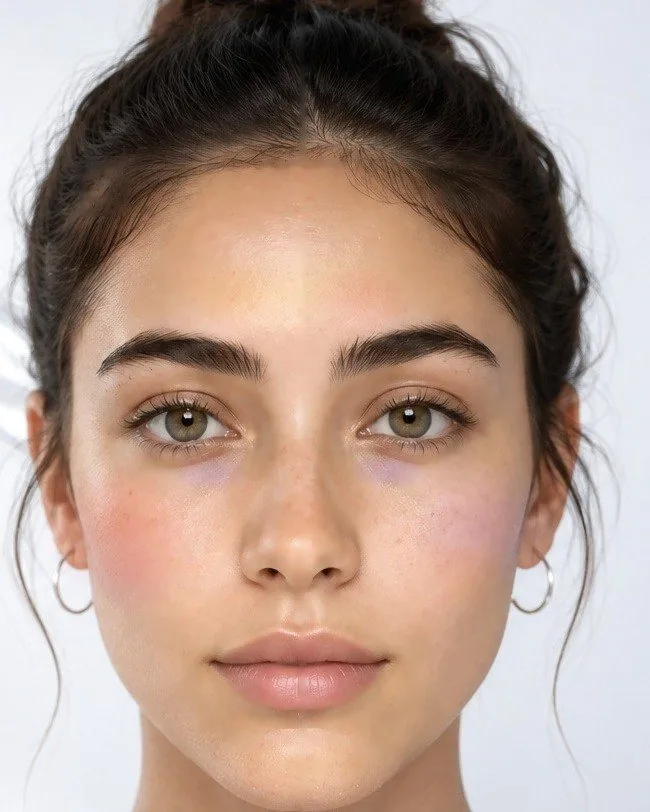 Week 8
 Week 8
Your progress
Run the same concerns on each check-in and compare scores within one analysis_version, so change can be shown side by side.
same concerns, each check-inTurn analysis into action.
export MORPHIAONE_API_KEY="pk_test_..." MORPHIAONE_BASE_URL="https://api.morphiaone.ai"X-API-KeyASSET_ID=$(curl -s "$MORPHIAONE_BASE_URL/v1/assets" -H "X-API-Key: $MORPHIAONE_API_KEY" -H "Content-Type: image/jpeg" --data-binary @selfie.jpg | jq -r .id)
curl -s -D h.txt "$MORPHIAONE_BASE_URL/v1/skin/analyses" -H "X-API-Key: $MORPHIAONE_API_KEY" -H "Idempotency-Key: skin-001" -H "Content-Type: application/json" -d '{"inputs":[{"role":"source","asset_id":"'$ASSET_ID'"}],"concerns":["acne","redness","dark_circle","moisture"],"visualizations":[{"concern":"acne","kind":"mask"}]}'succeededcurl -s -H "X-API-Key: $MORPHIAONE_API_KEY" "$MORPHIAONE_BASE_URL$(grep -i ^location h.txt | cut -d' ' -f2 | tr -d '\r')" | jq '.output.concerns[] | {concern, status, score}'MORPHIAONE_API_KEY and MORPHIAONE_BASE_URLnpm install --save-exact @morphiaone/sdk@0.2.2.mts with npx tsximport { readFile } from "node:fs/promises"; import { MorphiaOne } from "@morphiaone/sdk";
const client = new MorphiaOne({ apiKey: process.env.MORPHIAONE_API_KEY, baseUrl: process.env.MORPHIAONE_BASE_URL });
const source = await client.assets.upload(await readFile("selfie.jpg"));
const job = await client.skin.analyze({ assetId: source.id, concerns: ["acne", "redness", "dark_circle", "moisture"], visualizations: [{ concern: "acne", kind: "mask" }], idempotencyKey: "skin-001", wait: true });if (job.output?.known && job.output.type === "skin.analysis")
for (const r of job.output.concerns) console.log(r.concern, r.status, r.score);MORPHIAONE_API_KEY and MORPHIAONE_BASE_URLpython -m pip install morphiaone==0.2.2import os; from pathlib import Path; from morphiaone import MorphiaOne
client = MorphiaOne(api_key=os.environ["MORPHIAONE_API_KEY"], base_url=os.environ["MORPHIAONE_BASE_URL"])
source = client.assets.upload(Path("selfie.jpg"))
job = client.skin.analyze(asset_id=source.id, concerns=["acne", "redness", "dark_circle", "moisture"], visualizations=[{"concern": "acne", "kind": "mask"}], idempotency_key="skin-001")done = client.jobs.wait(job.id)
for r in done.output.concerns: print(r.concern, r.status, r.score)curl -fsSL https://cli.morphiaone.ai/ | shAnalyze from a Single Image
Run multiple supported skin analyses from one user image.
Use the Results Your Way
Connect skin insights to your own interface, logic and customer journey.
Power Personalization
Use analysis results to trigger product recommendations, routines or other personalized experiences.
Test Before You Integrate
Explore supported analyses and inputs in Playground before implementation.
See what Skin Analysis API can reveal.
Upload a selfie, pick the concerns and see the scores before integrating them into your product.
UploadedYour selfieBeforeAfter58