
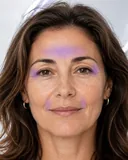


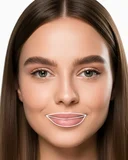
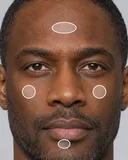
Face · Analyze
Face Landmarks & Geometry
Landmarks, proportions and symmetry as numbers, read from the same mesh.
For your type of company
For the market you serve
For what you want to build
Smile analysis and simulation for dental clinics, aligner brands and oral-care products. In development.
A patient sees someone else’s smile, the shade is picked by eye under the clinic lights, and progress between visits is hard to show.
Morphia is building smile analysis and simulation for dental clinics, aligner brands and oral-care products. In development.

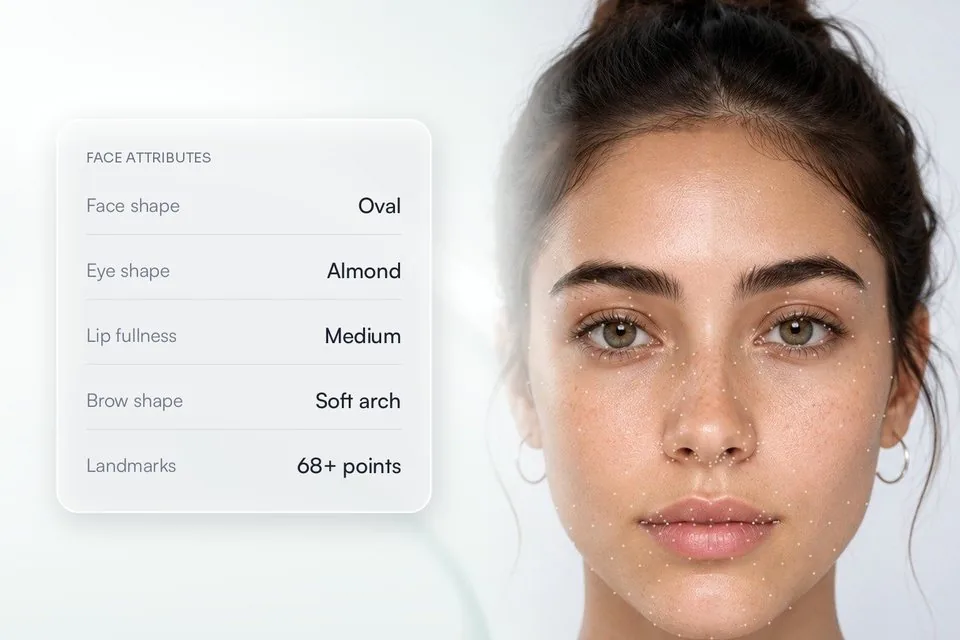
The patient uploads a smile photo. Morphia finds the face and mouth with landmarks today; smile analysis and simulation are in development and will work from the same read.
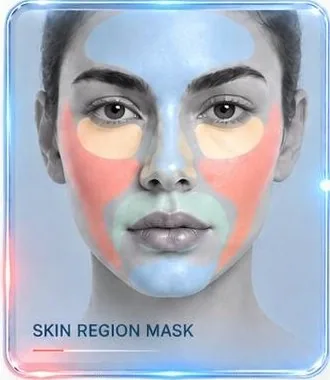
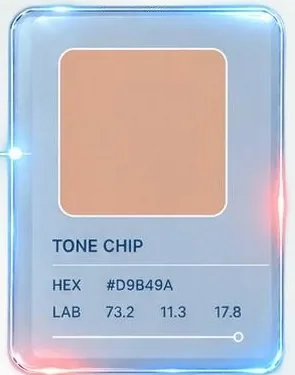
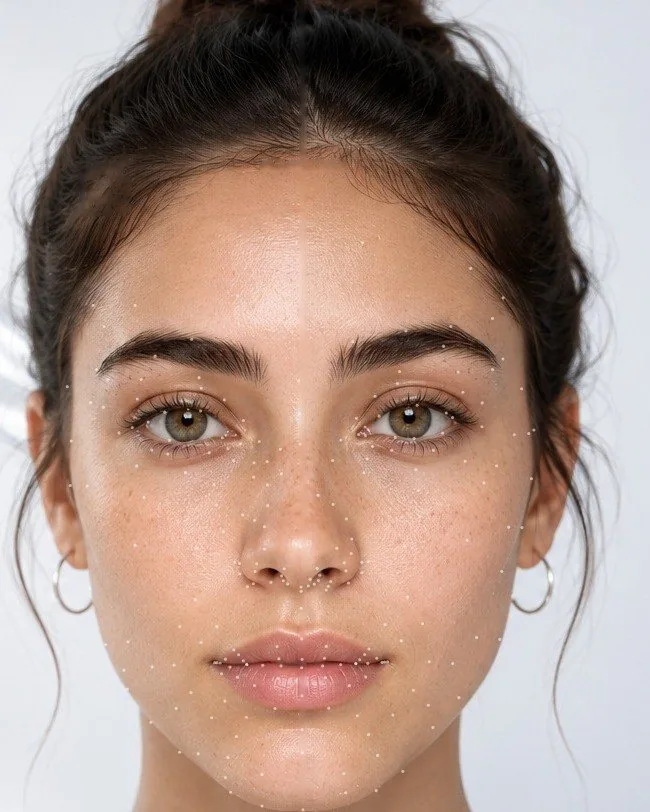 Landmarks68+ pointsRegion masksSkin, lips, hairToneLab*, lighting removedInput qualityOn every read
The photo is uploaded once. Every result comes with a confidence and a reason.
· One key· One schema· One job per request
Reach it from
RESTDental
MCPSoon
SDKTS, Python
DeviceScreens
 Read onceasset_id asset_addf4r
Landmarks68+ pointsRegion masksSkin, lips, hair, teeth, nailsToneLab*, lighting removedInput qualityScored on every read
Analyze
Transform
Simulate
Face
Skin
Hair
Teeth
Hands
BodyEarly access
Every call references one asset_id. Nothing is re-uploaded or re-detected.
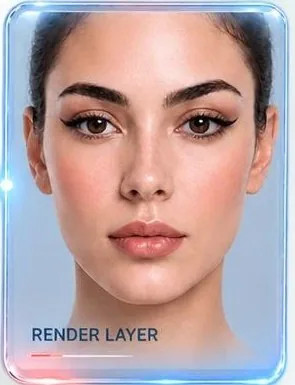
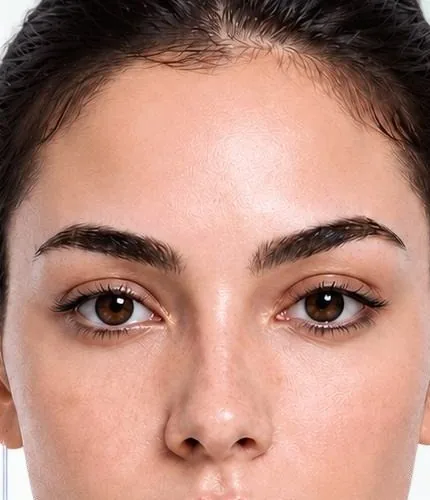
Visualize. Smile Simulation will return a labelled preview. Coming soon.
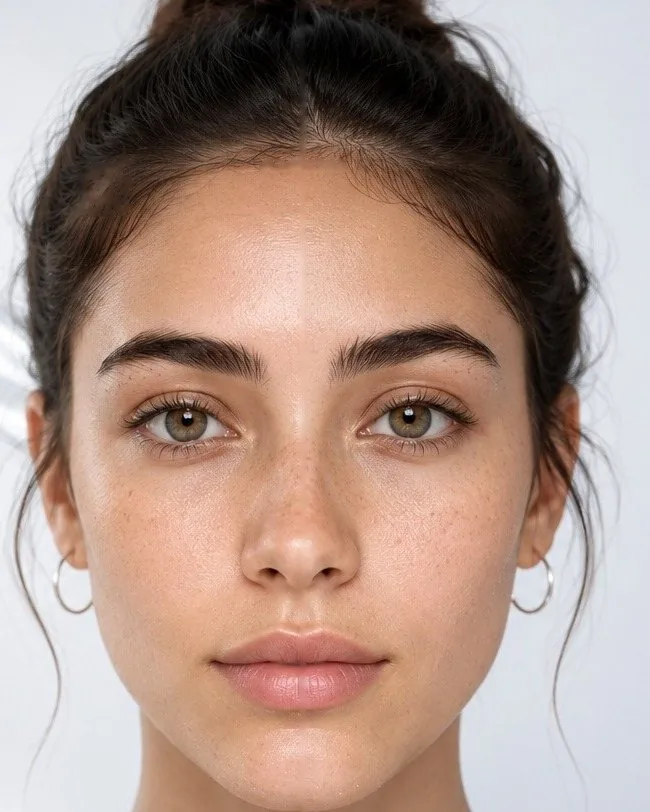 POST /v1/assets
asset_6pa8ad
Same image for every endpoint
200 · succeededA shade from one tool and a preview from another describe two different smiles.
With Morphia, one upload will serve the reading and the preview.
Face Landmarks is in early access. Smile & Teeth Analysis and Smile Simulation are coming soon.
Landmarks, proportions and symmetry as numbers, read from the same mesh.
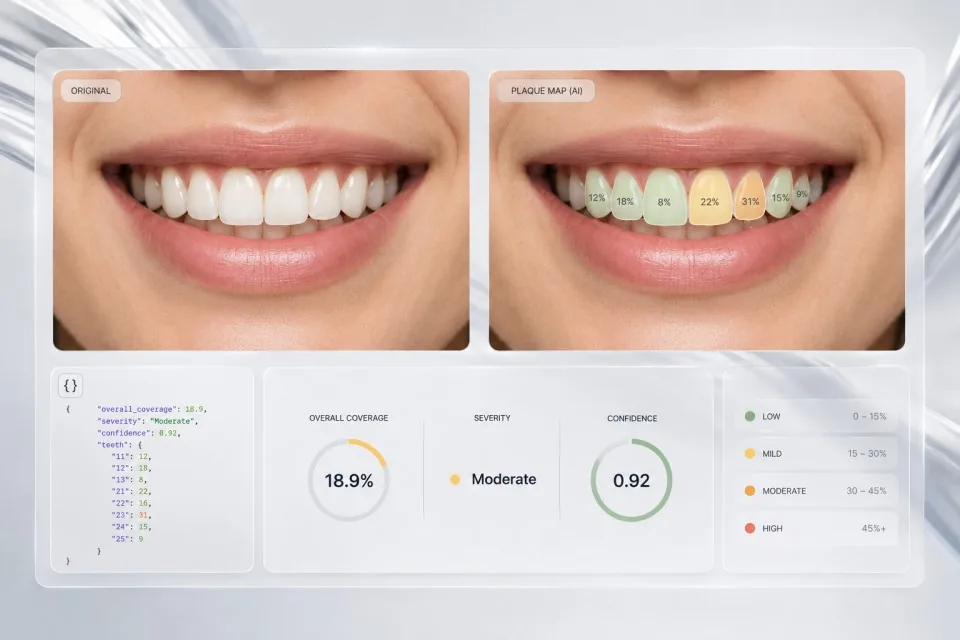
A consistent teeth shade and smile reading from a photo.
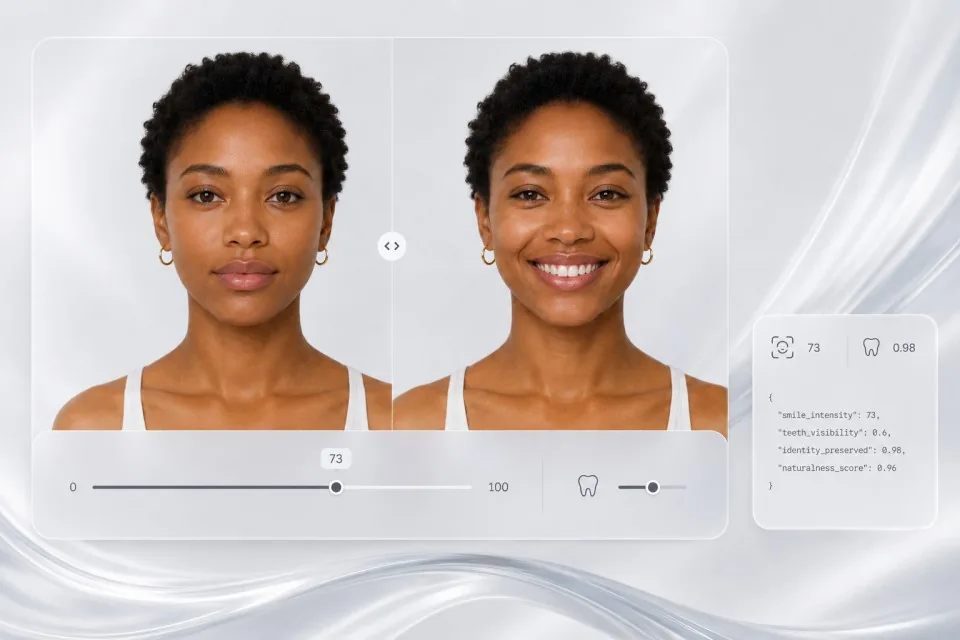
A likely result before treatment, always labelled as a simulation.
Four dental scenarios in development. Everything here is illustrative and coming soon.
A likely result before treatment.
Patient photoShow the patient a likely result before treatment.
SimulatedWaiting…
Face Landmarks is in early access. Smile & Teeth Analysis and Smile Simulation are coming soon.
A consistent shade from a photo.
Read the teeth shade the same way at every visit.
Waiting…
Face Landmarks is in early access. Smile & Teeth Analysis and Smile Simulation are coming soon.
Compare smiles across visits.
Compare the smile across visits.
 Visit photos
Waiting…
Face Landmarks is in early access. Smile & Teeth Analysis and Smile Simulation are coming soon.
Match products to what the photo shows.
Customer photoMatch products to what the photo shows.
ProductWaiting…
Face Landmarks is in early access. Smile & Teeth Analysis and Smile Simulation are coming soon.
export MORPHIAONE_API_KEY="pk_test_..." MORPHIAONE_BASE_URL="https://api.morphiaone.ai"X-API-KeyASSET_ID=$(curl -s "$MORPHIAONE_BASE_URL/v1/assets" -H "X-API-Key: $MORPHIAONE_API_KEY" -H "Content-Type: image/jpeg" --data-binary @face.jpg | jq -r .id)
curl -s -D h.txt "$MORPHIAONE_BASE_URL/v1/skin/analyses" -H "X-API-Key: $MORPHIAONE_API_KEY" -H "Idempotency-Key: run-001" -H "Content-Type: application/json" -d '{"inputs":[{"role":"source","asset_id":"'$ASSET_ID'"}],"concerns":["acne","redness"]}'succeededcurl -s -H "X-API-Key: $MORPHIAONE_API_KEY" "$MORPHIAONE_BASE_URL$(grep -i ^location h.txt | cut -d' ' -f2 | tr -d '\r')"
# → "output": { "concerns": [{ "concern": "acne", "score": 8.7 }, …] }MORPHIAONE_API_KEY and MORPHIAONE_BASE_URLnpm install --save-exact @morphiaone/sdk@0.2.2.mts with npx tsximport { readFile } from "node:fs/promises"; import { MorphiaOne } from "@morphiaone/sdk";
const client = new MorphiaOne({ apiKey: process.env.MORPHIAONE_API_KEY, baseUrl: process.env.MORPHIAONE_BASE_URL });
const source = await client.assets.upload(await readFile("face.jpg"));
const job = await client.skin.analyze({ assetId: source.id, concerns: ["acne", "redness"], idempotencyKey: "run-001" });const done = await client.jobs.wait(job.id);
if (done.output?.known && done.output.type === "skin.analysis") done.output.concerns.forEach((c) => console.log(c.concern, c.score));MORPHIAONE_API_KEY and MORPHIAONE_BASE_URLpython -m pip install morphiaone==0.2.2import os; from pathlib import Path; from morphiaone import MorphiaOne, SkinAnalysisOutput
client = MorphiaOne(api_key=os.environ["MORPHIAONE_API_KEY"], base_url=os.environ["MORPHIAONE_BASE_URL"])
source = client.assets.upload(Path("face.jpg"))
job = client.skin.analyze(asset_id=source.id, concerns=["acne", "redness"], idempotency_key="run-001")done = client.jobs.wait(job.id, timeout=240)
if isinstance(done.output, SkinAnalysisOutput): print([(r.concern, r.score) for r in done.output.concerns])curl -fsSL https://cli.morphiaone.ai/ | shGet early access →Pricing is agreed per account during early access. Failed jobs are never charged.
Upload the image once, submit a job and poll it, or let the SDK wait for you.
Every result says how sure it is and why, so the agent can explain a pick or ask for a retake.
Every simulation is marked as a simulation. No face recognition and no attractiveness scores.
Smile analysis and simulation are in development. Join the waitlist to try them first.
uploadedasset_id