
Imagery · Transform
AI Fashion Imagery
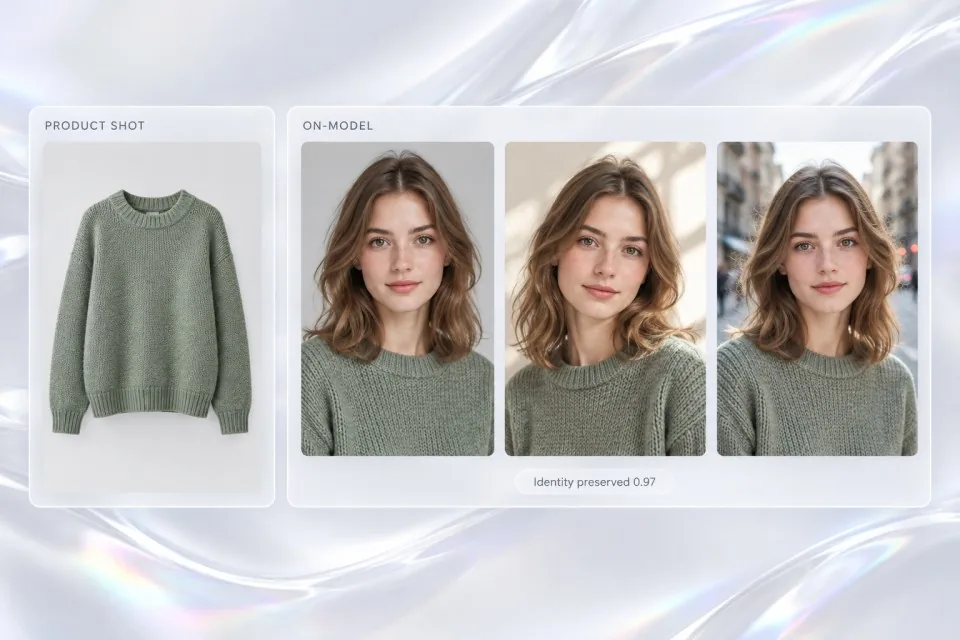
On-model images from your product shots, with the person kept recognizable.
For your type of company
For the market you serve
For what you want to build
On-model imagery and color advice that keep the person recognizable — for fashion and accessories brands, marketplaces and stylist apps.
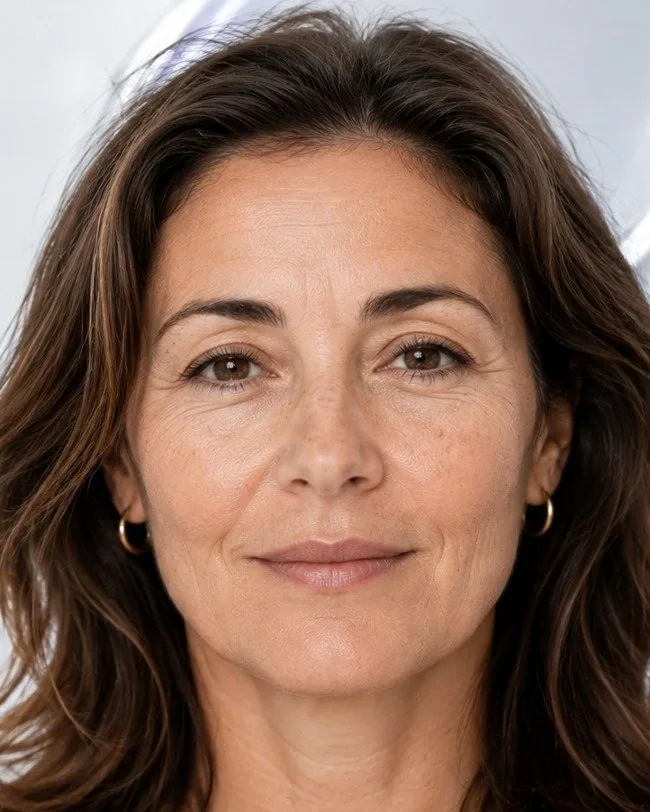
Every collection needs on-model images, colour advice ignores the person wearing it, and generic AI images change the model’s face from shot to shot.
Morphia generates on-model imagery and undertone-based colour advice that keep the person recognizable. Early access.

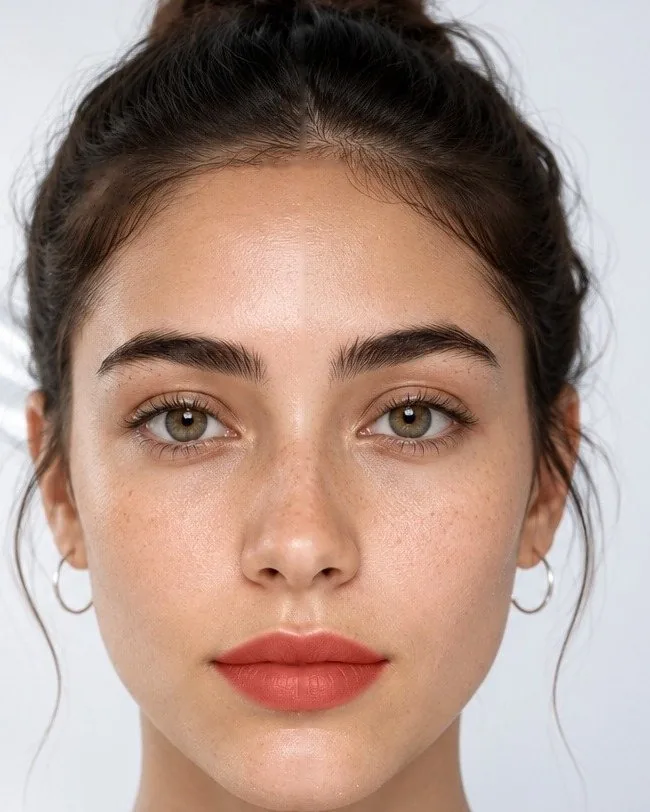
Your platform sends the product and a consenting model or shopper. Morphia reads the person once, so every on-model image and every colour suggestion keeps the same face and the same undertone.
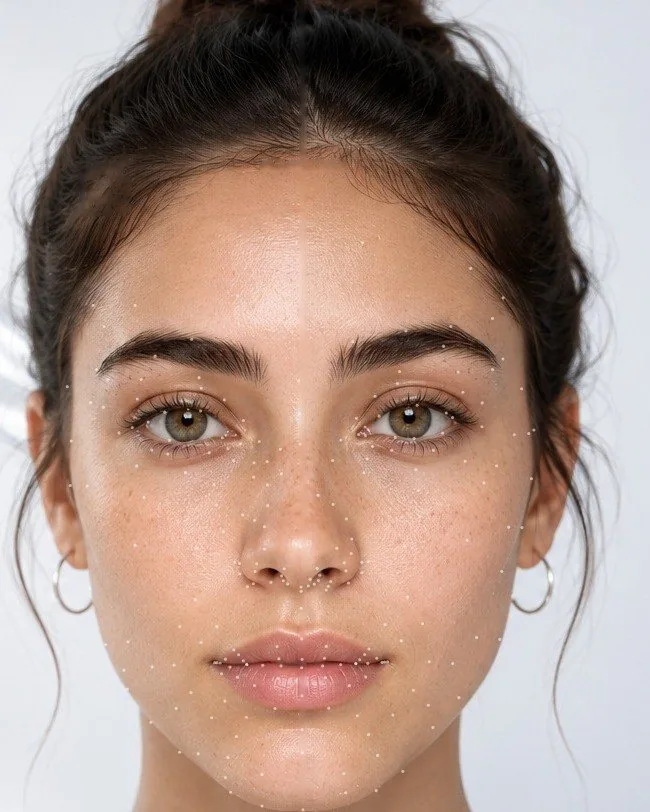 Landmarks68+ pointsRegion masksSkin, lips, hairToneLab*, lighting removedInput qualityOn every read
The photo is uploaded once. Every result comes with a confidence and a reason.
· One key· One schema· One job per request
Reach it from
RESTBrands
MCPSoon
SDKTS, Python
DeviceScreens
 Read onceasset_id asset_addf4r
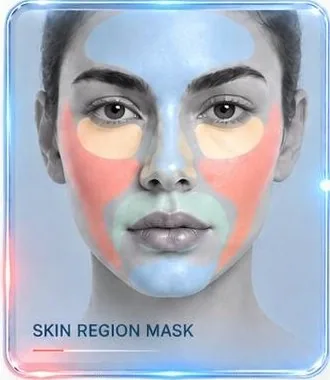
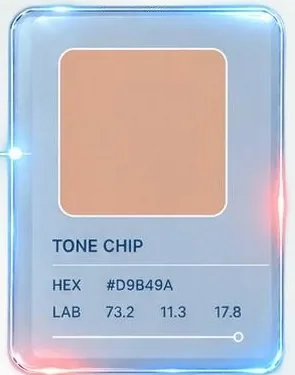
Landmarks68+ pointsRegion masksSkin, lips, hair, teeth, nailsToneLab*, lighting removedInput qualityScored on every read
Analyze
Transform
Simulate
Face
Skin
Hair
Teeth
Hands
BodyEarly access
Every call references one asset_id. Nothing is re-uploaded or re-detected.
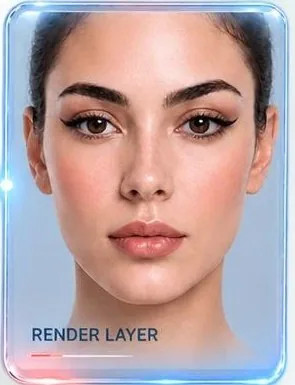
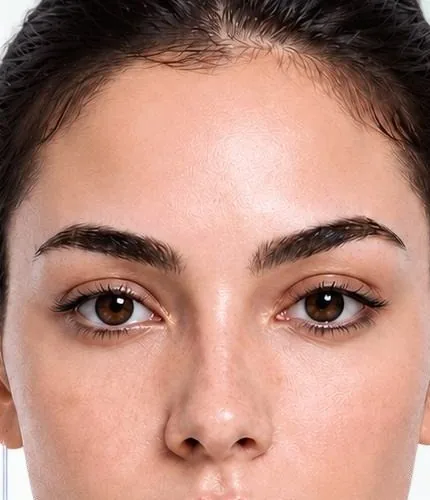
Visualize. AI Fashion Imagery generates on-model images that keep the model recognizable. Early access.
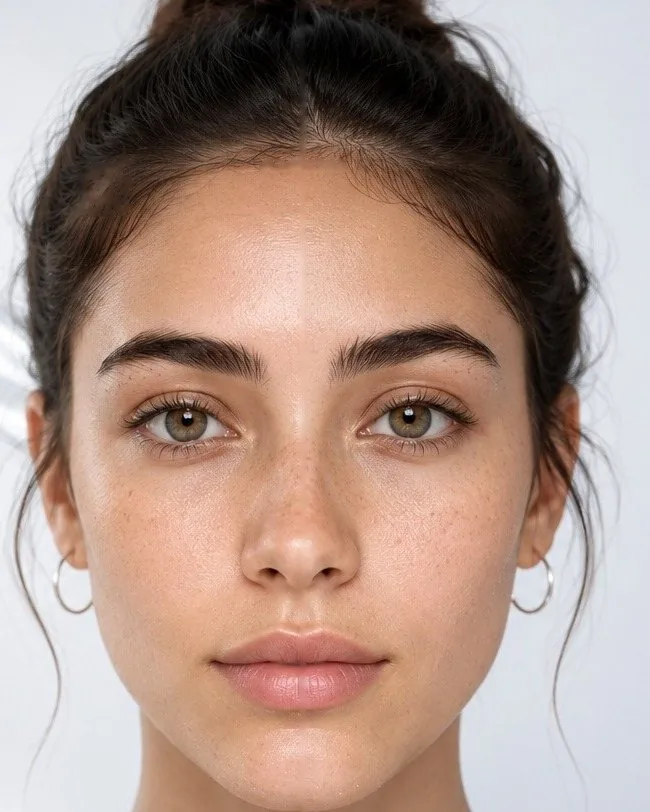 POST /v1/assets
asset_6pa8ad
Same image for every endpoint
200 · succeededA generator that redraws the face for every image gives you a different person in every shot.
With Morphia, one read keeps the person the same across every image.
AI Fashion Imagery and Skin Tone & Undertone are in early access. Garment Try-On is coming soon.
On-model images from your product shots, with the person kept recognizable.
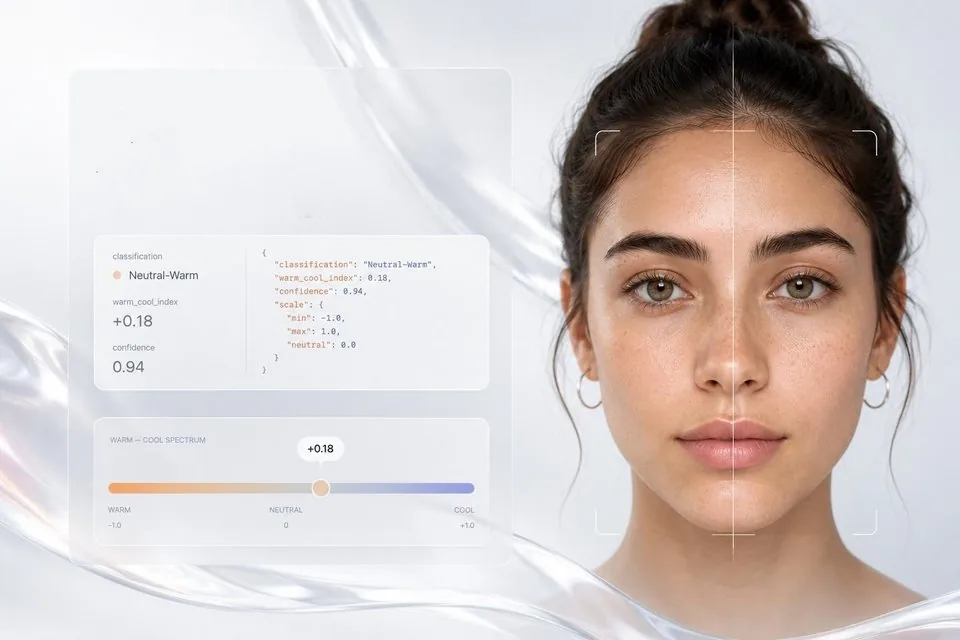
Warm, cool or neutral, with a confidence the agent can quote.
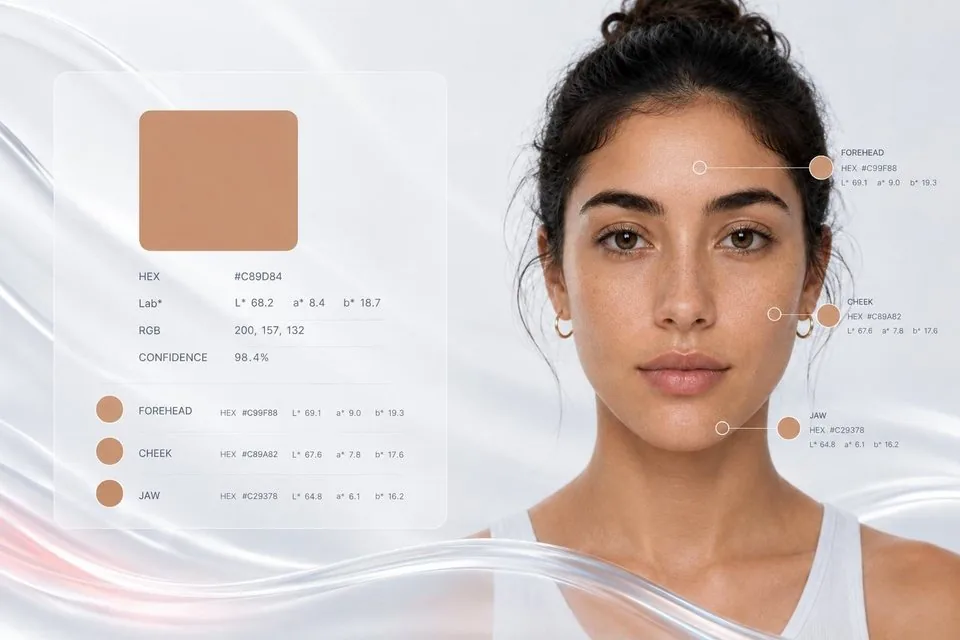
Tone in Lab* with the lighting removed, so a match holds photo to photo.
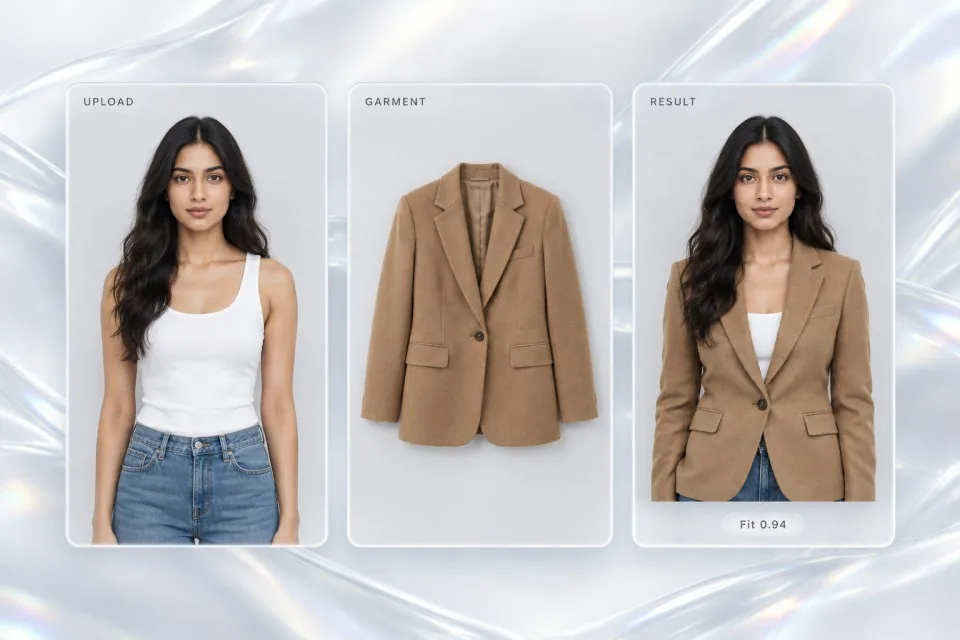
Garments on the shopper’s own photo, fitted to their pose.
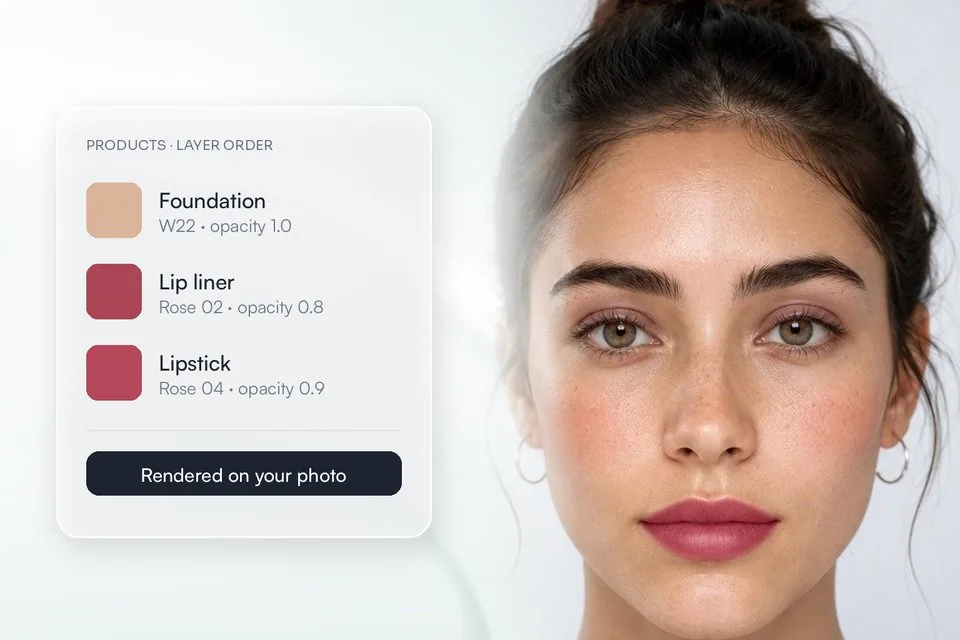
Foundation, lipstick and lip liner, layered in order on the user’s own photo.
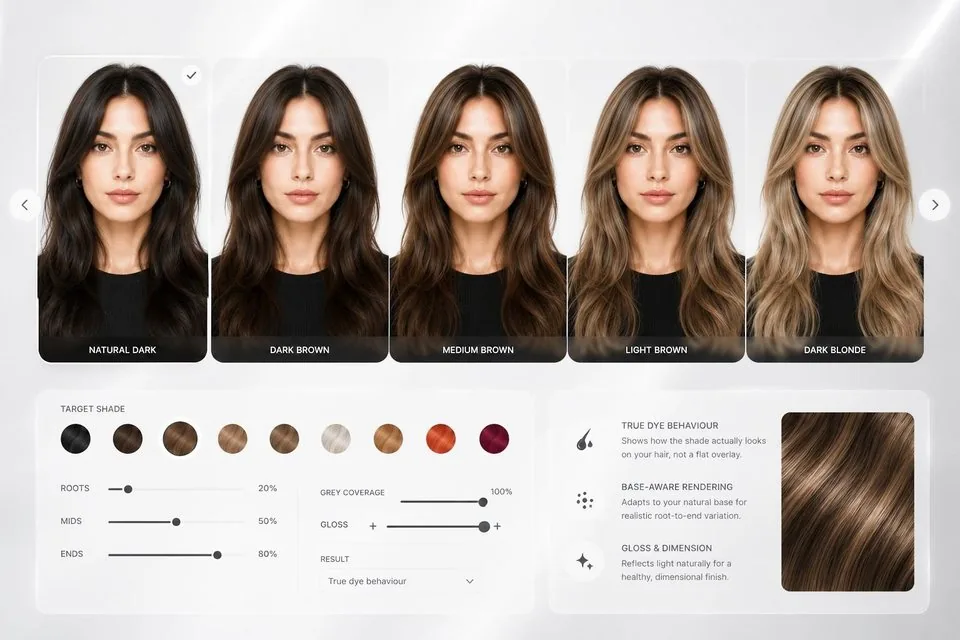
A new hair colour rendered on the user’s own hair, strand by strand.
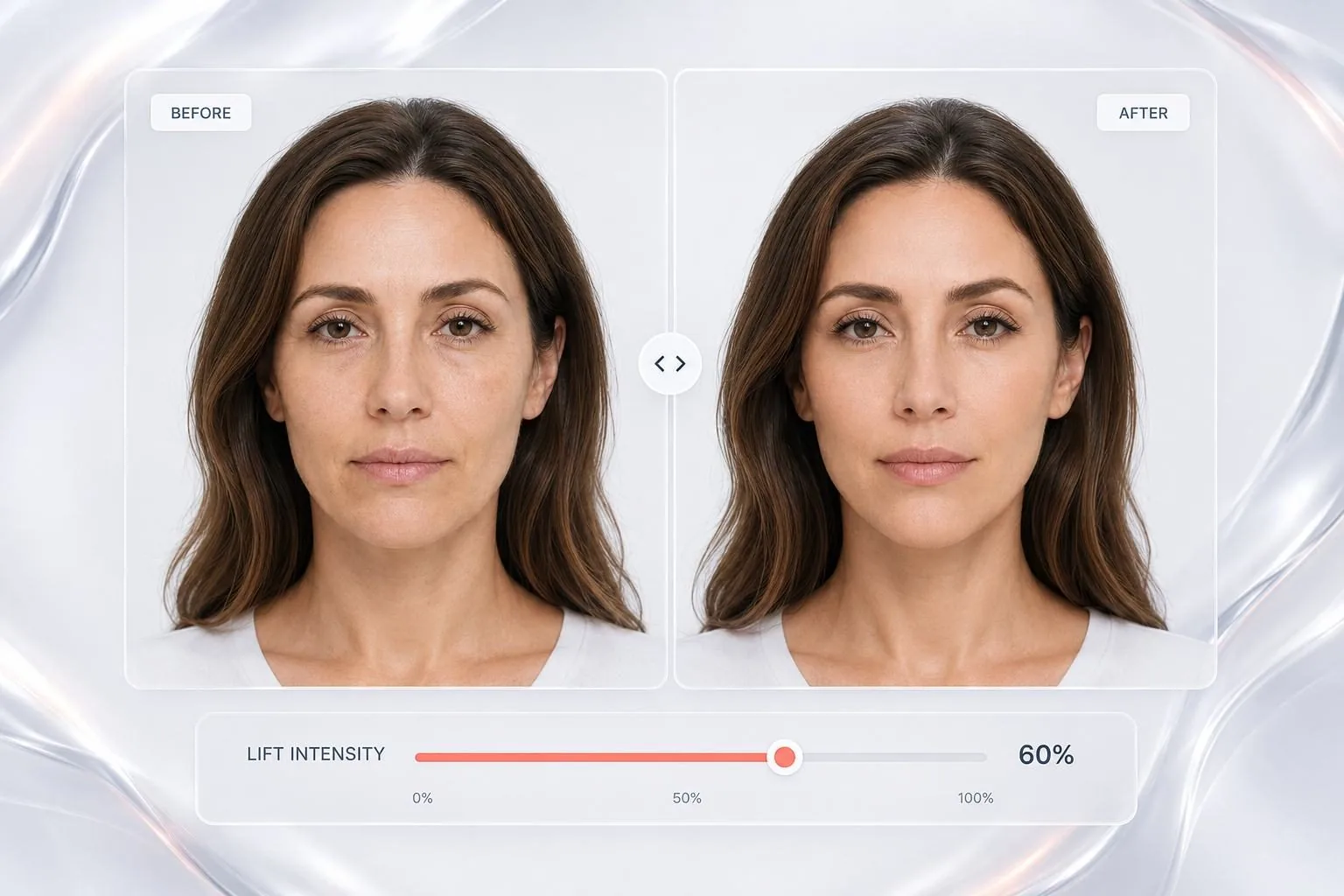
Face-shaping changes previewed on the client’s own face, at the intensity you set.
Four things fashion teams ship with Morphia. Early access; every render is a sample.
Product shots on people, without a studio day.
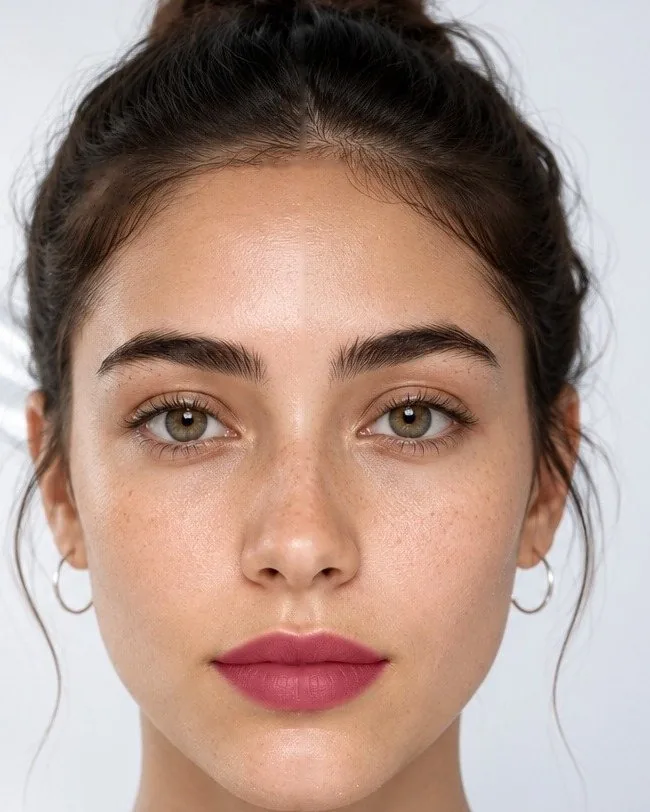 Rose 04 · 4 of 6

Waiting for the photo…
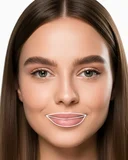
Six calls on the same asset_id, one per shade. Only the lips change, so every product page shows the same model.
try_on × 6Colors that suit a person’s tone and undertone.
Waiting for the photo…
The assistant calls Morphia over REST. Three endpoints measure the user, and Shade Match ranks your colours with a reason it can repeat, including for the ones it skips.
skin_tones + undertones + face_attributes + shade_matchesSee the garment on yourself (coming soon).
Neutral-warmsampleSee the garment on me.
GarmentWaiting…
Undertone is in early access. Garment try-on is coming soon.
undertones · garment try-on soonMore looks from one shoot.
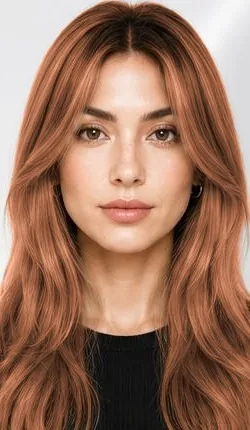
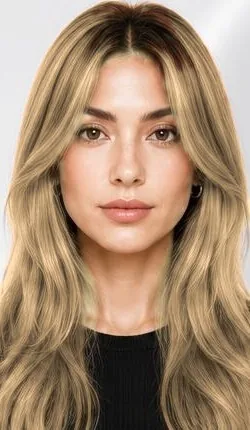
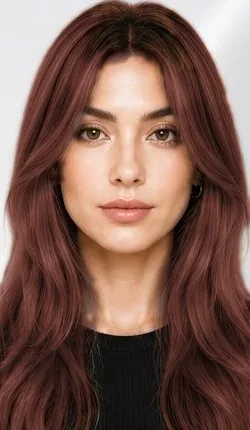
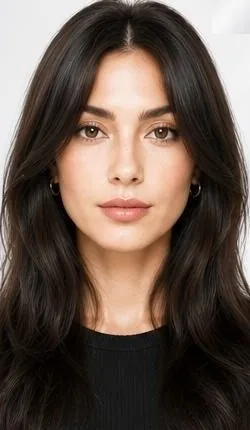 Source
Waiting for the photo…
Three Try-On calls render the range on one asset_id. Face Attributes reads every output and compares it with the source before anything reaches the DAM.
try_on × 3 + face_attributesexport MORPHIAONE_API_KEY="pk_test_..." MORPHIAONE_BASE_URL="https://api.morphiaone.ai"X-API-KeyASSET_ID=$(curl -s "$MORPHIAONE_BASE_URL/v1/assets" -H "X-API-Key: $MORPHIAONE_API_KEY" -H "Content-Type: image/jpeg" --data-binary @face.jpg | jq -r .id)
curl -s -D h.txt "$MORPHIAONE_BASE_URL/v1/skin/analyses" -H "X-API-Key: $MORPHIAONE_API_KEY" -H "Idempotency-Key: run-001" -H "Content-Type: application/json" -d '{"inputs":[{"role":"source","asset_id":"'$ASSET_ID'"}],"concerns":["acne","redness"]}'succeededcurl -s -H "X-API-Key: $MORPHIAONE_API_KEY" "$MORPHIAONE_BASE_URL$(grep -i ^location h.txt | cut -d' ' -f2 | tr -d '\r')"
# → "output": { "concerns": [{ "concern": "acne", "score": 8.7 }, …] }MORPHIAONE_API_KEY and MORPHIAONE_BASE_URLnpm install --save-exact @morphiaone/sdk@0.2.2.mts with npx tsximport { readFile } from "node:fs/promises"; import { MorphiaOne } from "@morphiaone/sdk";
const client = new MorphiaOne({ apiKey: process.env.MORPHIAONE_API_KEY, baseUrl: process.env.MORPHIAONE_BASE_URL });
const source = await client.assets.upload(await readFile("face.jpg"));
const job = await client.skin.analyze({ assetId: source.id, concerns: ["acne", "redness"], idempotencyKey: "run-001" });const done = await client.jobs.wait(job.id);
if (done.output?.known && done.output.type === "skin.analysis") done.output.concerns.forEach((c) => console.log(c.concern, c.score));MORPHIAONE_API_KEY and MORPHIAONE_BASE_URLpython -m pip install morphiaone==0.2.2import os; from pathlib import Path; from morphiaone import MorphiaOne, SkinAnalysisOutput
client = MorphiaOne(api_key=os.environ["MORPHIAONE_API_KEY"], base_url=os.environ["MORPHIAONE_BASE_URL"])
source = client.assets.upload(Path("face.jpg"))
job = client.skin.analyze(asset_id=source.id, concerns=["acne", "redness"], idempotency_key="run-001")done = client.jobs.wait(job.id, timeout=240)
if isinstance(done.output, SkinAnalysisOutput): print([(r.concern, r.score) for r in done.output.concerns])curl -fsSL https://cli.morphiaone.ai/ | shGet early access →Pricing is agreed per account during early access. Failed jobs are never charged.
Upload the image once, submit a job and poll it, or let the SDK wait for you.
Every result says how sure it is and why, so the agent can explain a pick or ask for a retake.
Generate and edit only people who agreed to it. No face recognition and no attractiveness scores.
Upload a product shot and a consented model reference, then pick a setting.
uploadedasset_id