

Hair · Transform
Hair Color Try-On
A new hair colour rendered on the user’s own hair, strand by strand.
For your type of company
For the market you serve
For what you want to build
Hair color previews today, with hair and scalp analysis and hairline previews on the way — for hair-care brands, salons and hair clinics.
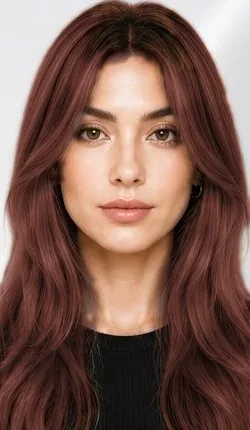
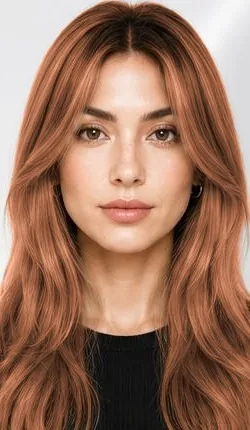
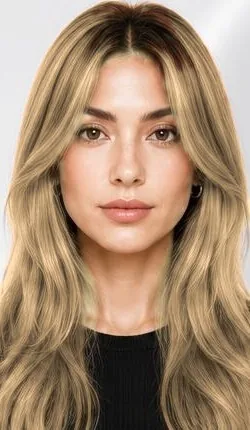
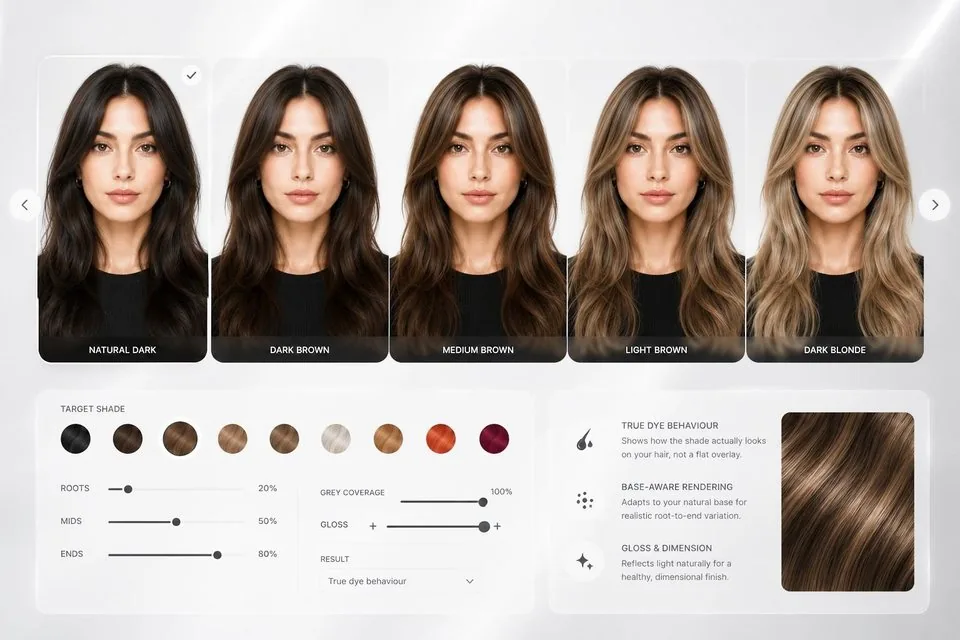
They choose from swatches and photos of other people’s hair. Hair type is judged by eye, the scalp is rarely checked, and the first real preview is the result itself.
Morphia shows the result on the client before anything is mixed.

A booking app or the tablet at the chair sends a photo. Morphia reads the hair once, and analysis, scalp checks and try-on all work from that read, in fast preview or full quality.
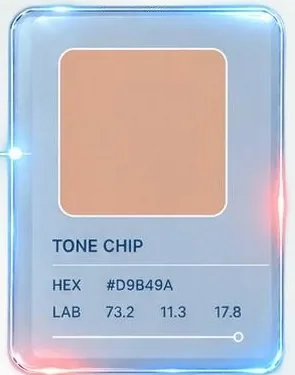
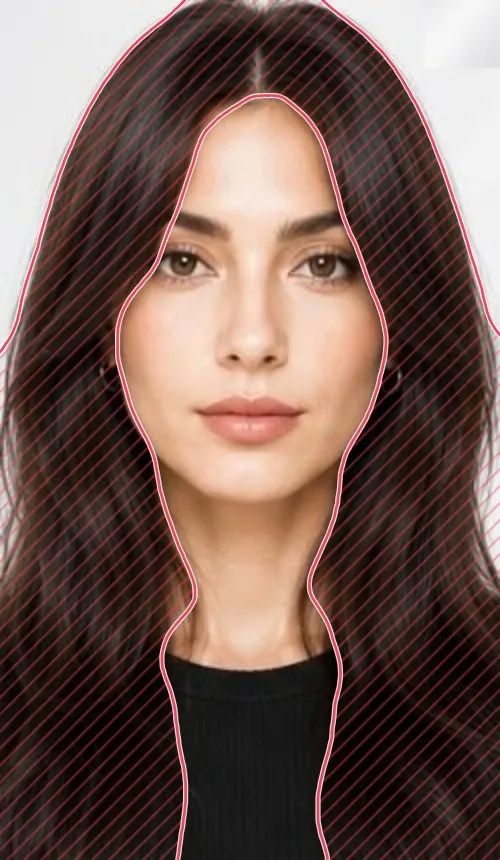 Landmarks68+ pointsRegion masksHair, scalp, skinToneLab*, lighting removedInput qualityOn every read
The photo is uploaded once. Every result comes with a confidence and a reason.
· One key· One schema· One job per request
Reach it from
RESTSalon software
MCPSoon
SDKTS, Python
DeviceScreens
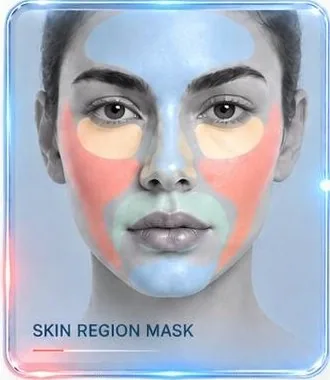 Read onceasset_id asset_xv3vz6
Landmarks68+ pointsRegion masksSkin, lips, hair, teeth, nailsToneLab*, lighting removedInput qualityScored on every read
Analyze
Transform
Simulate
Face
Skin
Hair
Teeth
Hands
BodyEarly access
Every call references one asset_id. Nothing is re-uploaded or re-detected.
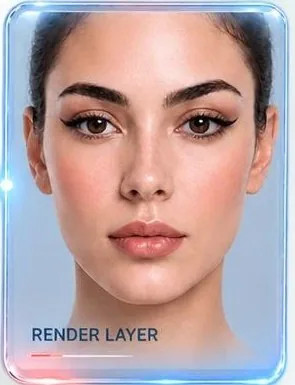
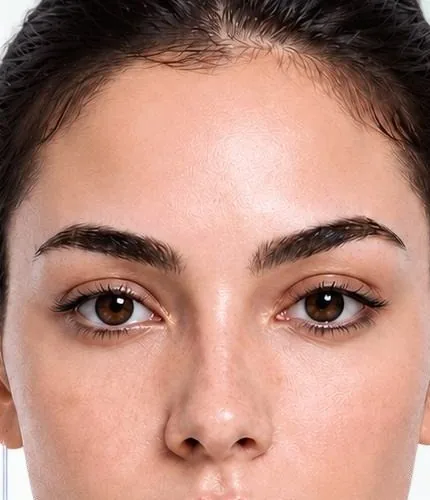
Visualize. Hair Analysis reads the client’s base once, then Try-On renders the chosen shade strand by strand on the same asset_id, next to today’s colour.
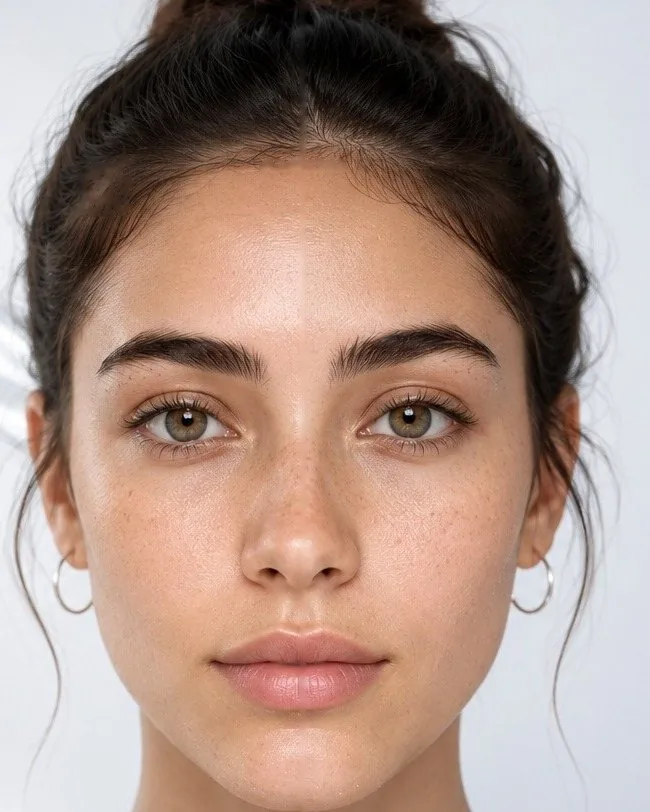 POST /v1/assets
asset_6pa8ad
Same image for every endpoint
200 · succeededWhen analysis and rendering come from separate tools, each reads the hair again. The colour the client approves may not be the one the stylist was shown.
With Morphia, one upload serves every endpoint.
Each capability answers one question about how a client looks, from a single photo.
A new hair colour rendered on the user’s own hair, strand by strand.
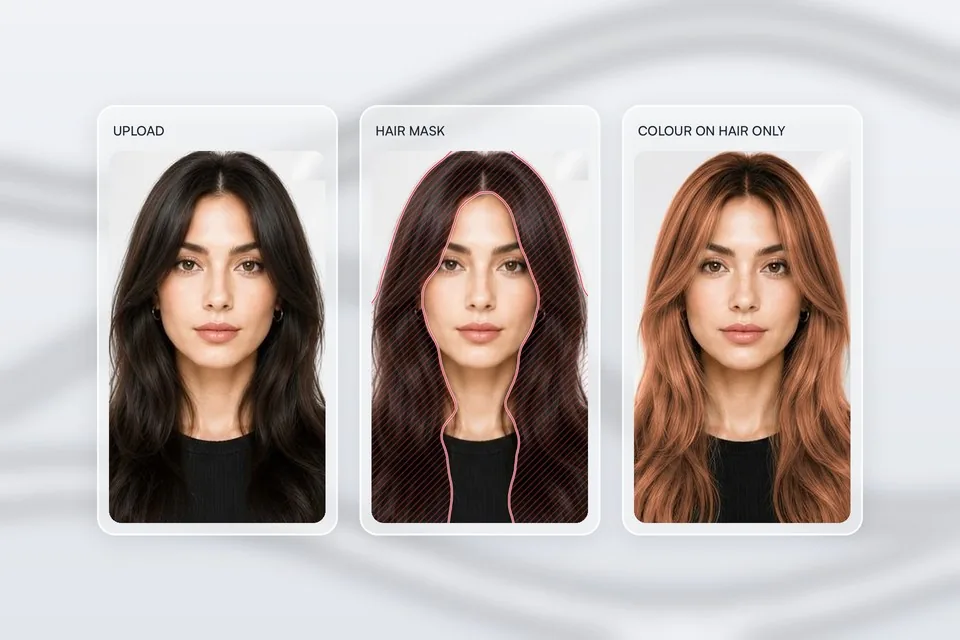
Separates the hair from the face and the background, so a colour lands only on hair.
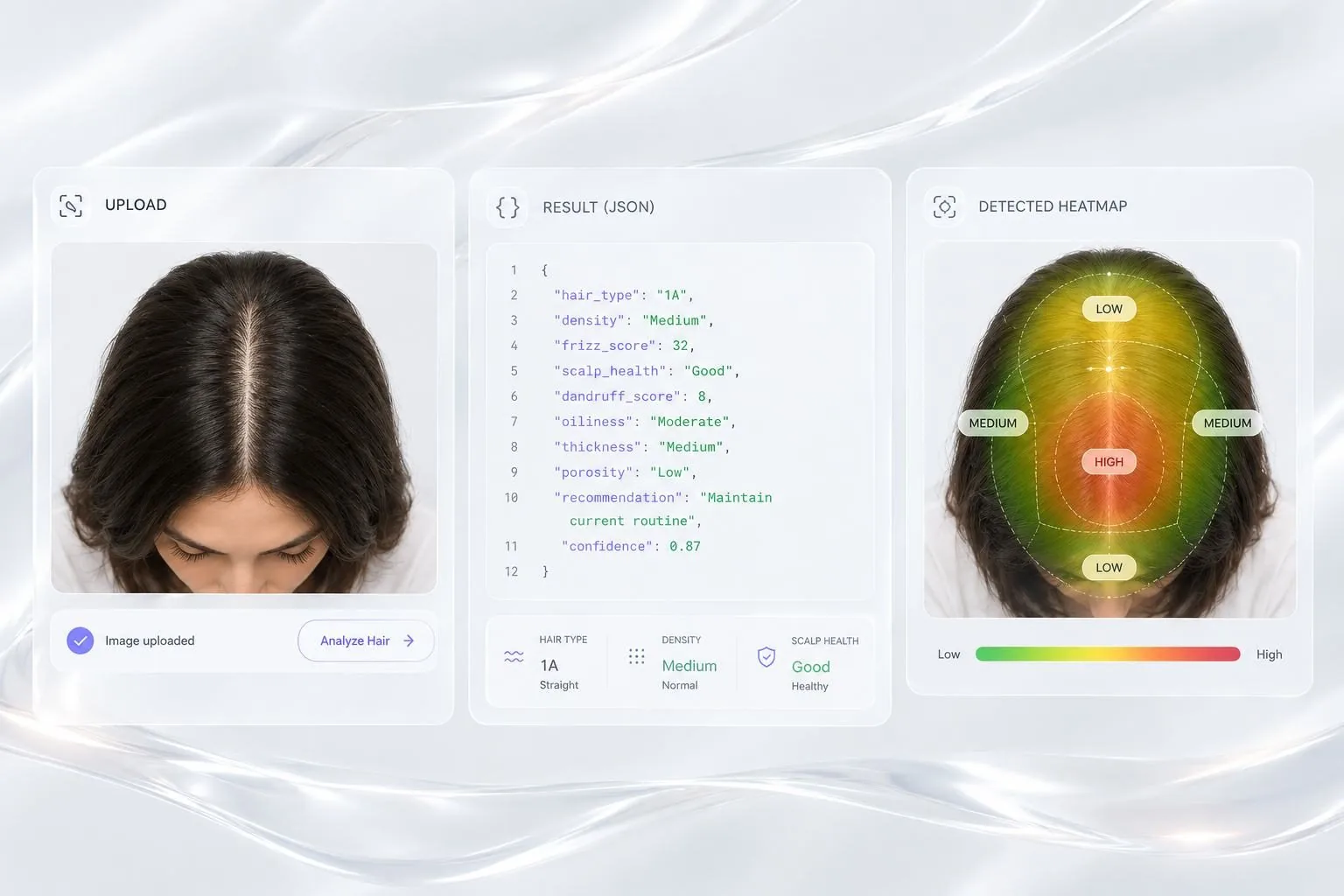
Density and scalp readings, with a map of where each one was taken.
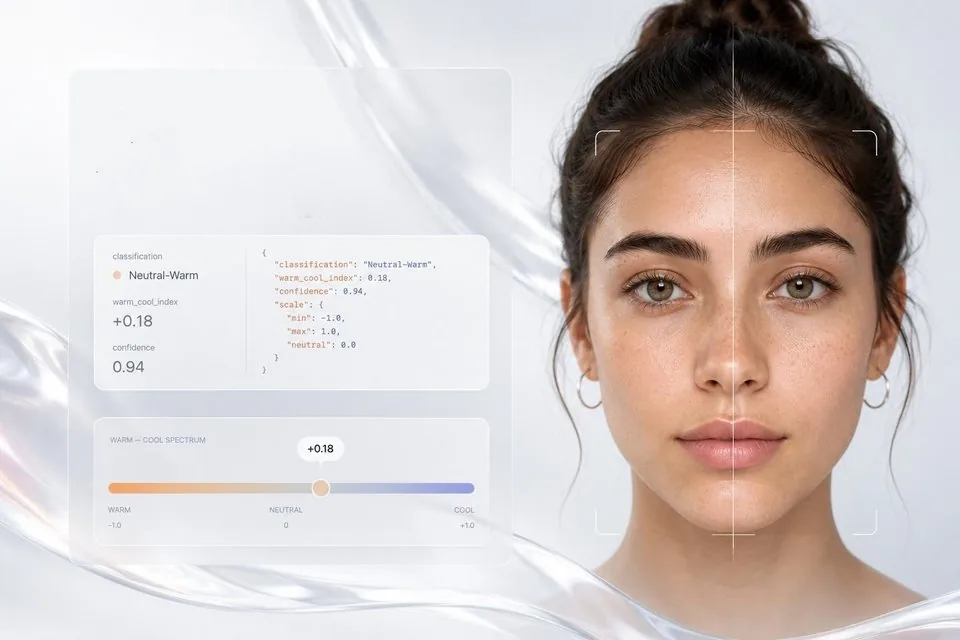
Warm, cool or neutral, with a confidence the agent can quote.
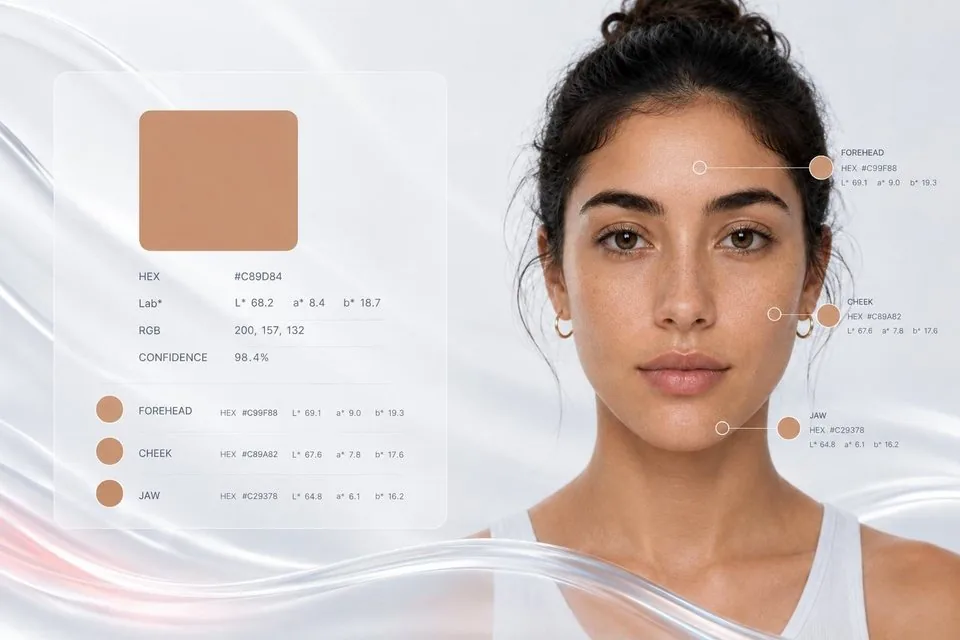
Tone in Lab* with the lighting removed, so a match holds photo to photo.
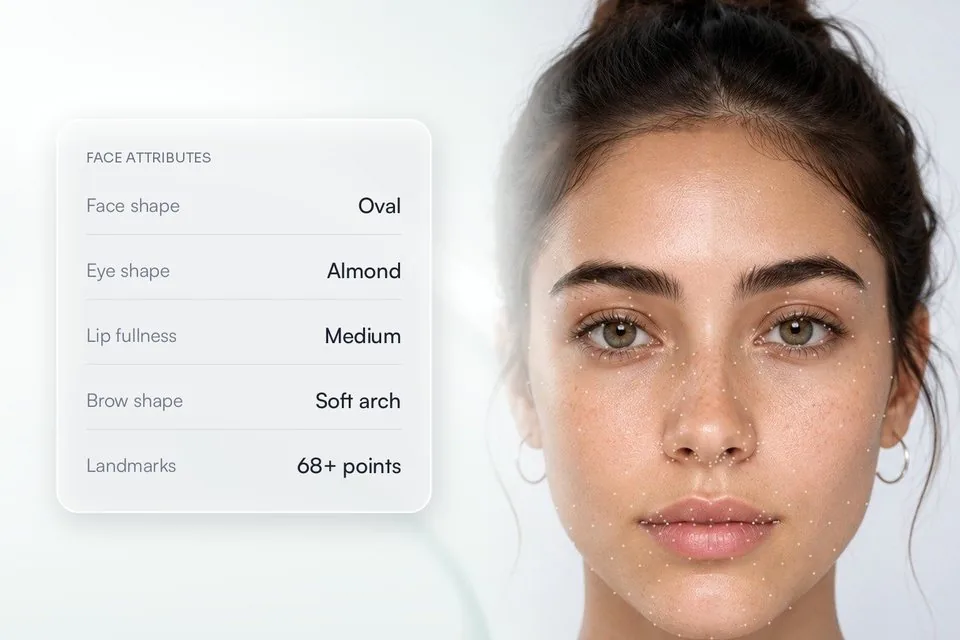
Landmarks, proportions and symmetry as numbers, read from the same mesh.
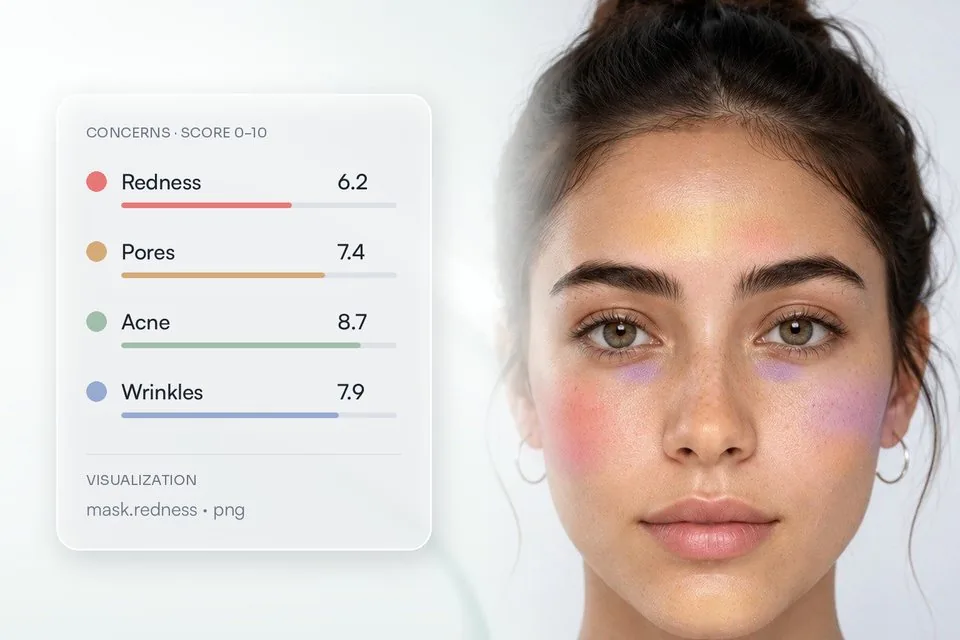
Concern scores from 0 to 10, each with a mask the agent can point at.
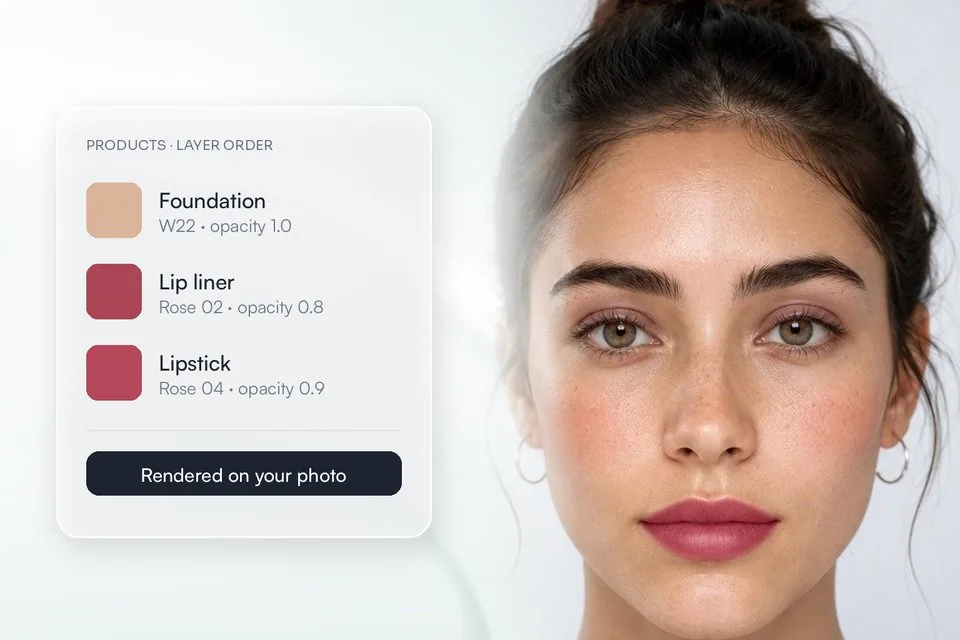
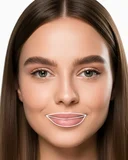
Foundation, lipstick and lip liner, layered in order on the user’s own photo.
Four hair scenarios: colour previews today, analysis and hairline previews on the way.
A color on your own hair before you commit.
 Your selfie
Booked · Sat 10:30 with Elif
Each shade tap is one fast-preview call on the same asset_id. The shade the client books is rendered once more in full quality, for the booking and for the stylist.
try_on · hair_colorDensity and scalp readings (coming soon).
Scalp map · top photo Front photo
Waiting for the photo…
Type, frizz and length come from Hair Analysis, the scalp score and heat map from Scalp Analysis. The back and top photos are added to the same asset_id. Your logic picks the routine.
hair_analyses + scalp_analysesA likely hairline before a procedure (coming soon).
Hair maskearly accessShow a likely hairline before the procedure.
 Client photo
Waiting…
Hair Segmentation is in early access. Hairline simulation is coming soon and will always carry a label.
Comparable photos across months.
Same zones as month 1
Drag to compare
Month 3 · top photo
PhotoMap
Waiting for the photo…
Each month’s photos are added to the same asset_id. Scalp Analysis scores the same zones every month and Hair Analysis adds density. Your app keeps the history; scores are sample values.
scalp_analyses + hair_analysesexport MORPHIAONE_API_KEY="pk_test_..." MORPHIAONE_BASE_URL="https://api.morphiaone.ai"X-API-KeyASSET_ID=$(curl -s "$MORPHIAONE_BASE_URL/v1/assets" -H "X-API-Key: $MORPHIAONE_API_KEY" -H "Content-Type: image/jpeg" --data-binary @face.jpg | jq -r .id)
curl -s -D h.txt "$MORPHIAONE_BASE_URL/v1/skin/analyses" -H "X-API-Key: $MORPHIAONE_API_KEY" -H "Idempotency-Key: run-001" -H "Content-Type: application/json" -d '{"inputs":[{"role":"source","asset_id":"'$ASSET_ID'"}],"concerns":["acne","redness"]}'succeededcurl -s -H "X-API-Key: $MORPHIAONE_API_KEY" "$MORPHIAONE_BASE_URL$(grep -i ^location h.txt | cut -d' ' -f2 | tr -d '\r')"
# → "output": { "concerns": [{ "concern": "acne", "score": 8.7 }, …] }MORPHIAONE_API_KEY and MORPHIAONE_BASE_URLnpm install --save-exact @morphiaone/sdk@0.2.2.mts with npx tsximport { readFile } from "node:fs/promises"; import { MorphiaOne } from "@morphiaone/sdk";
const client = new MorphiaOne({ apiKey: process.env.MORPHIAONE_API_KEY, baseUrl: process.env.MORPHIAONE_BASE_URL });
const source = await client.assets.upload(await readFile("face.jpg"));
const job = await client.skin.analyze({ assetId: source.id, concerns: ["acne", "redness"], idempotencyKey: "run-001" });const done = await client.jobs.wait(job.id);
if (done.output?.known && done.output.type === "skin.analysis") done.output.concerns.forEach((c) => console.log(c.concern, c.score));MORPHIAONE_API_KEY and MORPHIAONE_BASE_URLpython -m pip install morphiaone==0.2.2import os; from pathlib import Path; from morphiaone import MorphiaOne, SkinAnalysisOutput
client = MorphiaOne(api_key=os.environ["MORPHIAONE_API_KEY"], base_url=os.environ["MORPHIAONE_BASE_URL"])
source = client.assets.upload(Path("face.jpg"))
job = client.skin.analyze(asset_id=source.id, concerns=["acne", "redness"], idempotency_key="run-001")done = client.jobs.wait(job.id, timeout=240)
if isinstance(done.output, SkinAnalysisOutput): print([(r.concern, r.score) for r in done.output.concerns])curl -fsSL https://cli.morphiaone.ai/ | shGet early access →Pricing is agreed per account during early access. Failed jobs are never charged.
Upload the image once, submit a job and poll it, or let the SDK wait for you.
Every result says how sure it is and why, so the agent can explain a pick or ask for a retake.
Readings describe appearance. They are not a diagnosis. No face recognition and no attractiveness scores.
Start with an API key. Upload a photo, pick a colour, see it on the hair.
uploadedasset_id