
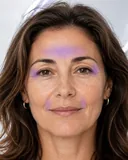
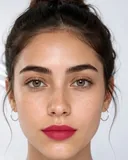

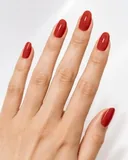
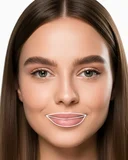
Skin · Analyze
Skin Tone
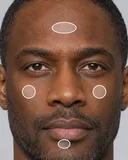
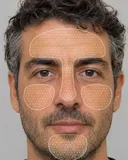
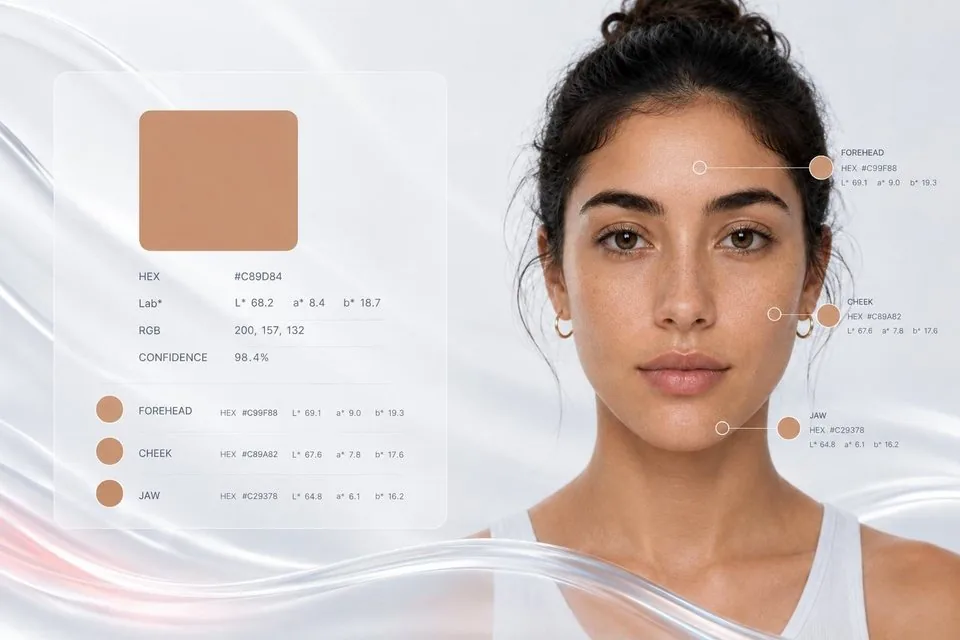
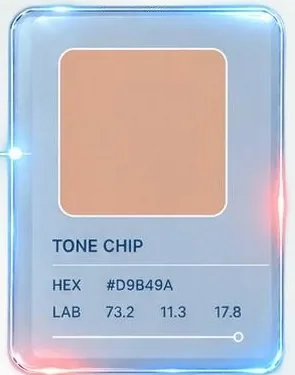
Tone in Lab* with the lighting removed, so a match holds photo to photo.
For your type of company
For the market you serve
For what you want to build
Retailers, marketplaces and e-commerce platforms use Morphia to match shoppers to products, show them on the shopper and make catalogs readable by AI agents.
A product photo shows the item on someone else. Shoppers order two to keep one, and AI agents rank products by name and price.
Morphia turns product pages into fitting rooms, and catalogs into data agents can read.

The shopper uploads a selfie once. Morphia returns a non-identifying fit profile, and your catalogue is filtered, ranked and shown on the shopper from that one read.
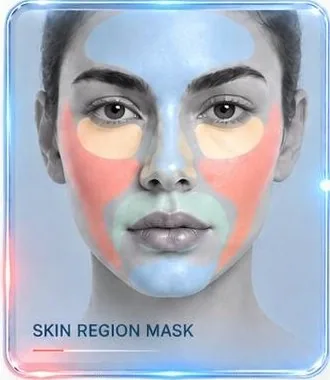
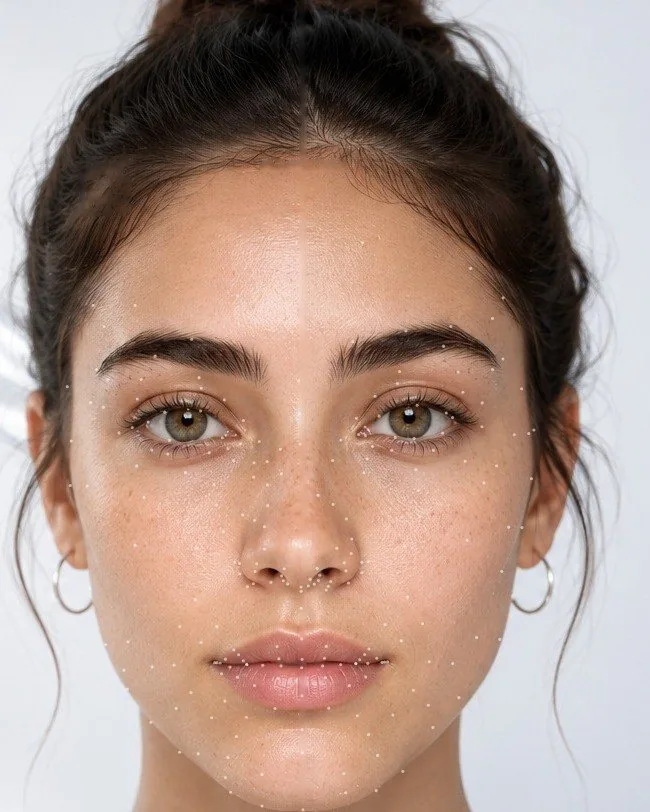 Landmarks68+ pointsRegion masksSkin, lips, hairToneLab*, lighting removedInput qualityOn every read
The photo is uploaded once. Every result comes with a confidence and a reason.
· One key· One schema· One job per request
Reach it from
RESTRetail
MCPSoon
SDKTS, Python
DeviceScreens
 Read onceasset_id asset_addf4r
Landmarks68+ pointsRegion masksSkin, lips, hair, teeth, nailsToneLab*, lighting removedInput qualityScored on every read
Analyze
Transform
Simulate
Face
Skin
Hair
Teeth
Hands
BodyEarly access
Every call references one asset_id. Nothing is re-uploaded or re-detected.
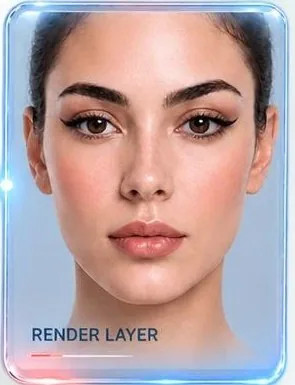
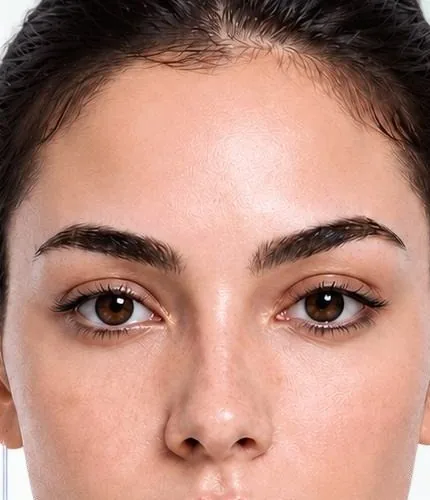
Recommend. A fit profile from one selfie ranks every product by fit, across every brand you sell.
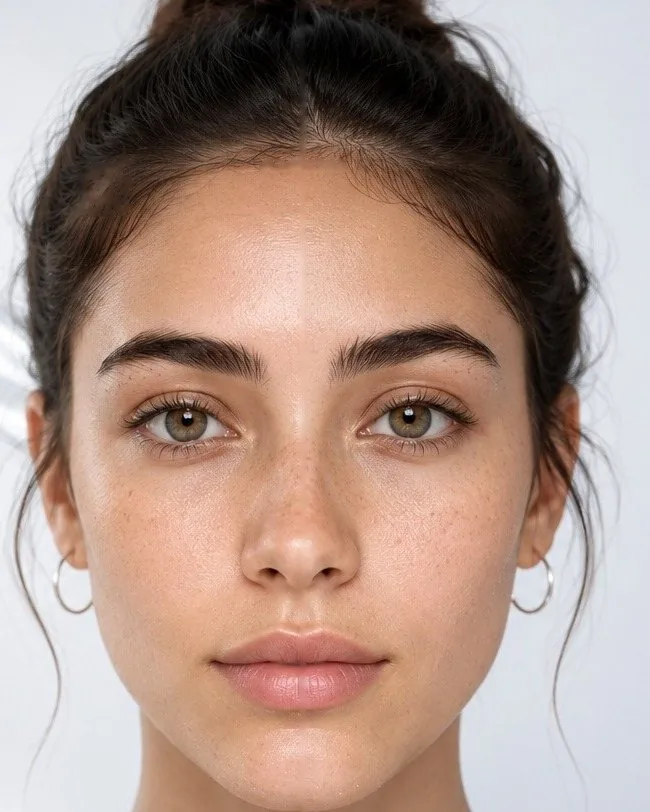 POST /v1/assets
asset_6pa8ad
Same image for every endpoint
200 · succeededA match online and a different match in store make shoppers trust neither.
With Morphia, one profile serves every channel.
Each capability answers one question about the shopper, from a single selfie.
Tone in Lab* with the lighting removed, so a match holds photo to photo.
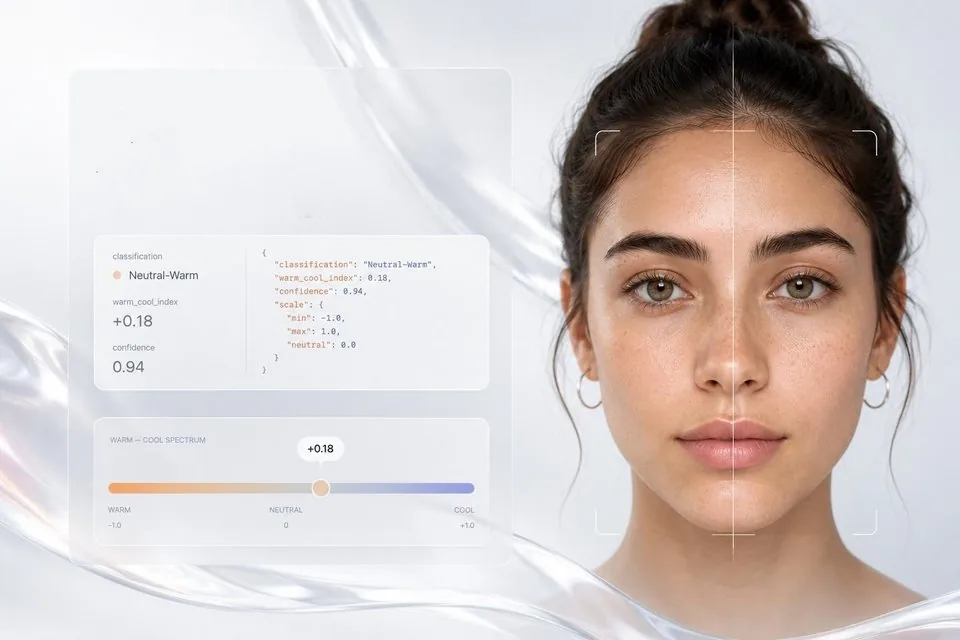
Warm, cool or neutral, with a confidence the agent can quote.
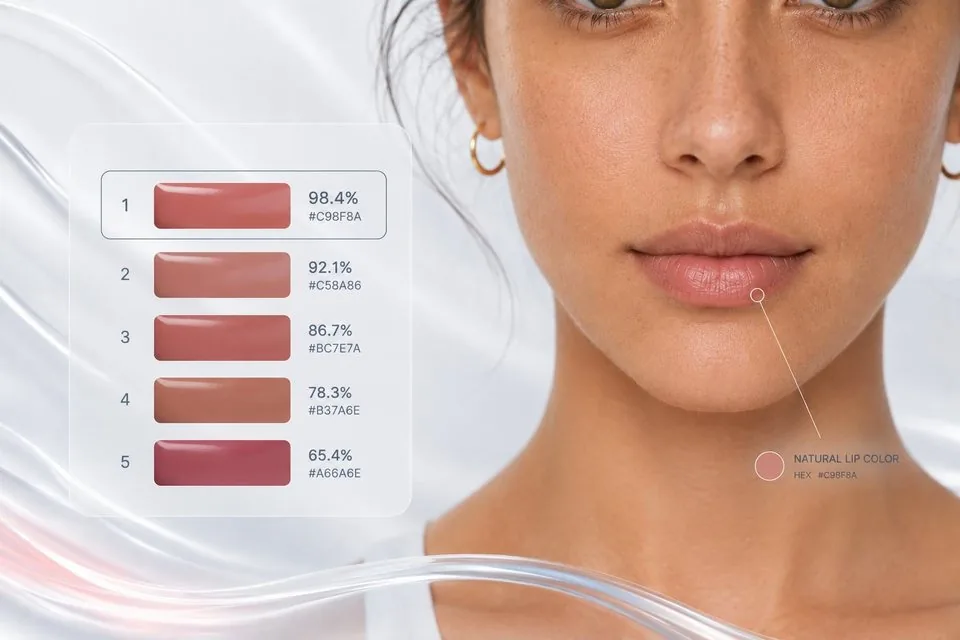
Your own shades ranked against the measured colour, closest first.
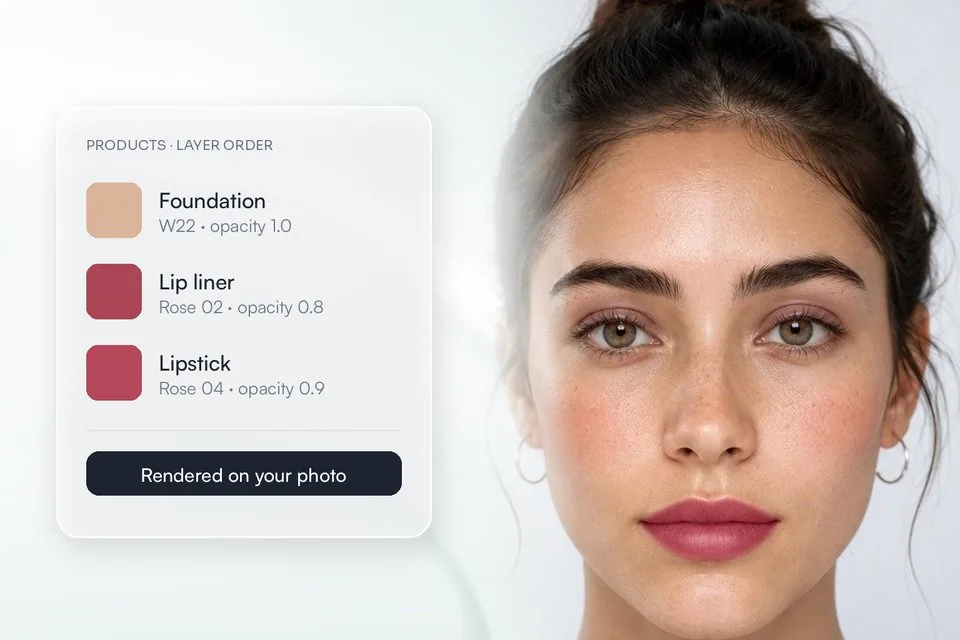
Foundation, lipstick and lip liner, layered in order on the user’s own photo.
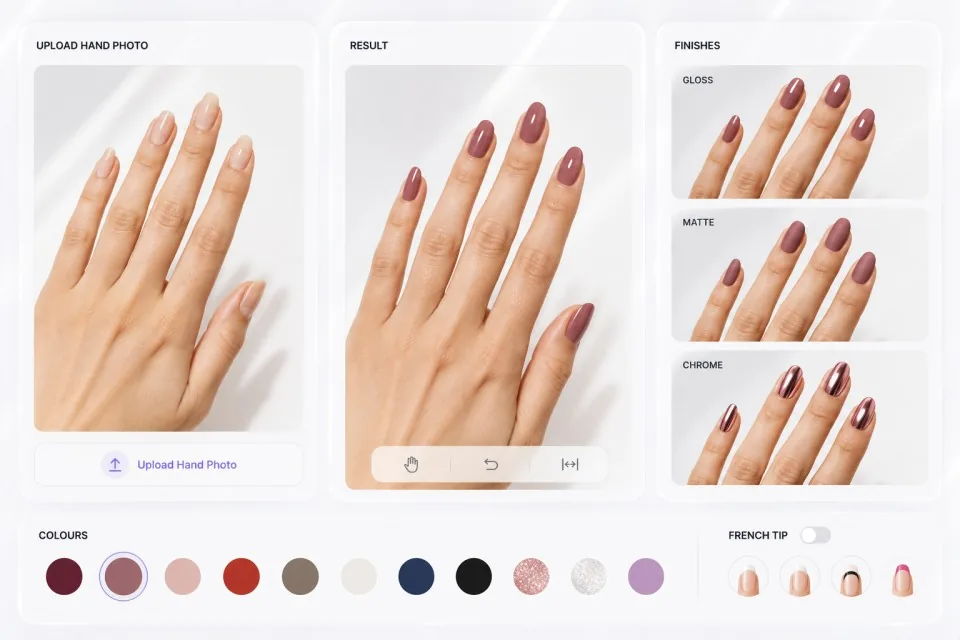
Polish and finish on the user’s own hand, with every nail found first.
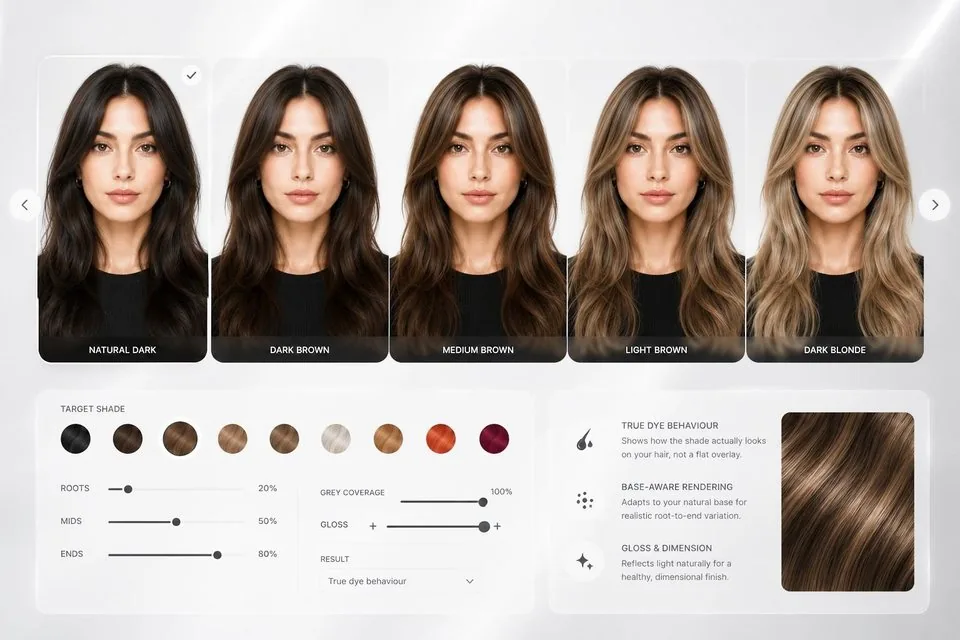
A new hair colour rendered on the user’s own hair, strand by strand.
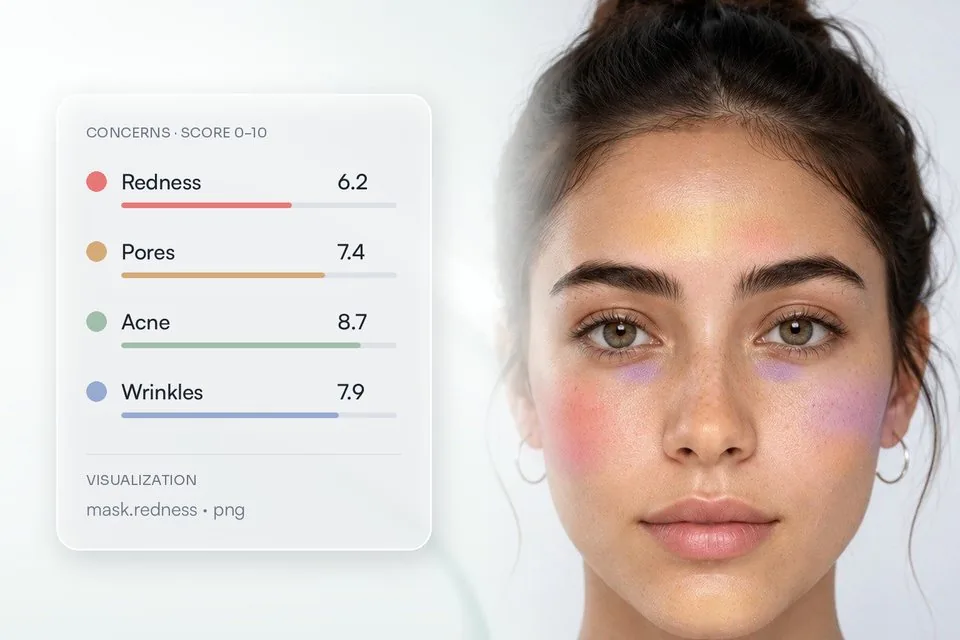
Concern scores from 0 to 10, each with a mask the agent can point at.
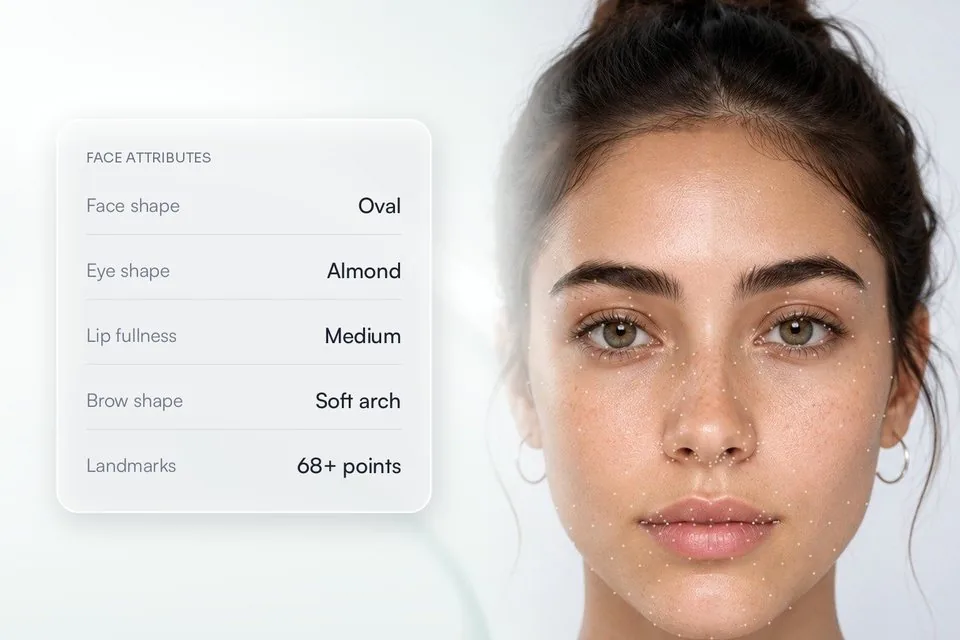
Landmarks, proportions and symmetry as numbers, read from the same mesh.
Four ways retailers use one fit profile. Every match says how sure it is.
Match each shopper across every brand you sell.
Which lipstick suits me?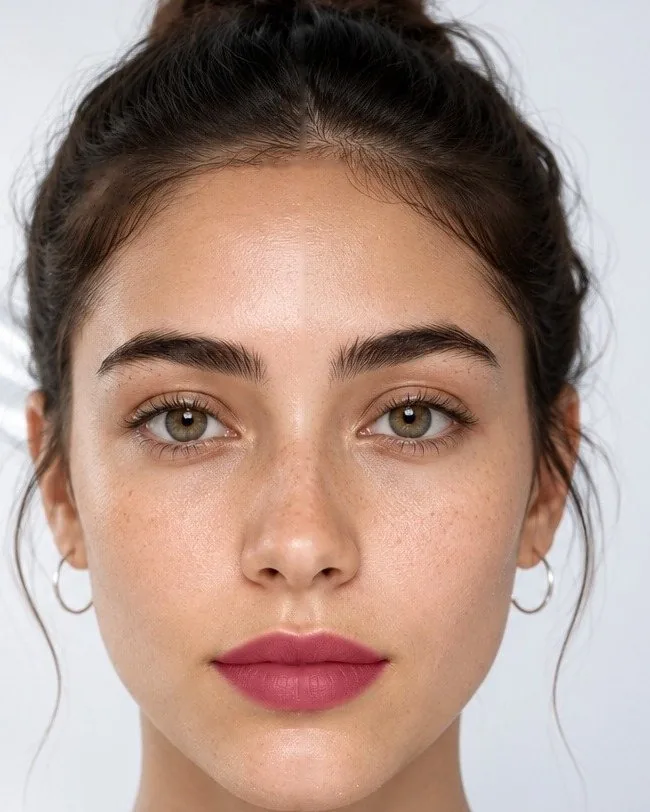 Closest to your lipsRose 0494% · one step deeper

Waiting for the photo…
Skin Tone and Undertone measure her first. Shade Match ranks only the lipsticks you sell, with a reason for each, and Try-On renders the one she taps.
skin_tones + undertones + shade_matches + try_onReal product data on the shopper’s photo.
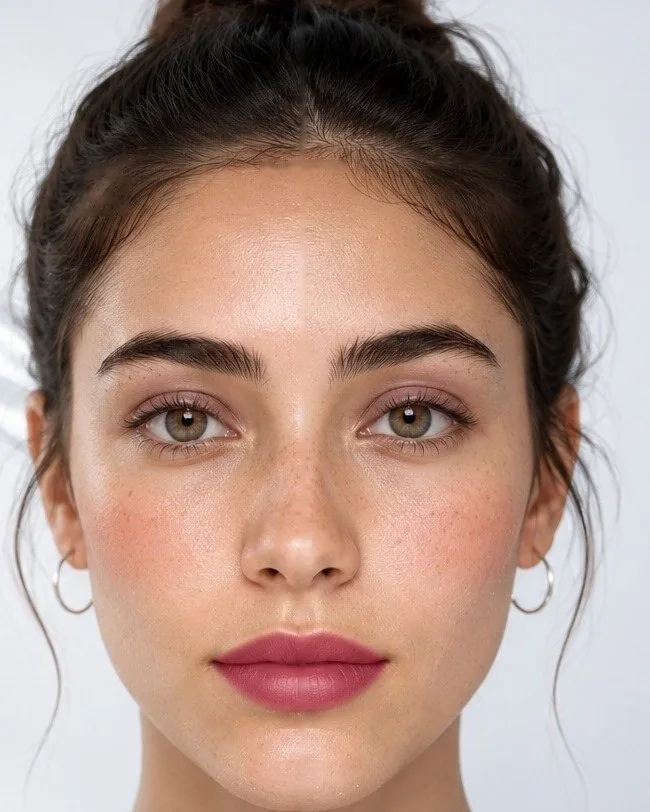 Full look · 3 items

Waiting for the photo…
One Try-On call takes every item in the bag. A fast preview while she switches shades, full quality for the look she keeps.
try_on · 3 itemsFit attributes AI shopping agents can read.
A routine for my skin and a wedding lipstick. Under $120.Your shadeSkin Tint W22Warm · redness on cheeksWaiting for the photo…
Products and prices come from your catalogue. The agent pays only after the shopper confirms.
skin_analyses … try_onThe same experience on mirrors and kiosks.
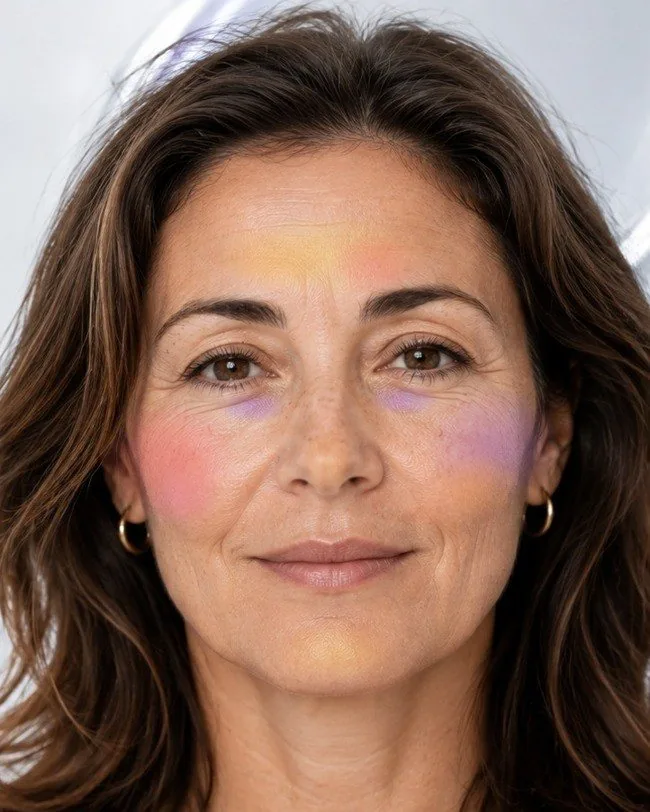 Skin map

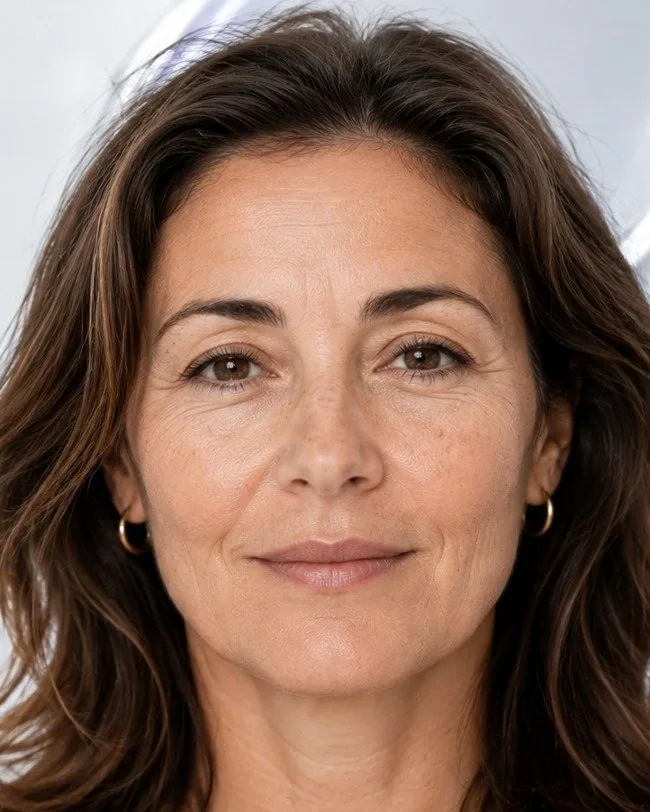
Waiting for the photo…
One photo on the tablet, four endpoints on the same asset_id. The consultant sees the shade and the skin together, and your app sends both to the customer.
skin_tones + undertones + shade_matches + skin_analysesexport MORPHIAONE_API_KEY="pk_test_..." MORPHIAONE_BASE_URL="https://api.morphiaone.ai"X-API-KeyASSET_ID=$(curl -s "$MORPHIAONE_BASE_URL/v1/assets" -H "X-API-Key: $MORPHIAONE_API_KEY" -H "Content-Type: image/jpeg" --data-binary @face.jpg | jq -r .id)
curl -s -D h.txt "$MORPHIAONE_BASE_URL/v1/skin/analyses" -H "X-API-Key: $MORPHIAONE_API_KEY" -H "Idempotency-Key: run-001" -H "Content-Type: application/json" -d '{"inputs":[{"role":"source","asset_id":"'$ASSET_ID'"}],"concerns":["acne","redness"]}'succeededcurl -s -H "X-API-Key: $MORPHIAONE_API_KEY" "$MORPHIAONE_BASE_URL$(grep -i ^location h.txt | cut -d' ' -f2 | tr -d '\r')"
# → "output": { "concerns": [{ "concern": "acne", "score": 8.7 }, …] }MORPHIAONE_API_KEY and MORPHIAONE_BASE_URLnpm install --save-exact @morphiaone/sdk@0.2.2.mts with npx tsximport { readFile } from "node:fs/promises"; import { MorphiaOne } from "@morphiaone/sdk";
const client = new MorphiaOne({ apiKey: process.env.MORPHIAONE_API_KEY, baseUrl: process.env.MORPHIAONE_BASE_URL });
const source = await client.assets.upload(await readFile("face.jpg"));
const job = await client.skin.analyze({ assetId: source.id, concerns: ["acne", "redness"], idempotencyKey: "run-001" });const done = await client.jobs.wait(job.id);
if (done.output?.known && done.output.type === "skin.analysis") done.output.concerns.forEach((c) => console.log(c.concern, c.score));MORPHIAONE_API_KEY and MORPHIAONE_BASE_URLpython -m pip install morphiaone==0.2.2import os; from pathlib import Path; from morphiaone import MorphiaOne, SkinAnalysisOutput
client = MorphiaOne(api_key=os.environ["MORPHIAONE_API_KEY"], base_url=os.environ["MORPHIAONE_BASE_URL"])
source = client.assets.upload(Path("face.jpg"))
job = client.skin.analyze(asset_id=source.id, concerns=["acne", "redness"], idempotency_key="run-001")done = client.jobs.wait(job.id, timeout=240)
if isinstance(done.output, SkinAnalysisOutput): print([(r.concern, r.score) for r in done.output.concerns])curl -fsSL https://cli.morphiaone.ai/ | shGet early access →Pricing is agreed per account during early access. Failed jobs are never charged.
Upload the image once, submit a job and poll it, or let the SDK wait for you.
Every result says how sure it is and why, so the agent can explain a pick or ask for a retake.
Readings describe appearance. They are not a diagnosis. No face recognition and no attractiveness scores.
Upload your catalog once. Then upload a selfie and get the closest products, ranked.
uploadedasset_id