

Imagery · Transform
AI Fashion Imagery
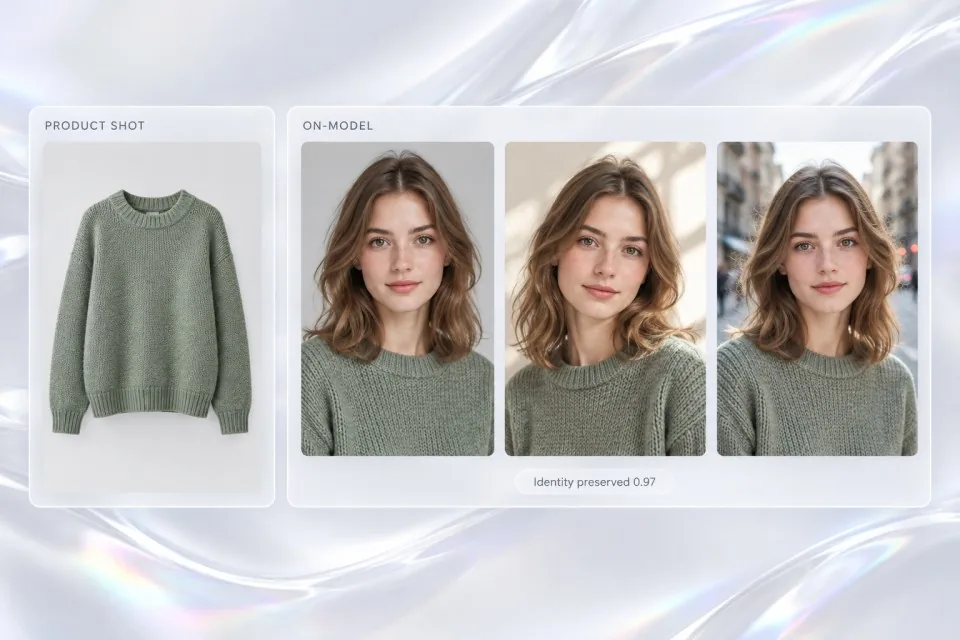
On-model images from your product shots, with the person kept recognizable.
For your type of company
For the market you serve
For what you want to build
Generate and edit visuals of people — on-model product shots, campaign variations and identity-preserving edits.
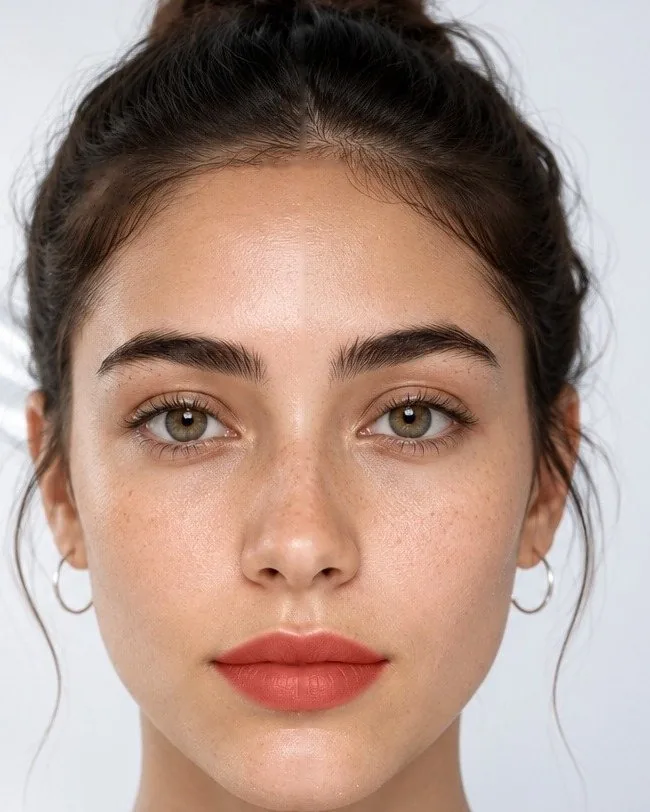
General image models see pixels. Ask one for a new lipstick or a warmer hair colour and the face drifts: the jaw moves, the eyes change, the skin turns to plastic. Across a campaign, the model stops looking like the model.
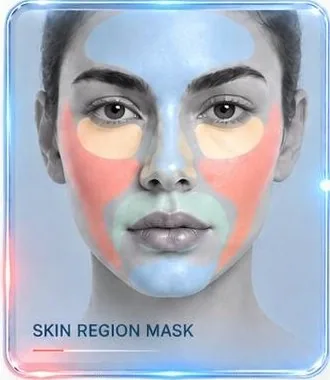
Morphia edits only inside the region masks, so every variant shows the same person.

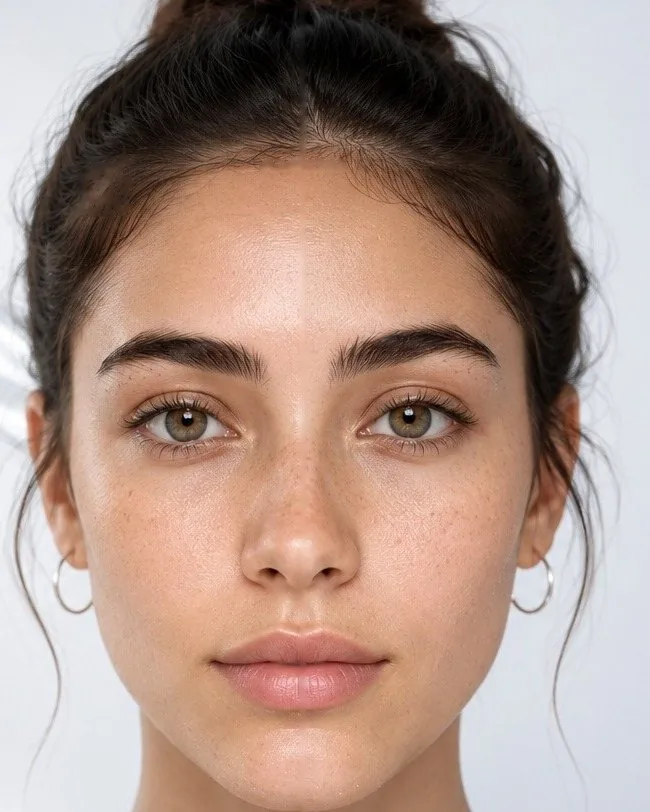
Your pipeline uploads the shot once. Morphia reads the face once, then retouches, renders variants and checks the output from that read. So every edit and every check describes the same face.
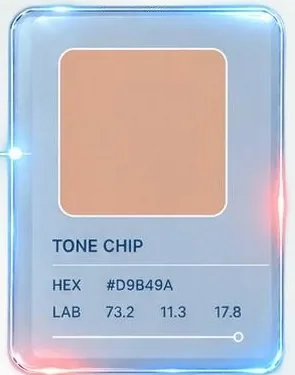
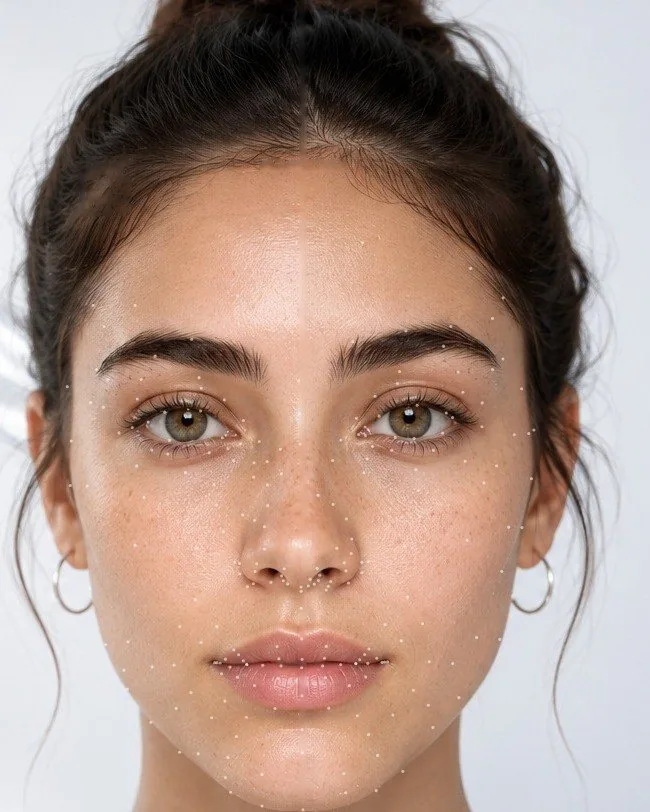 Landmarks68+ pointsRegion masksSkin, lips, hairToneLab*, lighting removedInput qualityOn every read
The photo is uploaded once. Every result comes with a confidence and a reason.
· One key· One schema· One job per request
Reach it from
RESTPipelines
MCPSoon
SDKTS, Python
DeviceScreens
 Read onceasset_id asset_tf3kqr
Landmarks68+ pointsRegion masksSkin, lips, hair, teeth, nailsToneLab*, lighting removedInput qualityScored on every read
Analyze
Transform
Simulate
Face
Skin
Hair
Teeth
Hands
BodyEarly access
Every call references one asset_id. Nothing is re-uploaded or re-detected.
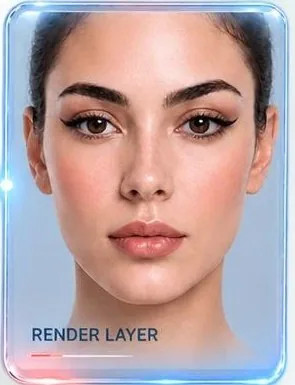
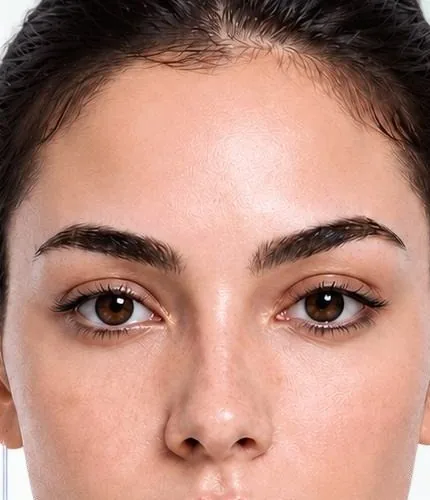
Validate. Portrait Retouch works inside the skin and under-eye masks. Face Attributes reads the result and confirms face shape and features did not change.
 POST /v1/assets
asset_6pa8ad
Same image for every endpoint
200 · succeededWhen each edit comes from a separate model, each one redraws the face a little. Across six variants, the model stops looking like the same person.
With Morphia, one upload serves every edit.
Each capability answers one question about how a person looks, from a single photo.
On-model images from your product shots, with the person kept recognizable.
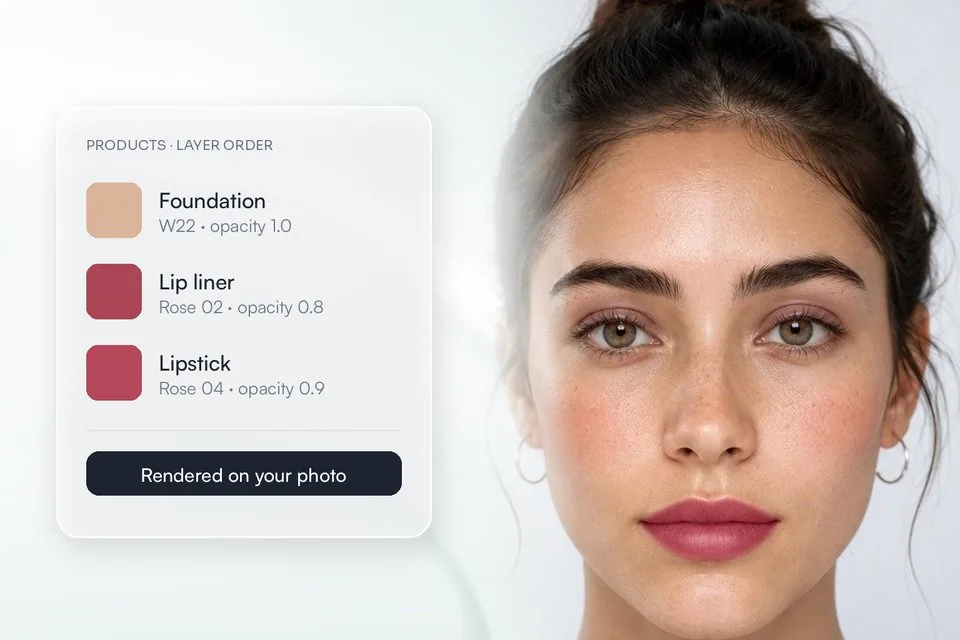
Foundation, lipstick and lip liner, layered in order on the user’s own photo.
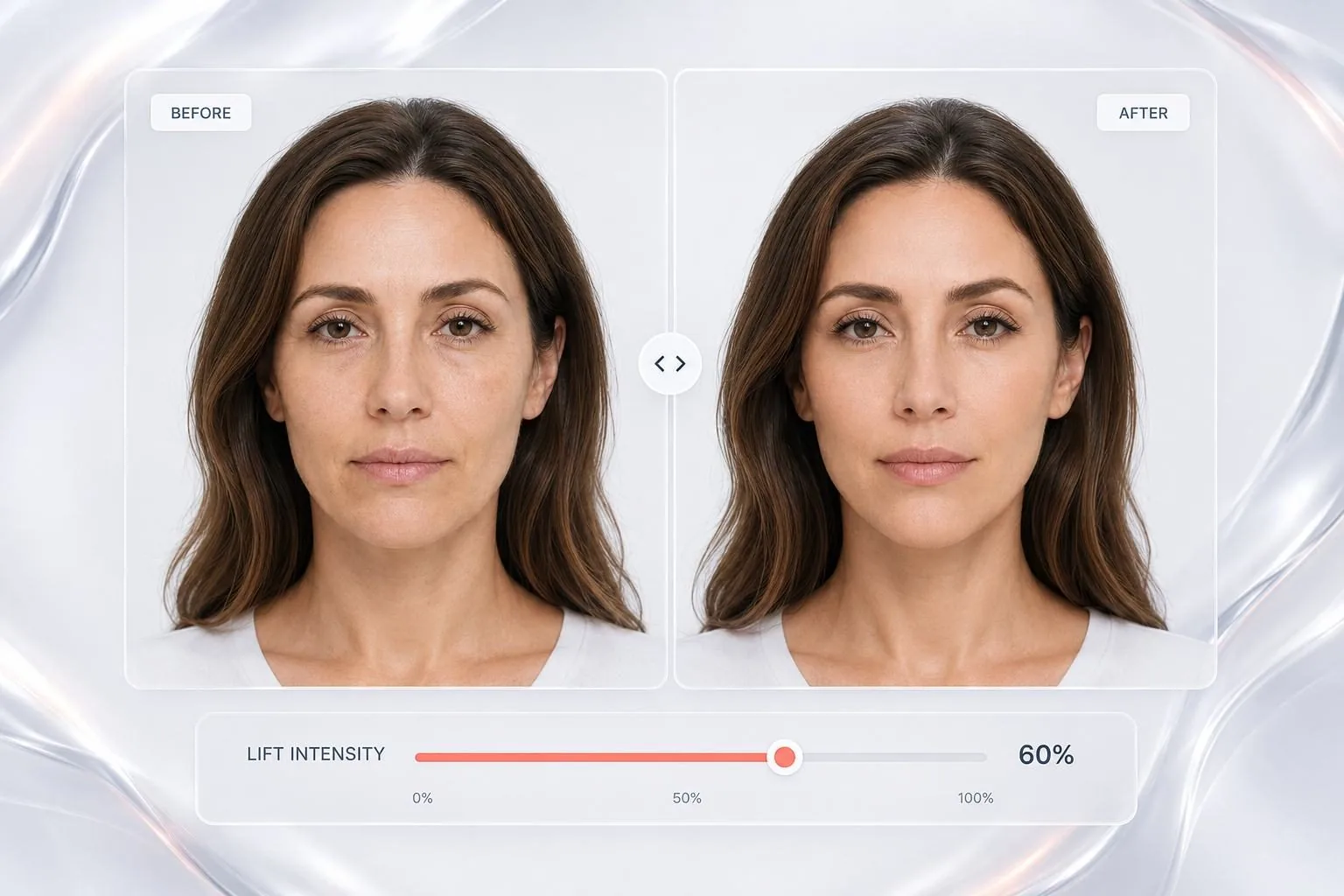
Face-shaping changes previewed on the client’s own face, at the intensity you set.
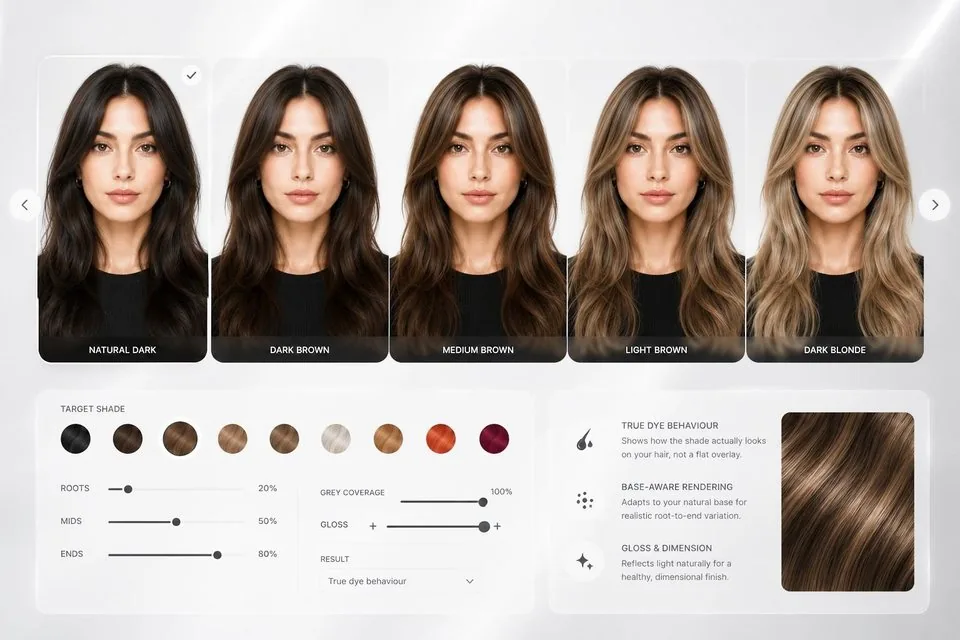
A new hair colour rendered on the user’s own hair, strand by strand.
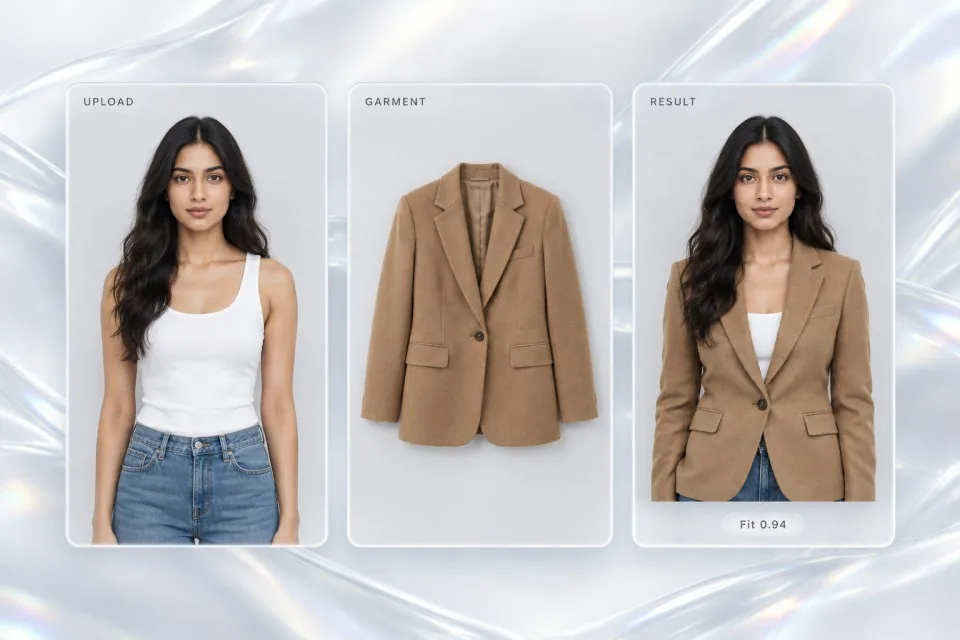
Garments on the shopper’s own photo, fitted to their pose.
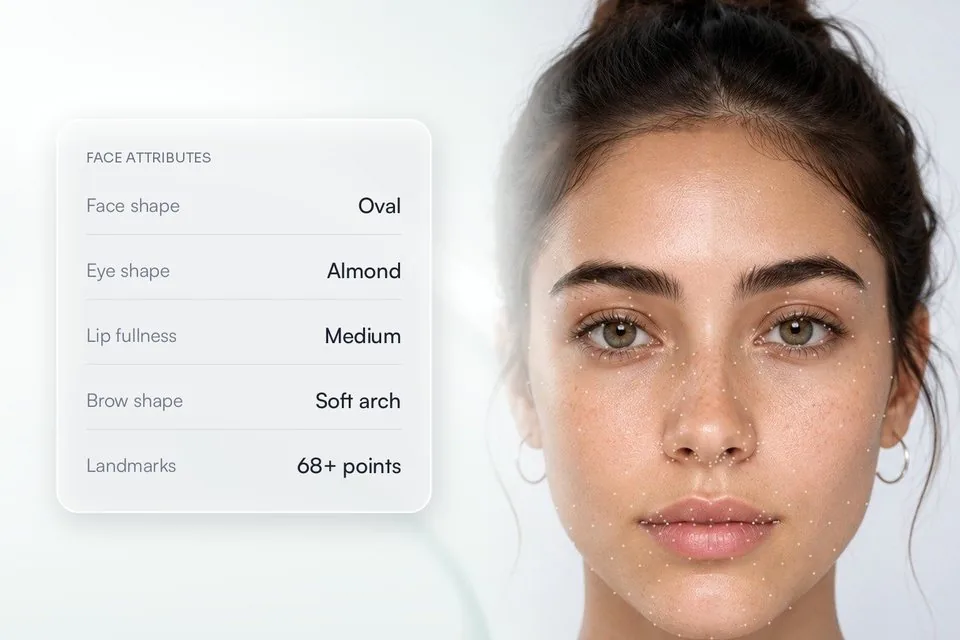
Landmarks, proportions and symmetry as numbers, read from the same mesh.
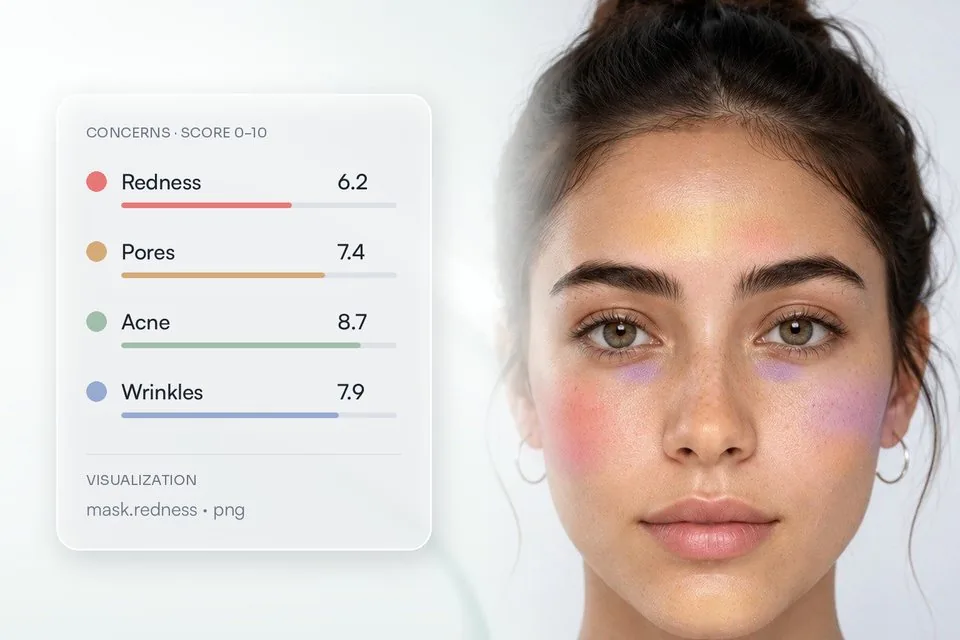
Concern scores from 0 to 10, each with a mask the agent can point at.
Four kinds of imagery from one API. Every image keeps the person recognizable.
Product images on people from flat-lays.
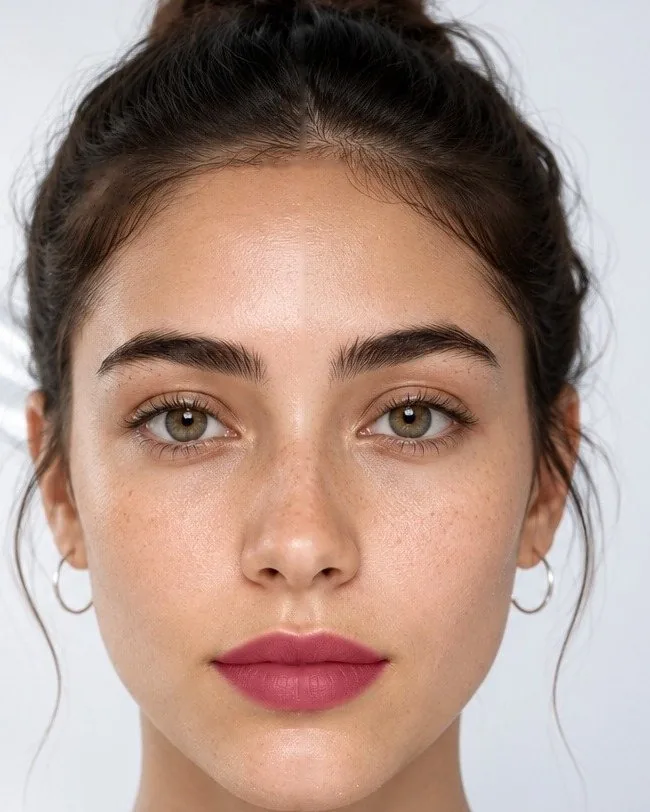 Rose 04 · 4 of 6

Waiting for the photo…
Six calls on the same asset_id, one per shade. Only the lips change, so every product page shows the same model.
try_on × 6More looks and settings from one shoot.
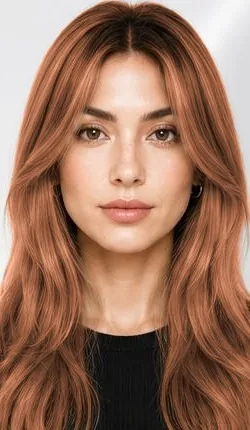
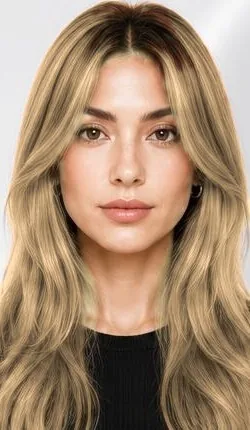
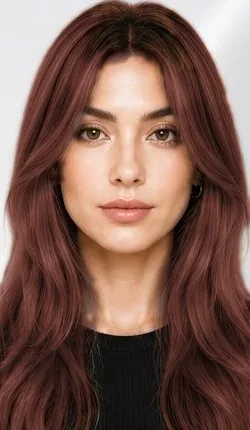
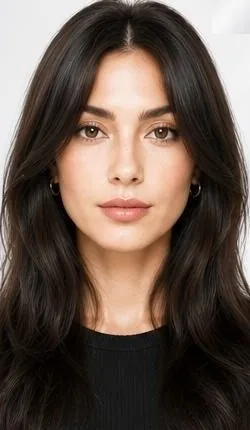 Source
Waiting for the photo…
Three Try-On calls render the range on one asset_id. Face Attributes reads every output and compares it with the source before anything reaches the DAM.
try_on × 3 + face_attributesRestyle without losing the person.
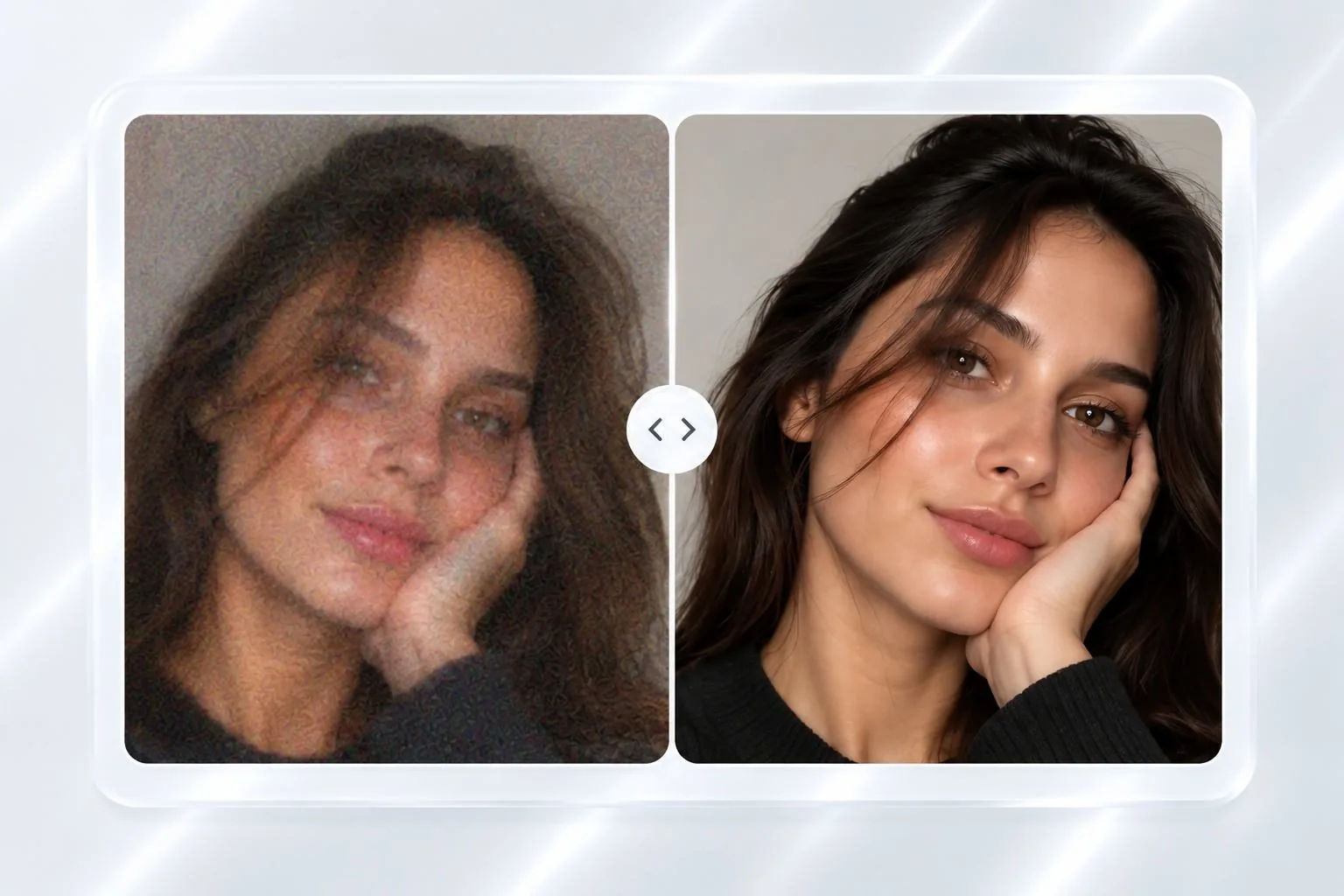 RetouchedFeatures unchanged
Hair
Eyes
Skin
Original
Features unchanged
Saved to your photos
Waiting for the photo…
Each edit stays inside its mask. Face Attributes then reads the result and compares face shape and features with the original, so the app can flag an edit that went too far.
portrait_retouches + face_attributesFull looks for styling and inspiration.
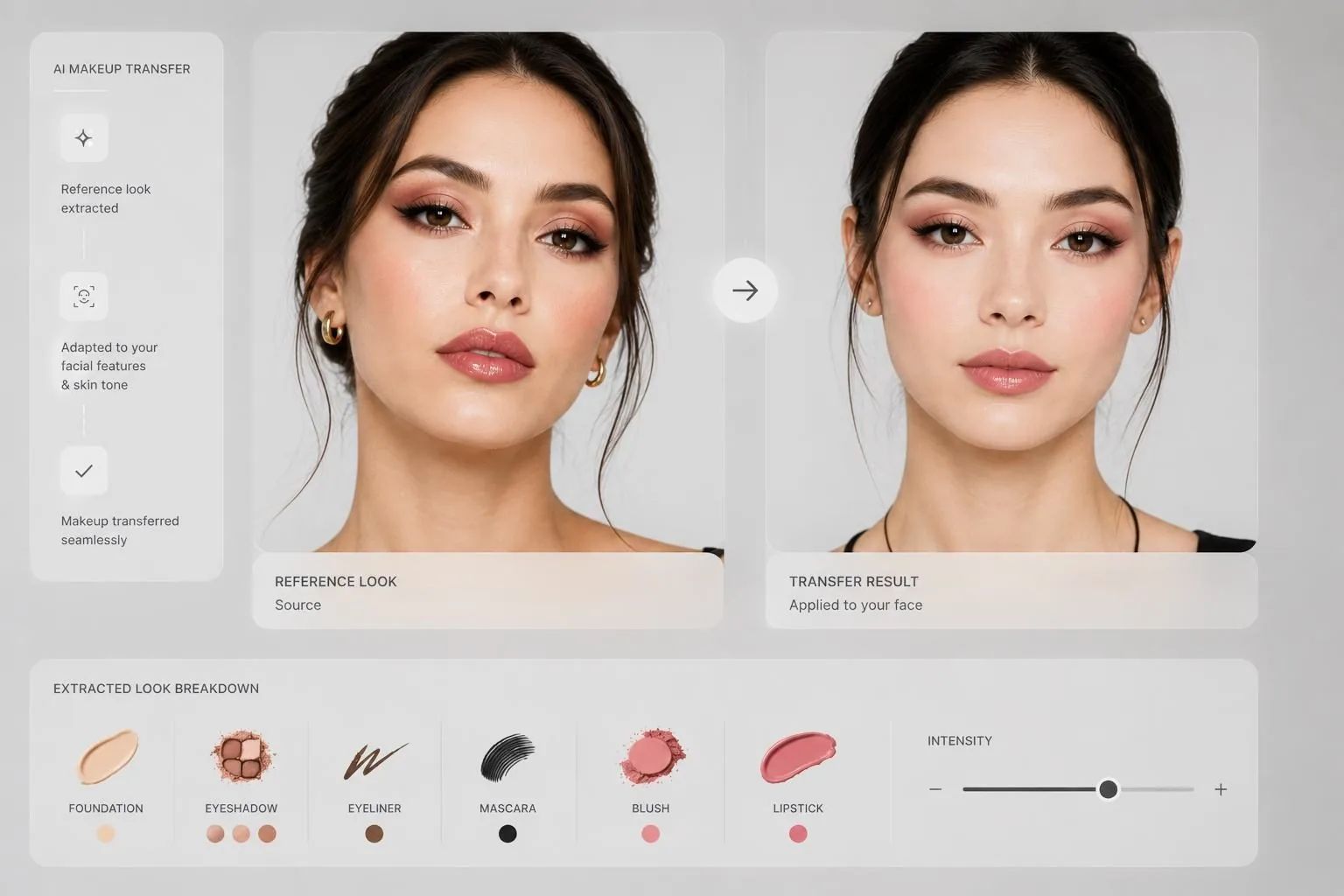 Soft glam · from a creator

Waiting for the photo…
The look is read from the reference layer by layer and placed inside the matching regions of the selfie, adapted to her tone. Her face stays her own.
try_on · referenceexport MORPHIAONE_API_KEY="pk_test_..." MORPHIAONE_BASE_URL="https://api.morphiaone.ai"X-API-KeyASSET_ID=$(curl -s "$MORPHIAONE_BASE_URL/v1/assets" -H "X-API-Key: $MORPHIAONE_API_KEY" -H "Content-Type: image/jpeg" --data-binary @face.jpg | jq -r .id)
curl -s -D h.txt "$MORPHIAONE_BASE_URL/v1/skin/analyses" -H "X-API-Key: $MORPHIAONE_API_KEY" -H "Idempotency-Key: run-001" -H "Content-Type: application/json" -d '{"inputs":[{"role":"source","asset_id":"'$ASSET_ID'"}],"concerns":["acne","redness"]}'succeededcurl -s -H "X-API-Key: $MORPHIAONE_API_KEY" "$MORPHIAONE_BASE_URL$(grep -i ^location h.txt | cut -d' ' -f2 | tr -d '\r')"
# → "output": { "concerns": [{ "concern": "acne", "score": 8.7 }, …] }MORPHIAONE_API_KEY and MORPHIAONE_BASE_URLnpm install --save-exact @morphiaone/sdk@0.2.2.mts with npx tsximport { readFile } from "node:fs/promises"; import { MorphiaOne } from "@morphiaone/sdk";
const client = new MorphiaOne({ apiKey: process.env.MORPHIAONE_API_KEY, baseUrl: process.env.MORPHIAONE_BASE_URL });
const source = await client.assets.upload(await readFile("face.jpg"));
const job = await client.skin.analyze({ assetId: source.id, concerns: ["acne", "redness"], idempotencyKey: "run-001" });const done = await client.jobs.wait(job.id);
if (done.output?.known && done.output.type === "skin.analysis") done.output.concerns.forEach((c) => console.log(c.concern, c.score));MORPHIAONE_API_KEY and MORPHIAONE_BASE_URLpython -m pip install morphiaone==0.2.2import os; from pathlib import Path; from morphiaone import MorphiaOne, SkinAnalysisOutput
client = MorphiaOne(api_key=os.environ["MORPHIAONE_API_KEY"], base_url=os.environ["MORPHIAONE_BASE_URL"])
source = client.assets.upload(Path("face.jpg"))
job = client.skin.analyze(asset_id=source.id, concerns=["acne", "redness"], idempotency_key="run-001")done = client.jobs.wait(job.id, timeout=240)
if isinstance(done.output, SkinAnalysisOutput): print([(r.concern, r.score) for r in done.output.concerns])curl -fsSL https://cli.morphiaone.ai/ | shGet early access →Pricing is agreed per account during early access. Failed jobs are never charged.
Upload the image once, submit a job and poll it, or let the SDK wait for you.
Every result says how sure it is and why, so the agent can explain a pick or ask for a retake.
Generate and edit only people who agreed to it. No face recognition and no attractiveness scores.
Upload a product shot and a consented model reference, then pick a setting.
uploadedasset_id