

Makeup · Transform
Makeup Try-On
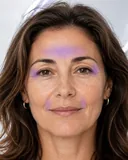
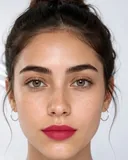
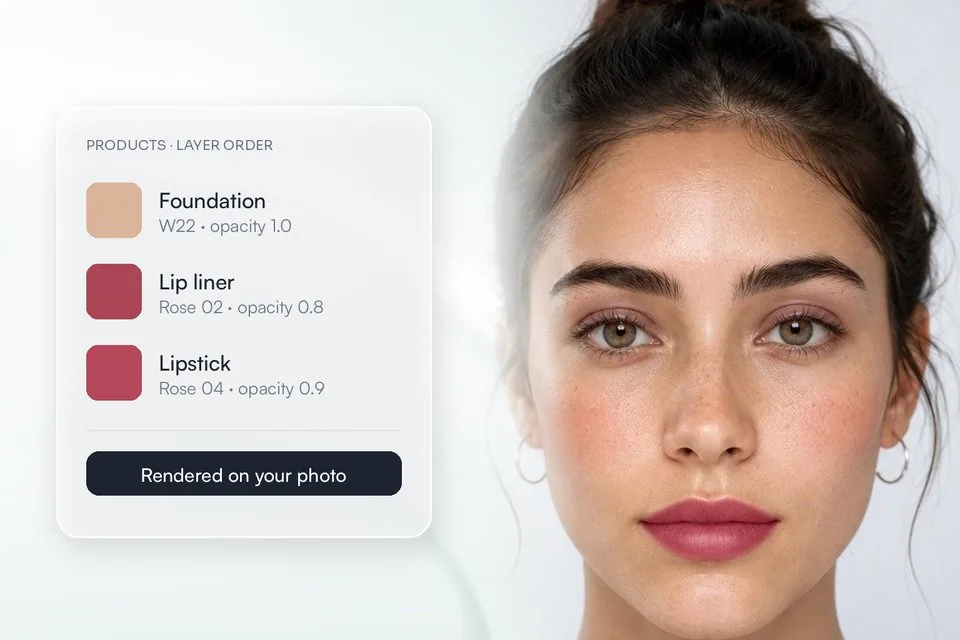
Foundation, lipstick and lip liner, layered in order on the user’s own photo.
For your type of company
For the market you serve
For what you want to build
Makeup, hair color and nail try-on rendered with real product color and texture data — on site, in apps, in store and inside agents.
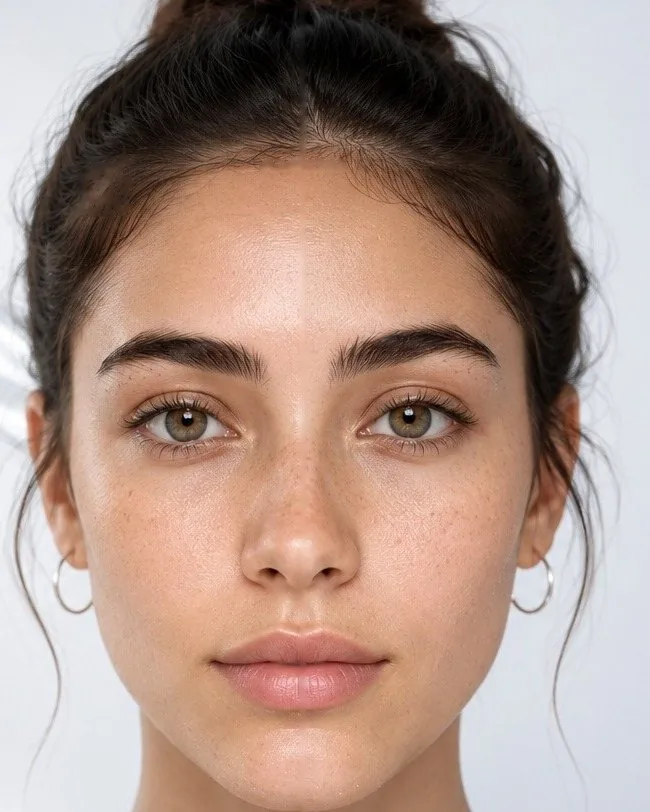
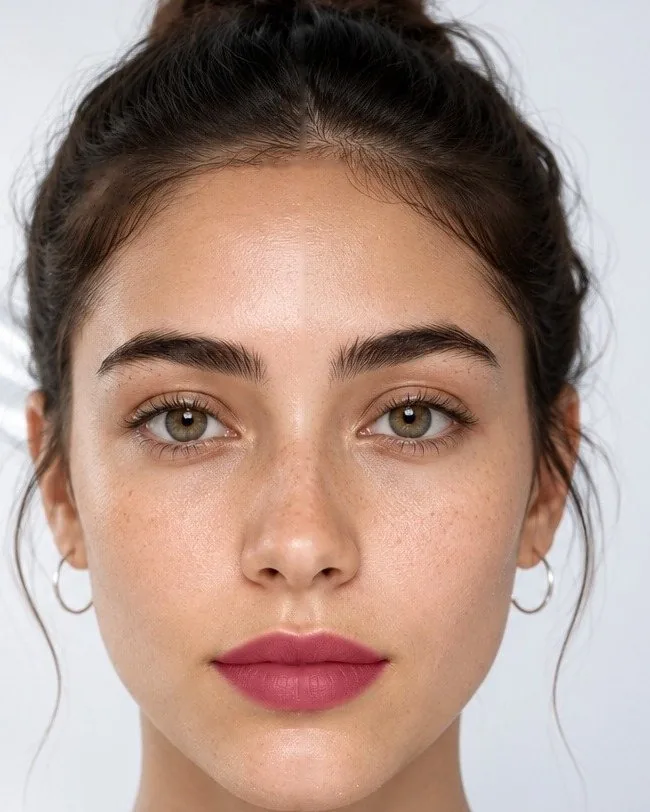
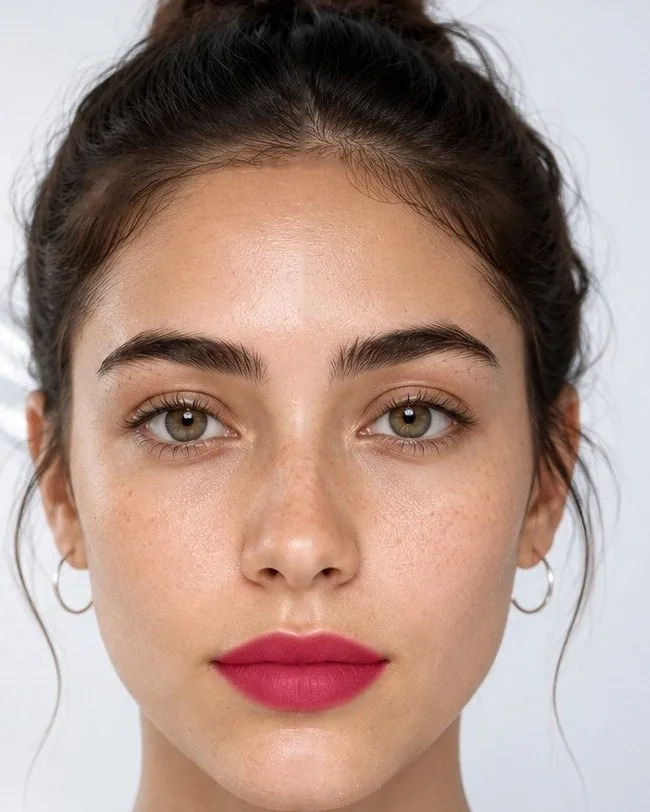
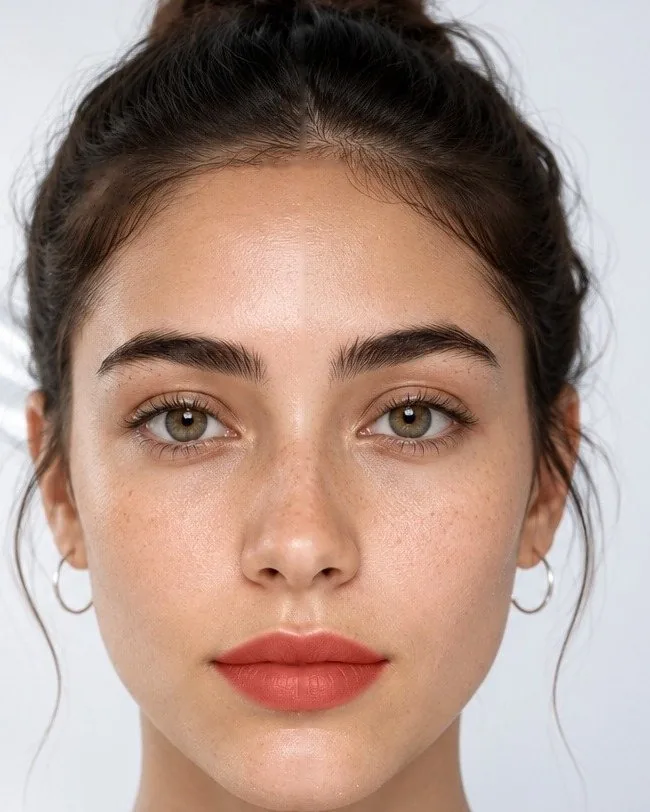 BeforeAfter
Colour that slides off the lips, ignores the lighting, or turns hair into a flat tint makes a product look worse than it is. And each category usually means another vendor and another face tracker.
Morphia renders every product from one read of the person.

A photo and the product to try go to one API. Morphia reads the person once, finds every region and renders each product from that read, so a lipstick, a hair colour and a polish land exactly where they should.
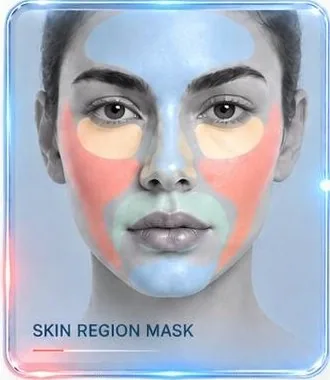
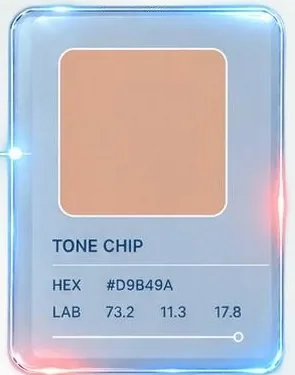
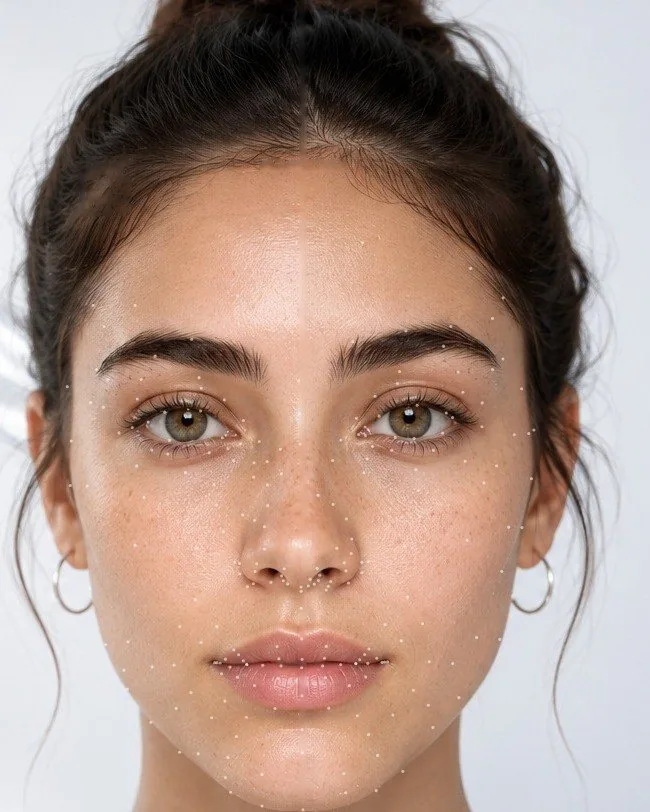 Landmarks68+ pointsRegion masksSkin, lips, hairToneLab*, lighting removedInput qualityOn every read
The photo is uploaded once. Every result comes with a confidence and a reason.
· One key· One schema· One job per request
Reach it from
RESTBackends
MCPSoon
SDKTS, Python
DeviceScreens
 Read onceasset_id asset_d7pecb
Landmarks68+ pointsRegion masksSkin, lips, hair, teeth, nailsToneLab*, lighting removedInput qualityScored on every read
Analyze
Transform
Simulate
Face
Skin
Hair
Teeth
Hands
BodyEarly access
Every call references one asset_id. Nothing is re-uploaded or re-detected.
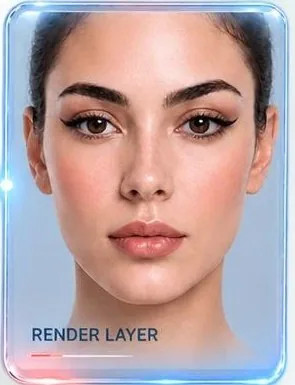
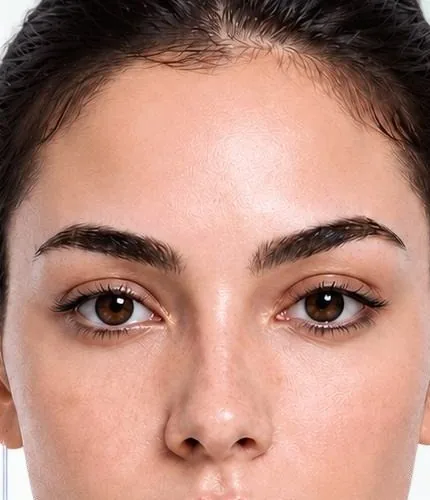
Visualize. The lipstick is rendered inside the lip mask, with its real colour and finish.
POST /v1/assets
asset_6pa8ad
Same image for every endpoint
200 · succeededWhen each category comes from its own tracker, every one finds the face again. Colours land a little off, and the same person looks different from lips to hair.
With Morphia, one upload serves every try-on.
Each capability answers one question about how a person looks, from a single photo.
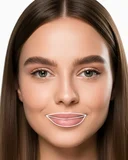
Foundation, lipstick and lip liner, layered in order on the user’s own photo.
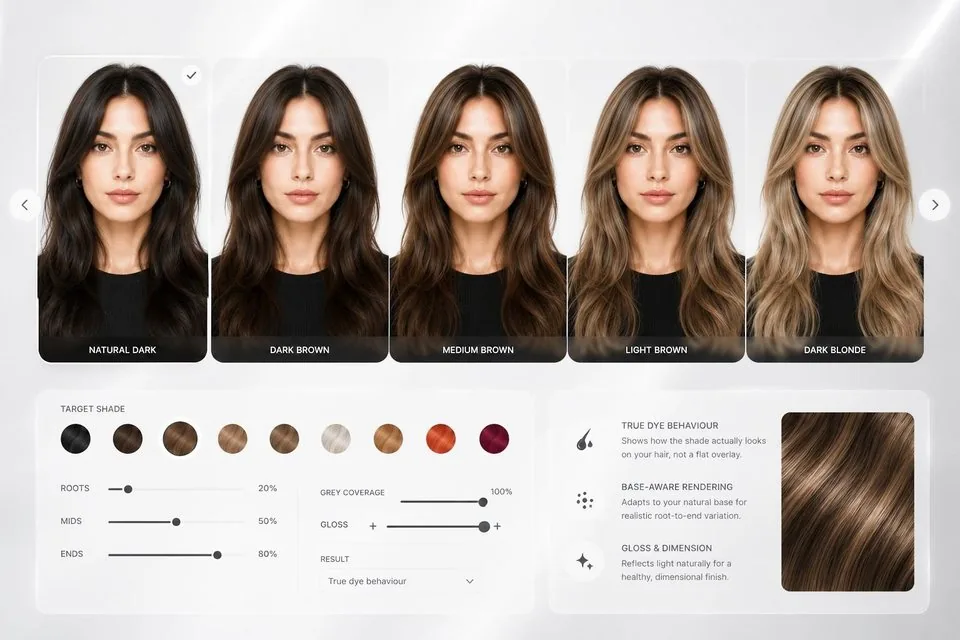
A new hair colour rendered on the user’s own hair, strand by strand.
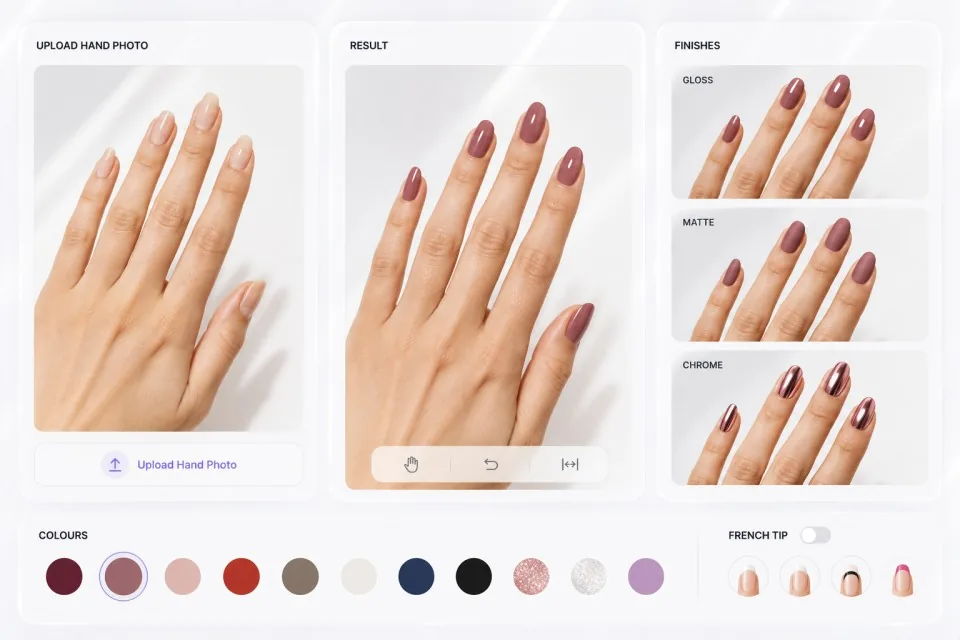
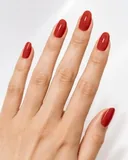
Polish and finish on the user’s own hand, with every nail found first.
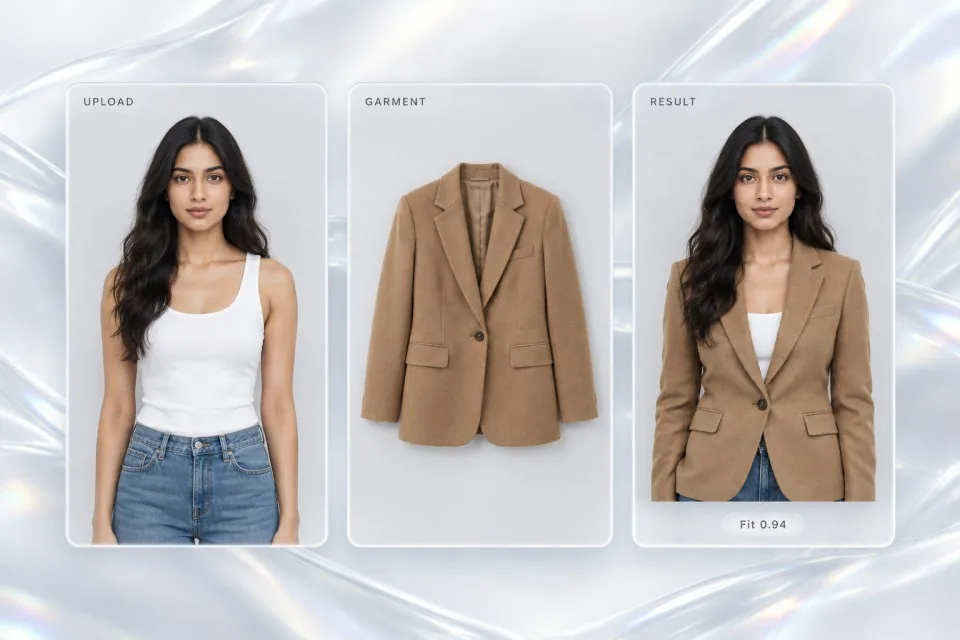
Garments on the shopper’s own photo, fitted to their pose.
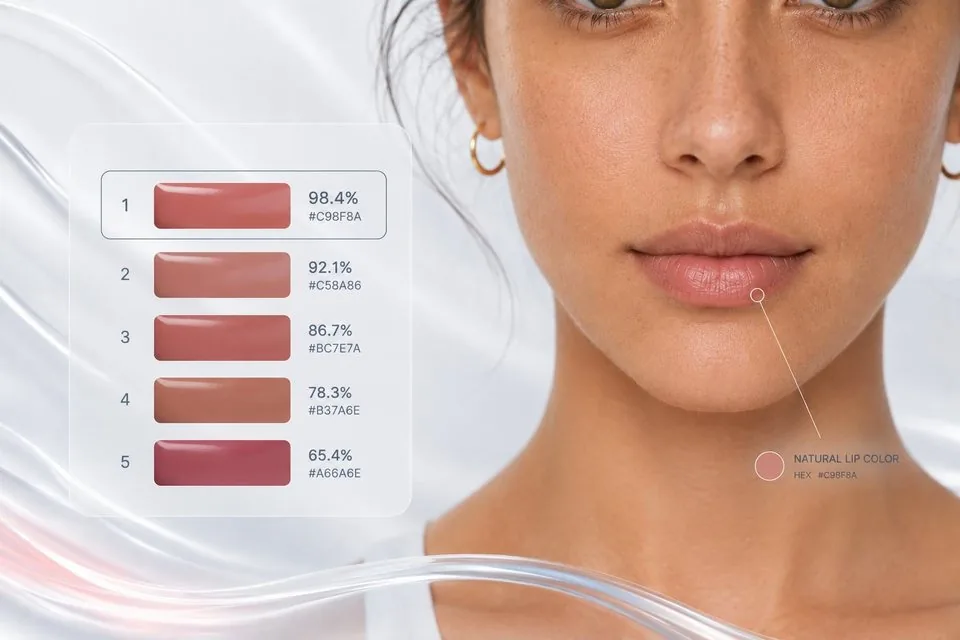
Your own shades ranked against the measured colour, closest first.
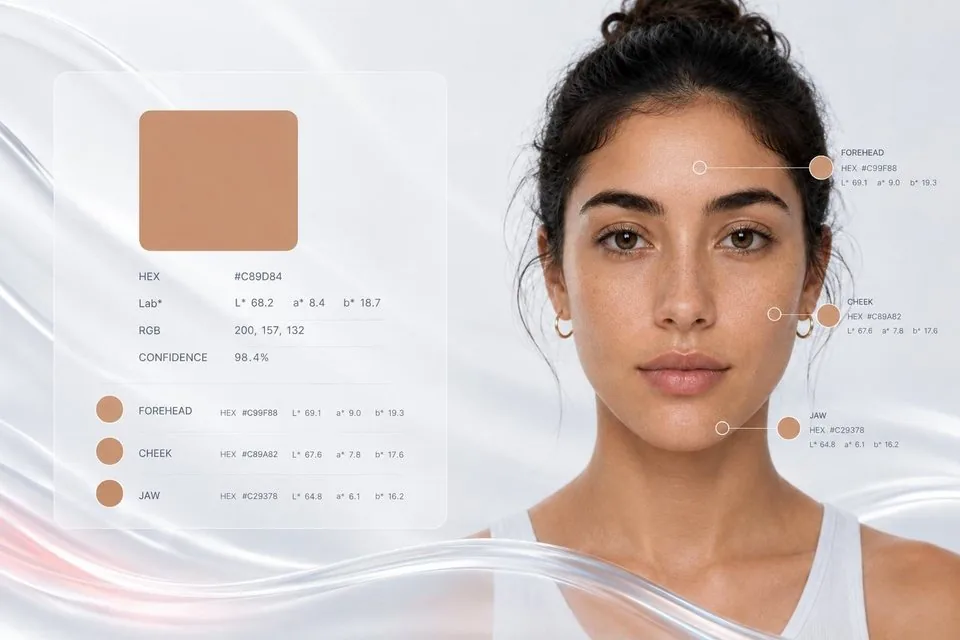
Tone in Lab* with the lighting removed, so a match holds photo to photo.
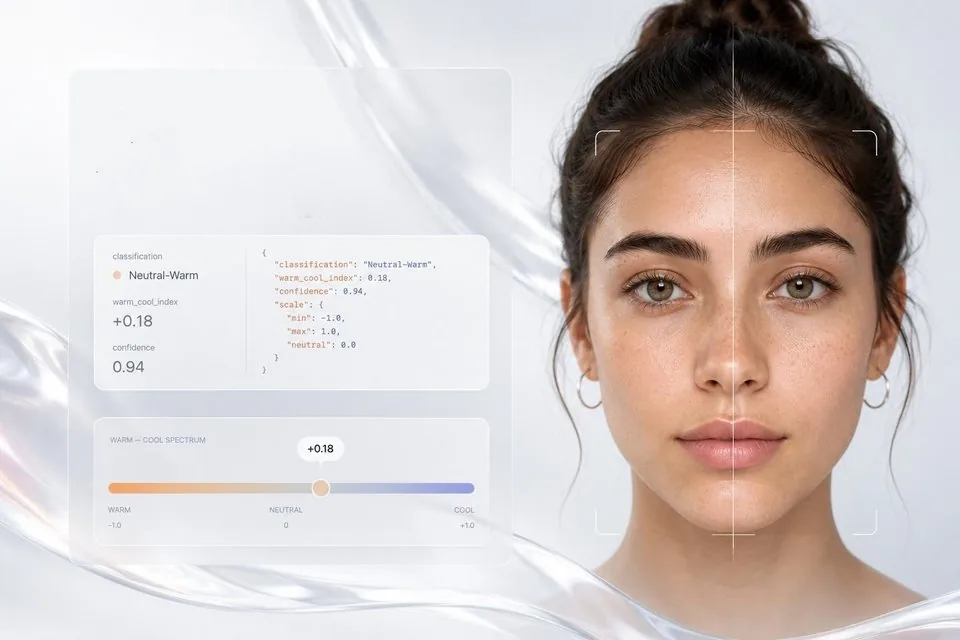
Warm, cool or neutral, with a confidence the agent can quote.
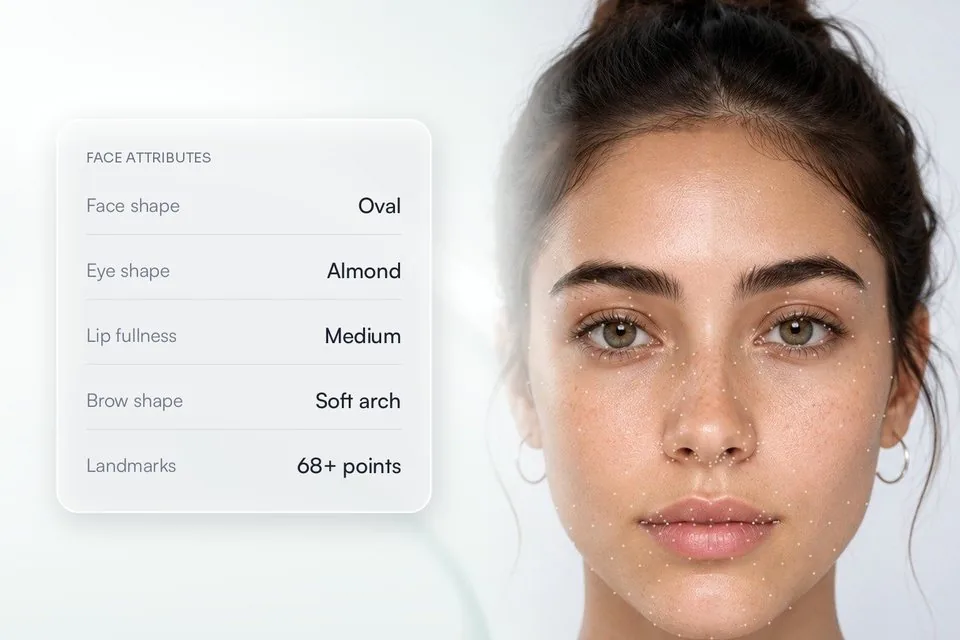
Landmarks, proportions and symmetry as numbers, read from the same mesh.
Four places a try-on ships, from one API. Every render uses real product data.
Eleven product categories with real product data.
Rose 04 · velvet matte
Each shade tap is one call on the same asset_id. Colour, finish and opacity come from your catalogue.
category: lipstick · SKUColor on the user’s own hair.
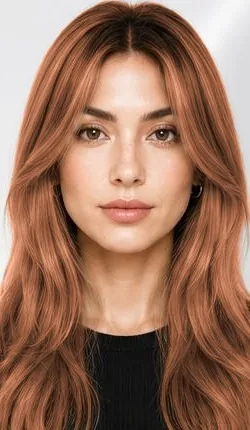
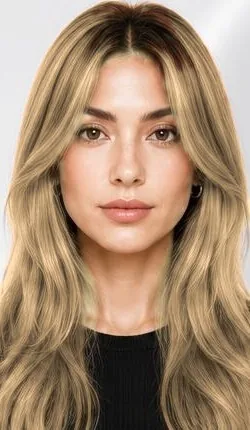
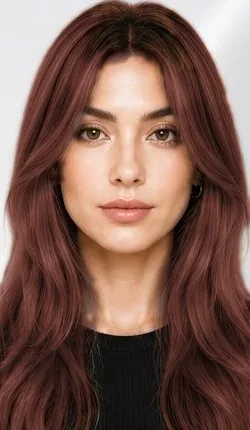

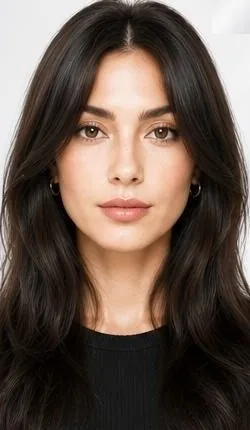
Colour is rendered strand by strand, keeping the client’s own shine and depth. Drag the photo to compare it with today.
hair_color × 3Polish on the user’s own hands (coming soon).
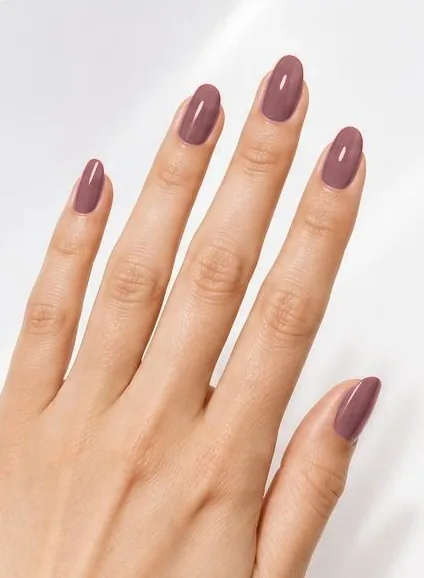 5 nails foundRose 12 · gloss
 Your hand
Saved to your looks
Every nail is segmented on the user’s photo, so the polish stays on the nail, follows its shape and keeps the shine of the finish.
nails · colour · finishA try-on card inside an agent conversation.
How would Rose 04 look on me?Rendered on youRose 04Velvet matteThe assistant calls Morphia over REST and answers with a render on the user’s own photo. The second shade reuses the same read.
render_lookexport MORPHIAONE_API_KEY="pk_test_..." MORPHIAONE_BASE_URL="https://api.morphiaone.ai"X-API-KeyASSET_ID=$(curl -s "$MORPHIAONE_BASE_URL/v1/assets" -H "X-API-Key: $MORPHIAONE_API_KEY" -H "Content-Type: image/jpeg" --data-binary @face.jpg | jq -r .id)
curl -s -D h.txt "$MORPHIAONE_BASE_URL/v1/skin/analyses" -H "X-API-Key: $MORPHIAONE_API_KEY" -H "Idempotency-Key: run-001" -H "Content-Type: application/json" -d '{"inputs":[{"role":"source","asset_id":"'$ASSET_ID'"}],"concerns":["acne","redness"]}'succeededcurl -s -H "X-API-Key: $MORPHIAONE_API_KEY" "$MORPHIAONE_BASE_URL$(grep -i ^location h.txt | cut -d' ' -f2 | tr -d '\r')"
# → "output": { "concerns": [{ "concern": "acne", "score": 8.7 }, …] }MORPHIAONE_API_KEY and MORPHIAONE_BASE_URLnpm install --save-exact @morphiaone/sdk@0.2.2.mts with npx tsximport { readFile } from "node:fs/promises"; import { MorphiaOne } from "@morphiaone/sdk";
const client = new MorphiaOne({ apiKey: process.env.MORPHIAONE_API_KEY, baseUrl: process.env.MORPHIAONE_BASE_URL });
const source = await client.assets.upload(await readFile("face.jpg"));
const job = await client.skin.analyze({ assetId: source.id, concerns: ["acne", "redness"], idempotencyKey: "run-001" });const done = await client.jobs.wait(job.id);
if (done.output?.known && done.output.type === "skin.analysis") done.output.concerns.forEach((c) => console.log(c.concern, c.score));MORPHIAONE_API_KEY and MORPHIAONE_BASE_URLpython -m pip install morphiaone==0.2.2import os; from pathlib import Path; from morphiaone import MorphiaOne, SkinAnalysisOutput
client = MorphiaOne(api_key=os.environ["MORPHIAONE_API_KEY"], base_url=os.environ["MORPHIAONE_BASE_URL"])
source = client.assets.upload(Path("face.jpg"))
job = client.skin.analyze(asset_id=source.id, concerns=["acne", "redness"], idempotency_key="run-001")done = client.jobs.wait(job.id, timeout=240)
if isinstance(done.output, SkinAnalysisOutput): print([(r.concern, r.score) for r in done.output.concerns])curl -fsSL https://cli.morphiaone.ai/ | shGet early access →Pricing is agreed per account during early access. Failed jobs are never charged.
Upload the image once, submit a job and poll it, or let the SDK wait for you.
Every result says how sure it is and why, so the agent can explain a pick or ask for a retake.
Readings describe appearance. They are not a diagnosis. No face recognition and no attractiveness scores.
Start with an API key. Upload a selfie, pick a product, see it on the face.
uploadedasset_id